



Hotels in Changsha Shì
Showing 1.000+ hotels in Changsha Shì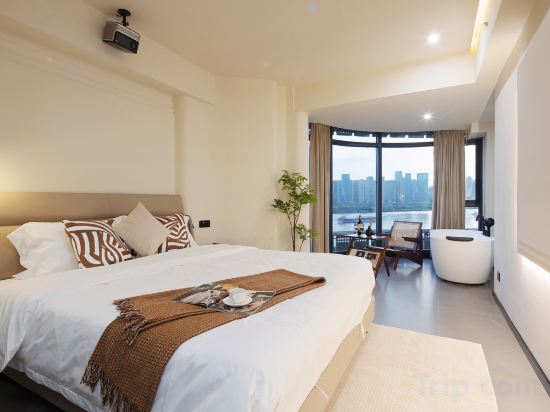



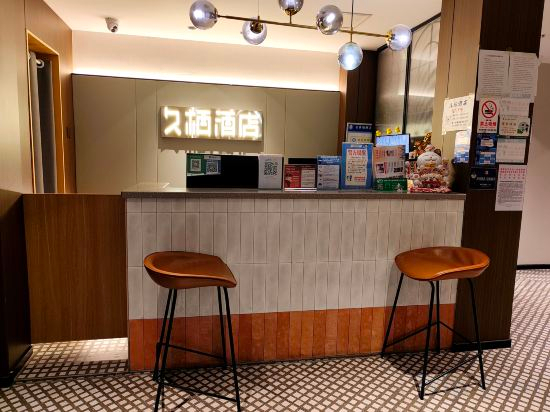
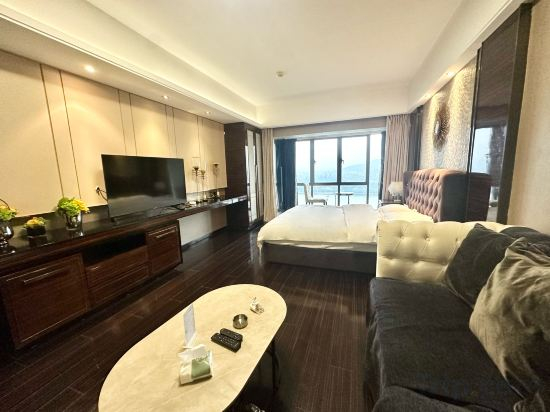
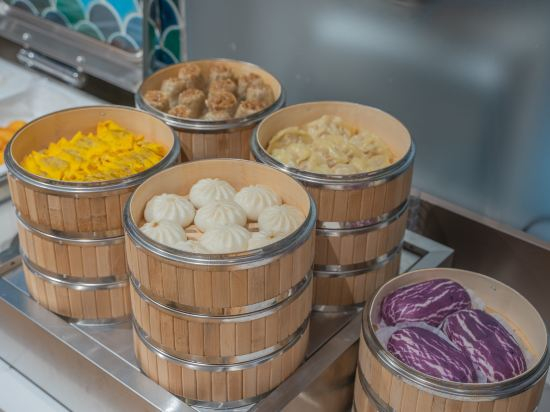
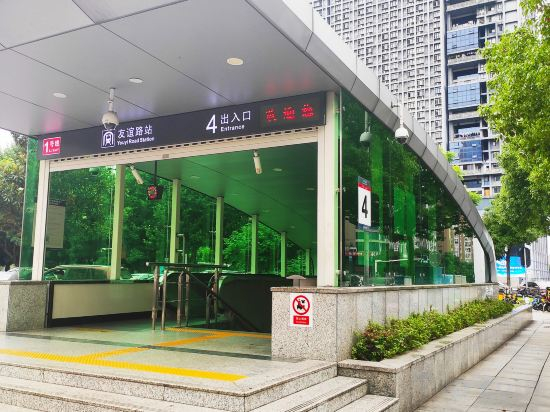
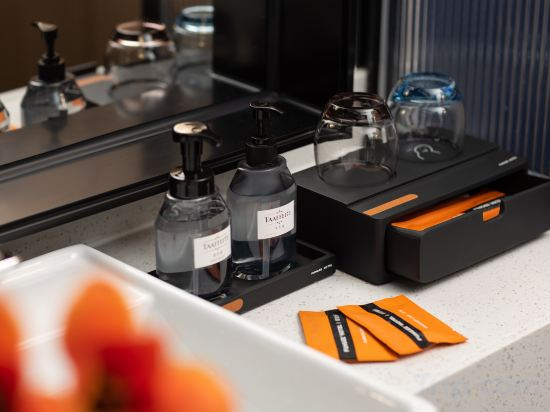

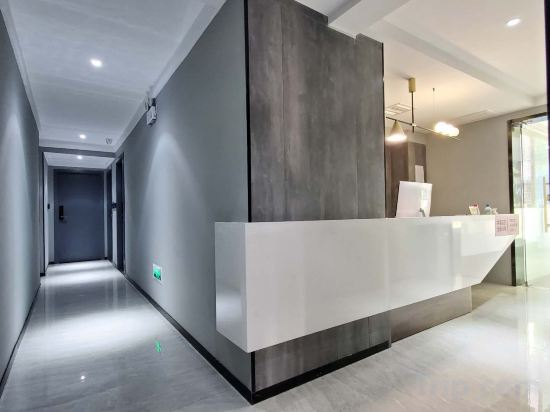


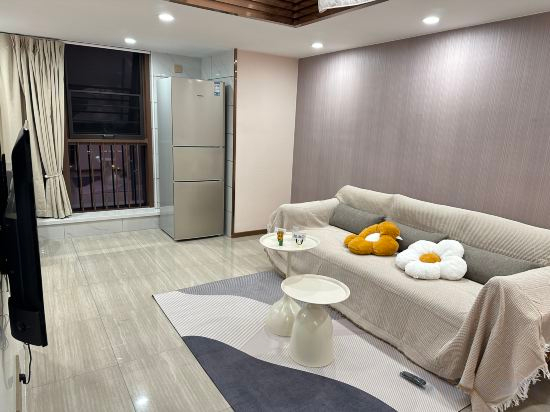

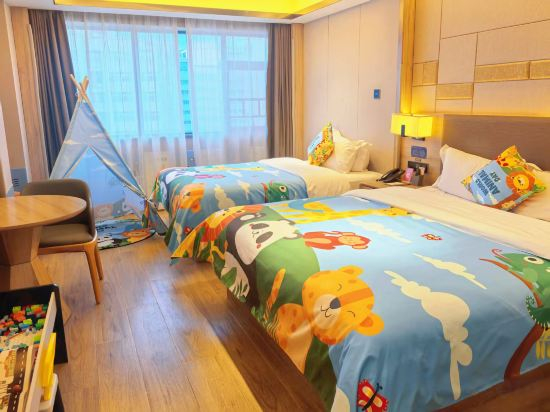

Yueji Yuexiangjiang Hotel (Changsha Wuyi Square Peiyuanqiao Metro Station Branch
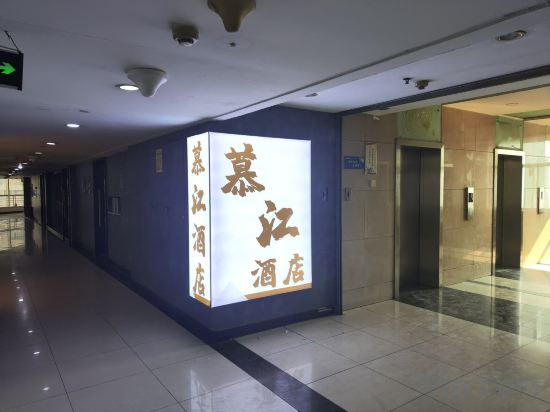
ChangSha MuJiang hotel
Mi Yang Mi Ju Hotel Changsha Times Sunshine Avenue Maozhutang Subway Exit Store
Fangcun·Kongkong Living Room River View Homestay (Wuyi Square Xiangjiang Middle Road)
TILL BRIGHT Hotel (Changsha IFS International Finance Center Wu Yi Square)
BerlinMelodyCinemaHotel
Jiuqi Hotel (Changsha Wuyi Square IFS International Finance Center Branch)
Changsha Duoyue Designer River View Hotel (Changsha Bishahu Subway Station)
Moshang V Hotel (Changsha Fuyuan Bridge West Subway Station)
Pai Hotel (Changsha Youyi Road subway station store)
FUNGEE X Hotel (Wuyi Square, Dupu Jiangge, Changsha)
Changsha Fangtang Migu · THE CLOUD Hotel
Yiju Chinese Inn (Changsha Wu Yi Square IFS Center)
Qiao Hotel
OKDAY Hotel (Wuyi Square, Changsha Hospital for Maternal&Child Health Care, Changsha)
Buckwheat Loft Homestay (Xiangya Hospital)
YOME Youmi Hotel
Morning Hotel (Changsha Wanjiali Square Gaoqiao North Subway Station)
Changsha Lanpin Homestay (Environmental Protection College Civil Affairs College)
Hotels in Changsha Shì
Don't feel hesitant to book hotels in Changsha Shì at tiket.com! We'll make sure to provide all conveniences you need when doing a room reservation. Book your favourite hotel now only at tiket.com!

How to Book Hotels on tiket.com
1. Find the hotelEnter the name of the city, area, or hotel to find the place you want.
2. Select a roomOn the hotel detail page, you will see the available room options. Select a room that suits your needs.
3. Complete the booking detailsInput the contact details (the person who will be contacted by tiket.com and the hotel about the booking) and the guests’ details.
4. Select Add-onsYou can also buy additional services such as meal packages, transportation, and many more.
5. Pay your bookingSelect the payment method and complete your transaction. Don’t forget to use the promo code to get a cheaper hotel price at tiket.com.
6. Get the reservation e-voucherAfter the payment is successful, the e-voucher will be available on the Your Orders menu and sent to the email listed in the contact details.