



Hotels in Longhua

Special offers for you








1/10
Showing 455 hotels in Longhua
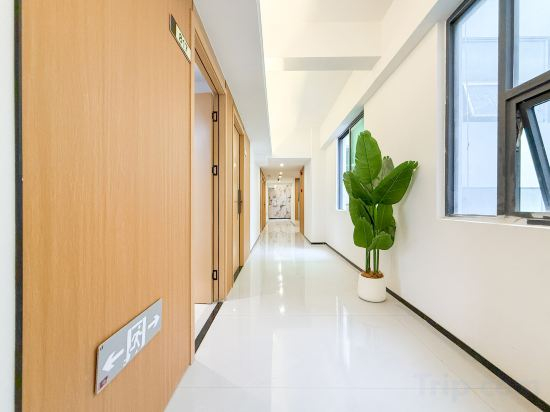
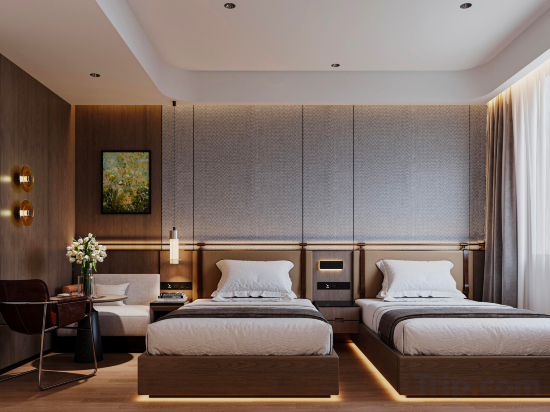

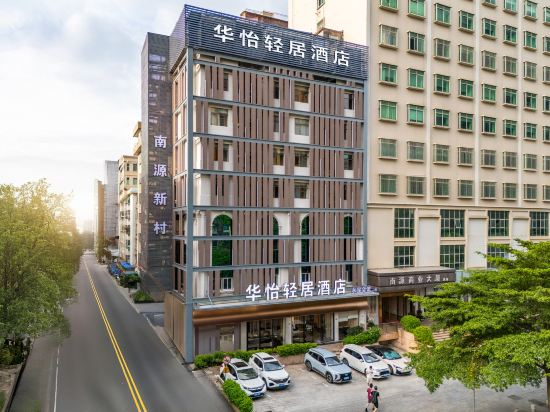
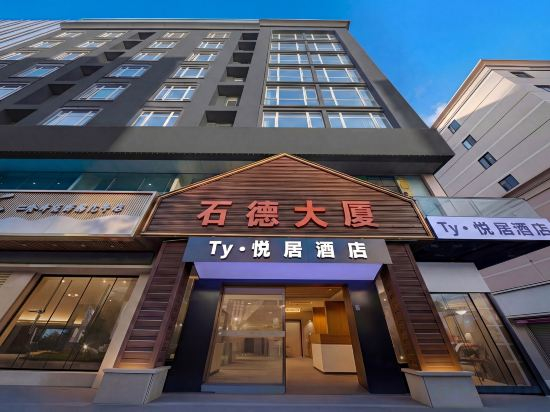
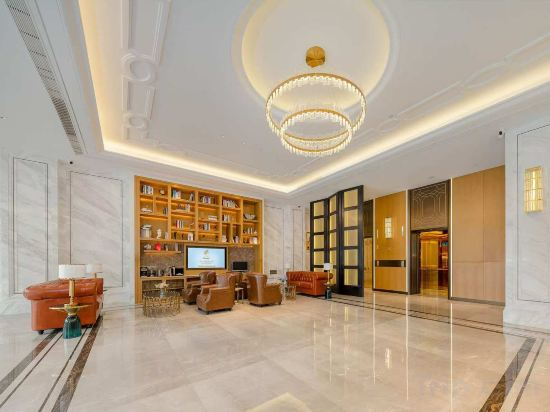
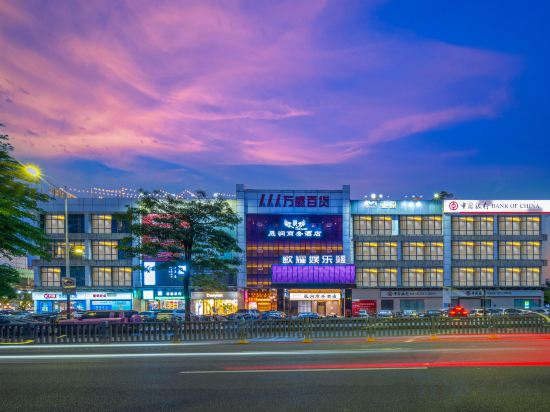

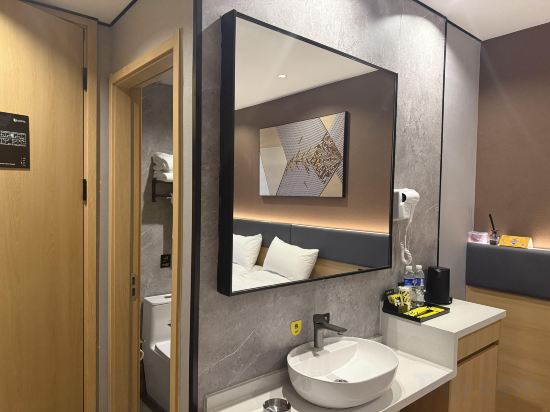
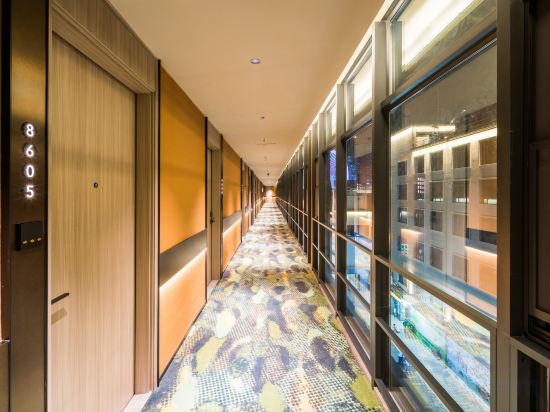
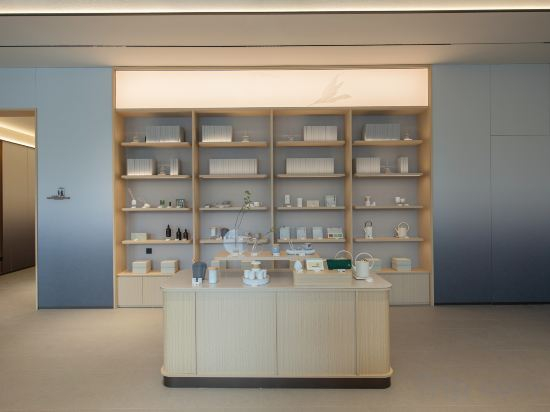
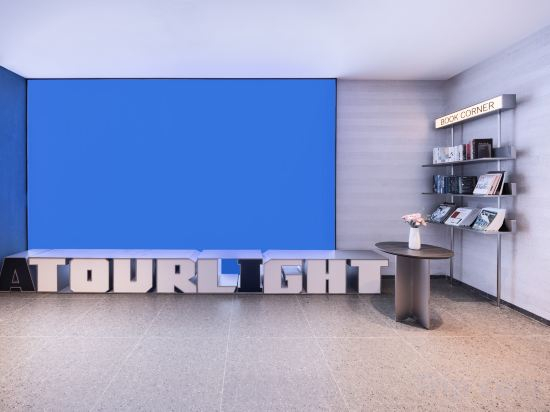
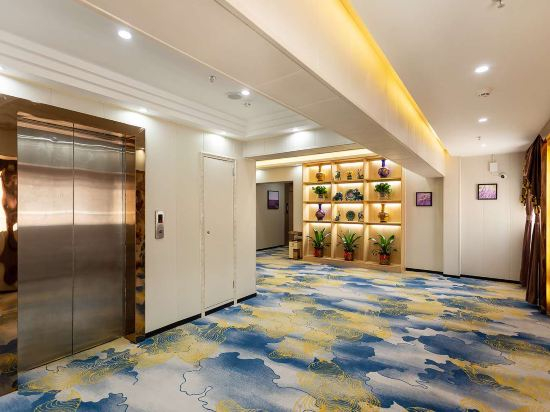
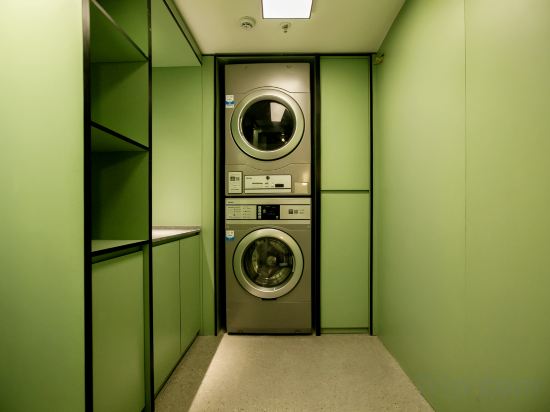

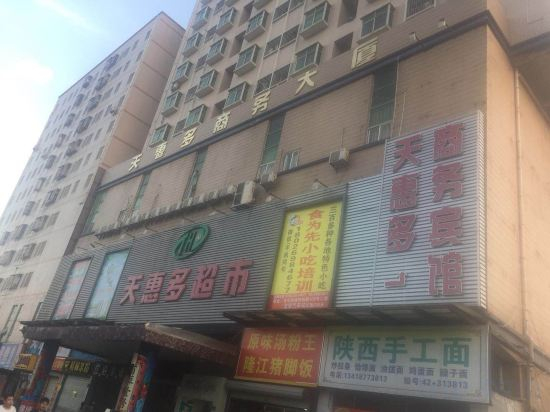
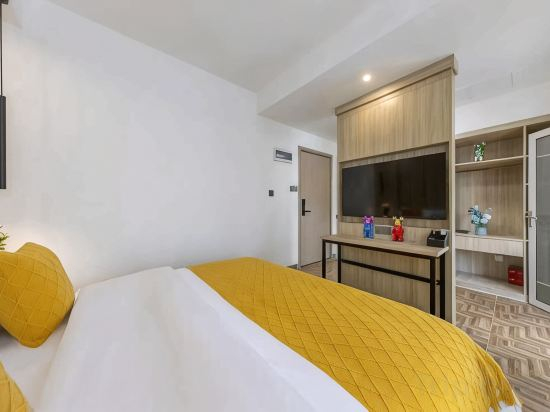
First Encounter Youth Hostel
Chaoxiang E-sports Homestay (Yangtai Mountain East Subway Station)
JIAOJIAO FIVE STAR RESIDENCE
Shenzhen • Shizhi Garden | Cinema • AdesignersHouse (Shenzhen North Railway Station Minye Store)
Vienna Hotel (Shenzhen Guanlan Shanshui Tianyuan)
Vienna Hotel (Shenzhen Guanlan Shanshui Tianyuan)
Huayi Qingju Hotel (Shenzhen North Railway Station)
Ty·Light Residence Hotel (Red Mountain Metro Station, Shenzhen North Station)
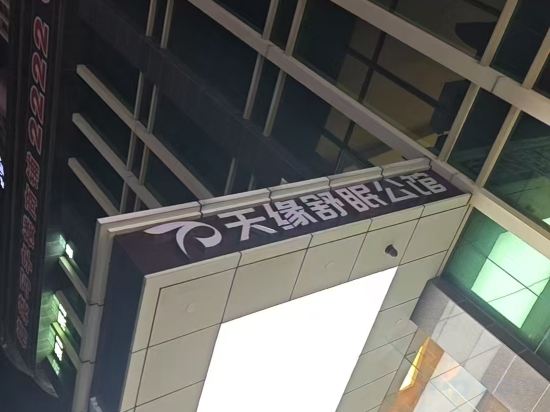
Tianyuan Shumian Mansion (Shenzhen Longhua Dalang Commercial Center)
Vienna International Hotel (Shenzhen Longhua Dalang Commercial Center Branch)
Shengrun Hotel
Hi Inn (Shenzhen Guanlan Huawei Jiulongshan
Feiyou E-sports Homestay
Orange Hotel (Shenzhen Longhua Dalang Commercial Center)
JI Hotel (Shenzhen Guanlan Xikeng Subway Station)
Shenzhen North Railway Station East Plaza Atour Light Hotel
Le 8 Manli Hotel (Shenzhen North Railway Station Minzhi Branch)
Hi Inn (Shenzhen North Station East Square)
Quanji Shenzhen Qinghu Metro Station Hotel
Tianhuiduo Business Hotel
City Bang Qingshe Hotel (Longhua Guanlan Hi-Tech Science Park Shop)
Hotels in Longhua
Don't feel hesitant to book hotels in Longhua at tiket.com! We'll make sure to provide all conveniences you need when doing a room reservation. Book your favourite hotel now only at tiket.com!

How to Book Hotels on tiket.com
1. Find the hotelEnter the name of the city, area, or hotel to find the place you want.
2. Select a roomOn the hotel detail page, you will see the available room options. Select a room that suits your needs.
3. Complete the booking detailsInput the contact details (the person who will be contacted by tiket.com and the hotel about the booking) and the guests’ details.
4. Select Add-onsYou can also buy additional services such as meal packages, transportation, and many more.
5. Pay your bookingSelect the payment method and complete your transaction. Don’t forget to use the promo code to get a cheaper hotel price at tiket.com.
6. Get the reservation e-voucherAfter the payment is successful, the e-voucher will be available on the Your Orders menu and sent to the email listed in the contact details.