



Hotels in Luntai
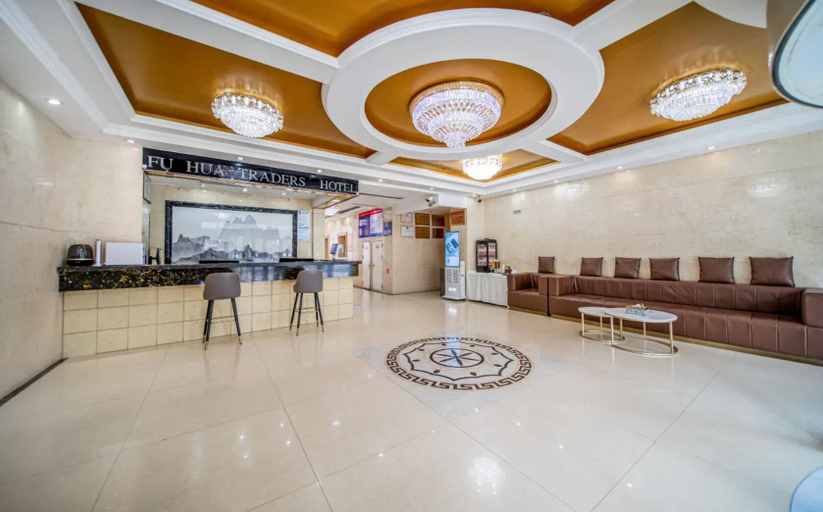
Fu Hua Jun Yue Hotel
A stay at Fu Hua Jun Yue Hotel places you in the heart of Luntai County.
Fu Hua Jun Yue Hotel Facility and Service
Take advantage of recreation opportunities such as a fitness center, or other amenities including complimentary wireless internet access and concierge services.
Fu Hua Jun Yue Hotel Rooms
Make yourself at home in one of the 168 air-conditioned guestrooms. Complimentary wireless internet access is available to keep you connected. Private bathrooms with showers feature rainfall showerheads and hair dryers. Conveniences include desks and complimentary bottled water, and housekeeping is provided daily.
Restaurant and Cafe
Enjoy a meal at the restaurant or snacks in the hotel's coffee shop/cafe. A complimentary buffet breakfast is served daily from 8:30 AM to 10:30 AM.
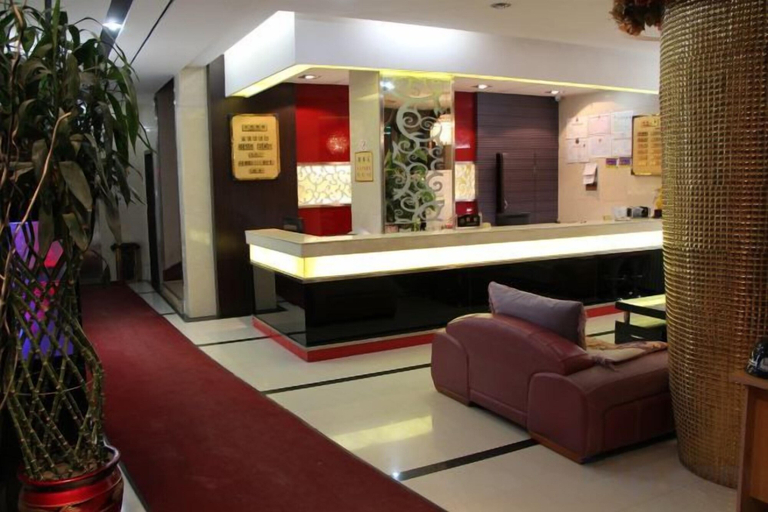
Luntai Tianbai Hotel
Luntai Tianbai Hotel is located in Luntai County.
Luntai Tianbai Hotel Rooms
Make yourself at home in one of the air-conditioned rooms featuring LCD televisions. Cable programming along with computers are provided for your entertainment. Private bathrooms with showers feature slippers and toothbrushes and toothpaste. Conveniences include phones, as well as electric kettles and complimentary bottled water.
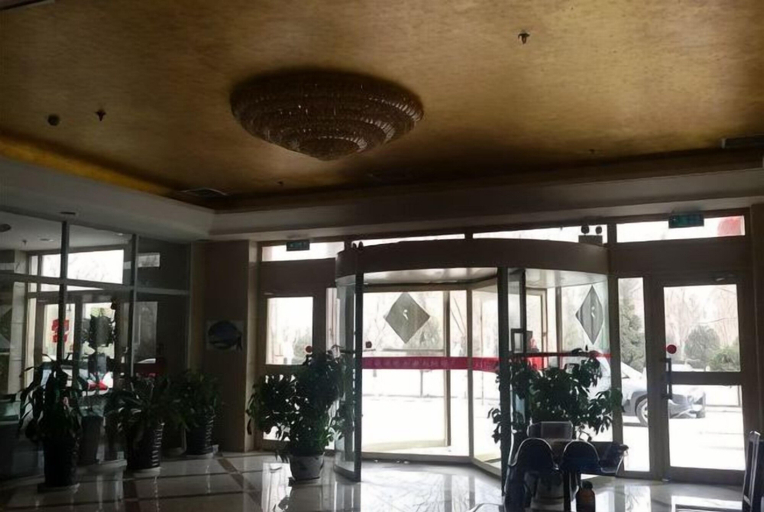
Changshou Business Hotel
Changshou Business Hotel is located in Luntai County.
Changshou Business Hotel Facility and Service
This hotel was built in 2009.
Changshou Business Hotel Rooms
Make yourself at home in one of the 50 guestrooms.
Restaurant and Cafe
Breakfast is available for a fee.
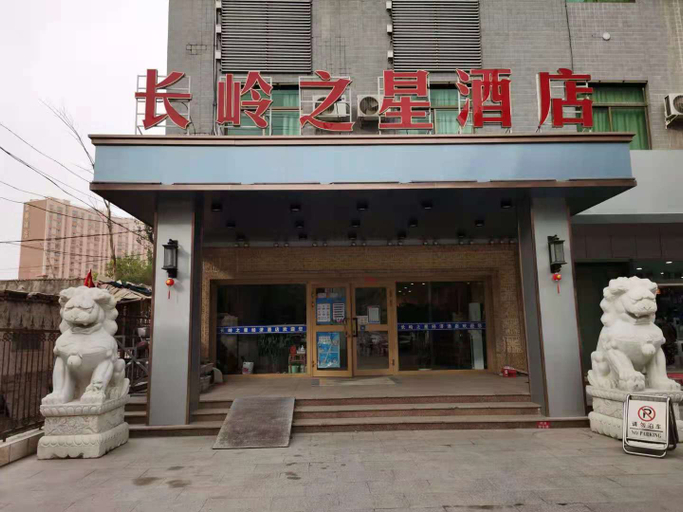
Luntai Changling Star Hotel
Hotel Introduction Description
The Luntai Changling Star Hotel is an ideal spot for travelers wanting to discover the city. The Luntai Changling Star Hotel offers a pleasant stay in Luntai for those traveling for business or leisure. ;Luntai Railway Station and Bayingolin Luntai Airport are located 16km and 22km away respectively. The nearby area boasts an abundance of attractions including Museum of the Western Regions Frontier Command, Mosque and Hongqiao Park. ;When guests have some time on their hands they can make use of the onsite facilities. This Luntai hotel offers parking on site. ;This hotel is particularly popular with those traveling on business.
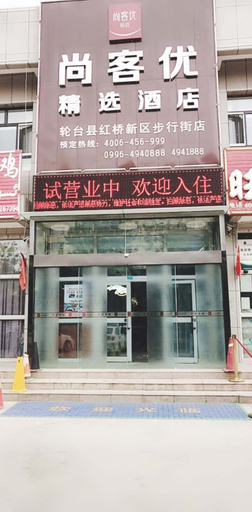
Shankee Hotel (Luntai Pedestrian Street)
Hotel Introduction Description
The Shankee Hotel (Luntai Pedestrian Street) provides a great place for travelers to relax after a busy day. The Shankee Hotel (Luntai Pedestrian Street) offers a pleasant stay in Luntai for those traveling for business or leisure.
The hotel is 20km from Luntai Railway Station and 23km from Bayingolin Luntai Airport. The nearby area boasts an abundance of attractions including Hongqiao Park, Support the Army Square and Mosque.
This hotel makes a great place to kick back and relax after a long day of sightseeing. For those driving themselves, parking is provided on site.
Perfect for those working on the move, this hotel caters to a large number of business guests.
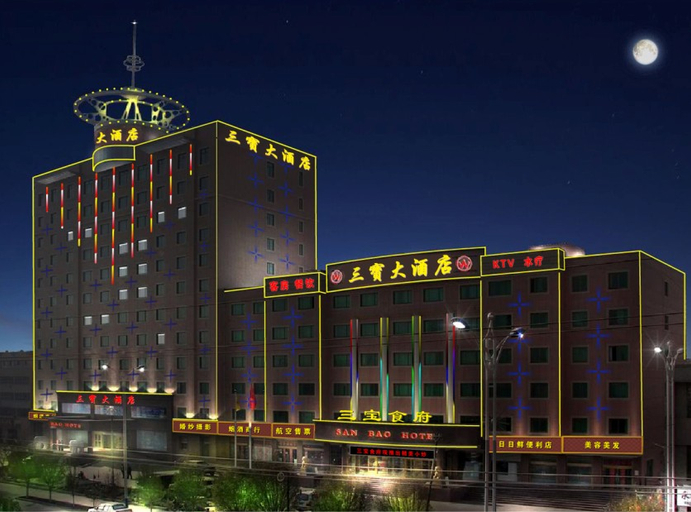
Sanbao Hotel
Hotel Introduction Description
The Sanbao Hotel provides a great place for travelers to relax after a busy day. The Sanbao Hotel offers a pleasant stay in Luntai for those traveling for business or leisure.
The hotel is 16km from Luntai Railway Station and 22km from Bayingolin Luntai Airport. This hotel is located near many of Luntai's attractions including Museum of the Western Regions Frontier Command, Mosque and Support the Army Square.
When guests have some time on their hands they can make use of the onsite facilities. This Luntai hotel features parking on site.
Our guests consider this hotel to have excellent service. This hotel is the usual choice for a large number of business travelers.
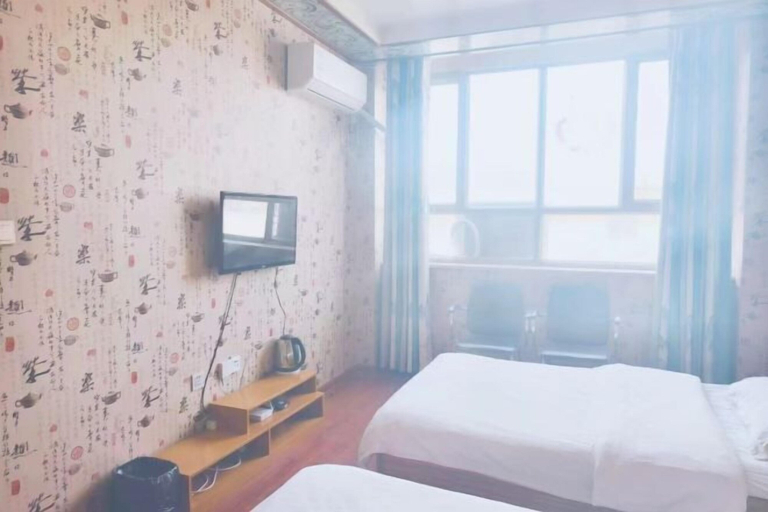
Luntai Jufu Hotel
Luntai Jufu Hotel is located in Luntai County.
Luntai Jufu Hotel Facility and Service
This hotel was built in 2019.
Luntai Jufu Hotel Rooms
Make yourself at home in one of the 33 guestrooms.
Hotels in Luntai
