



Hotels in Luohu
Showing 363 hotels in Luohu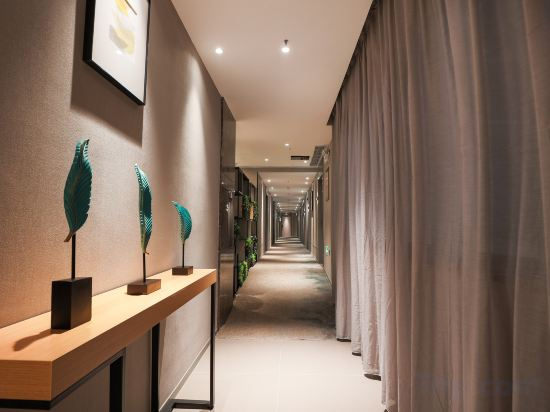
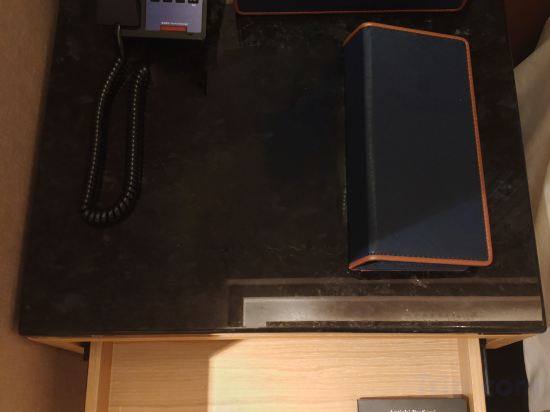
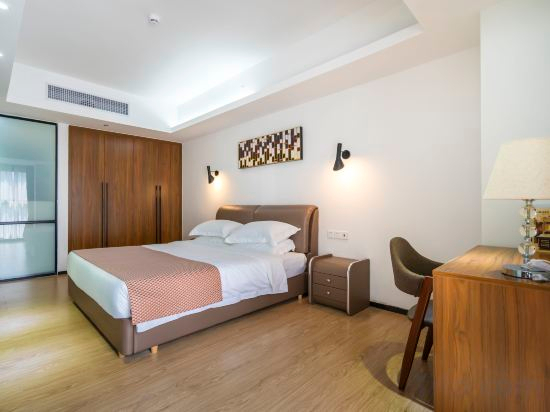


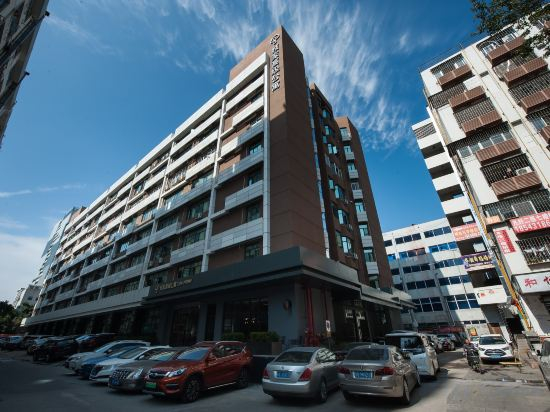
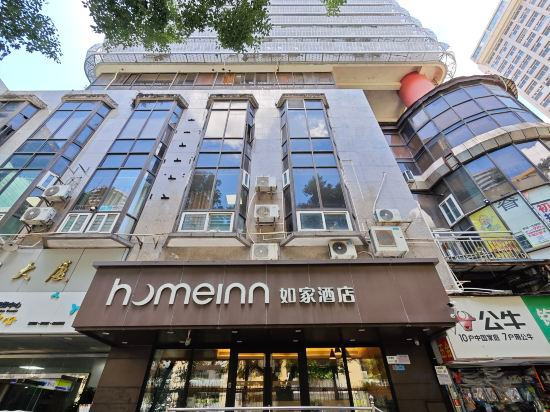
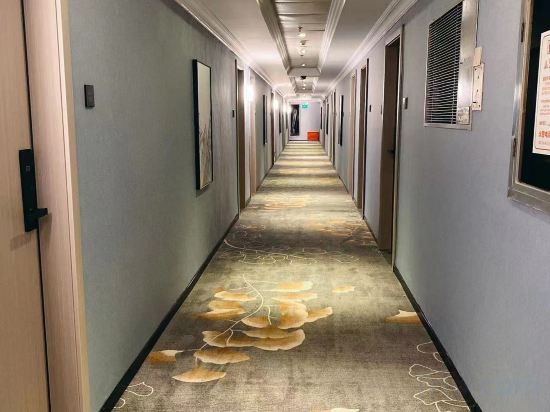

Home Inn Hotel (Shenzhen Dongmen Pedestrian Street MixC Branch)
Joy Holiday Hotel Shenzhen (Luohu Port Huangbeiling Subway Station)
Shenzhen Kaian Bay Hotel (Luohu Guomao Street Subway Station)
Pu'er Apartment (Shuibei Jewelry City Tianbei Subway Station)
Shenzhen Zhongxing Hotel (Dongmen Shaibu Subway Station)
CJIA Apartment Hotel (Shenzhen Sports Center, Hongling North Metro Station)
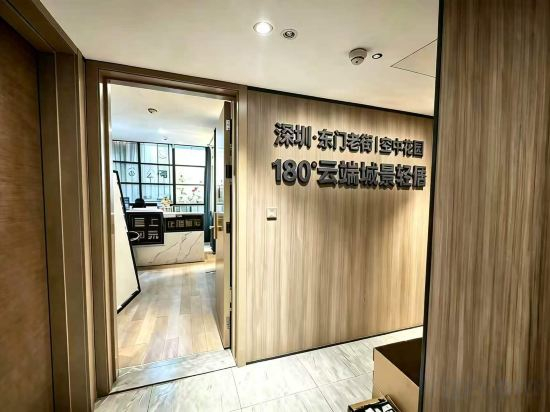
Shenzhen · Dongmen Old Street | Sky Garden 180° Cloud City View Light Stay (Luohu Port)
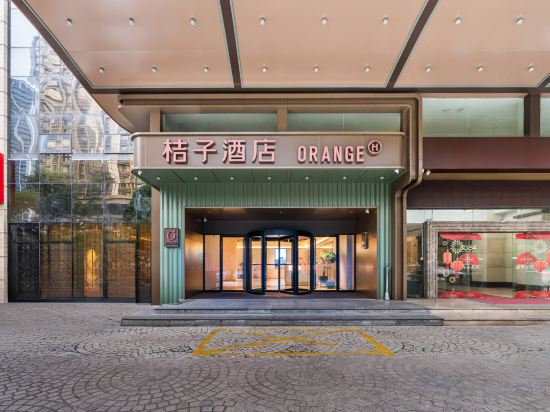
Orange Hotel (Shenzhen Dongmen Lakebei Subway Station Store)
Xana Deluxe Hotel (Shenzhen Luohu Port International Trade Subway Station)
Aifang E-Sports Hotel (Wenjindu Port Huangbeiling Subway Station)
Homeinn · neo (Shenzhen Luohu Control Point Guomao Subway Station)
Huagong Hotel
Hampton by Hilton Shenzhen Dongmen
Located in Shenzhen, Hampton by Hilton Shenzhen Dongmen offers accommodation with easy access to Shenzhen’s best spots. The property features restaurant, WiFi, and parking.
The property offers washing machine and hotel safe. Other facilities include 24-hour front desk, luggage storage, and laundry service/dry cleaning.
See detailsHotels in Luohu
Don't feel hesitant to book hotels in Luohu at tiket.com! We'll make sure to provide all conveniences you need when doing a room reservation. Book your favourite hotel now only at tiket.com!

How to Book Hotels on tiket.com
1. Find the hotelEnter the name of the city, area, or hotel to find the place you want.
2. Select a roomOn the hotel detail page, you will see the available room options. Select a room that suits your needs.
3. Complete the booking detailsInput the contact details (the person who will be contacted by tiket.com and the hotel about the booking) and the guests’ details.
4. Select Add-onsYou can also buy additional services such as meal packages, transportation, and many more.
5. Pay your bookingSelect the payment method and complete your transaction. Don’t forget to use the promo code to get a cheaper hotel price at tiket.com.
6. Get the reservation e-voucherAfter the payment is successful, the e-voucher will be available on the Your Orders menu and sent to the email listed in the contact details.