



Hotels in Nanling
Showing 27 hotels in Nanling
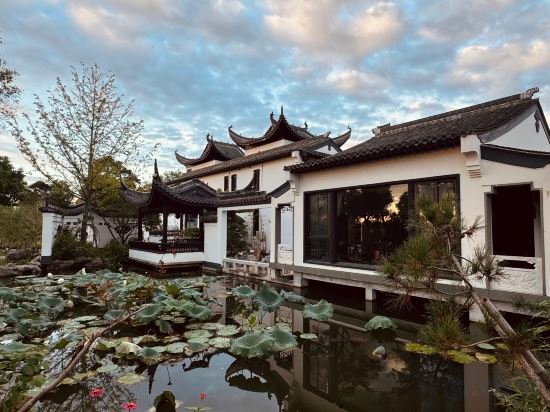
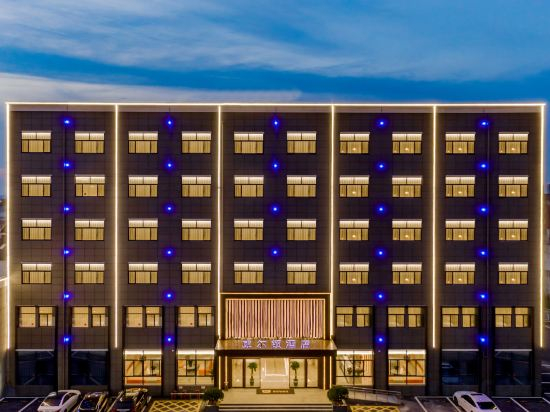



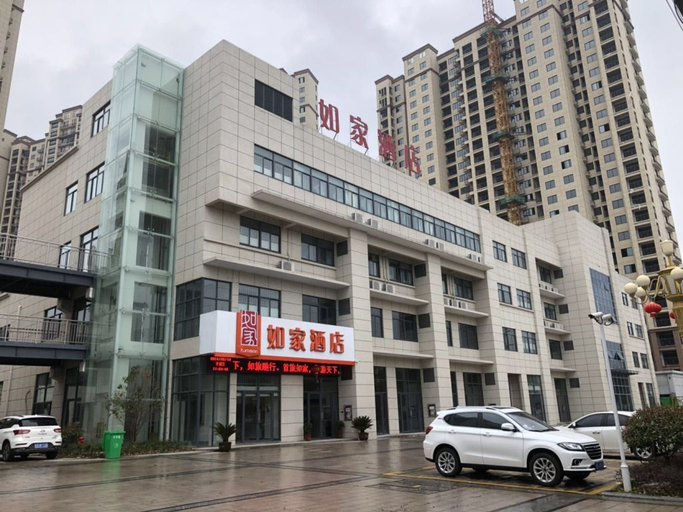
Huixiang Elegant Architecture
Nanling Huifu · Harmony Garden
ThundeRobot Esports Hotel (Wuhu Nanling Passenger Transport Center)
The Thunderobot Esports Hotel is themed around esports culture, providing esports enthusiasts with a comprehensive space that combines esports and comfortable accommodation. It emphasizes the gaming experience and interactivity, and all rooms are equipped with a full set of Thunderobot esports equipment to meet the needs of different esports players.
See detailsWanghao Hotel (Nanling County Wannan Mall)
JI Hotel (Wuhu Nanling County Government Affairs Center)
Joy Hotel
Kah Wah Hotel
Wilton Nanling Hotel
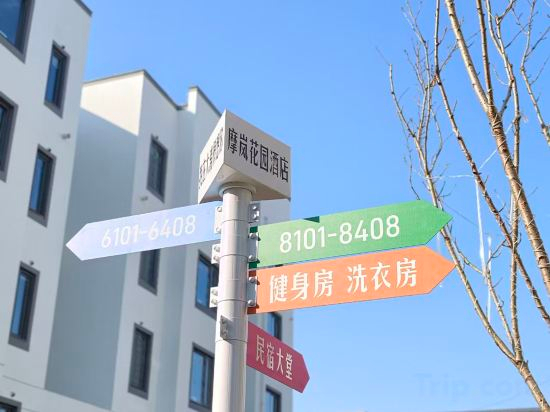
Dapu Homestay · Molan Garden Hotel (Dapu Scenic Area Xuzhen)
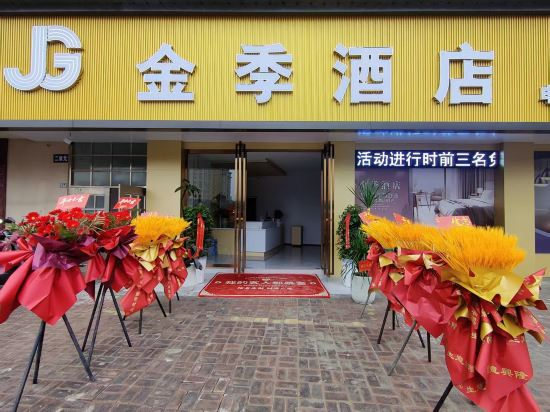
Jinji Hotel (Zhanghe Garden)
Meihao Hotel Platinum Bay (Hunan Lingbinhe Park)
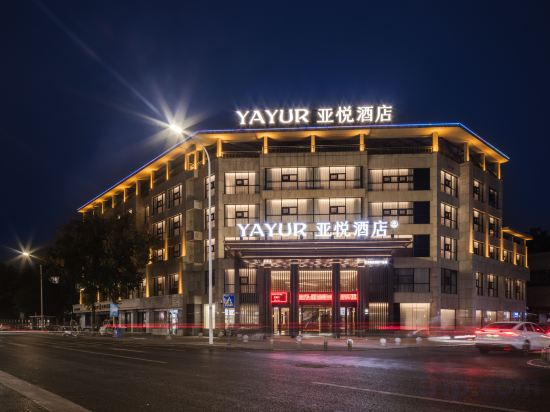
Yayue Hotel (Wuhu Nanling Square)
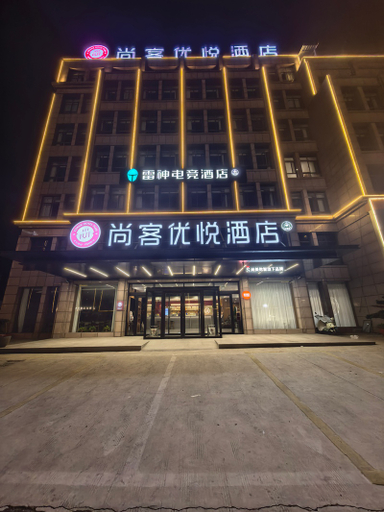
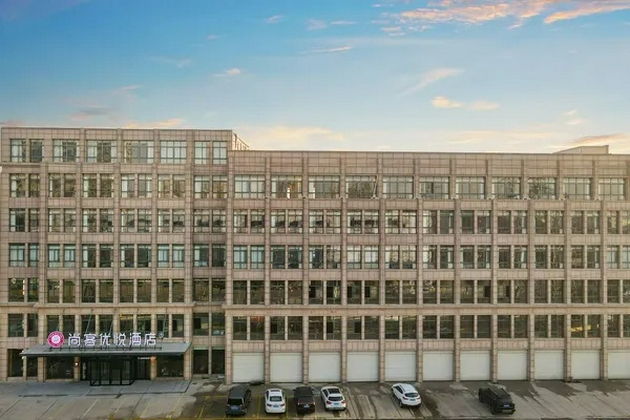
Shangke Youyue Hotel (Wuhu Nanling Passenger Transport Center)
尚客优悦芜湖南陵客运中心酒店
Nanling Huatian · Aili Homestay
Jinjiu International Hotel Nanling
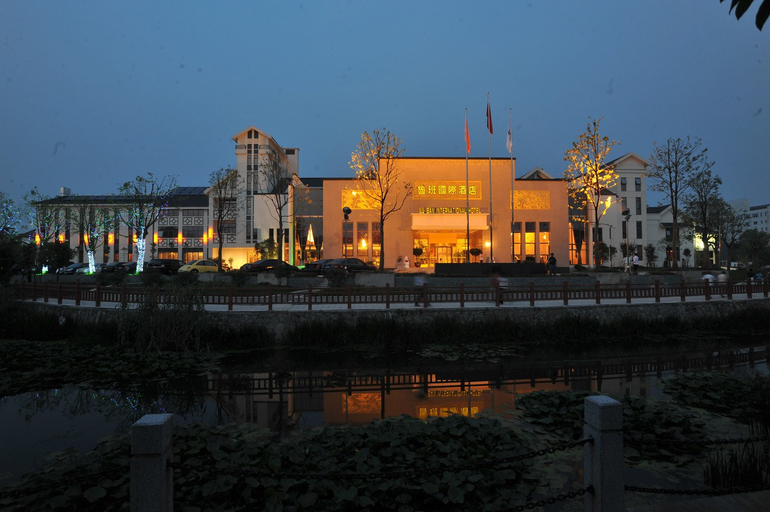
Luban International Hotel
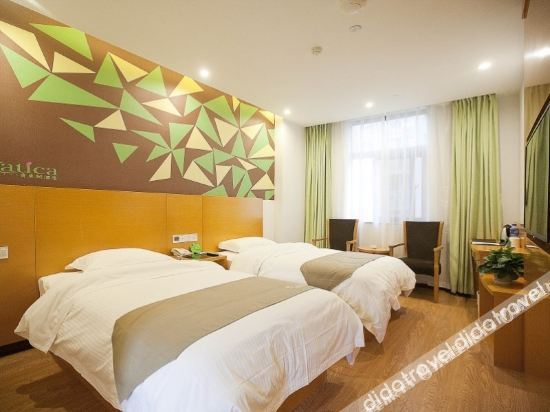
green tree(vatica nanling branch)
Tao Yuan Hotel
Nanling Baiguoyuan Farm
Homeinn Hotel (Nanling Zhanghe Avenue Jin Street Huafu)
Hotels in Nanling
Don't feel hesitant to book hotels in Nanling at tiket.com! We'll make sure to provide all conveniences you need when doing a room reservation. Book your favourite hotel now only at tiket.com!

How to Book Hotels on tiket.com
1. Find the hotelEnter the name of the city, area, or hotel to find the place you want.
2. Select a roomOn the hotel detail page, you will see the available room options. Select a room that suits your needs.
3. Complete the booking detailsInput the contact details (the person who will be contacted by tiket.com and the hotel about the booking) and the guests’ details.
4. Select Add-onsYou can also buy additional services such as meal packages, transportation, and many more.
5. Pay your bookingSelect the payment method and complete your transaction. Don’t forget to use the promo code to get a cheaper hotel price at tiket.com.
6. Get the reservation e-voucherAfter the payment is successful, the e-voucher will be available on the Your Orders menu and sent to the email listed in the contact details.