



Hotels in Puqi
Showing 36 hotels in Puqi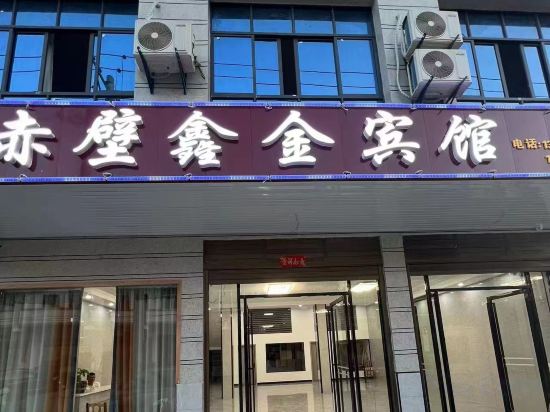
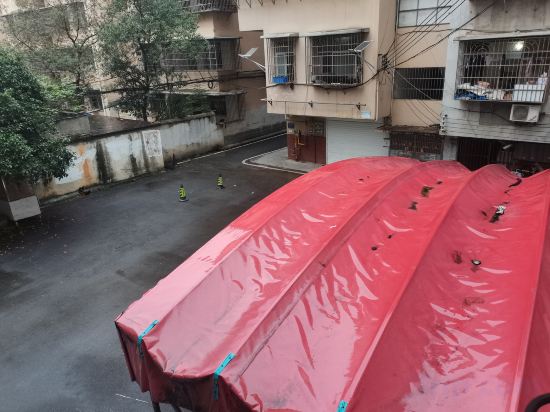
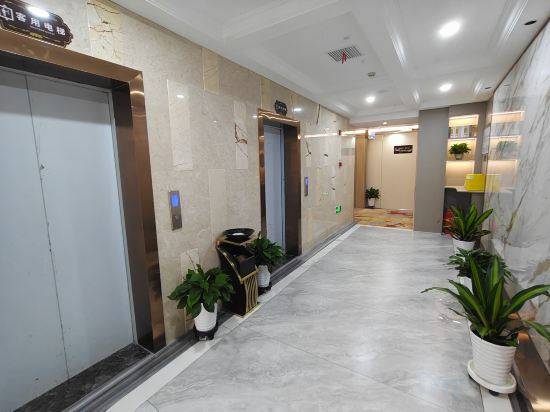
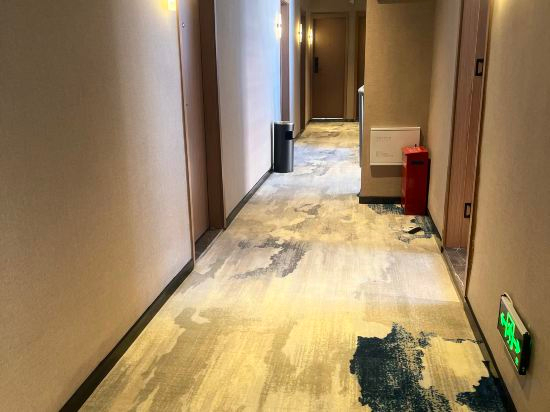

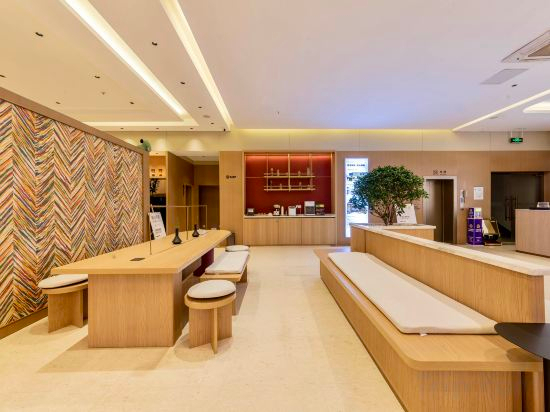
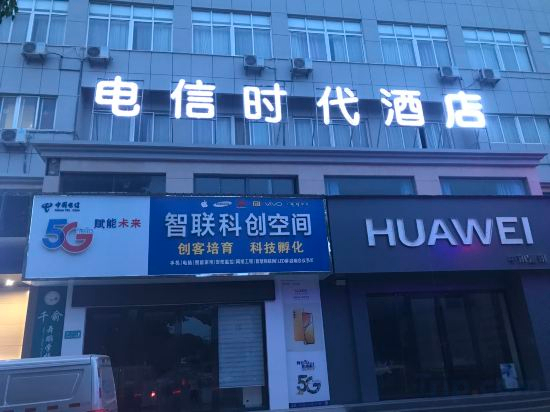
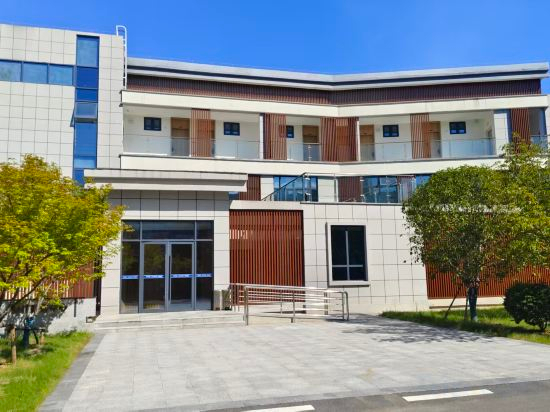
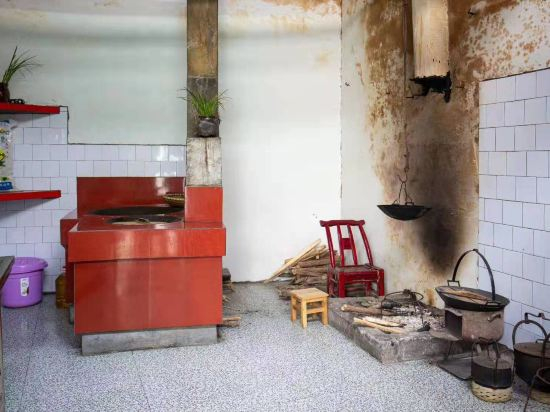
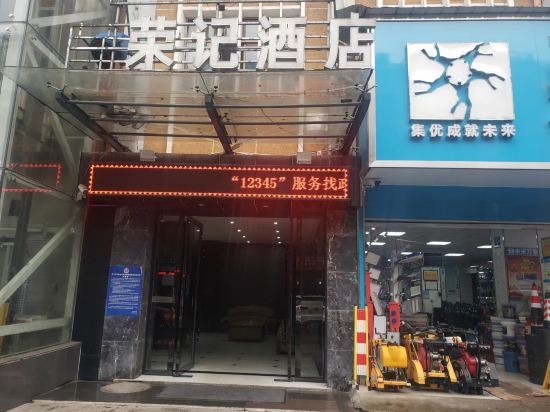

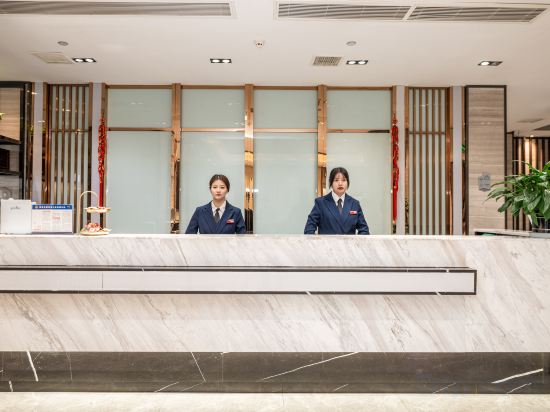


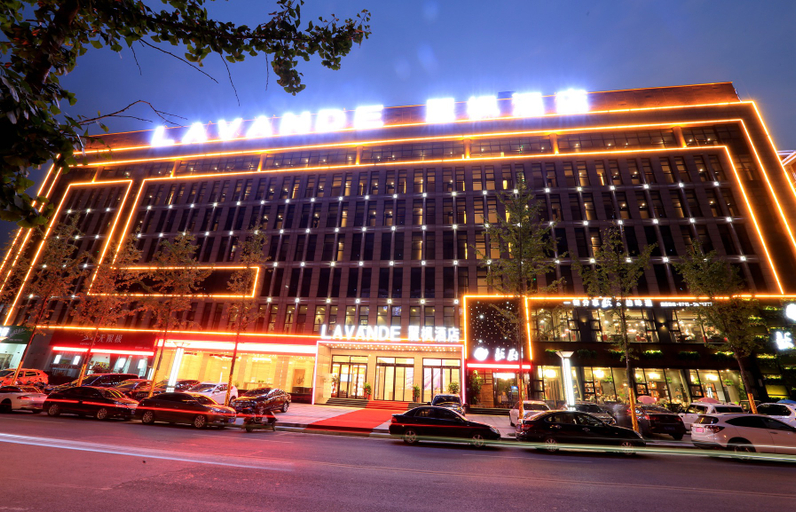
Chibi Xinjin Hotel
Chibi Huahai Lanting Hotel
Longtai Hotel (Chibi Station Branch)
Chibi Baisheng Manju Homestay (Pufang)
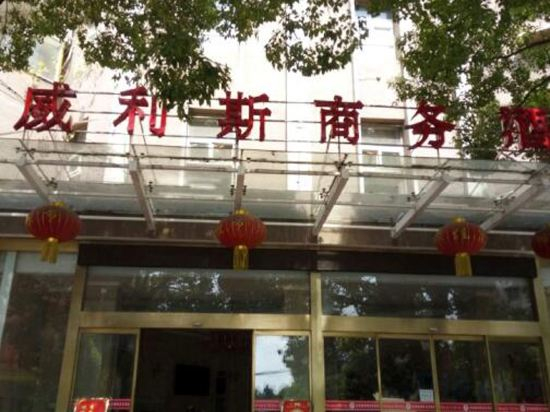
Weilisi Business Hotel
UP IN THE CLOUDS hotel
Xiyue Hotel (Chibi North Station)
Yunqili Hotel (Chibi North Station)
Naisi E-sports Hotel (Chibi Xinjiekou Branch)
Yashiman Hotel (Chibi Guomao Branch)
Chibi Telecom Times Hotel
Time Space Technology Hotel
Chibi Shengshi Ancient Street Inn
Rongji Hotel Chibi
Tianlong Hotel
Chibi Ancient Wind Hotel
Borrman Hotel (Chibi Sanguo Pedestrian Street)
Chayun Mountain House
INTO Camp Chibi
Lavande Hotels Chibi Highspeed Railway Station
Great care is taken to ensure guests experience comfort through top-notch services and amenities. Remain linked during your visit by utilizing the complimentary internet access available.Services offered by taxi and car hire at the hotel ensure effortless exploration of Xianning.The hotel offers complimentary parking for guests who arrive with their own mode of transport. Need some relaxation? Your room features room service to make your stay even more comfortable and enjoyable.Crafted for coziness, every guestroom provides an array of features, guaranteeing a tranquil night's sleep while maintaining the level of comfort. Expand your in-room entertainment choices with various amenities, such as television offered in certain accommodations.Lavande Hotels Chibi Highspeed Railway Station offers a hair dryer, toiletries and towels in the restrooms of specific accommodations. Each morning at Lavande Hotels Chibi Highspeed Railway Station, a scrumptious, homemade breakfast kick-starts the day. During your visit, indulge in a range of delightful culinary choices at hotel to enhance your experience.
See detailsHotels in Puqi
Don't feel hesitant to book hotels in Puqi at tiket.com! We'll make sure to provide all conveniences you need when doing a room reservation. Book your favourite hotel now only at tiket.com!

How to Book Hotels on tiket.com
1. Find the hotelEnter the name of the city, area, or hotel to find the place you want.
2. Select a roomOn the hotel detail page, you will see the available room options. Select a room that suits your needs.
3. Complete the booking detailsInput the contact details (the person who will be contacted by tiket.com and the hotel about the booking) and the guests’ details.
4. Select Add-onsYou can also buy additional services such as meal packages, transportation, and many more.
5. Pay your bookingSelect the payment method and complete your transaction. Don’t forget to use the promo code to get a cheaper hotel price at tiket.com.
6. Get the reservation e-voucherAfter the payment is successful, the e-voucher will be available on the Your Orders menu and sent to the email listed in the contact details.