



Hotels in Taiyuan
Showing 1.000+ hotels in Taiyuan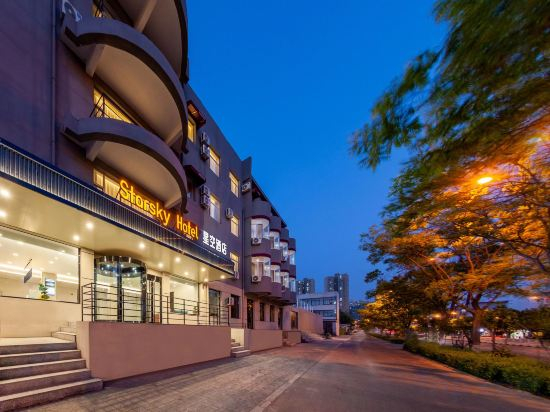
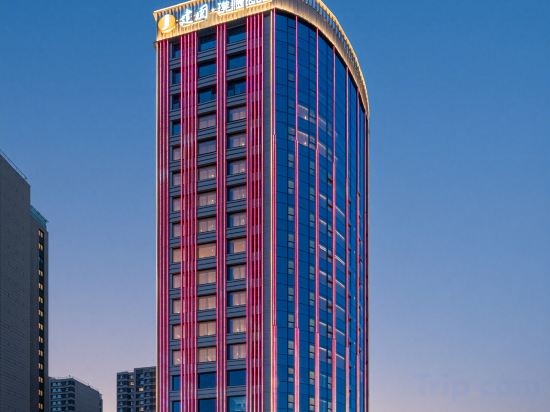
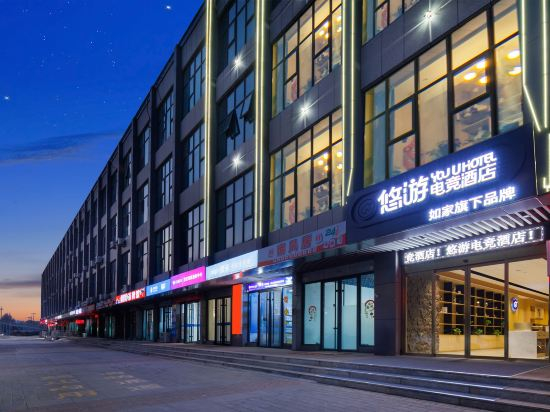
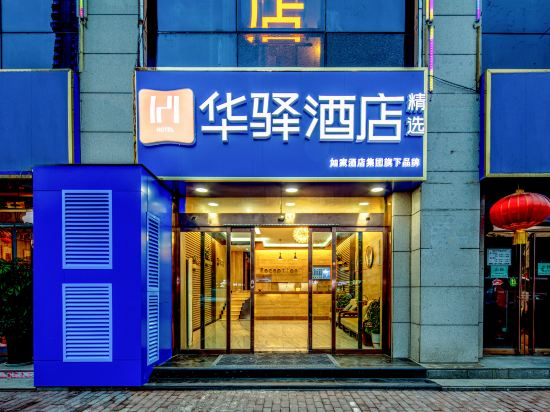
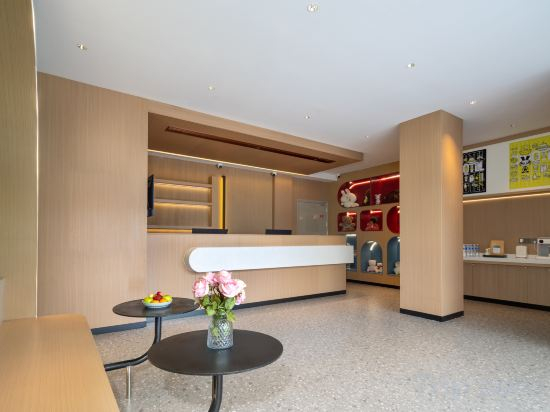


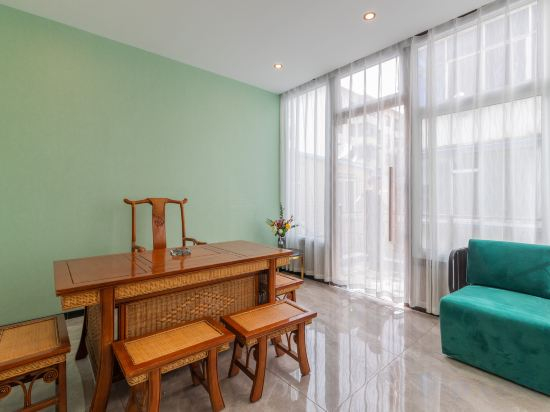

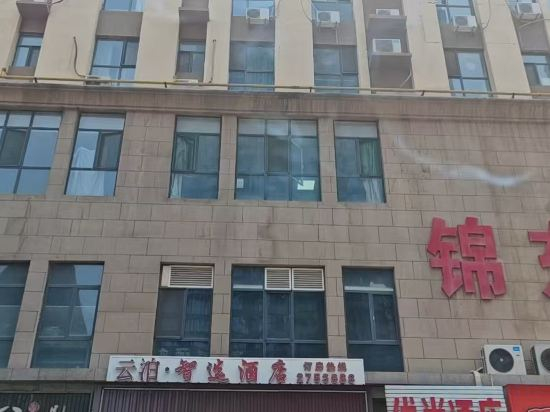

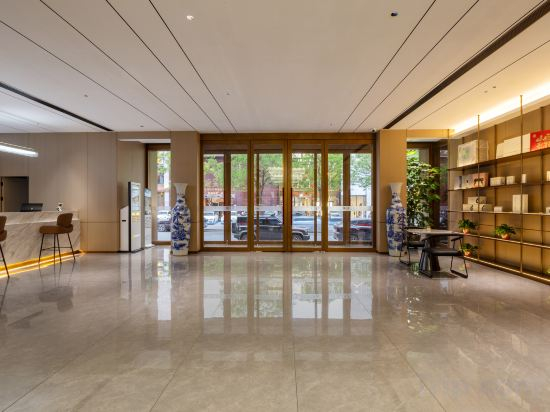


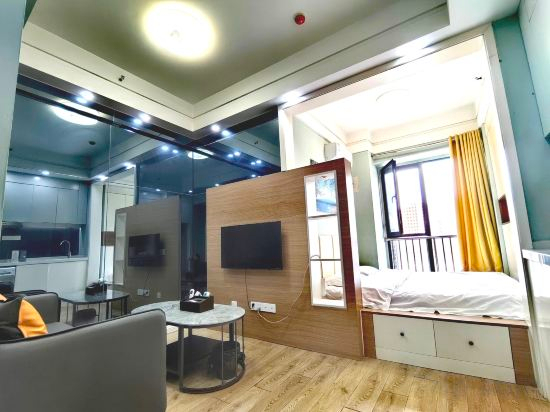
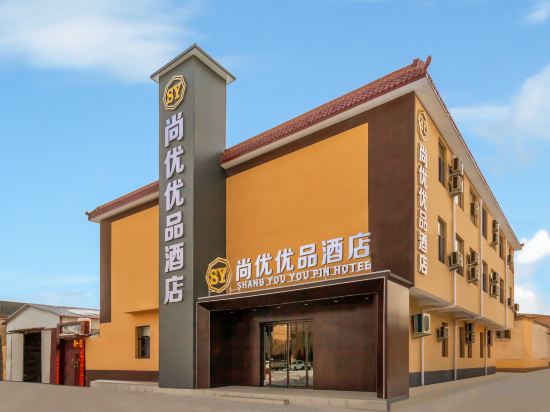
Starry Sky Hotel (Taiyuan Beizhongyhuan Street Datong Road)
Jianguo Hidden Hotel Taiyuan South Railway Station Branch
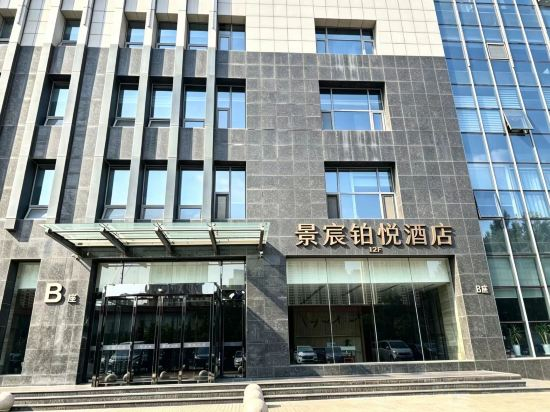
Jingchen Boyue Homestay (Jinyang Street)
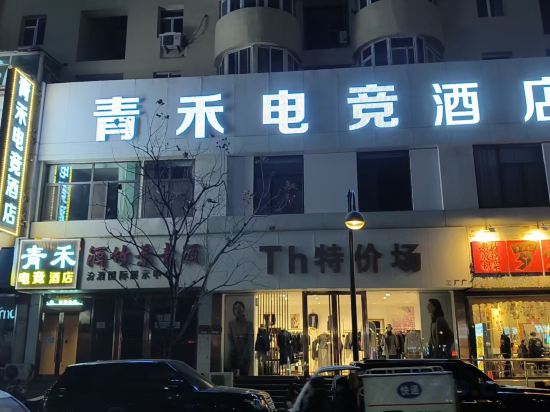
Qinghe E-Sports Hotel (Taiyuan Liuxiang Zhonglou Street)
Home Inn Youyou E-sports Hotel (Taiyuan South Railway Station · Wusu International Airport)
Huayi Selected Hotel (Taiyuan Jinxi Group Store)
City Yijia (Taiyuan Railway Station)
Taiyuan Yunyi Homestay (Changfeng West Street)
IU Hotel (Taiyuan Shanda First Hospital Yingze Park)
Narcissus Boutique Hotel (Taiyuan South Railway Station Shanxi University Branch)
Hotel Introduction Description
S·E-sports Intelligent Hotel
Shixiansheng Light Luxury Hotel (Taiyuan Children's Hospital)
Juyuan Holiday Hotel (Ancient County)
AG E-sports Homestay
Smart Hotel with Bright Moon and Clear Breeze (Taiyuan Jinci Scenic Area Branch)
Taiyuan Shengyuan Meihua Hotel (Wangfujing Maoye Tiandi)
Qingduo Smart Hotel (Taiyuan Tongda Street Subway Station)
S · Esports Hotel (Taiyuan South Station Airport Branch)
Yuanyu Hotel (Taiyuan AD Times Second Division)
Shangyou Youpin Hotel (Taiyuan Wusu Airport)
Hotels in Taiyuan
Don't feel hesitant to book hotels in Taiyuan at tiket.com! We'll make sure to provide all conveniences you need when doing a room reservation. Book your favourite hotel now only at tiket.com!

How to Book Hotels on tiket.com
1. Find the hotelEnter the name of the city, area, or hotel to find the place you want.
2. Select a roomOn the hotel detail page, you will see the available room options. Select a room that suits your needs.
3. Complete the booking detailsInput the contact details (the person who will be contacted by tiket.com and the hotel about the booking) and the guests’ details.
4. Select Add-onsYou can also buy additional services such as meal packages, transportation, and many more.
5. Pay your bookingSelect the payment method and complete your transaction. Don’t forget to use the promo code to get a cheaper hotel price at tiket.com.
6. Get the reservation e-voucherAfter the payment is successful, the e-voucher will be available on the Your Orders menu and sent to the email listed in the contact details.