



Hotels in Wuxi New District
Showing 26 hotels in Wuxi New District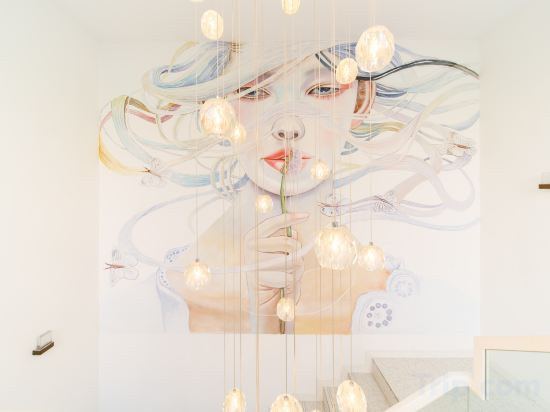
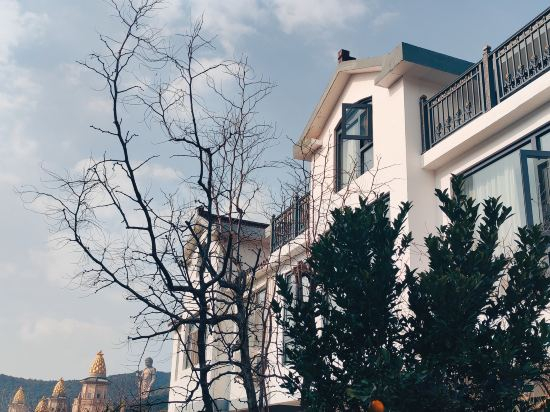
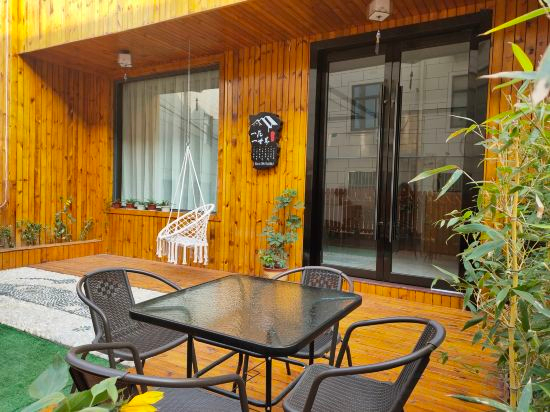
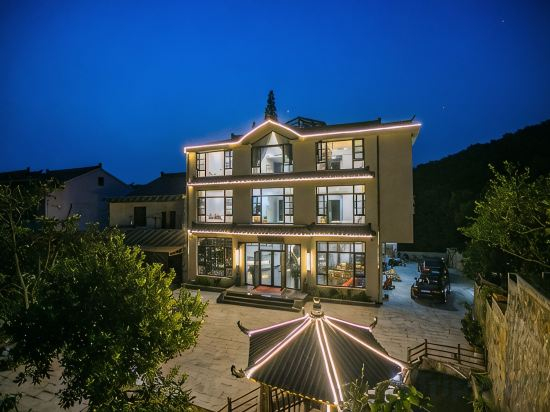




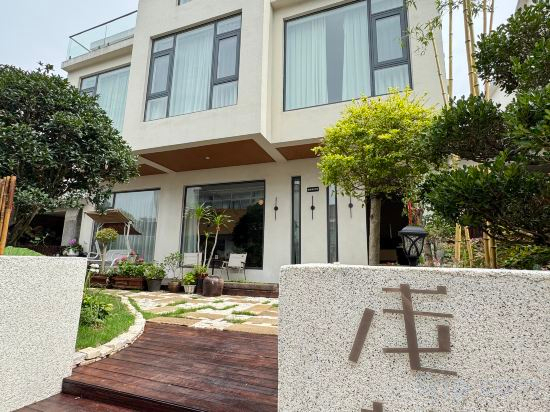
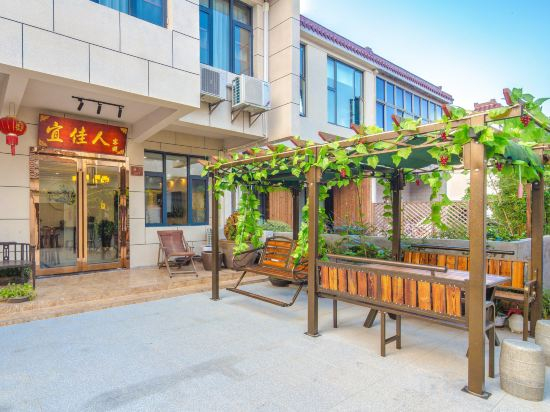
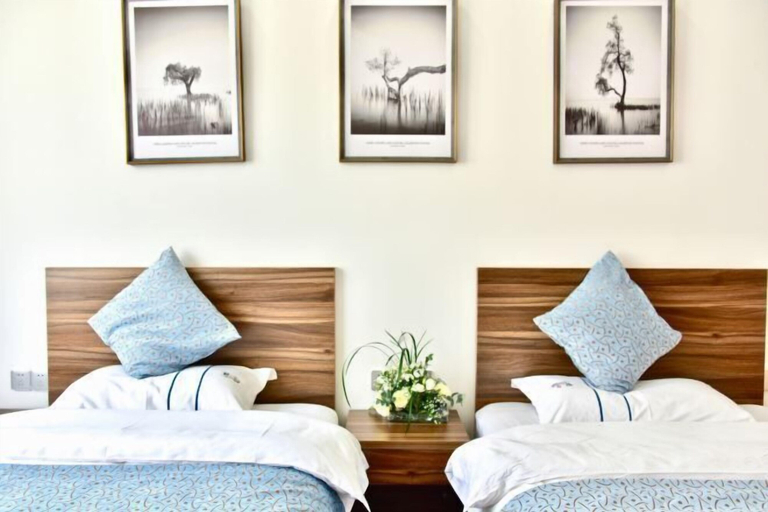
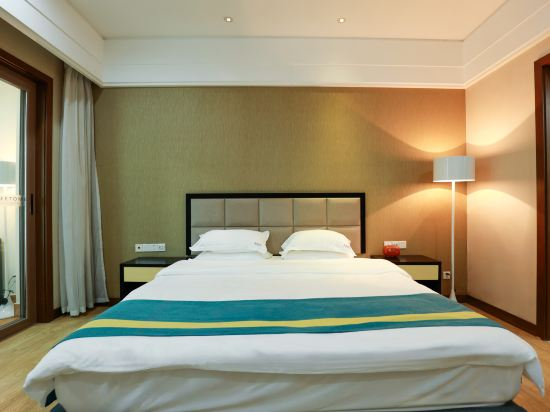
ruyuan
Sunshine Inn
Floral Hotel Guilai Pusu (Lingshan Giant Buddha, Nianhua Bay)
Pinghe Yaju Hostel
Wuxi Yilaiju Inn (Nianhuawan Lingshan Giant Buddha)
Golden LiYutu Inn Wuxi
Yunduan Mijing Inn (Wuxi Lingshan Town Nianhua Store)
Tianxin Inn
Shanshe Inn
Wuxi YinShe · Hideaway Homestay (Lingshan Giant Buddha Nianhua Bay)
Wuxi Yi Lin Mountain Residence Inn
Dongli Inn
chunshanli homestay
Auntie Chen Homestay
Wuxi Wuxingge Chinese Inn
Floral Hotel · Yueting Yaju | Understated‑Luxury Aesthetic Retreat, Wuxi (Lingshan‑Nianhuawan)
Asakusa Homestay (Lingshan Giant Buddha Branch)
Yijiaren Inn
Fanxin Inn
Fanxin Inn Location
Located in Wuxi (Bin Hu District), Fanxin Inn is within a 5-minute drive of Ling Mountain and Lake Tai. This hotel is 1.3 mi (2 km) from Lingshan Grand Buddha and 1.5 mi (2.3 km) from Giant Buddha at Lingshan.
Fanxin Inn Rooms
Make yourself at home in one of the air-conditioned rooms featuring microwaves and LCD televisions. Rooms have private balconies. Cable television is provided for your entertainment. Private bathrooms with showers feature hair dryers and slippers.
Restaurant and Cafe
Breakfast is available for a fee.
See detailsLocated in Wuxi (Bin Hu District), Fanxin Inn is within a 5-minute drive of Ling Mountain and Lake Tai. This hotel is 1.3 mi (2 km) from Lingshan Grand Buddha and 1.5 mi (2.3 km) from Giant Buddha at Lingshan.
Fanxin Inn Rooms
Make yourself at home in one of the air-conditioned rooms featuring microwaves and LCD televisions. Rooms have private balconies. Cable television is provided for your entertainment. Private bathrooms with showers feature hair dryers and slippers.
Restaurant and Cafe
Breakfast is available for a fee.
Jijian Sangzi Resort Apartment Wuxi Mashan Branch
Hotels in Wuxi New District
Don't feel hesitant to book hotels in Wuxi New District at tiket.com! We'll make sure to provide all conveniences you need when doing a room reservation. Book your favourite hotel now only at tiket.com!

How to Book Hotels on tiket.com
1. Find the hotelEnter the name of the city, area, or hotel to find the place you want.
2. Select a roomOn the hotel detail page, you will see the available room options. Select a room that suits your needs.
3. Complete the booking detailsInput the contact details (the person who will be contacted by tiket.com and the hotel about the booking) and the guests’ details.
4. Select Add-onsYou can also buy additional services such as meal packages, transportation, and many more.
5. Pay your bookingSelect the payment method and complete your transaction. Don’t forget to use the promo code to get a cheaper hotel price at tiket.com.
6. Get the reservation e-voucherAfter the payment is successful, the e-voucher will be available on the Your Orders menu and sent to the email listed in the contact details.