



Hotels in Chongqing
Showing 5.000+ hotels in Chongqing

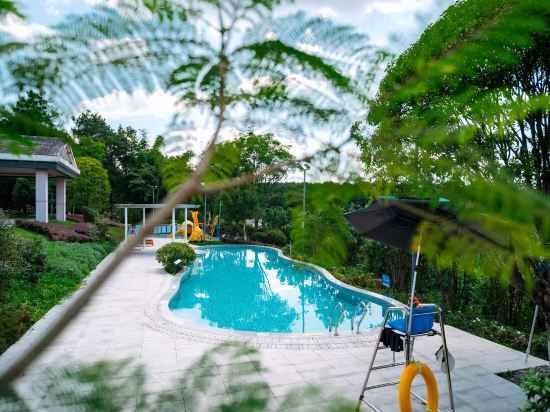

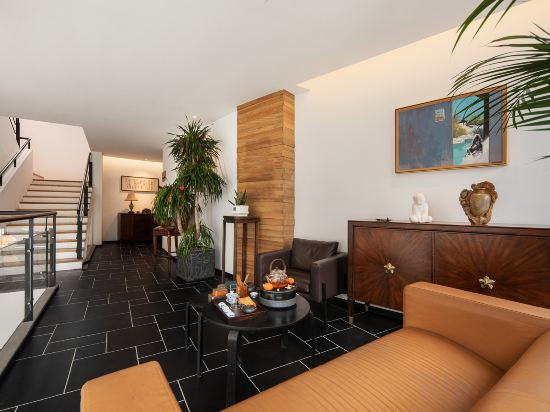
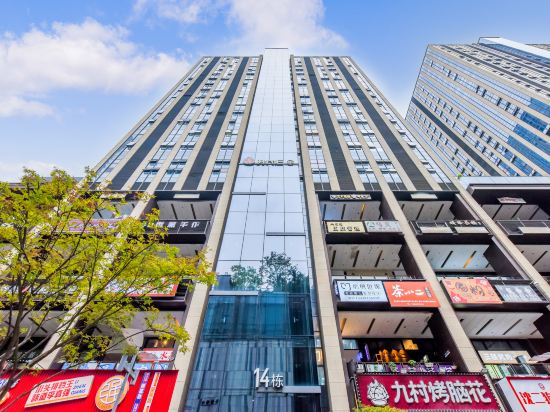
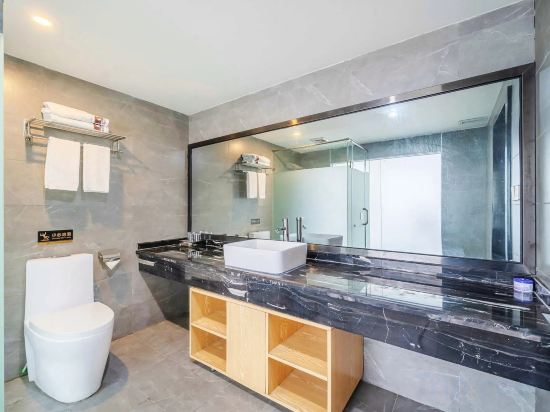
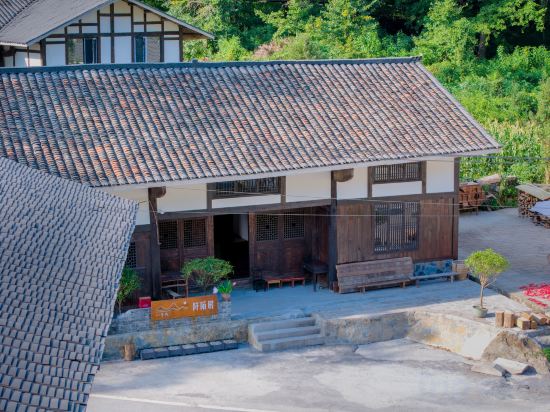

Seeing the mountain as the mountain (Chongqing Jiefangbei Pedestrian Street Hong Ya Dong)
Orange hotel
Rongjing Hotel (Tieshanping Forest Park)
Cloud · MISS High-Rise River View Apartment (Jiefangbei Area/Hong Ya Dong)
Cuifuli No.17 Hotel
Yuanxuan Hotel (Daping Longhu Times Tianjie Branch)
Rosedale Hotel(Chongqing Jiangbei International Airport)
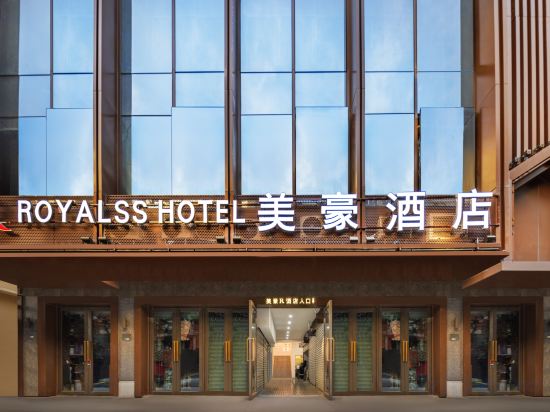
Meihao R Hotel (Chongqing Jiefangbei Area Hong Ya Dong)
Qianxun Mountain Residence
Qingniao lntelligent Hotel
Geman Hotel (Wanzhou Wuqiao Airport)
Yuanlai Hotel
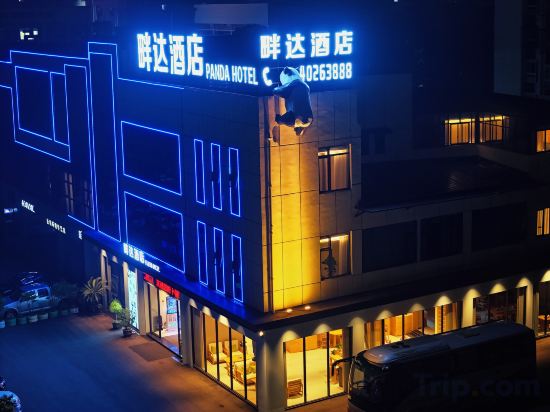
Panda Hotel (Changshou Ancient Town High-speed Railway North Station)
Cloud Secret Holiday Homestay
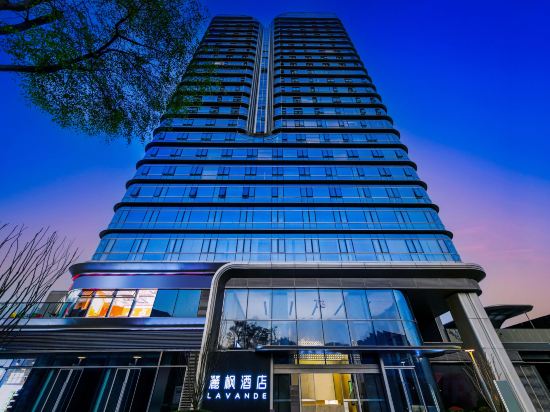
Lavande Hotel (Chongqing West Railway Station Front Square)
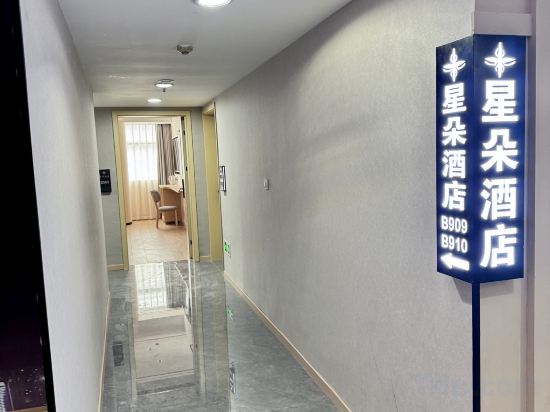
Xingduo Hotel (Zhongyi First Affiliated Hospital Yuanjiagang Light Rail Station)
Chongqing Yujing Hotel (Guanyinqiao)
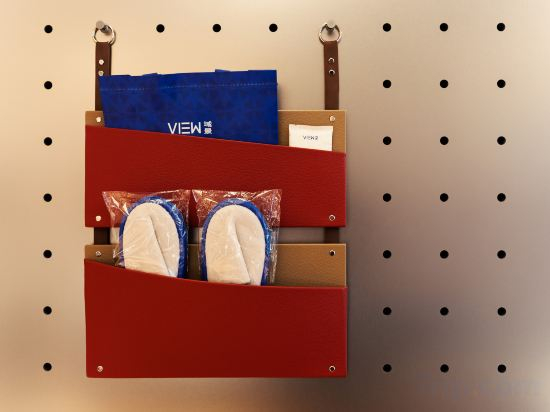
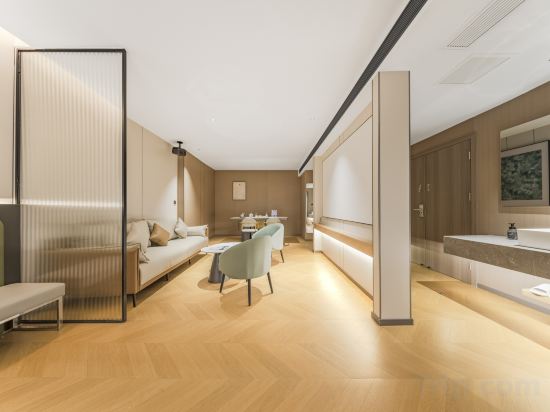
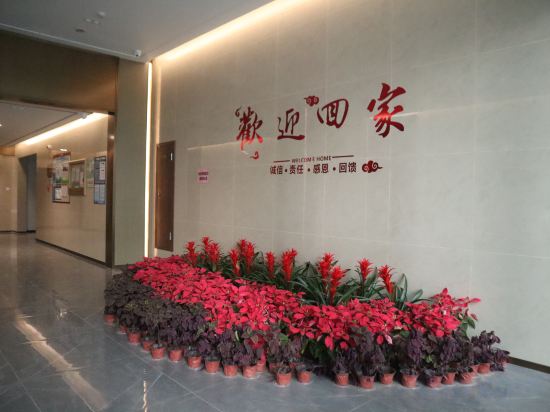
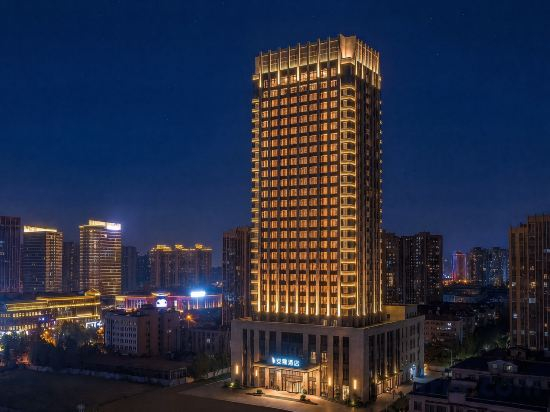
Experience the delight of a fresh morning by savoring excellent coffee at the cafe situated within hotel. Should you prefer not to venture out for a meal, the enticing culinary choices at hotel are always available for your satisfaction.Experience an unforgettable evening with your fellow travelers just a short distance away, at hotel's bar. For those who prefer savoring meals within their personal space, Chongqing View Hotel -Guanyinqiao Branch offers the convenience of doorstep grocery delivery, allowing you to prepare and enjoy food in your room.Indulge in the numerous pursuits available at Chongqing View Hotel -Guanyinqiao Branch. For individuals who don't want to skip their exercise routine, visiting the hotel fitness center ensures you maintain your vitality and wellness.
See detailsJiting International Hotel (Chongqing West Station Branch)
Xuanmu House | Smart E-sports Apartment (Chongqing Yongchuan Love Square)
Anlin Hotel
Hotels in Chongqing
Don't feel hesitant to book hotels in Chongqing at tiket.com! We'll make sure to provide all conveniences you need when doing a room reservation. Book your favourite hotel now only at tiket.com!

How to Book Hotels on tiket.com
1. Find the hotelEnter the name of the city, area, or hotel to find the place you want.
2. Select a roomOn the hotel detail page, you will see the available room options. Select a room that suits your needs.
3. Complete the booking detailsInput the contact details (the person who will be contacted by tiket.com and the hotel about the booking) and the guests’ details.
4. Select Add-onsYou can also buy additional services such as meal packages, transportation, and many more.
5. Pay your bookingSelect the payment method and complete your transaction. Don’t forget to use the promo code to get a cheaper hotel price at tiket.com.
6. Get the reservation e-voucherAfter the payment is successful, the e-voucher will be available on the Your Orders menu and sent to the email listed in the contact details.