



Hotels in Dehong Dai and Jingpo
Showing 535 hotels in Dehong Dai and Jingpo


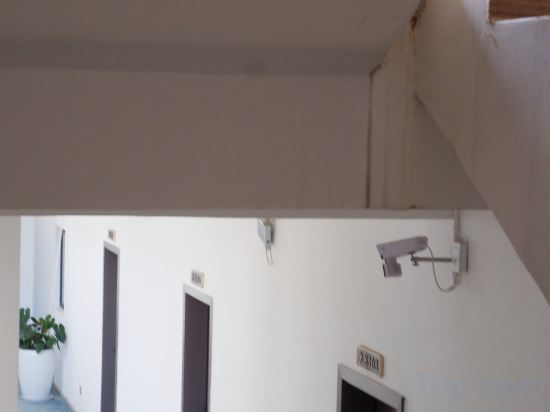
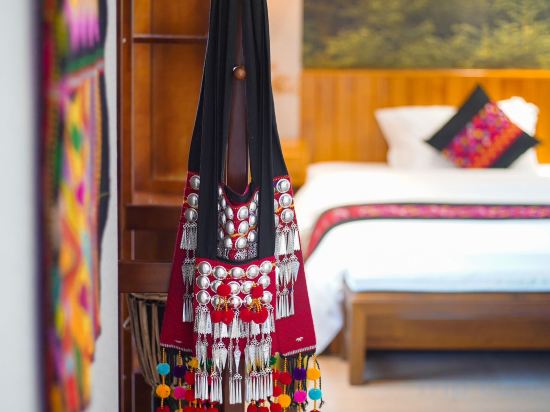
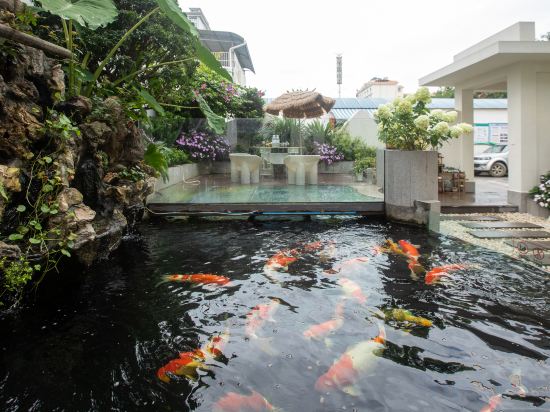
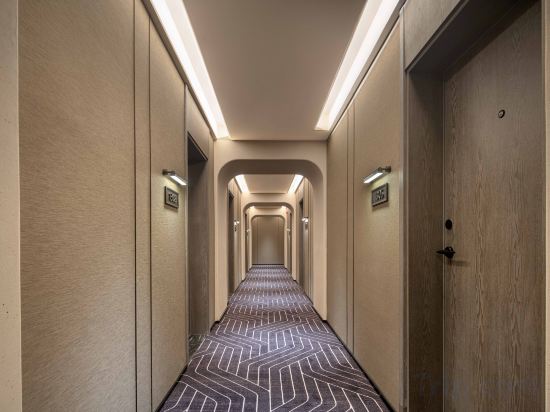
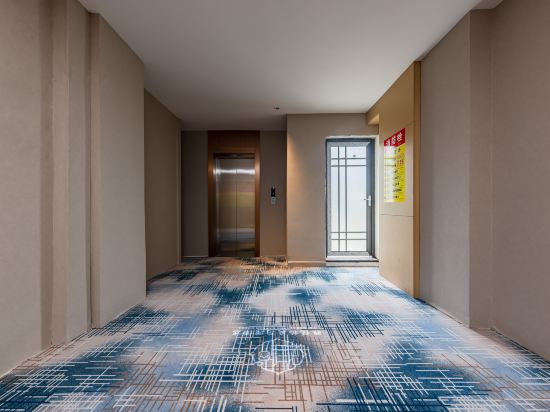
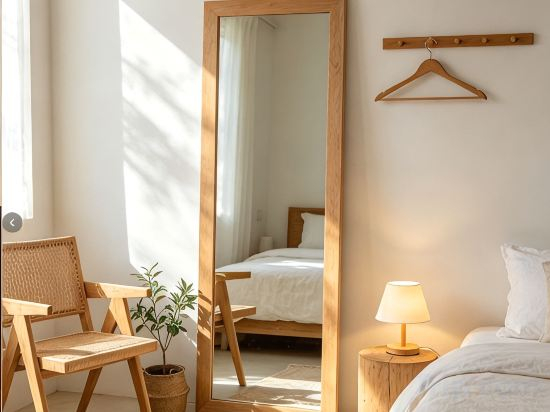
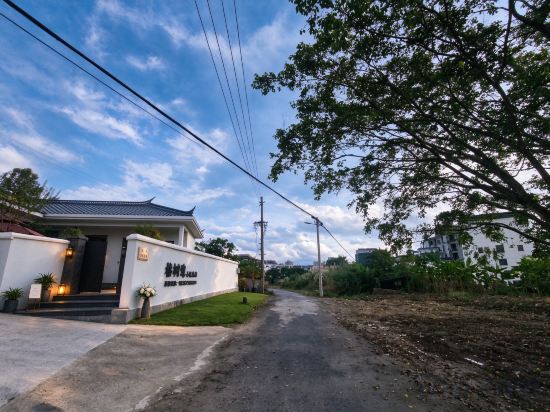
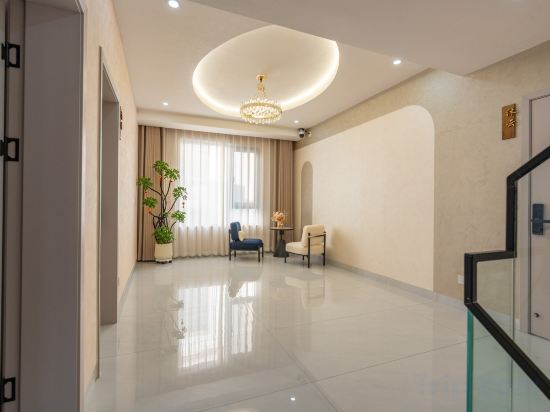
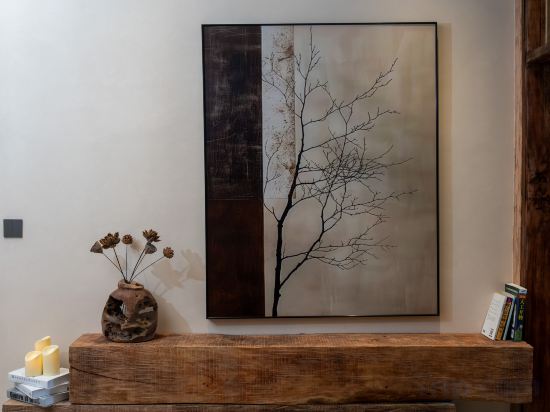
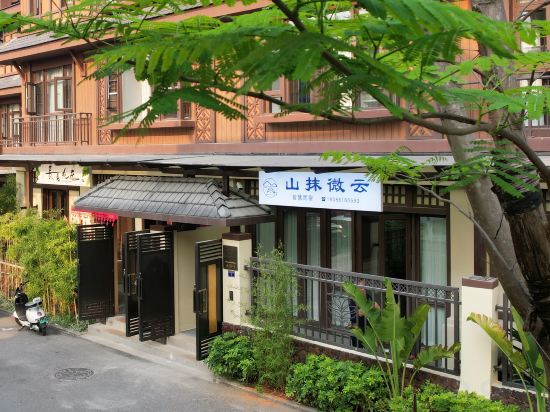
Bonaventure International Hotel (Peacock Street Airport Branch, Mangshi)
Mangshi Heyi Homestay (Dai Ethnic Ancient Town Golden Pagoda)
MangshiAbuminsu
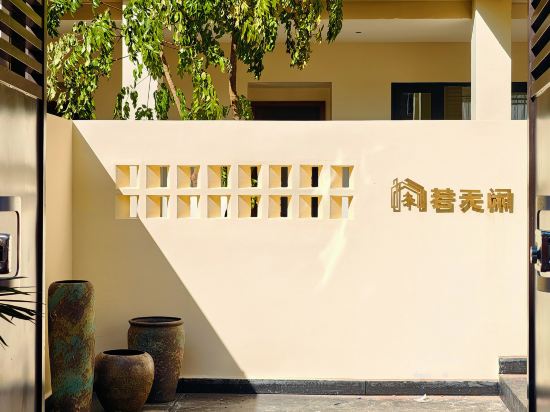
Yunluqi · Intangible Cultural Heritage · Collection Homestay (Meng Huan Shwedagon Pagoda)
Yeste International Hotel (Mangshi Square · New Play Factory Branch)
SAINT VEYA Hotel Springs Resort
Let Loose Resort · Mangshi
Jianmang Homestay (Yi Nationality Ancient Town Branch)
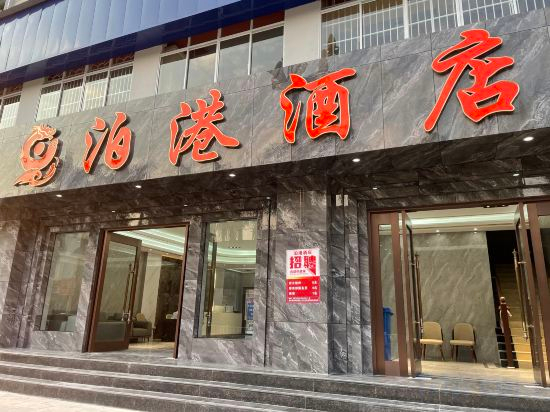
Bogang Hotel
Qingrongli Boutique Inn (Mangshi Square & Dai Ancient Town Branch)
Ruili Youruiyunji High-end B&B HOTEL
Mangshi Xiesha | Tropical Garden Ethnic Style Boutique Stay (Dai Ancient Town)
Weixi Homestay (Mangshi Square)
Wanda Moments Hotel (Mangshi Square Bingwu Street Branch)
Yayue Boting Garden Hotel (Mangshi Square & Airport Branch)
Ali·Grace Mountain View Pet-Friendly Garden Retreat (Dai Ancient Town / Menghuan Golden Pagoda)
Fir Tree Hotel
Mangshi Muchu Garden Homestay (Meng Huan Shwedagon Pagoda)
Mangshi Yunshangju Holiday Boutique Homestay (Dai Ancient Town Branch)
Mangshi Misty Mountain Smart Homestay (Dai Ancient Town Branch)
Hotels in Dehong Dai and Jingpo
Don't feel hesitant to book hotels in Dehong Dai and Jingpo at tiket.com! We'll make sure to provide all conveniences you need when doing a room reservation. Book your favourite hotel now only at tiket.com!

How to Book Hotels on tiket.com
1. Find the hotelEnter the name of the city, area, or hotel to find the place you want.
2. Select a roomOn the hotel detail page, you will see the available room options. Select a room that suits your needs.
3. Complete the booking detailsInput the contact details (the person who will be contacted by tiket.com and the hotel about the booking) and the guests’ details.
4. Select Add-onsYou can also buy additional services such as meal packages, transportation, and many more.
5. Pay your bookingSelect the payment method and complete your transaction. Don’t forget to use the promo code to get a cheaper hotel price at tiket.com.
6. Get the reservation e-voucherAfter the payment is successful, the e-voucher will be available on the Your Orders menu and sent to the email listed in the contact details.