



Hotels in Nanning
Showing 849 hotels in Nanning
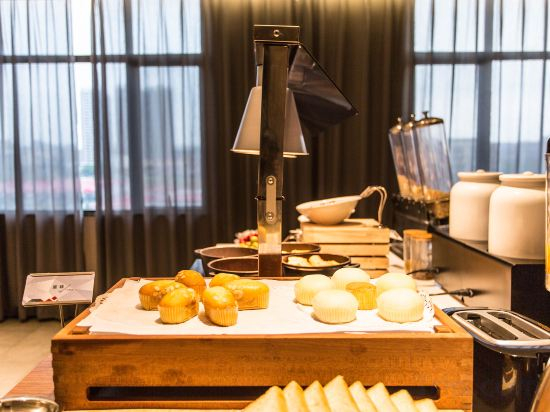
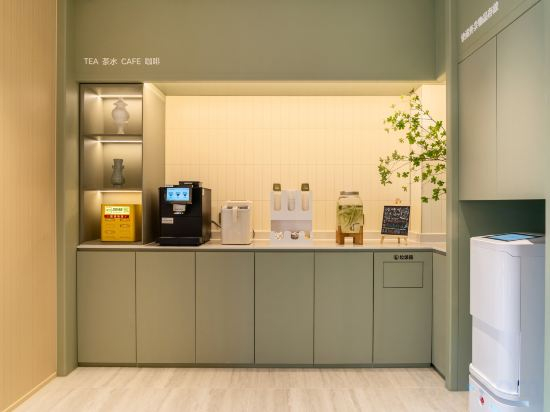
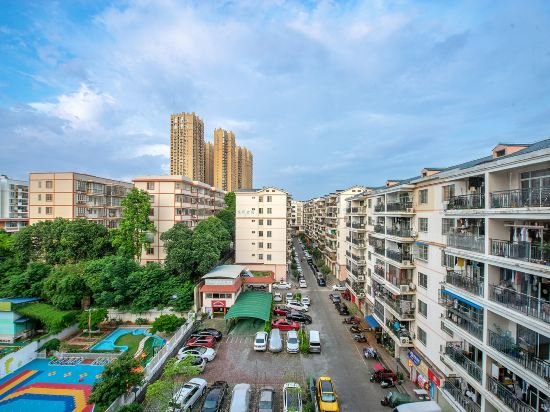
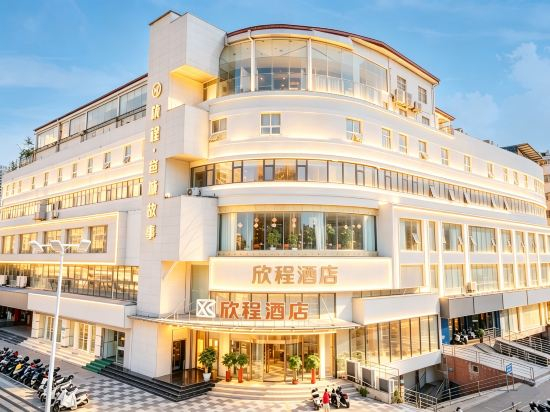


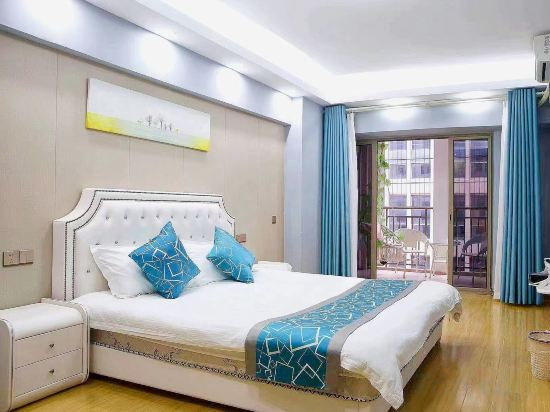
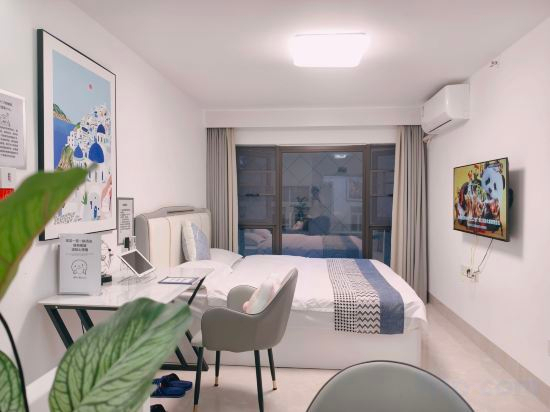
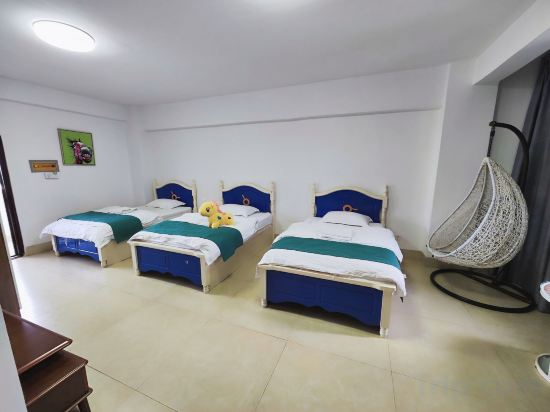
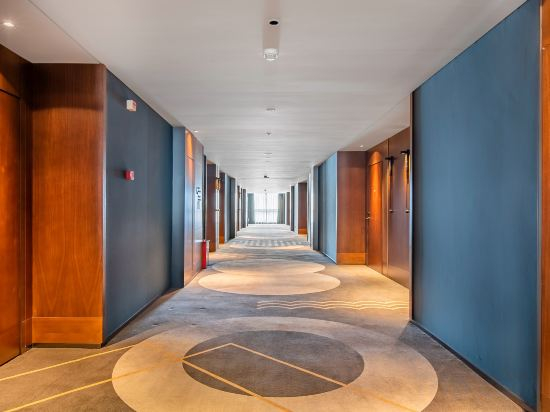
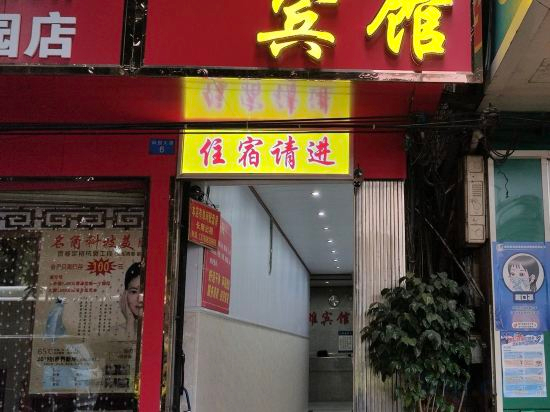

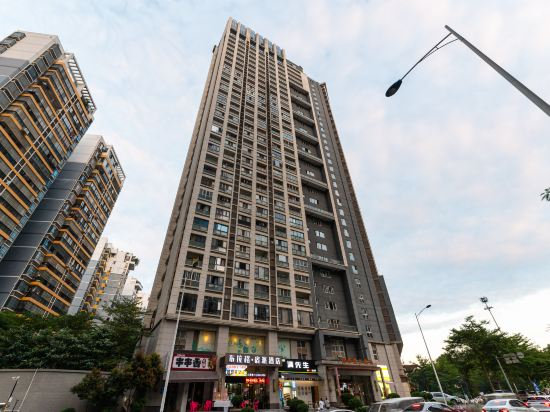
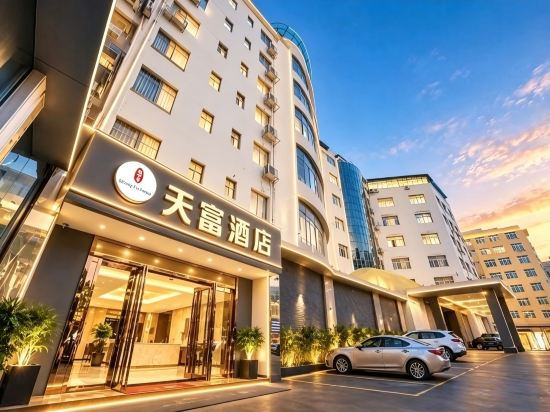
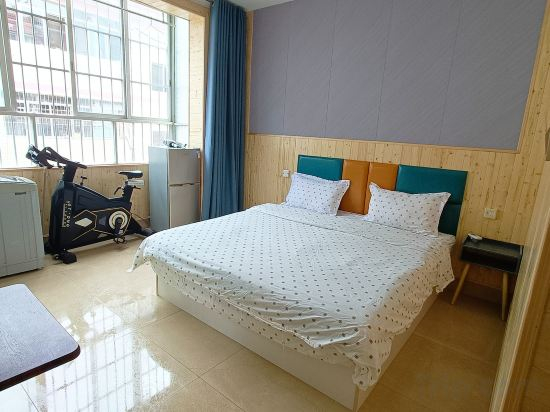
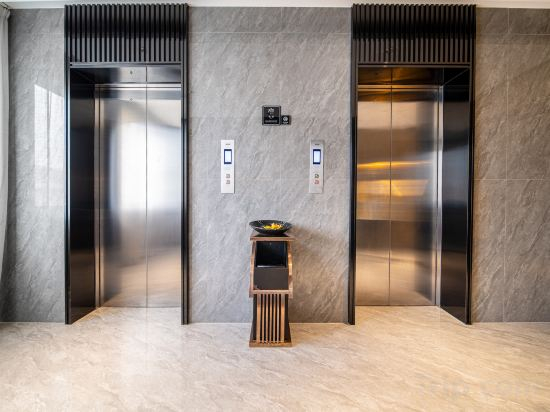
Kelaixuan Homestay (Nanning Carls Morgan International Branch)
Namei Hotel (Nanning Beihu International Automobile City)
Libai Hotel (Nanning Chaoyang Square Subway Station Yongzhou Ancient City)
Nanning LoTin Hotel (Nanning Jianshe Road Sha Tin Metro Station)
Xincheng Hotel
宜尚酒店南宁万象城东盟商务区店
宜尚酒店南宁万象城东盟商务区店 offers top-notch services and amenities, ensuring guests experience utmost comfort. Share your photos and respond to emails at your convenience, thanks to the free Wi-Fi internet access offered by hotel.Traveling with minimal luggage is achievable at 宜尚酒店南宁万象城东盟商务区店 due to the hotel's laundry service ensuring your garments stay fresh. Room amenities feature daily housekeeping, allowing you to unwind and make the most of your visit.Each accommodation at 宜尚酒店南宁万象城东盟商务区店 is thoughtfully created and adorned to provide visitors with a comfortable, home-like atmosphere. In select rooms of the hotel, guests can enjoy the advantage of having air conditioning available for their convenience. Begin your holiday on a high note. At 宜尚酒店南宁万象城东盟商务区店, your mornings are greeted with a delightful, free breakfast.
See detailsCloud Inn
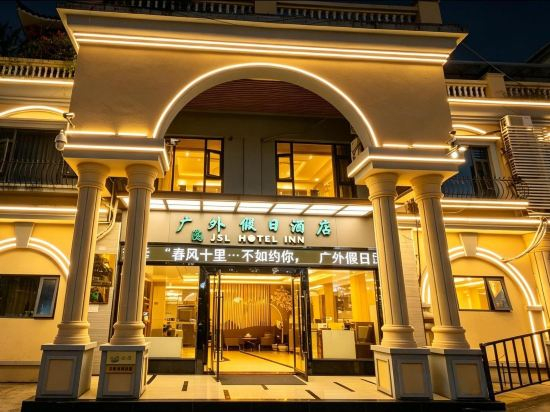
Nanning Guangwai Holiday Hotel
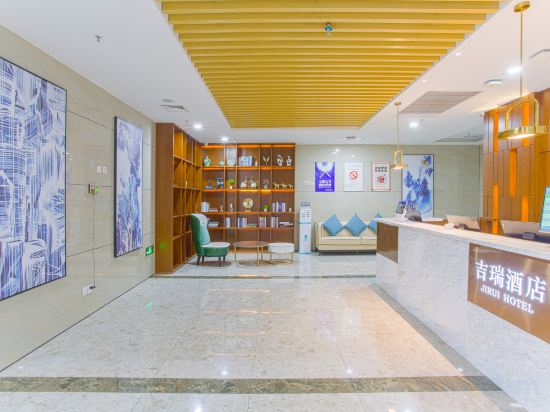
Giri Hotel
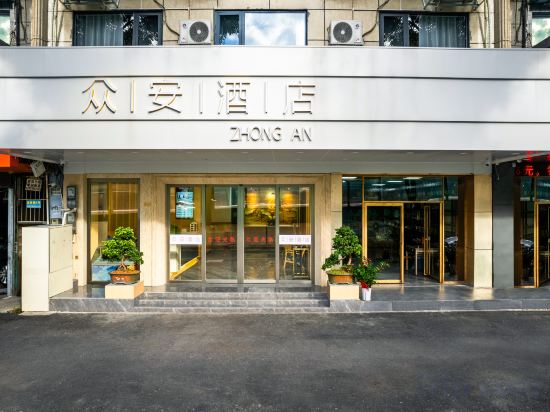
Nanning · Zhong'an Max Premium Audio-Visual Hotel (Jiangnan Wanda Plaza Tingzi Pier)
Nanning Mixc · Mingguoguo E-sports Apartment
Shuman Space Homestay
Nanning Zhulin Elegant Restaurant Apartment
Tianlongwan Yiyue Hotel(Nanning Guangxi University Branch)
Nanning Kangxiong Hotel
UFUN Hotel (Nanning Jiangnan Wanda Plaza Pingxi Night Market)
Prague Supai Hotel (Nanning East Railway Station)
Tianfu hotel
Yujian Apartment (Nanning Fuxing Food Street Dongfang Plaza)
Unitour Hotel (Guangxi Jingcha Xueyuan Xianhu Xiaoqu)
Hotels in Nanning
Don't feel hesitant to book hotels in Nanning at tiket.com! We'll make sure to provide all conveniences you need when doing a room reservation. Book your favourite hotel now only at tiket.com!

How to Book Hotels on tiket.com
1. Find the hotelEnter the name of the city, area, or hotel to find the place you want.
2. Select a roomOn the hotel detail page, you will see the available room options. Select a room that suits your needs.
3. Complete the booking detailsInput the contact details (the person who will be contacted by tiket.com and the hotel about the booking) and the guests’ details.
4. Select Add-onsYou can also buy additional services such as meal packages, transportation, and many more.
5. Pay your bookingSelect the payment method and complete your transaction. Don’t forget to use the promo code to get a cheaper hotel price at tiket.com.
6. Get the reservation e-voucherAfter the payment is successful, the e-voucher will be available on the Your Orders menu and sent to the email listed in the contact details.