



Hotels in Shenzhen
Showing 4.000+ hotels in Shenzhen
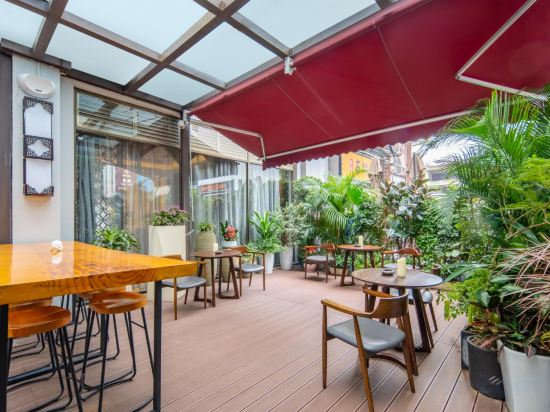
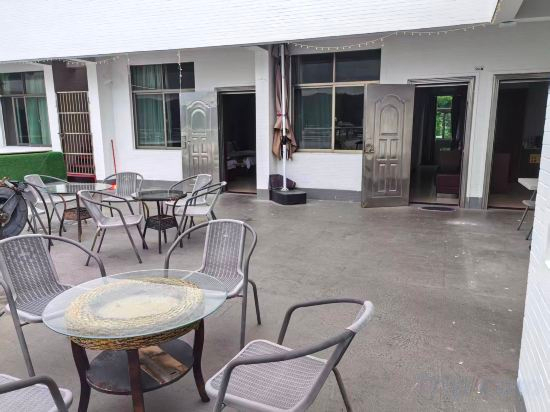
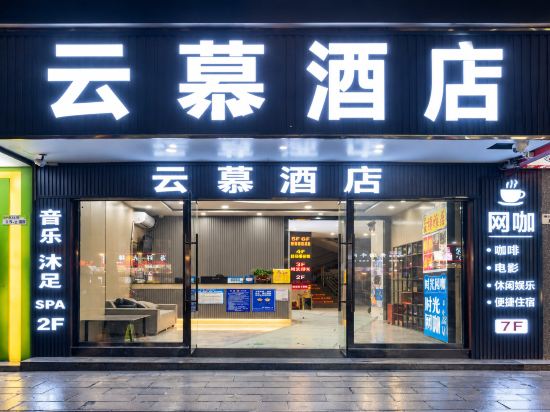
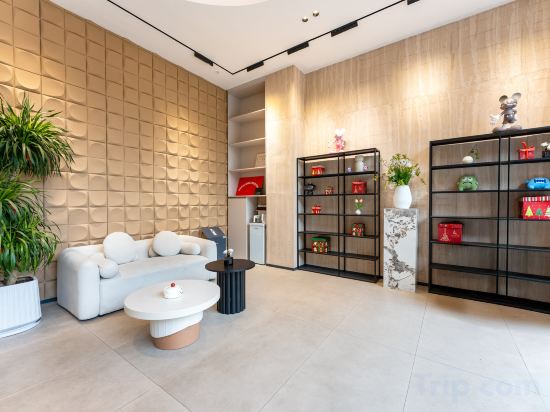
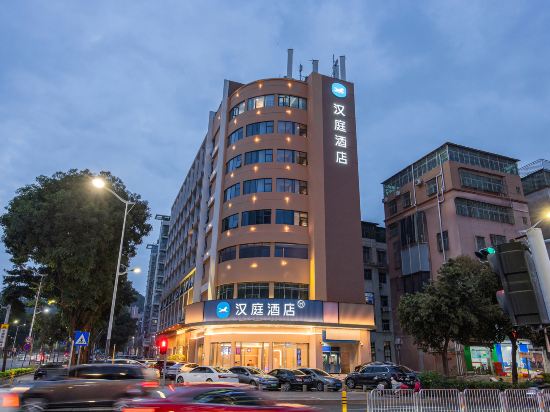
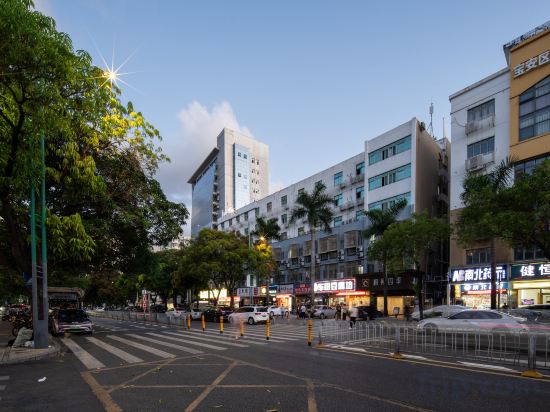
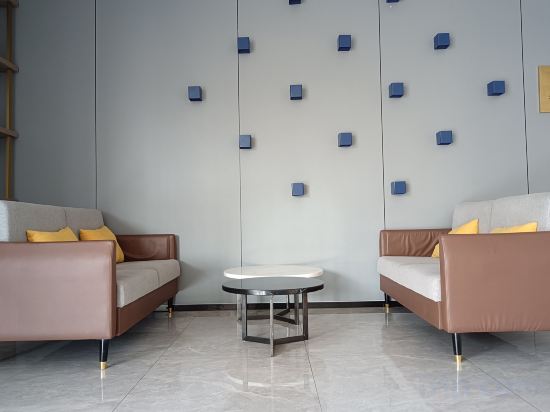
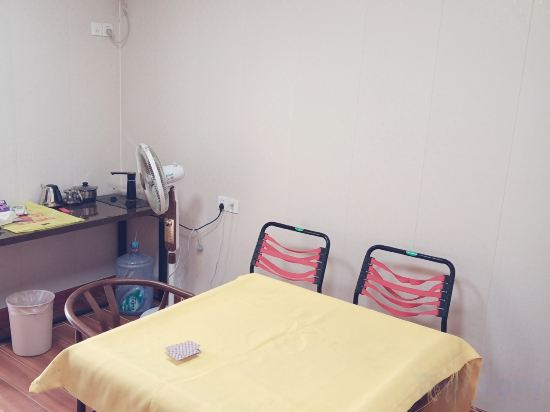

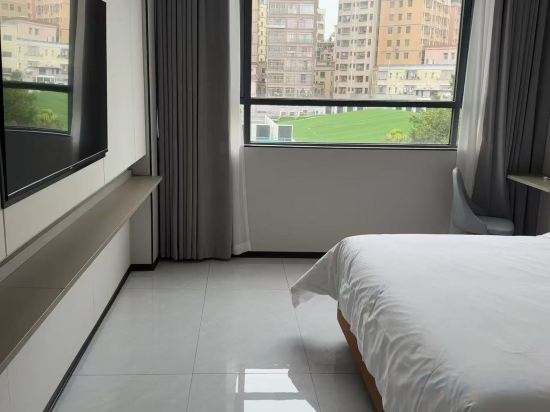

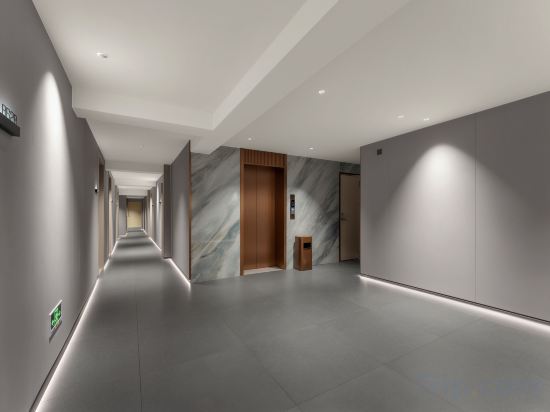
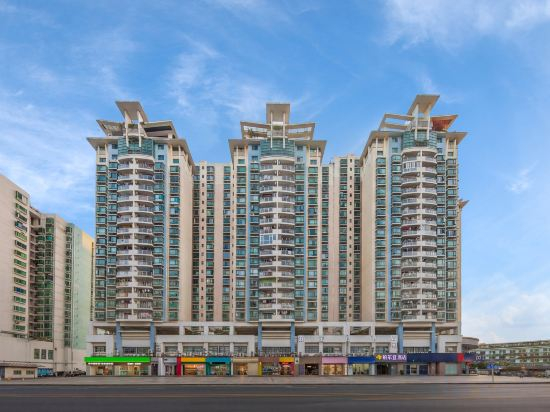
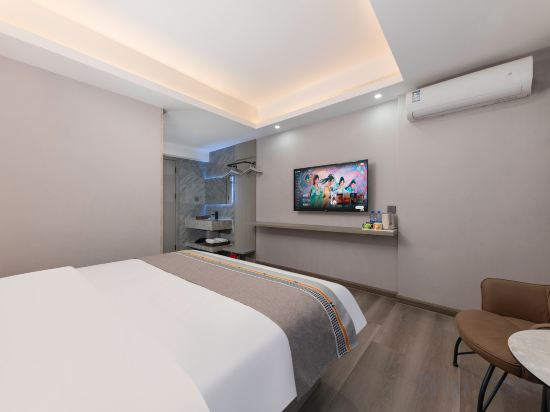
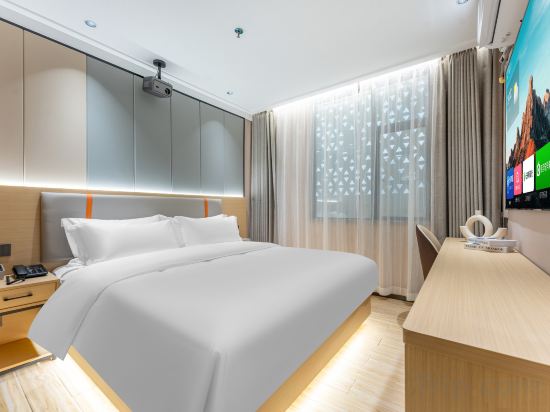
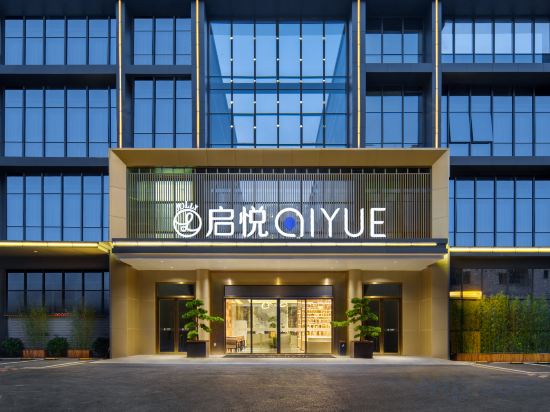

Shenzhen Ronghuali Jing Hotel (Yingbin Road Branch, Dapeng Subdistrict)
Meiqiu M Hotel
Moomian Bay Audio-Visual Apartment Hotel (World Window Baishizhou Metro Station Branch)
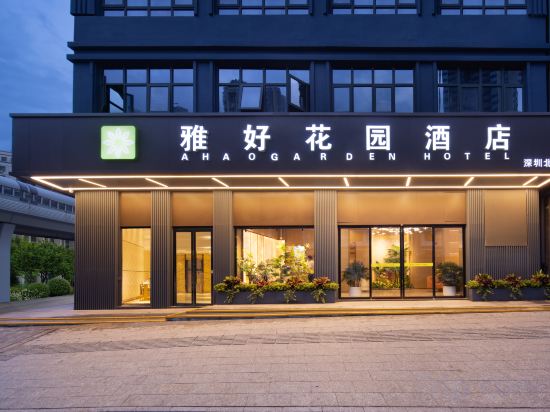
Elegant Good Garden Hotel (Shenzhen North Station Hotel)
Qihang party seascape Guesthouse
Shenzhen Yunmu Hotel (Minzhi Subway Station Shenzhen North Railway Station)
Yishan County Hotel Apartments (Yuyuan Subway Station Branch)
HanTing Shenzhen Dayun New Town Huanggekeng Subway Station Hotel
Seasons Hotel (Shenzhen Baoan Turning Subway Station Branch)
7Days Inn Premium Hotel (Shenzhen Kuiyong)
Elong ME Hotel (Shenzhen Gankeng Subway Station Hakka Town)
Qifei · Lanxu | DESIGNER Audio-Visual Residence (Shenzhen Nanshan Raffles City Mall)
Changheng Garden Hotel (Shenzhen Gongming Square Shangcun Subway Station)
Tianlu Tianlai Forest Bath Homestay
Wangyu E-Sports Hotel (Shenzhen Xintangwei Subway Station)
Bourdon Hotel (Shenzhen Coastal City Nanshan Bookstore Metro Station Branch)
MiLan HOTEL
Hilman Hotel
Qiyue Hotel Shenzhen (Longgang Nanlian Subway Station)
Qitingwan Camping Hotel
Hotels in Shenzhen
Don't feel hesitant to book hotels in Shenzhen at tiket.com! We'll make sure to provide all conveniences you need when doing a room reservation. Book your favourite hotel now only at tiket.com!

How to Book Hotels on tiket.com
1. Find the hotelEnter the name of the city, area, or hotel to find the place you want.
2. Select a roomOn the hotel detail page, you will see the available room options. Select a room that suits your needs.
3. Complete the booking detailsInput the contact details (the person who will be contacted by tiket.com and the hotel about the booking) and the guests’ details.
4. Select Add-onsYou can also buy additional services such as meal packages, transportation, and many more.
5. Pay your bookingSelect the payment method and complete your transaction. Don’t forget to use the promo code to get a cheaper hotel price at tiket.com.
6. Get the reservation e-voucherAfter the payment is successful, the e-voucher will be available on the Your Orders menu and sent to the email listed in the contact details.