



Hotels in Shenzhen
Showing 4.000+ hotels in Shenzhen
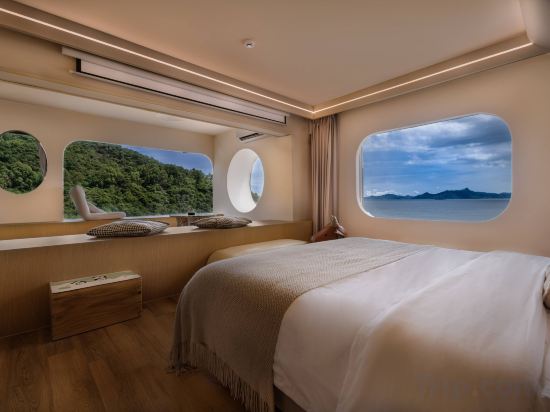
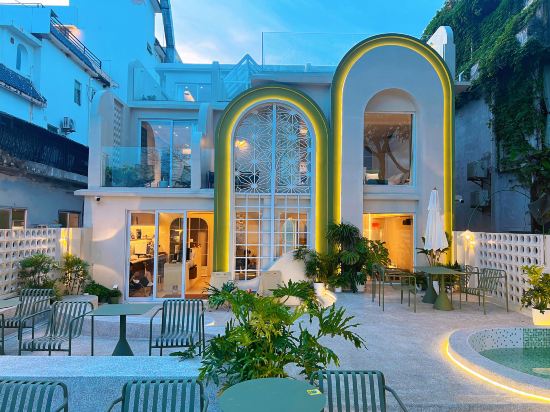
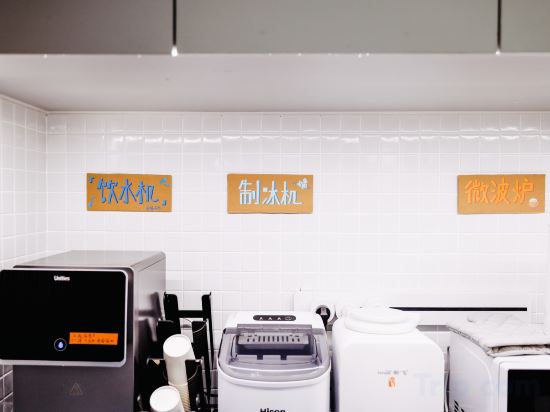
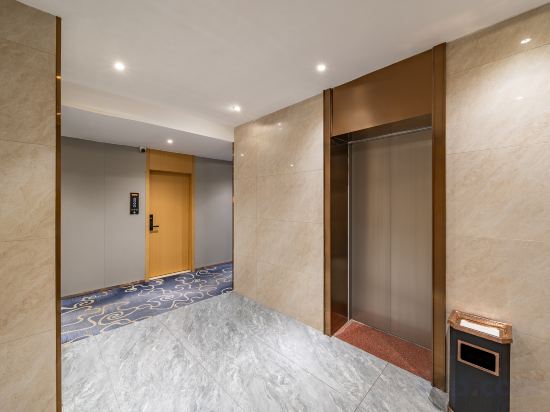
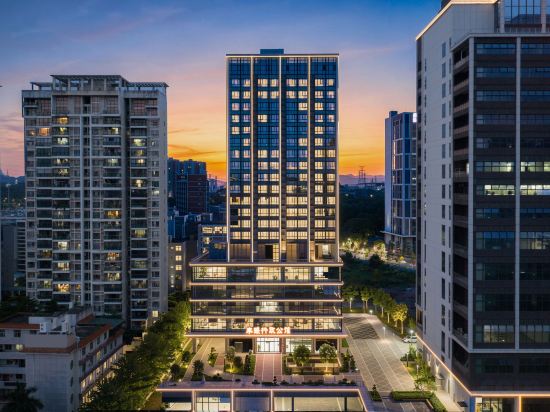
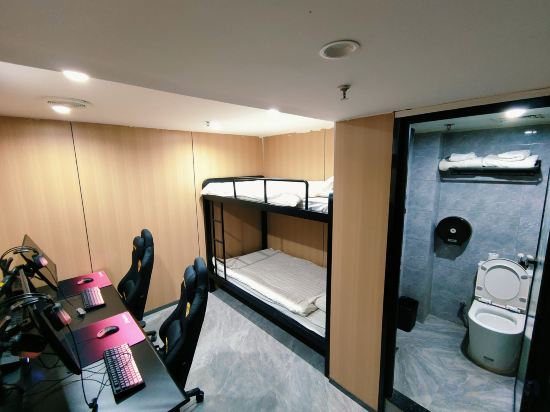
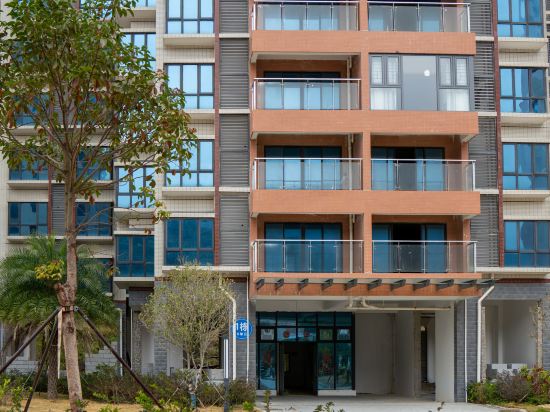

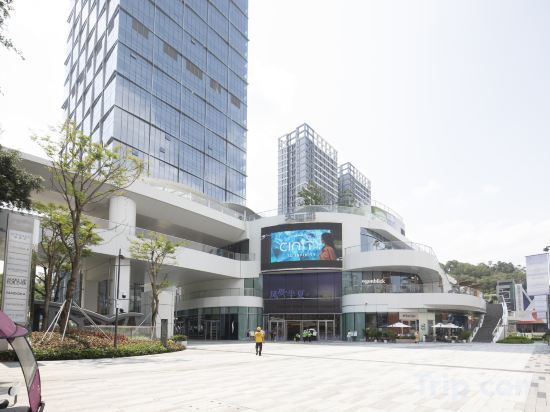

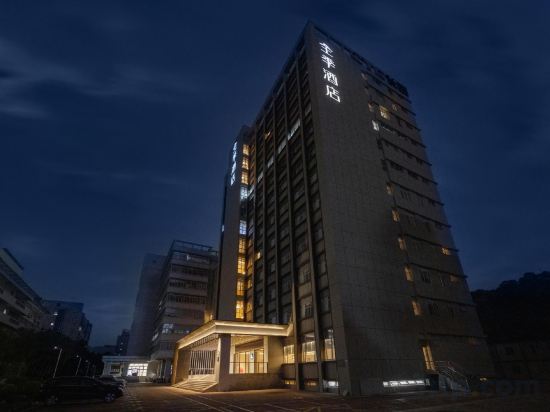
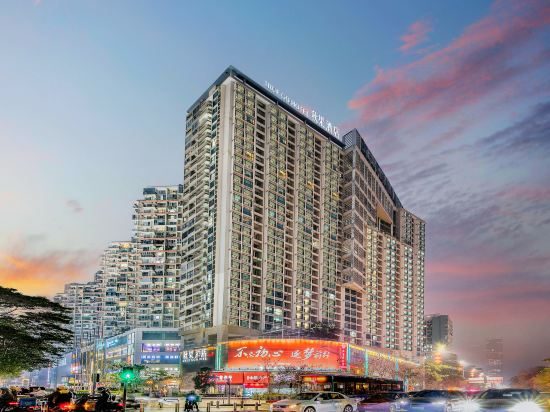
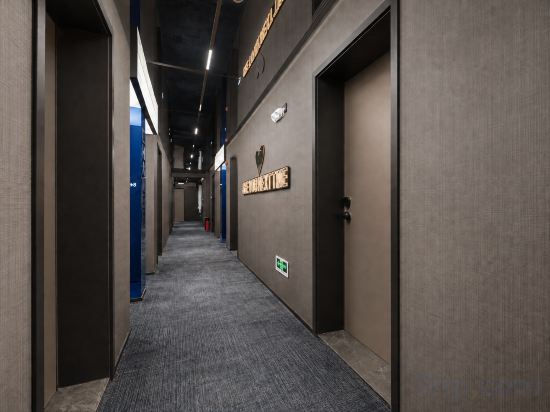
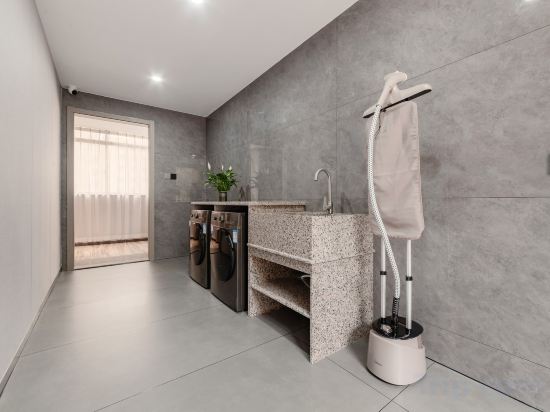
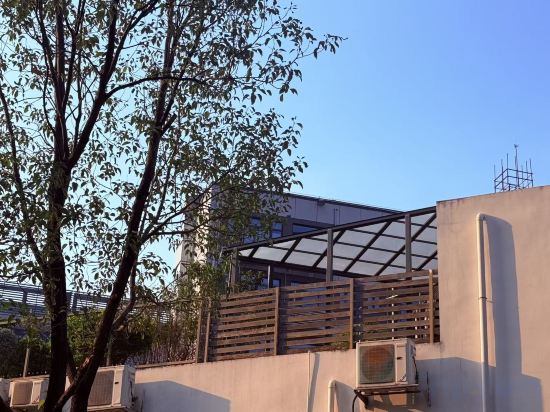
Aurora Boutique Apartment (Shenzhen Futian Qiaoxiang Branch)
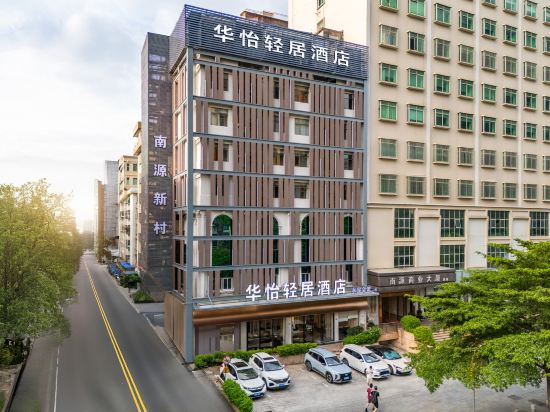
Huayi Qingju Hotel (Shenzhen North Railway Station)
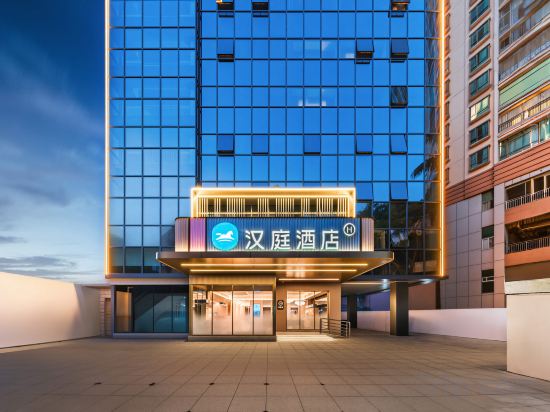
HanTing Shenzhen Dongmen Shaibu Subway Station Hotel
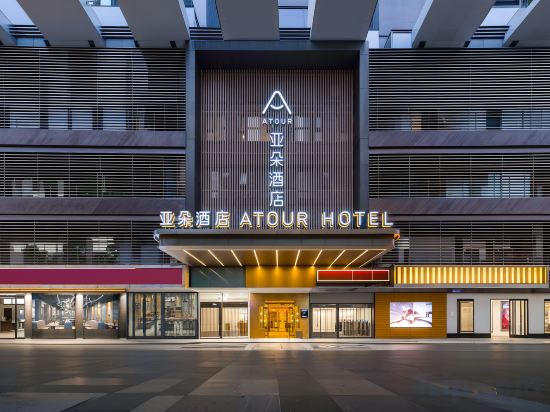
Atour Hotel Shenzhen Futian CBD Gangxia North Subway Station
Akanara Liulihai Resort
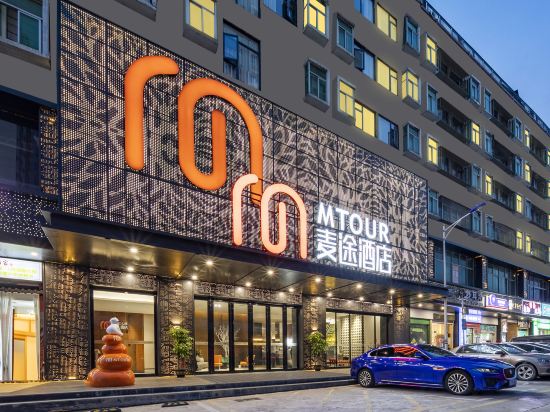
Maitu Hotel
Yedao Oasis Seaview Homestay
Tiaohai Living Hotel (Nantou Ancient City Branch)
Time Esports Hotel (Shenzhen Longhua Dalang Commercial Center Branch)
Fengjing·Relaxing space Executive Residences (shenzhenGuanlan Guhuyuan Branch)
Seven Number E-sports Apartment (Dafen Subway Station)
Yanqiu · Secret Realm Boutique Stay
THELIAN HOTEL
Anhao Executive Apartment (Luohu Tianhecheng Shopping Center)
UFEEL· CLOUDSCAPE SEREN HOTEL(MixC Market Hall Sungang Metro Station))
Ji Hotel (Shenzhen Nanshan Science and Technology Park Gaoxinzhong Metro Station)
TRUE GO X Hotel (Shenzhen Nanshan Garment Wholesale City Nanyou Subway Station)
Chenji Mercure Hotel (Shenzhen Convention & Exhibition Center Chegongmiao Subway Station)
Jinsixi Jiangnan Hotel (Dongguan Chang'an Branch)
Shenzhen Platxi · Service Apartment (Mission Hills Fucheng Tianhong)
Hotels in Shenzhen
Don't feel hesitant to book hotels in Shenzhen at tiket.com! We'll make sure to provide all conveniences you need when doing a room reservation. Book your favourite hotel now only at tiket.com!

How to Book Hotels on tiket.com
1. Find the hotelEnter the name of the city, area, or hotel to find the place you want.
2. Select a roomOn the hotel detail page, you will see the available room options. Select a room that suits your needs.
3. Complete the booking detailsInput the contact details (the person who will be contacted by tiket.com and the hotel about the booking) and the guests’ details.
4. Select Add-onsYou can also buy additional services such as meal packages, transportation, and many more.
5. Pay your bookingSelect the payment method and complete your transaction. Don’t forget to use the promo code to get a cheaper hotel price at tiket.com.
6. Get the reservation e-voucherAfter the payment is successful, the e-voucher will be available on the Your Orders menu and sent to the email listed in the contact details.