



Hotels in Shenzhen
Showing 4.000+ hotels in Shenzhen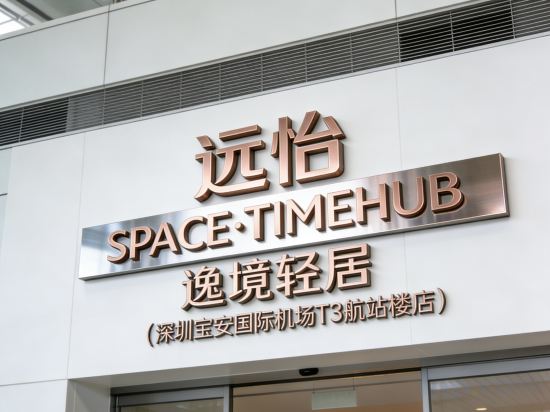
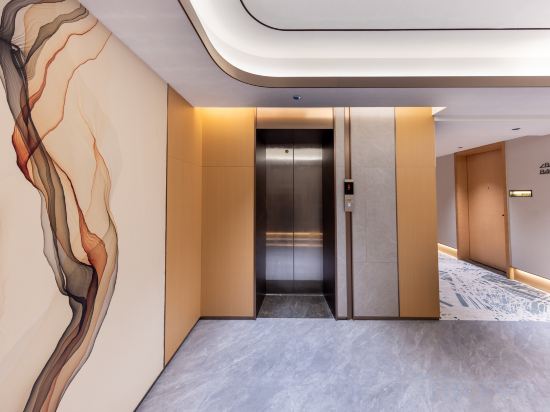

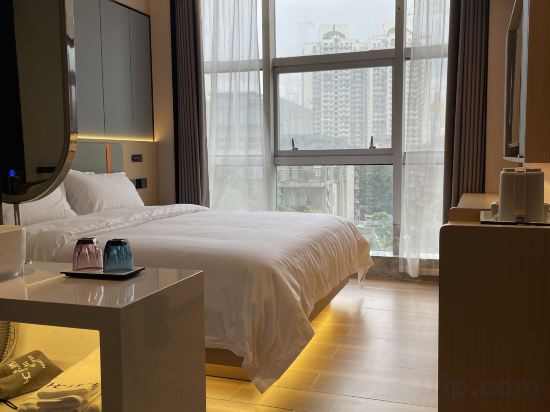

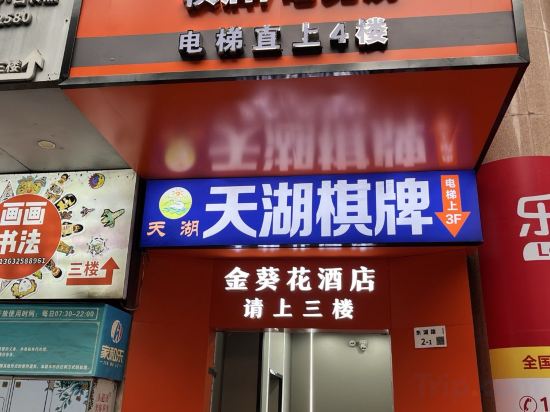
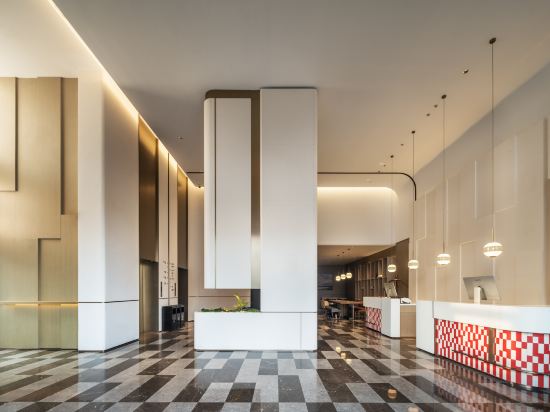
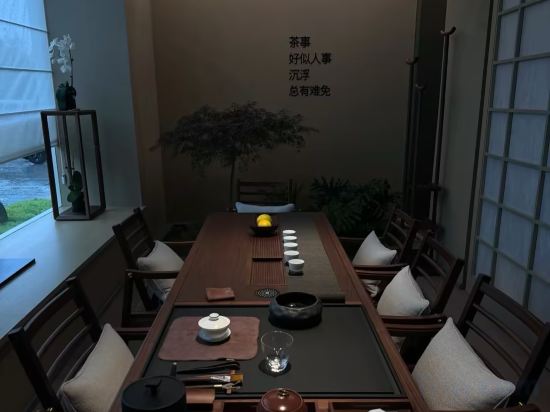



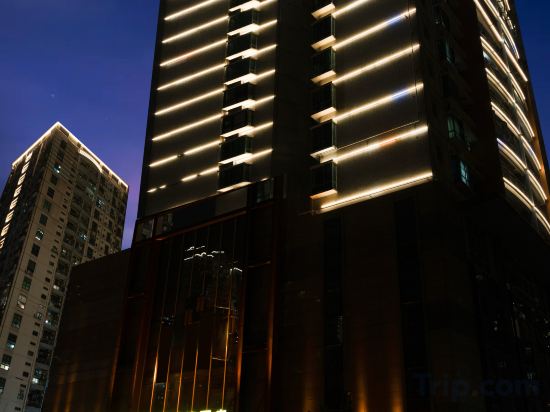
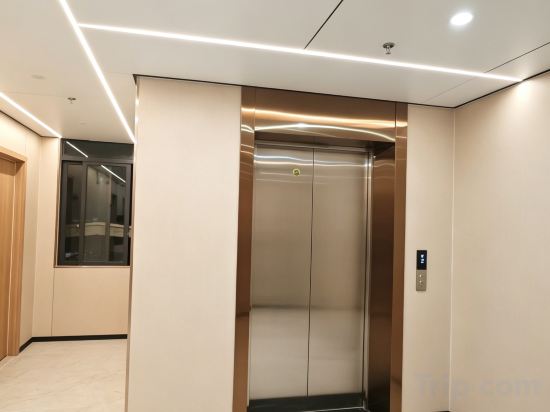

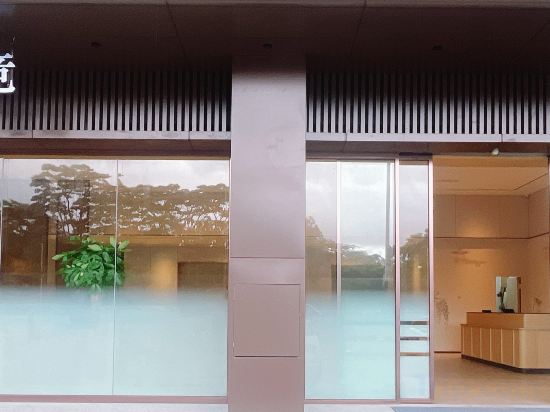
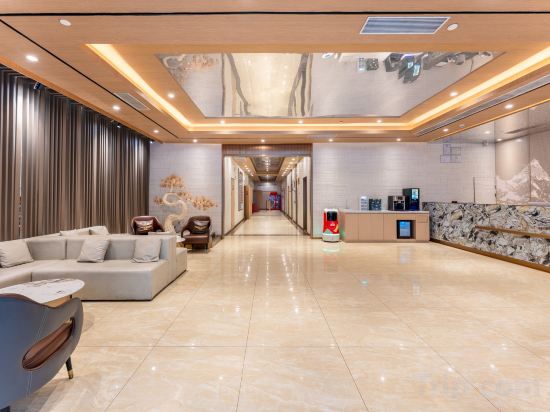
Yuanyi Hotel (Bao'an Airport T3 Branch)
Elong Hotel (Shenzhen Zhongying Street Shatoujiao Metro Station Branch)
Quanji Shenzhen Qinghu Metro Station Hotel
HuanCheng Hotel((Shenzhen Dongmen Old Street MixC Store))
Langhua Audio-Video · High-Altitude Skyline Cityscape | City·View Residence
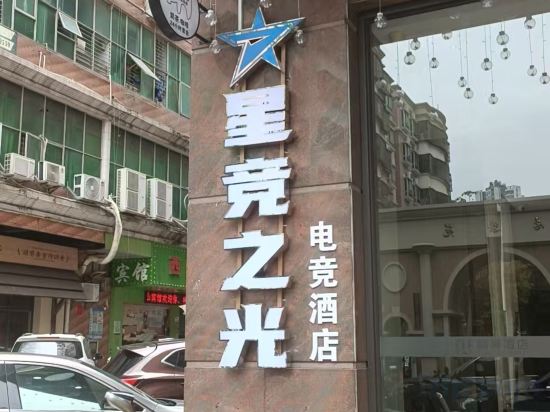
Starlight E-Sports Hotel (Songgang Park Subway Station Zhaoli Shopping Center)
Shenzhen Huoying Esports (Buxin)
Shenzhen Jiaduo GLaDoRe Hotel (Songgang Jiayang Lin Shopping Center)
7Days Inn Hotel (Shenzhen Chegongmiao Zhongzhou Bay)
Summer Hotel Shenzhen
AN YU Hotel(Shenzhen Bao'an International Airport Store)
Octopus E-Sports Hotel
Xihai Meiju Scenic Apartment (Nan'ao First Beach)
RANY Hotel (Shenzhen Convention and Exhibition Center Huanggang Port)
SHEN ZHEN BENADE HOTEL
Yipin Mansion (Dongguan Huangjiang Dapingzhang Forest Park)
Hongyuan Shenghai Hotel
Koi IDEA e-sports hotel (Shenzhen Putian Hi-tech Industrial Park)
Lingke · ALIENWARE Alien E-Sports Hotel (Shenzhen Luohu Port Dongmen Old Street)
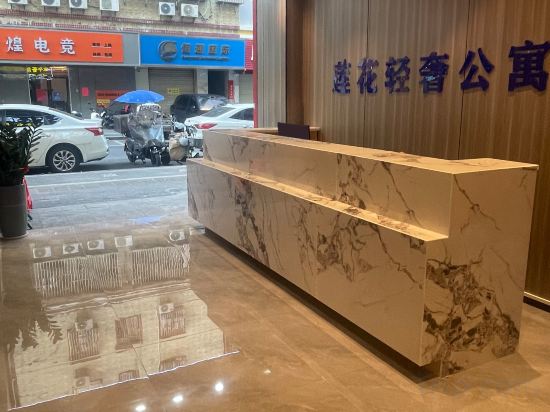
Lianhua Yingyin Light Luxury Apartment (Shenzhen Bao'an International Airport Fuyong Subway Station)
Hotels in Shenzhen
Don't feel hesitant to book hotels in Shenzhen at tiket.com! We'll make sure to provide all conveniences you need when doing a room reservation. Book your favourite hotel now only at tiket.com!

How to Book Hotels on tiket.com
1. Find the hotelEnter the name of the city, area, or hotel to find the place you want.
2. Select a roomOn the hotel detail page, you will see the available room options. Select a room that suits your needs.
3. Complete the booking detailsInput the contact details (the person who will be contacted by tiket.com and the hotel about the booking) and the guests’ details.
4. Select Add-onsYou can also buy additional services such as meal packages, transportation, and many more.
5. Pay your bookingSelect the payment method and complete your transaction. Don’t forget to use the promo code to get a cheaper hotel price at tiket.com.
6. Get the reservation e-voucherAfter the payment is successful, the e-voucher will be available on the Your Orders menu and sent to the email listed in the contact details.