



Hotels in Xiangxi Tujia and Miao
Showing 668 hotels in Xiangxi Tujia and Miao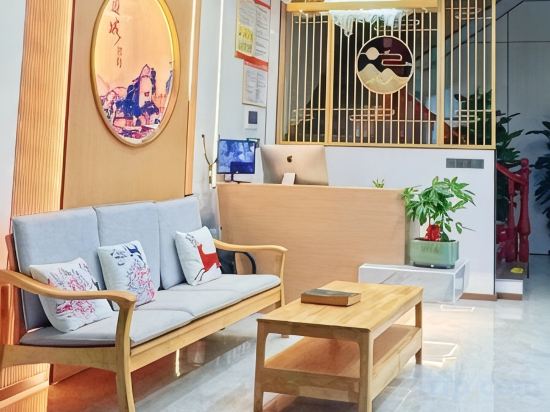



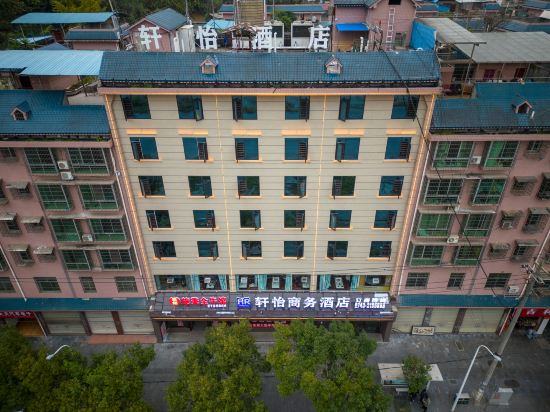
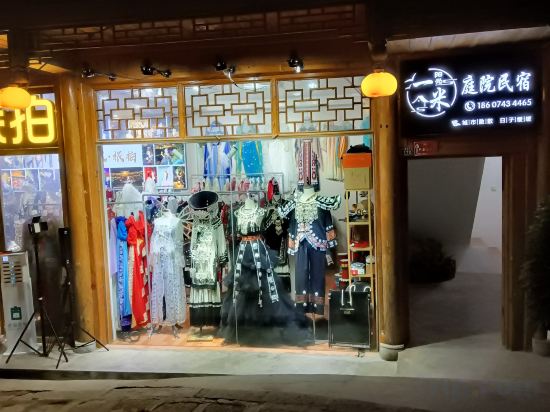
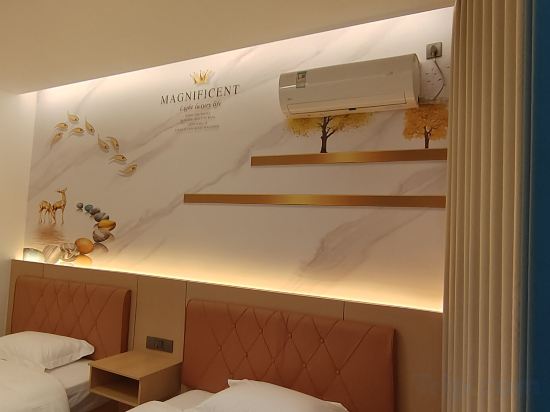
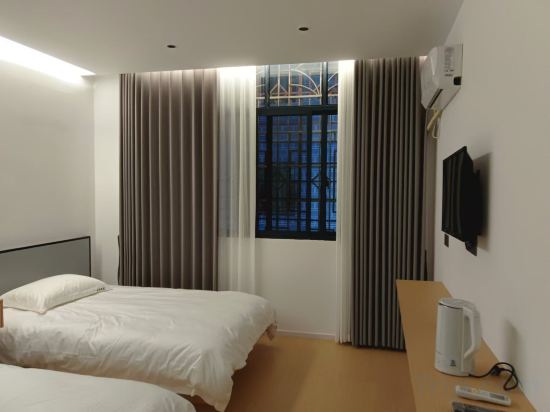
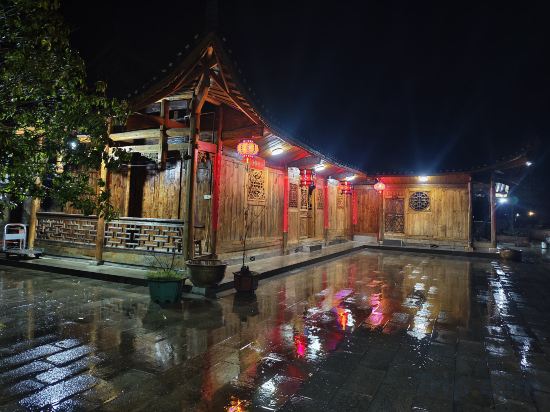
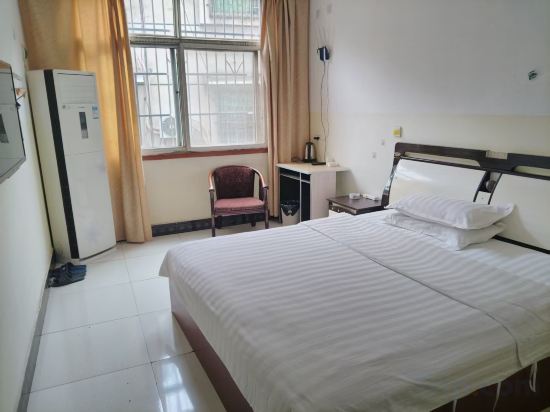
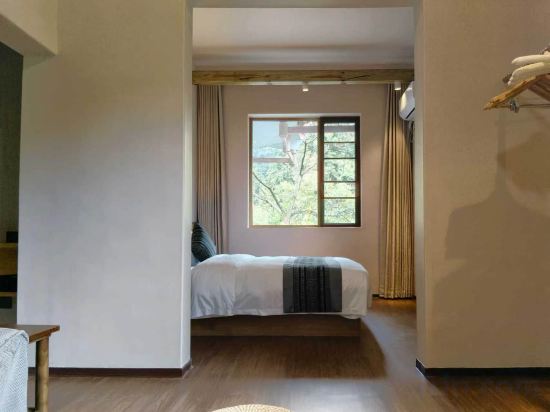
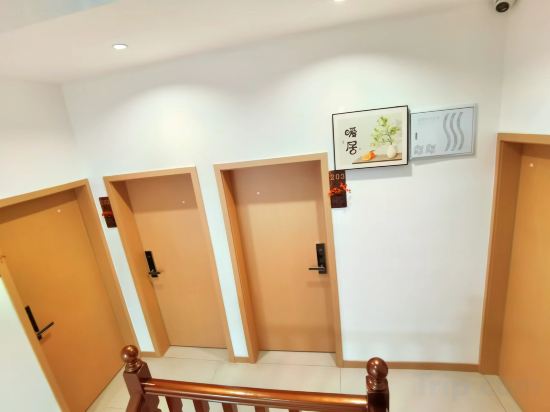
BianchenYoujia · Life Luxury Leisure Vacation Homestay (Border City Chatong Scenic Area)
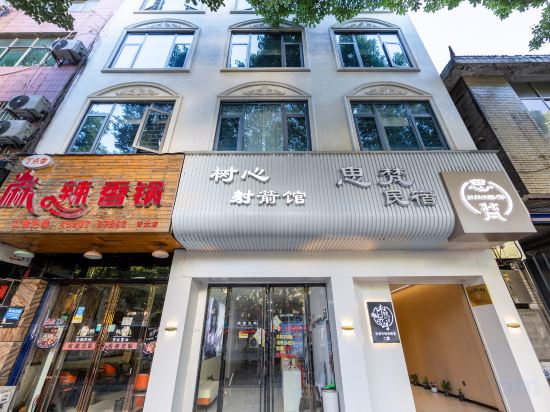
Sifan Homestay (Jishou University Shazi'ao Campus)
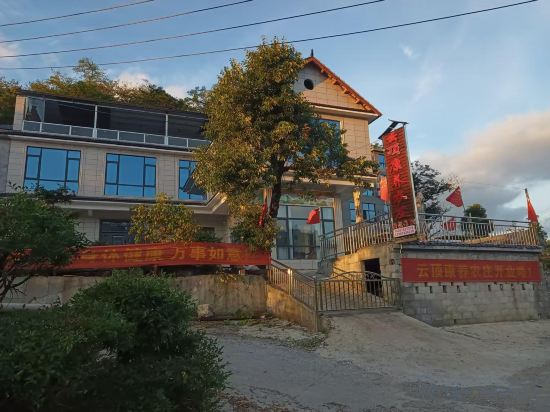
Yunding Health Farm · Yunqi Courtyard (Bamian Mountain Branch)
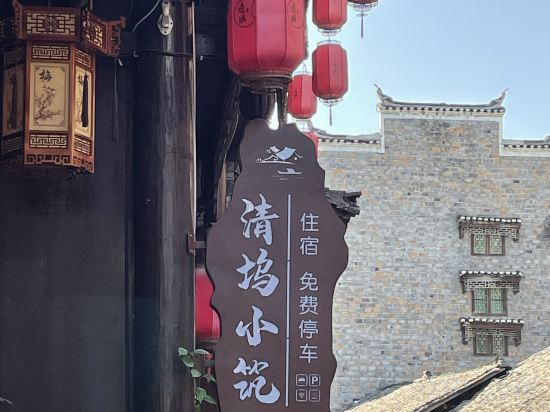
Qingwu · Lumina · Ancient Alley Huaxi Residence (Border City Chatong Scenic Area)
Youjia Courtyard Homestay (Furong Town)
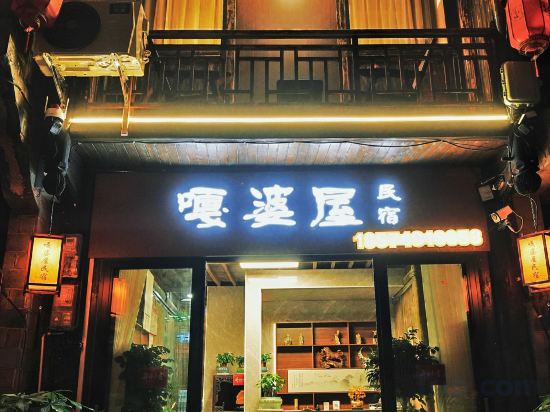
Gapowu Homestay (Border City Chatong Scenic Area)
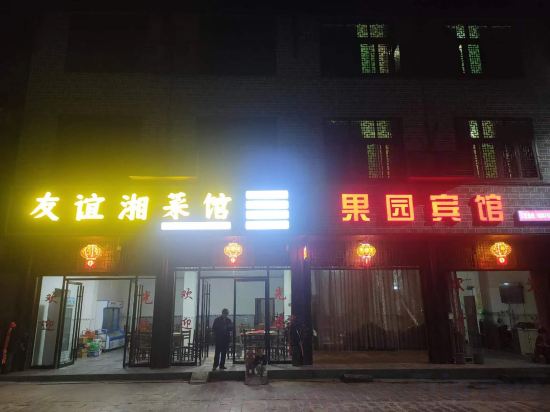
Guoyuan Hotel (Border Town Tea Cave Scenic Area Branch)
Laochengwai Chinese Inn (Border City Chatong Scenic Area)
Shiqi Hotel (Jishou City Government Branch)
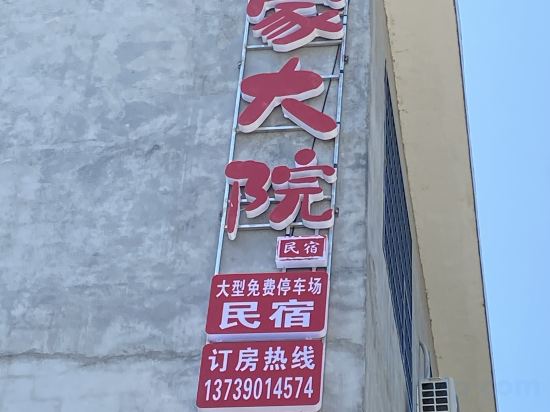
Zhou's compound
Qingtian Homestay (Border City Chatong Scenic Area)
Junyi Business Hotel (Jishou Private Community Building Materials Home Furnishing Exhibition Center)
One meter Sunshine Courtyard Homestay in Furong Town
Mingrenju Homestay (Border City Chatong Ancient Town)
Dongxiu Homestay (Hong'an Biancheng Scenic Area)
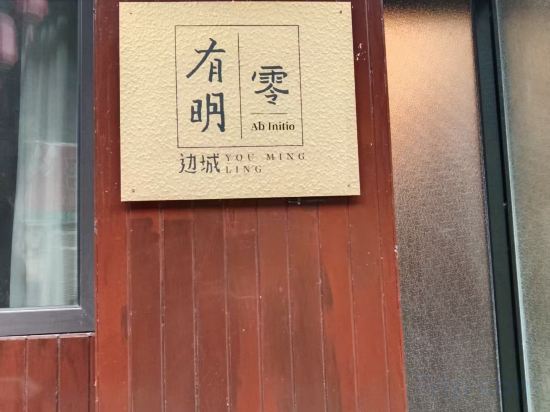
Youming Zero Homestay (Tea Town Border Town Scenic Area Branch)
Hutian Shiguang Homestay (Xiangxi Shengnü Lake)
Huayuan Hongfa Hotel
Xiaoxi Mountain Lodge
Bianzhicheng Rugui Homestay (Hong'an Border Town Scenic Area)
Hotels in Xiangxi Tujia and Miao
Don't feel hesitant to book hotels in Xiangxi Tujia and Miao at tiket.com! We'll make sure to provide all conveniences you need when doing a room reservation. Book your favourite hotel now only at tiket.com!

How to Book Hotels on tiket.com
1. Find the hotelEnter the name of the city, area, or hotel to find the place you want.
2. Select a roomOn the hotel detail page, you will see the available room options. Select a room that suits your needs.
3. Complete the booking detailsInput the contact details (the person who will be contacted by tiket.com and the hotel about the booking) and the guests’ details.
4. Select Add-onsYou can also buy additional services such as meal packages, transportation, and many more.
5. Pay your bookingSelect the payment method and complete your transaction. Don’t forget to use the promo code to get a cheaper hotel price at tiket.com.
6. Get the reservation e-voucherAfter the payment is successful, the e-voucher will be available on the Your Orders menu and sent to the email listed in the contact details.