



Hotels in Anhui
Showing 2.000+ hotels in Anhui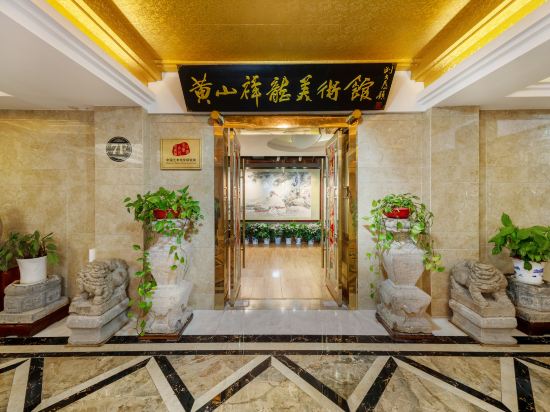
 See details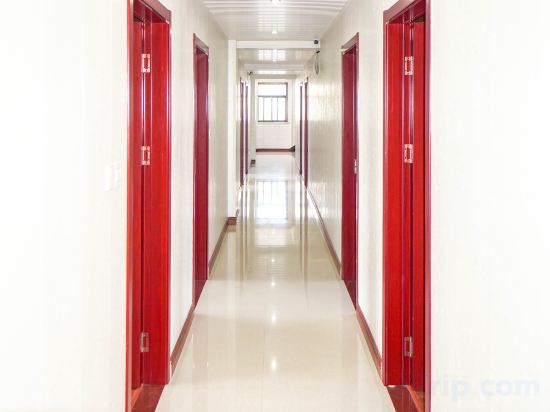
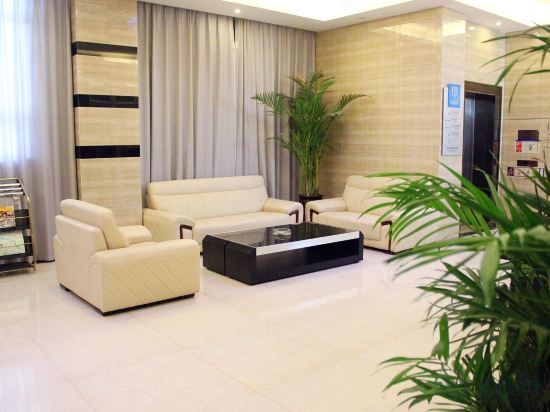

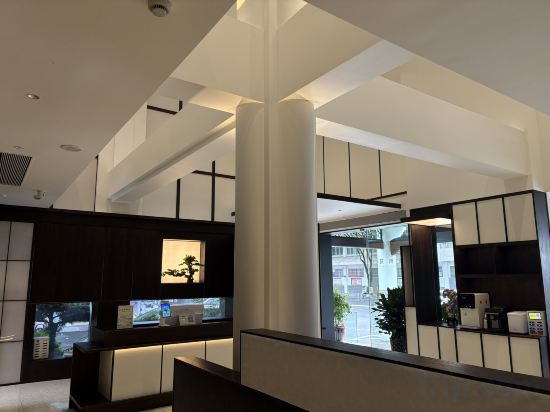
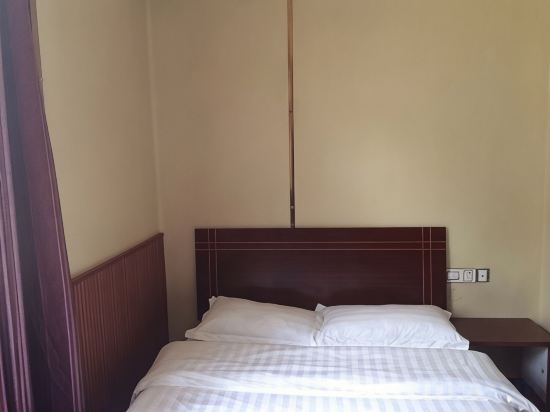
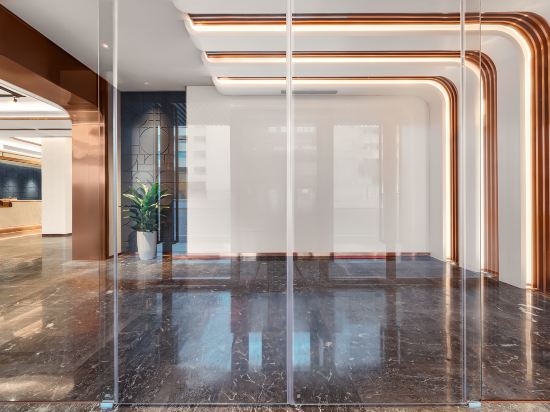

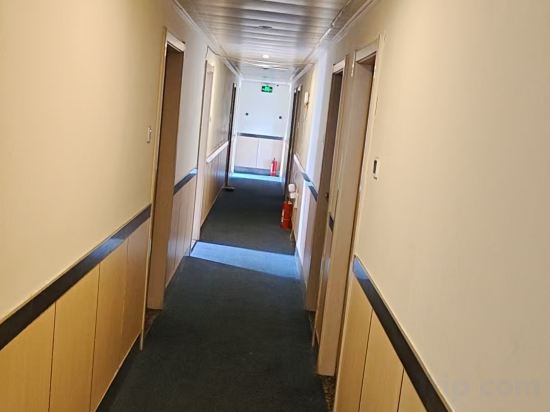
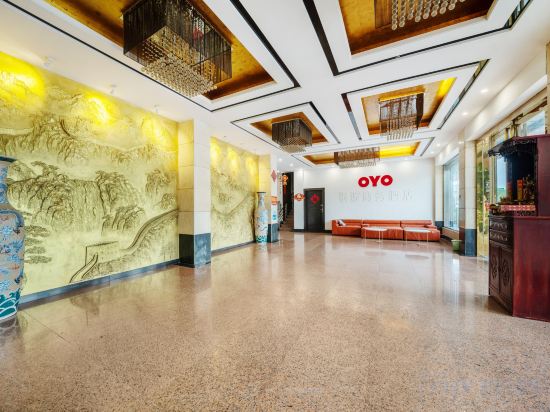
Taiping International Hotel
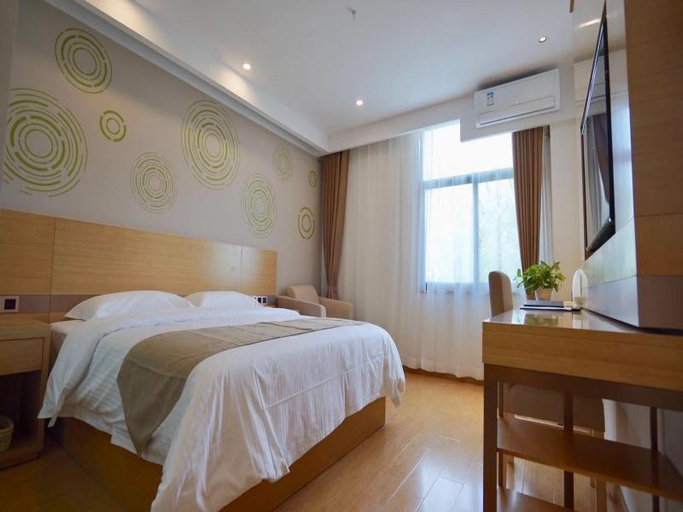
GreenTree Express Hotel (Lu'an Nanpingyuan Maotanchang Experimental Middle School)
The GreenTree Express Hotel (Lu'an Nanpingyuan Maotanchang Experimental Middle School) is an ideal spot for travelers wanting to discover the city. The GreenTree Express Hotel (Lu'an Nanpingyuan Maotanchang Experimental Middle School) offers a pleasant stay in Lu'an for those traveling for business or leisure.
The hotel is just 5km away from Lu'an Railway Station. The nearby area boasts an abundance of attractions including Lu'an Exotic Hot Spring Town, Nanshan Hot Spring Resort · Water World and Lu'an Library.
When guests have some time on their hands they can make use of the onsite facilities. Guests of this Lu'an hotel can make use of the parking facilities.
Our guests consider this hotel to have excellent service.
Xinhao Business Hotel
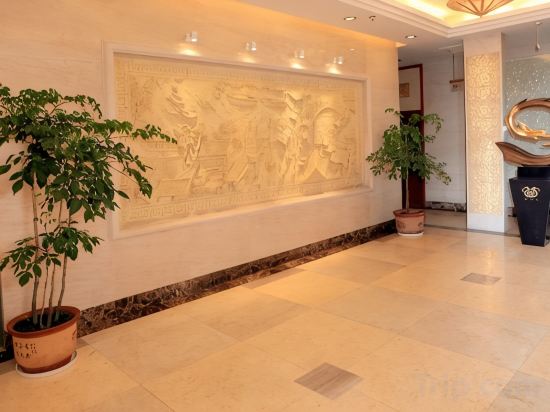
Ningguo International Hotel
Tianxianpei Boutique Hotel (Qianshan City Nanyue Road)
Ji Hotel Wuhu High-Tech Zone University Town
At Ji Hotel Wuhu High-Tech Zone University Town, exceptional service and top-notch amenities create a memorable experience for guests. Complimentary internet access is available in the hotel to ensure you stay connected during your visit.
The Laojieyuan Boutique Hotel(Huangshan Area Tunxi Old Street)
Xuancheng Huaxuan Express Hotel
Yitel Collection Hotel (Hefei Changjiang Hotel Sanxiaokou Subway Station)
Hanting Hotel Huangshan Scenic Area South Gate
Great care is taken to ensure guests experience comfort through top-notch services and amenities. Remain linked during your visit by utilizing the complimentary internet access available.
Hefei Jinrui Express Hotel (Huaihe Road Pedestrian Street)
Feidong Genyuan Hotel (Feidong High-speed Railway Station)
Hotels in Anhui
Don't feel hesitant to book hotels in Anhui at tiket.com! We'll make sure to provide all conveniences you need when doing a room reservation. Book your favourite hotel now only at tiket.com!

How to Book Hotels on tiket.com
1. Find the hotelEnter the name of the city, area, or hotel to find the place you want.
2. Select a roomOn the hotel detail page, you will see the available room options. Select a room that suits your needs.
3. Complete the booking detailsInput the contact details (the person who will be contacted by tiket.com and the hotel about the booking) and the guests’ details.
4. Select Add-onsYou can also buy additional services such as meal packages, transportation, and many more.
5. Pay your bookingSelect the payment method and complete your transaction. Don’t forget to use the promo code to get a cheaper hotel price at tiket.com.
6. Get the reservation e-voucherAfter the payment is successful, the e-voucher will be available on the Your Orders menu and sent to the email listed in the contact details.