



Hotels in Beijing
Showing 5.000+ hotels in Beijing
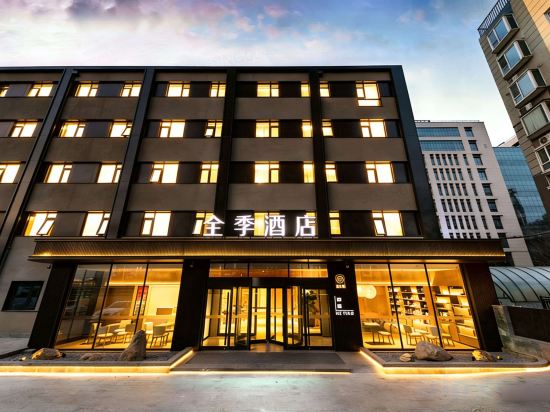
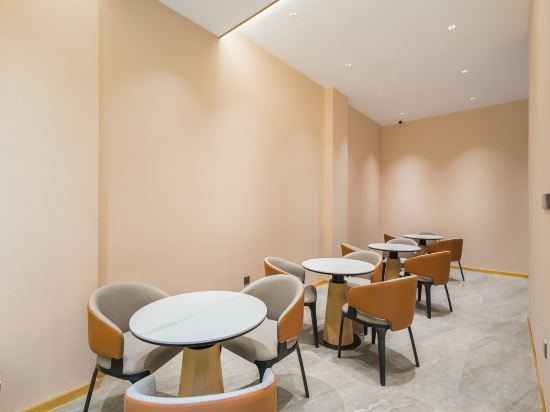
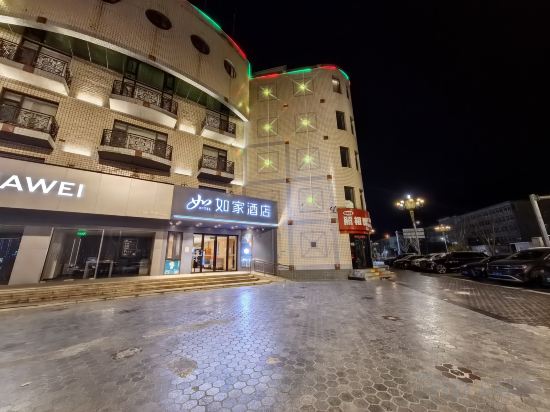
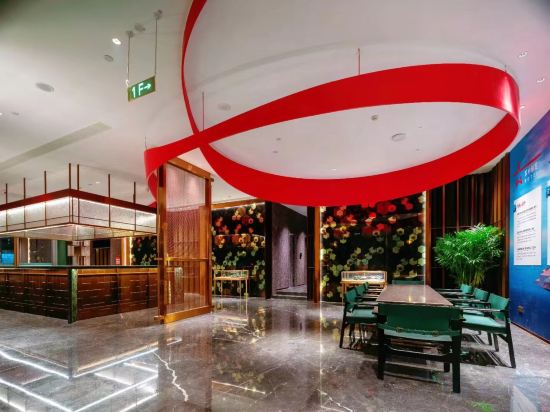
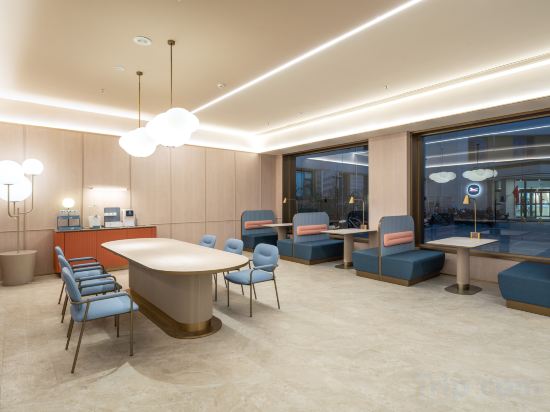
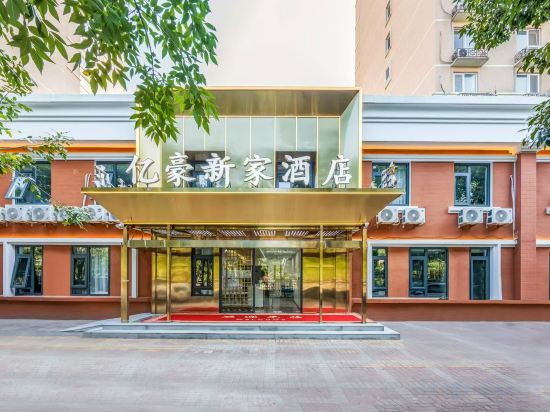

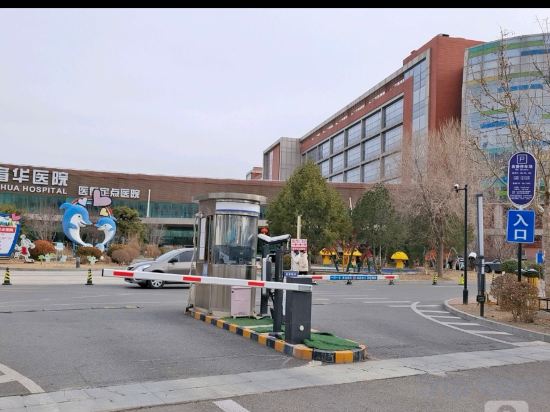
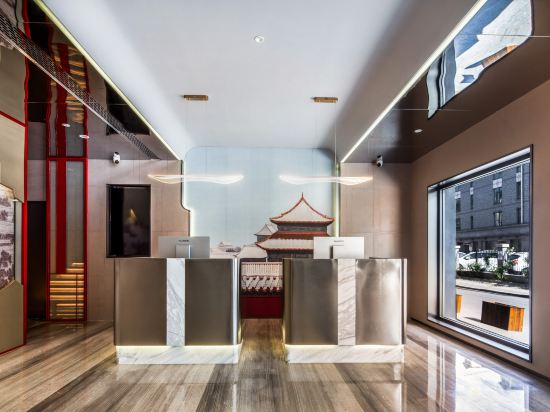
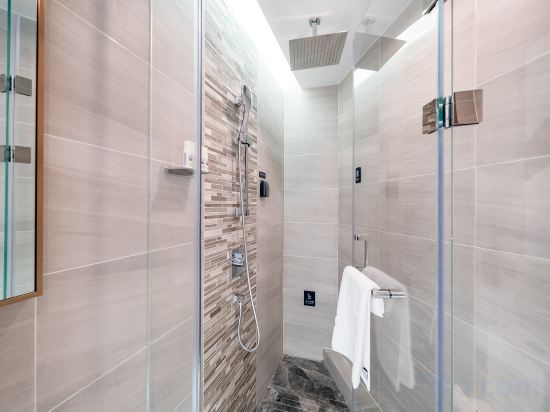
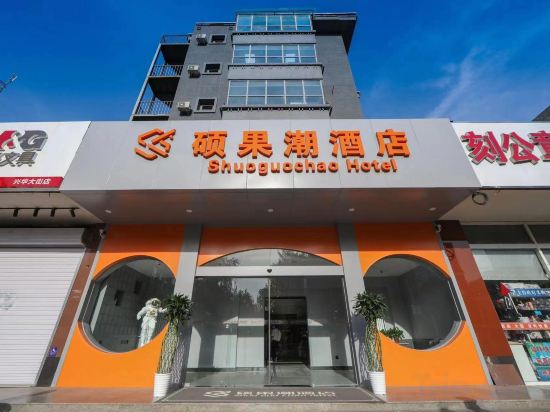
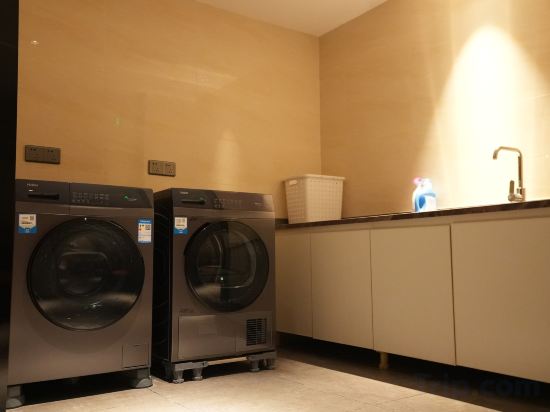
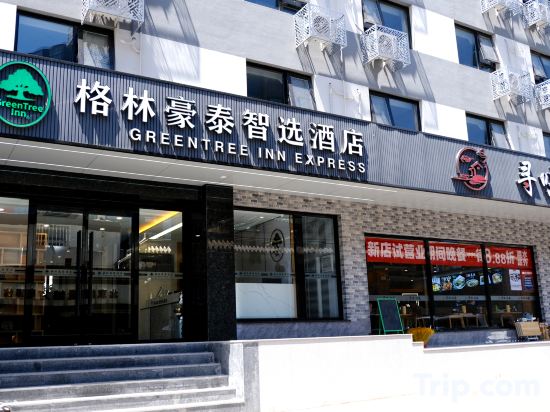
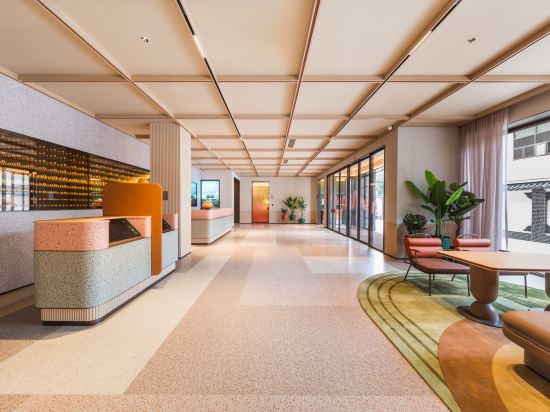
Shangzhiqiu Hotel (Beijing National Stadium-Bird's Nest Beiyuan Road North Subway Station)
JI Hotel (Beijing Zhongguancun Xueyuan South Road)
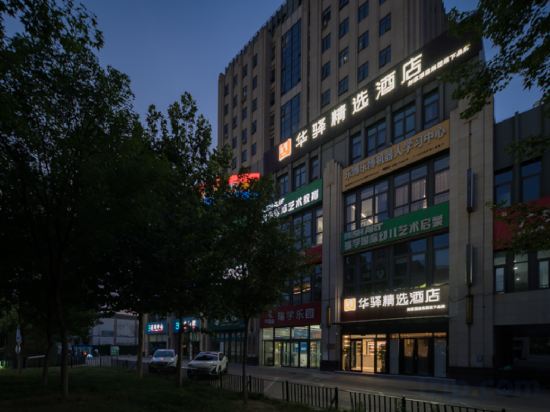
Huayi Select Hotel (Beijing Biomedical Base Subway Station)
Lavande Hotel (Beijing Daxing Jiugong Branch)
Junheyue Hotel (Zhongguancun Suzhou Street)
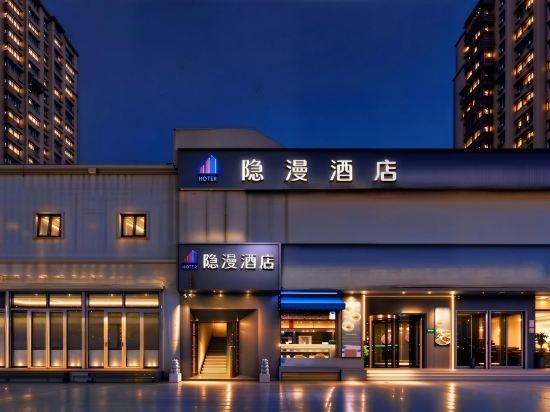
Yinman Hotel (Beijing Chaoyang High-speed Railway Station Shifoying Subway Station Branch)
YUN QI HE YUE HOTEL
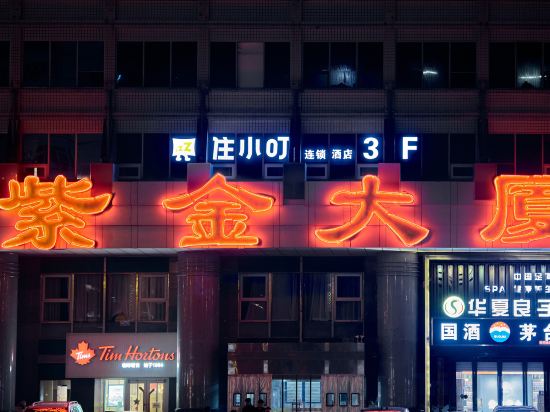
Zhuxiaoding Hotel (Beijing Renmin University of Technology Store)
Homeinn NEO Beijing Changping Metro Station Store
Chinese Military Theme Unique Hotel
HanTing Hotel (Beijing Conference Center Beiyuan Road North Subway Station)
Beijing Yihao Xinjia Hotel (Wangjing Subway Station)
Ji Hotel Beijing Andingmen Andeli North Street
Experience an abundance of unparalleled facilities and features at Ji Hotel Beijing Andingmen Andeli North Street. Maintain seamless communication using the complimentary Wi-Fi at hotel.
Meimeng Hotel (Beijing Yizhuang Tongren Hospital Rongchang East Street Subway Station)
Y.TUO HOTEL Beijing Temple of Earth Yonggegong Lamasery Subway Station Store
Lavande Hotel (Beijing Huilongguanping Xifu Subway Station)
Shuoguochao Hotel (Beijing Daxing Huangcun West Street Subway Station)
Homeinn Plus Hotel (Beijing Tongzhou Songzhuang Anzhen Hospital)
GreenTree Zhixuan Hotel (Beijing Jianguomen Capital Children's Research Institute)
Orange Hotel (North Square, Beijing South Railway Station)
Hotels in Beijing
Don't feel hesitant to book hotels in Beijing at tiket.com! We'll make sure to provide all conveniences you need when doing a room reservation. Book your favourite hotel now only at tiket.com!

How to Book Hotels on tiket.com
1. Find the hotelEnter the name of the city, area, or hotel to find the place you want.
2. Select a roomOn the hotel detail page, you will see the available room options. Select a room that suits your needs.
3. Complete the booking detailsInput the contact details (the person who will be contacted by tiket.com and the hotel about the booking) and the guests’ details.
4. Select Add-onsYou can also buy additional services such as meal packages, transportation, and many more.
5. Pay your bookingSelect the payment method and complete your transaction. Don’t forget to use the promo code to get a cheaper hotel price at tiket.com.
6. Get the reservation e-voucherAfter the payment is successful, the e-voucher will be available on the Your Orders menu and sent to the email listed in the contact details.