


Hotels in Hubei
Showing 5.000+ hotels in Hubei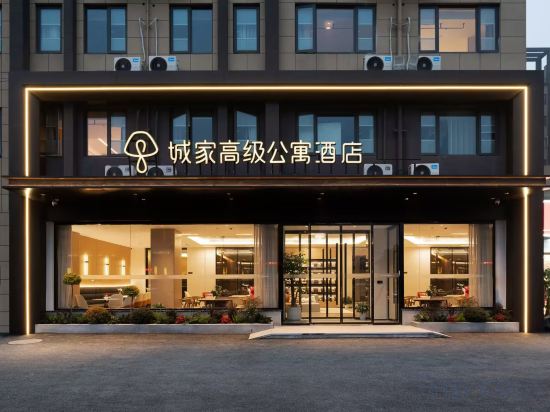
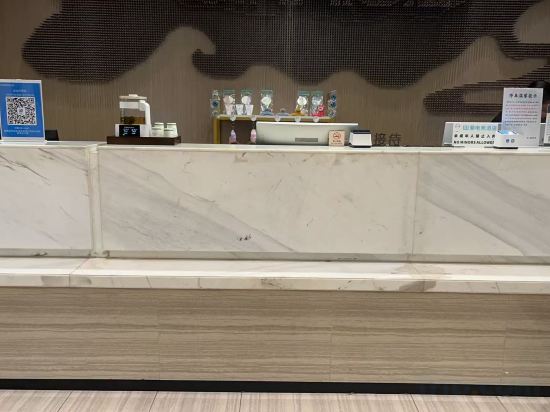
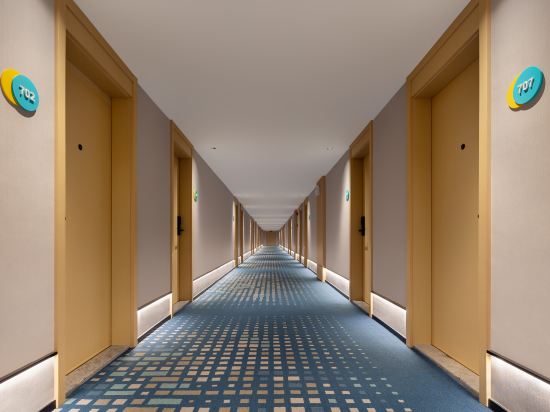


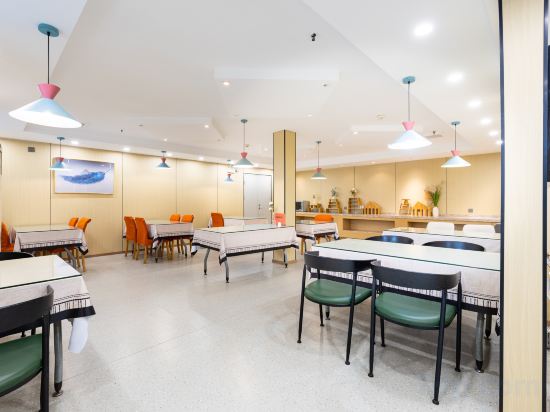
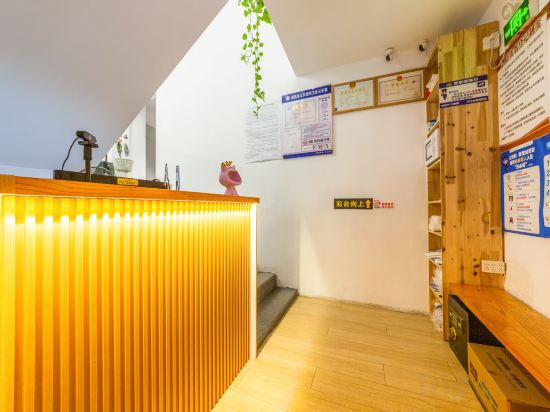
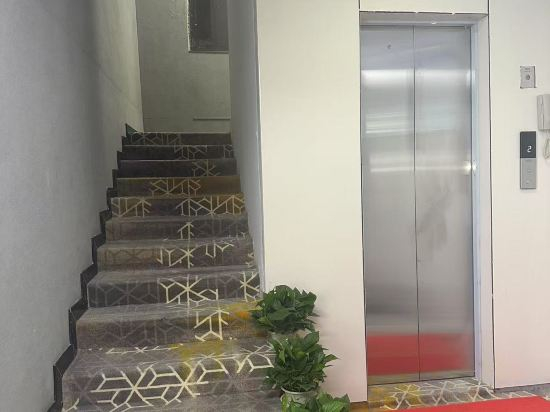
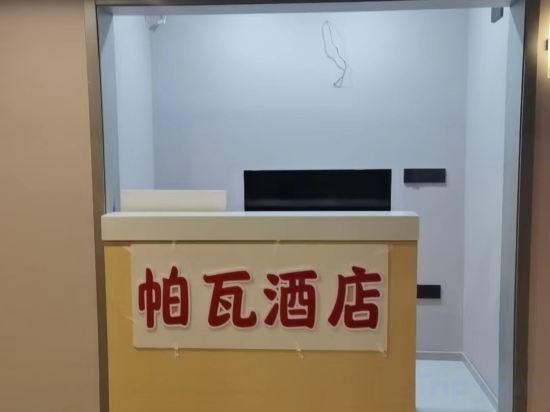


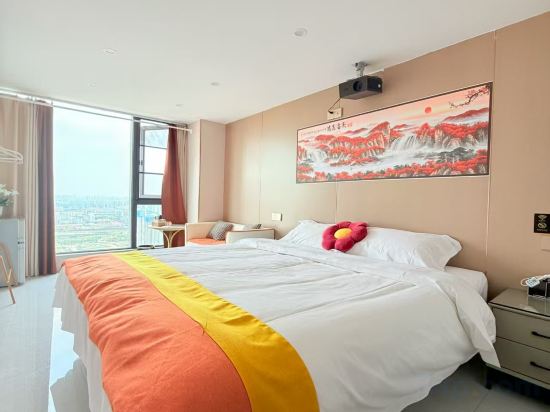
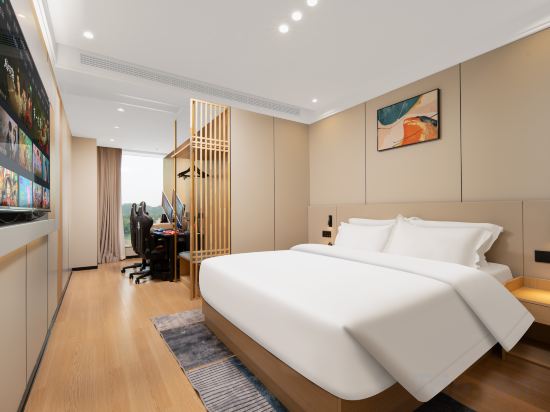
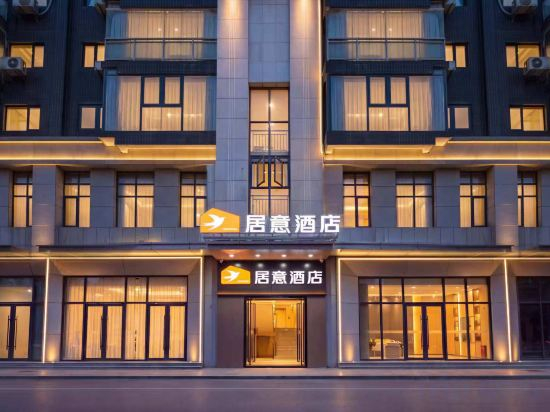
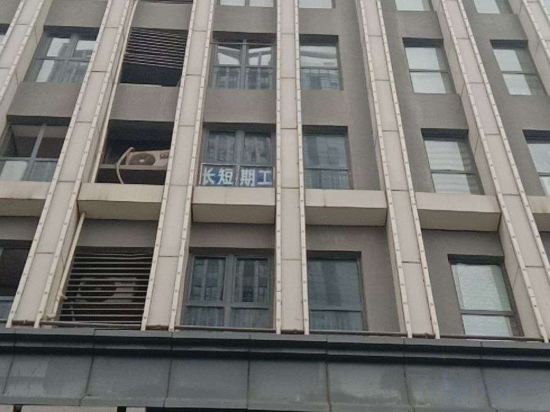

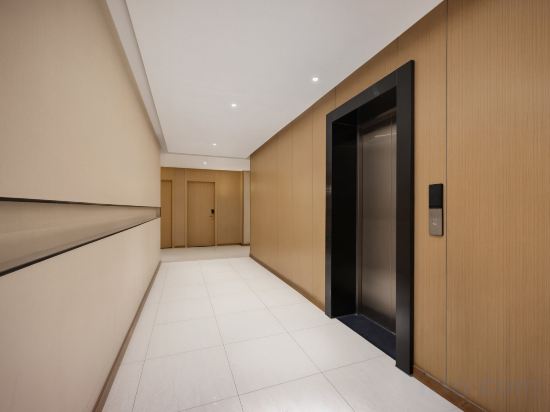
CJIA Apartment Hotel (Wuhan Canglong East Street Subway Station)
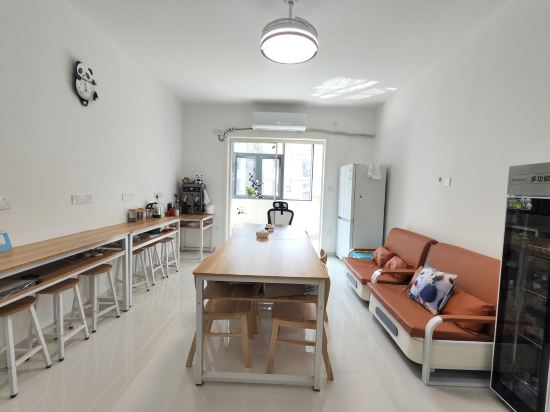
Panda Flagship Hostel
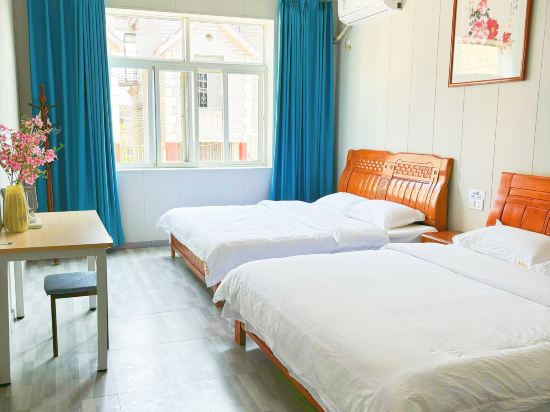
Molly Resort(Wuhan Donghu Scenic Area Branch)
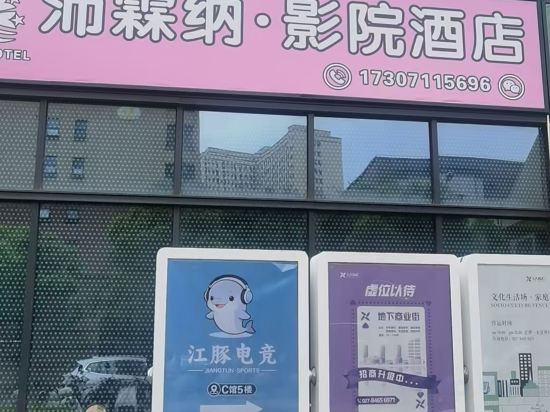
Peilinna Hotel
I HOTEL
Qingmiao E‑Sports Hotel (Wuhan Wuhuan Sports Center Lingkonggang Avenue Branch)
Wangzhe E-sports Homestay (Guanggu Plaza Subway Station)
JI Hotel (Wuhan Donghu Yuejiazui Subway Station)
YUNXI Homestay (Wuhan Yellow Crane Tower Wuchang Railway Station Branch)
Yunqian Inn (Wuhan Yellow Crane Tower)
Shangdu Collection Hotel (Tongji Hospital)
Pawa Homestay (Longhu Wuhan Baisha Sky Street)
Shankee Coffee Style Hotel (Wuhan Airport Port Avenue)
Lan·Yunji Hotel (Wuhan Zoo International Expo Center Branch)
Jingxinju Homestay (Wuhan Guangxia Subway Station Wuchang Institute of Technology)
Lanjing Hotel (Wuhan Optics Valley Technology Convention and Exhibition Center Dayuecheng)
Yuanxuan Hotel (Wuhan Jiangtan Jianghan Road Pedestrian Street)
Yichen Hotel (Wuhan Economic Development Wanda Sports Center)
Lanshe Hotel (Wuhan University Xiaohongshan Subway Station Branch)
Qiyu Hotel (Jiangxia Wuchang Institute of Technology)
Hotels in Hubei
Don't feel hesitant to book hotels in Hubei at tiket.com! We'll make sure to provide all conveniences you need when doing a room reservation. Book your favourite hotel now only at tiket.com!

How to Book Hotels on tiket.com
1. Find the hotelEnter the name of the city, area, or hotel to find the place you want.
2. Select a roomOn the hotel detail page, you will see the available room options. Select a room that suits your needs.
3. Complete the booking detailsInput the contact details (the person who will be contacted by tiket.com and the hotel about the booking) and the guests’ details.
4. Select Add-onsYou can also buy additional services such as meal packages, transportation, and many more.
5. Pay your bookingSelect the payment method and complete your transaction. Don’t forget to use the promo code to get a cheaper hotel price at tiket.com.
6. Get the reservation e-voucherAfter the payment is successful, the e-voucher will be available on the Your Orders menu and sent to the email listed in the contact details.