



Hotels in Hunan
Showing 7.000+ hotels in Hunan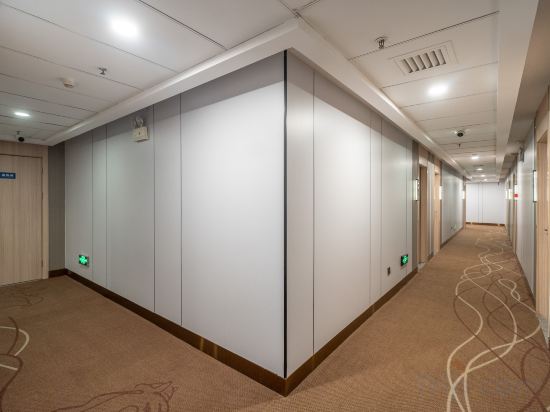




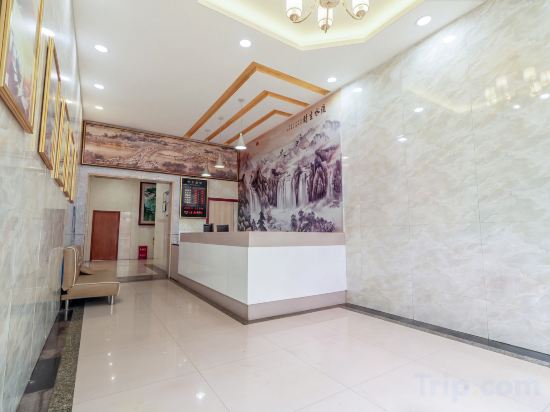

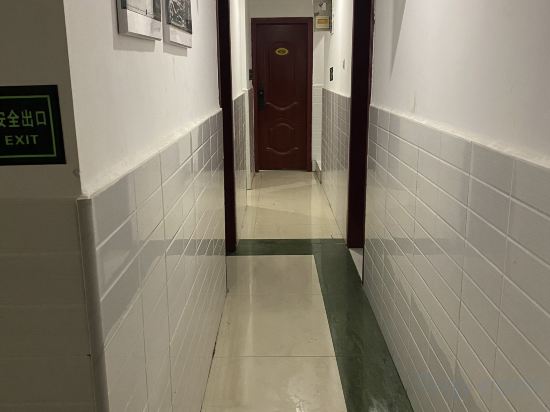

Dianwanjing E-Sports Hotel (Changsha Railway Station Wanjiali Plaza)
Homeinn Hotel (Chenzhou Station Suxianling Scenic Area)
Zhangjiajie Chongshan · cloud town
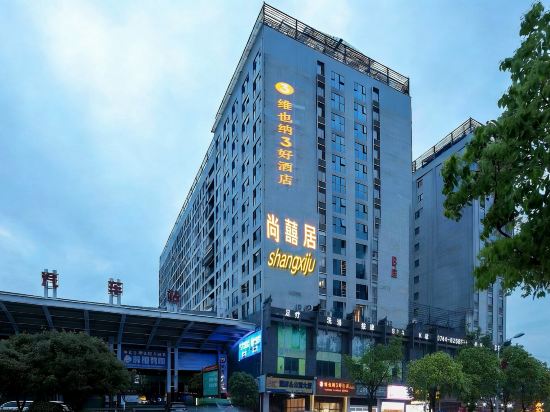
Shangxuju Inn (Zhangjiajie Tianmenshan Cableway Shop)
East jianghu leisure cottage
FUNMEE Hotel (Hunan Provincial Government, Desiqin-Taskin City Plaza, Changsha)
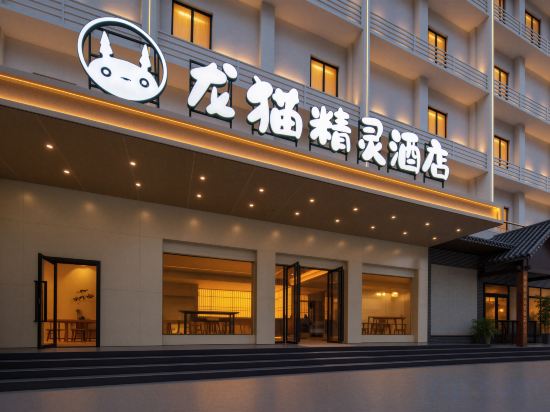
Totoro Elf Hotel (Chang Sha Wu Yi Square Yingbin Road Metro Station)
Elan Inn Changsha Xingsha Avenue Lansi Technology
Elan Inn Changsha Xingsha Avenue Lansi Technology offers top-notch services and amenities, ensuring guests experience utmost comfort. Maintain seamless communication using the complimentary Wi-Fi at hotel.
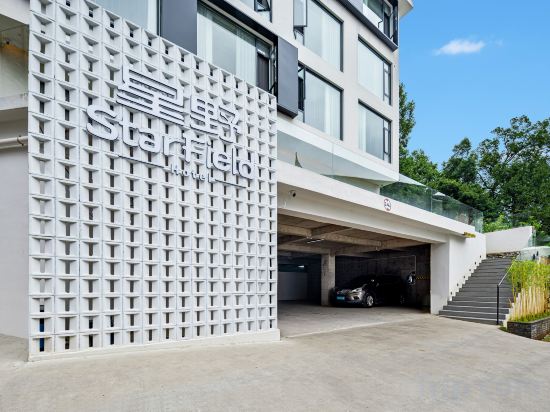
Zhangjiajie StarField Hotel (Wulingyuan Sign Gate Branch)
Zhangjiajie Tianmen Huating Hotel
What kind of lemon pool homestay in Changsha
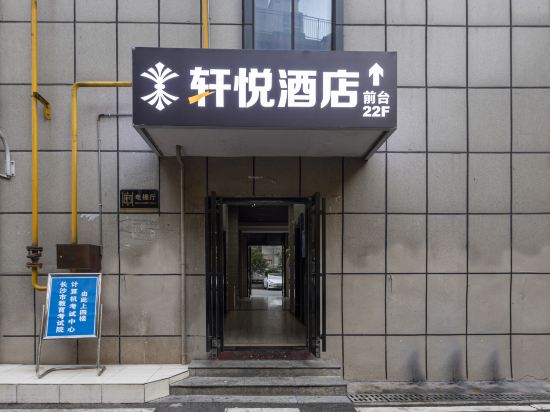
Xuanyue Hotel (Wuyi Square IFS International Financial Center)
Chenjiajing No. 39 (Wu Yi Square IFS Store)
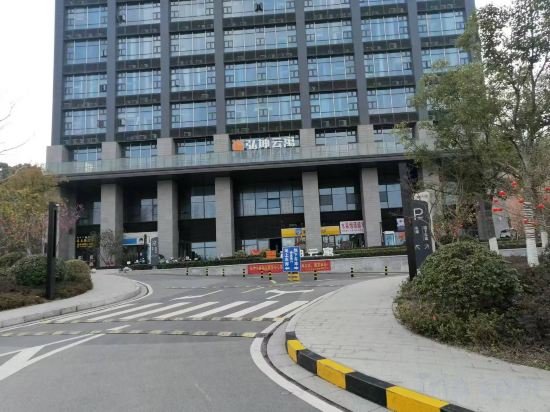
Hongkun Yunyu Homestay (Window of the World Hunan Convention and Exhibition Center Branch)
ROYGEM Hotel, Hunan ICEC, Window of the World, Changsha
DeRUCCI Hotel
Jiahe Tianfu Business Hotel
ALIYA Hotel, Zhangjiajie Forest Park Entrance
Located in Zhangjiajie, ALIYA Hotel, Zhangjiajie Forest Park Entrance offers accommodation with easy access to Zhangjiajie’s best spots. The property features swimming pool, restaurant, and WiFi.
The property offers washing machine and hotel safe. Other facilities include 24-hour front desk, luggage storage, and laundry service/dry cleaning.
See detailsJishou Shancheng Inn
Zhangjiajie Xianzonglin Homestay (Wulingyuan Forest Park Branch)
Hotels in Hunan
Don't feel hesitant to book hotels in Hunan at tiket.com! We'll make sure to provide all conveniences you need when doing a room reservation. Book your favourite hotel now only at tiket.com!

How to Book Hotels on tiket.com
1. Find the hotelEnter the name of the city, area, or hotel to find the place you want.
2. Select a roomOn the hotel detail page, you will see the available room options. Select a room that suits your needs.
3. Complete the booking detailsInput the contact details (the person who will be contacted by tiket.com and the hotel about the booking) and the guests’ details.
4. Select Add-onsYou can also buy additional services such as meal packages, transportation, and many more.
5. Pay your bookingSelect the payment method and complete your transaction. Don’t forget to use the promo code to get a cheaper hotel price at tiket.com.
6. Get the reservation e-voucherAfter the payment is successful, the e-voucher will be available on the Your Orders menu and sent to the email listed in the contact details.