



Hotels in Liaoning
Showing 3.000+ hotels in Liaoning



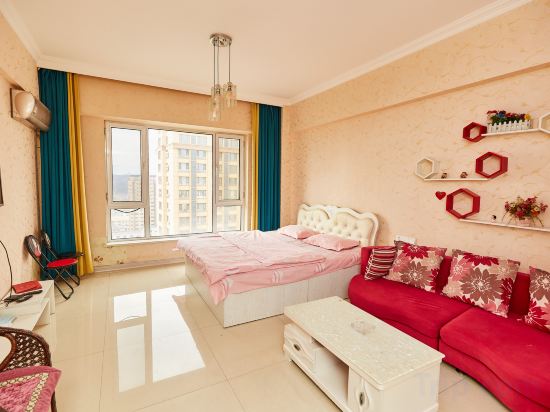
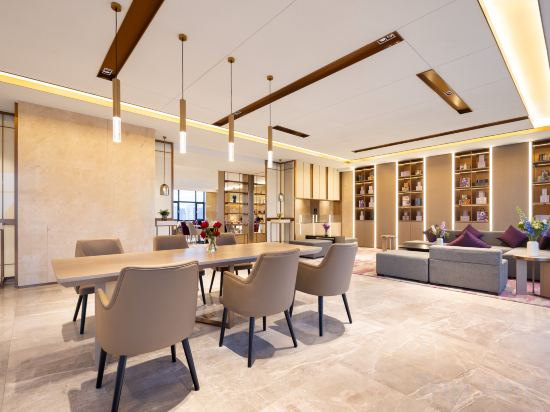

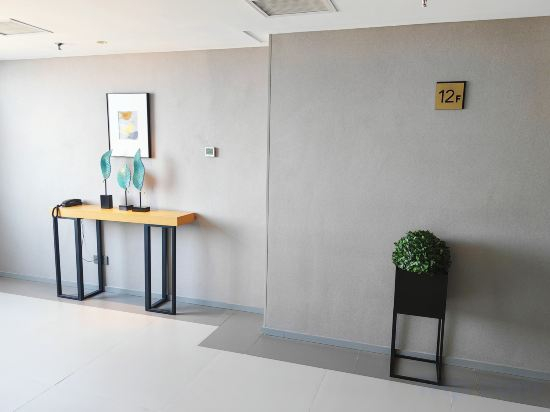
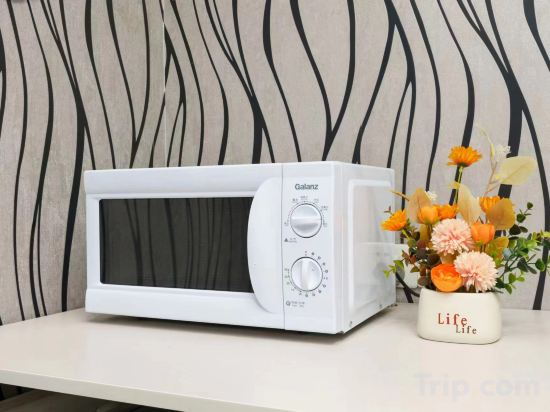
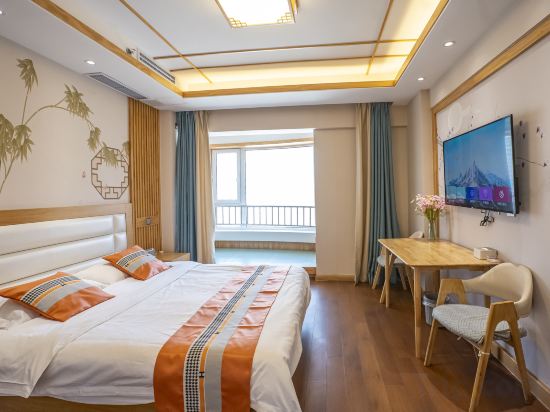

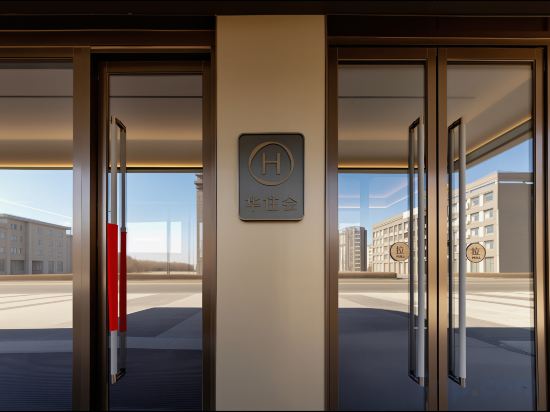
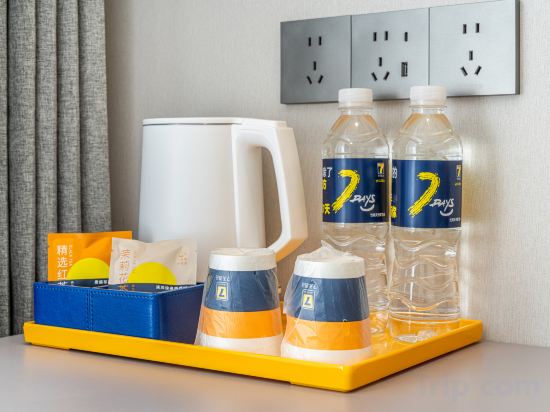
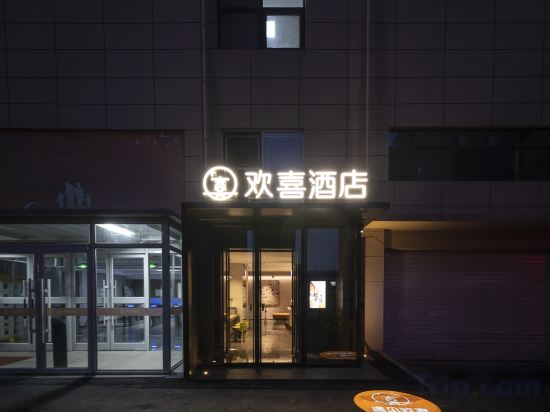

Atour Hotel Liaoyang Wanda Plaza
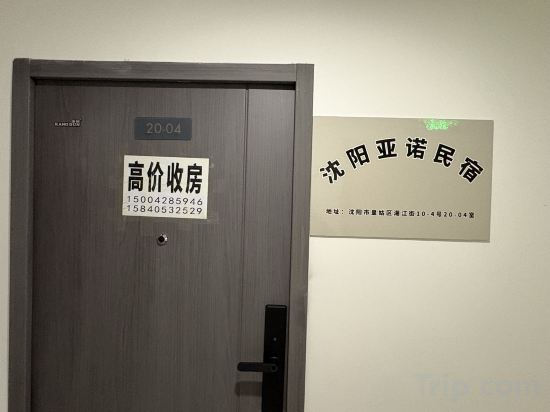
Yanuo Homestay (Shenyangbei Railway Station Liaoning University)
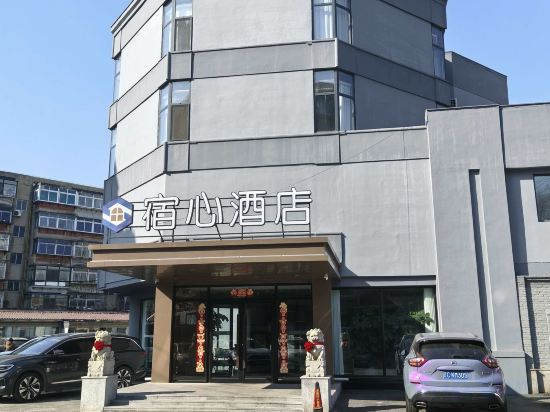
Su Xin Hotel
Guanglu Island Ledao Farm stay
Lejian Homestay (Shenyang Taoxian Airport Liaoning Provincial Museum)
Xana Hotelle (Dalian Jinzhou Railway Station Wuyue Life Plaza)
Orange Hotel (Shugang Road Branch of Zhuanghe Municipal Government)
Fengcheng Yuzi Theme Apartment
Lavande Hotel (Zhangwu Zhonghua Road Dingxin Fashion Plaza)
Dachaoyang Shancheng Hotel
Homeinn Selected Hotel (Dandong Donggang Commercial Pedestrian Street Huanghai Market)
Rujia Huayi Hotel (Dalian Railway Station People's Square Subway Station Branch)
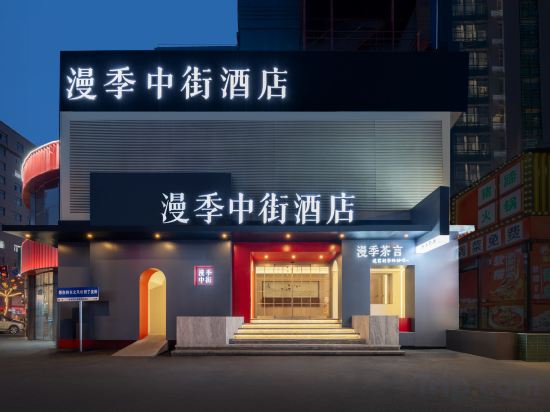
Romantic Season Middle Street Hotel (Shenyang Zhongjie Palace Museum Joy City Store)
Yun Yinli Scenic Apartment (Shibei Bay Dream Water Park Coastal Park)
Fulai Xiaozhu themed homestay
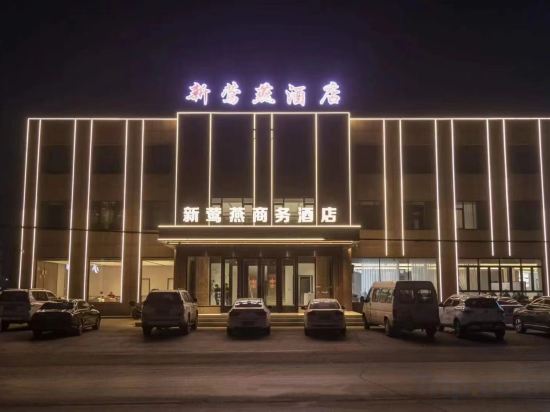
New Yan Hotel
All season Jinzhou North Town Municipal Government Hotel
7Days Inn Hotel (Jinzhou Qingyanshi Tourism Service Center)
Shenyang Huanxi Hotel (Shenyang Olympic Sports Center Caixia Street Subway Station)
Lavande Hotel (Xingcheng Government Seaside Tourist Scenic Area Branch)
Hotels in Liaoning
Don't feel hesitant to book hotels in Liaoning at tiket.com! We'll make sure to provide all conveniences you need when doing a room reservation. Book your favourite hotel now only at tiket.com!

How to Book Hotels on tiket.com
1. Find the hotelEnter the name of the city, area, or hotel to find the place you want.
2. Select a roomOn the hotel detail page, you will see the available room options. Select a room that suits your needs.
3. Complete the booking detailsInput the contact details (the person who will be contacted by tiket.com and the hotel about the booking) and the guests’ details.
4. Select Add-onsYou can also buy additional services such as meal packages, transportation, and many more.
5. Pay your bookingSelect the payment method and complete your transaction. Don’t forget to use the promo code to get a cheaper hotel price at tiket.com.
6. Get the reservation e-voucherAfter the payment is successful, the e-voucher will be available on the Your Orders menu and sent to the email listed in the contact details.