



Hotels in Shaanxi
Showing 3.000+ hotels in Shaanxi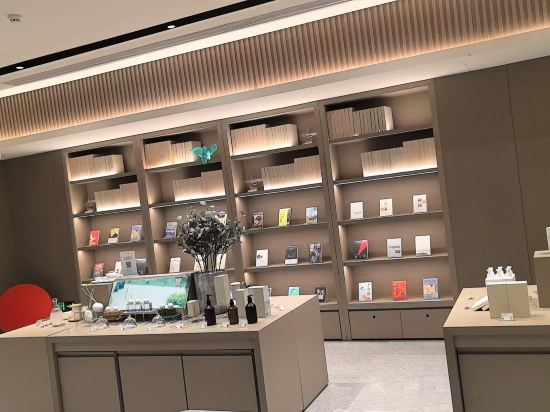
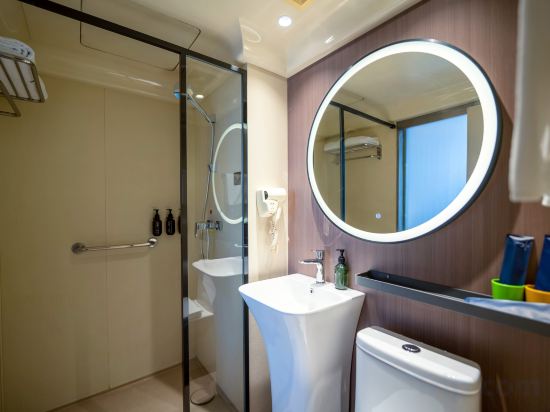

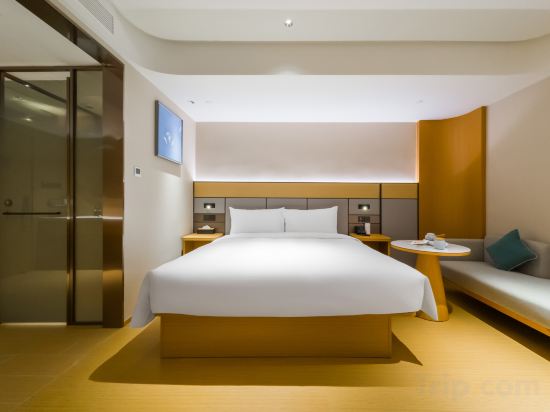
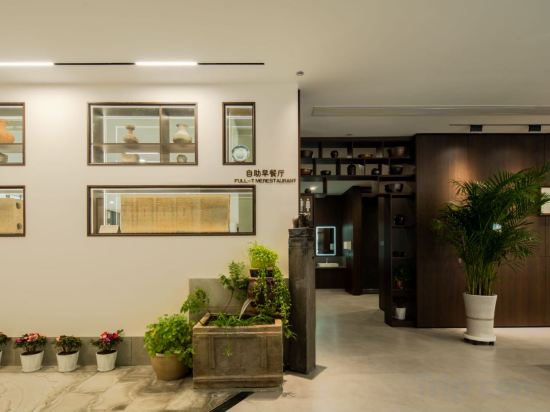
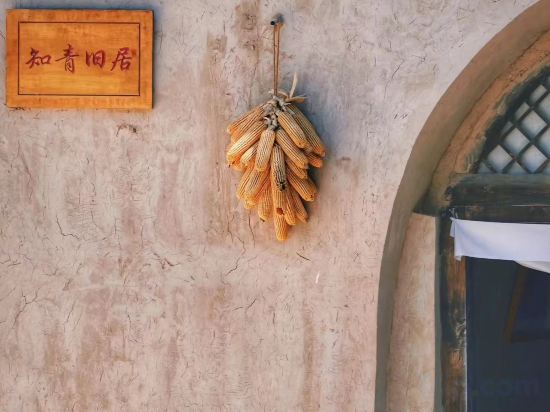




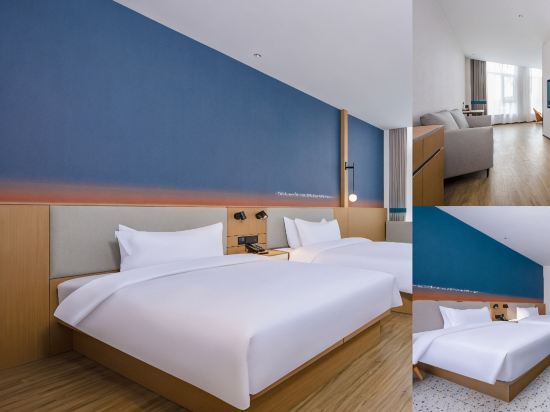
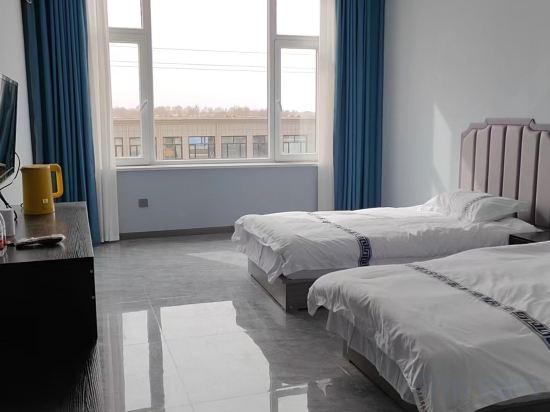
JI Hotel (Xi'an North Railway Station Hospital of Traditional Chinese Medicine Subway Station)
Jiaya Hotel (Fengcheng 2nd Road City Library Subway Station)
Willard Hotel (Xi'an Matengkong Metro Station Branch)
JI Hotel (Xi'an Provincial People's Hospital Huangyancun Subway Station)
Shengxin Calligraphy and Painting Hotel (Yan'an Revolutionary Memorial Hall Central Street)
Zsmart Zhishang Hotel (Yan'an 100 meters Avenue)
Ji Hotel Xi'an Xingqing Park
Great care is taken to ensure guests experience comfort through top-notch services and amenities. Remain linked during your visit by utilizing the complimentary internet access available.
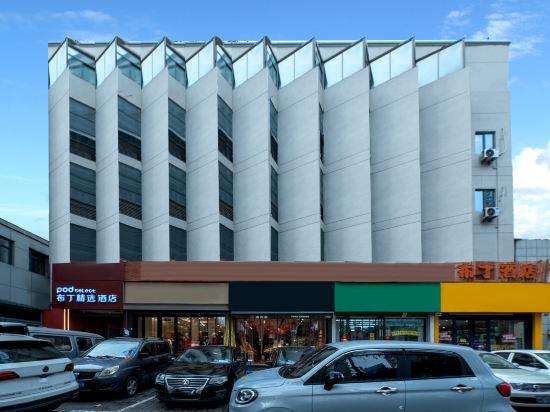
Pod Select Hotel (Xi'an Dayanta Grand Tang Mall)
Shiquan Jingyuan Ecological Farm Homestay
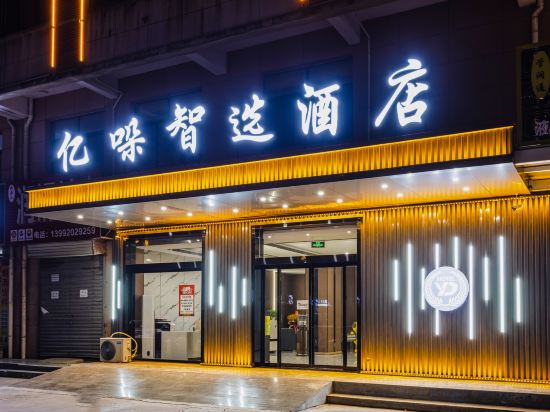
Yiduo Smart Hotel
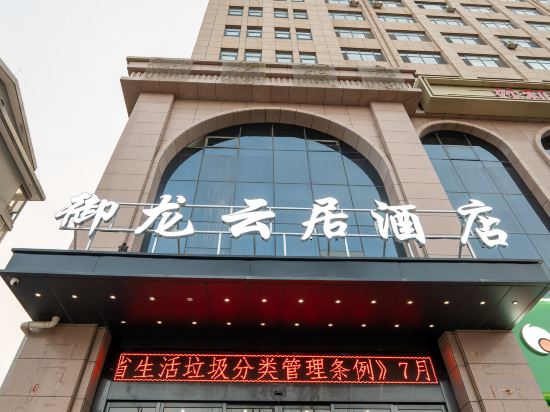
Yan'an Yulong Yunju Hotel
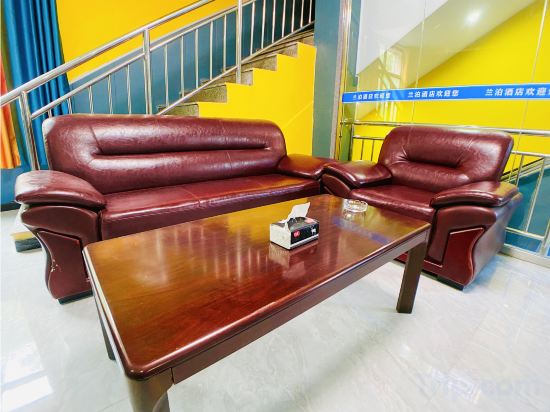
Xi'an Lanbo Homestay (Kangfu Road Xijing Hospital)
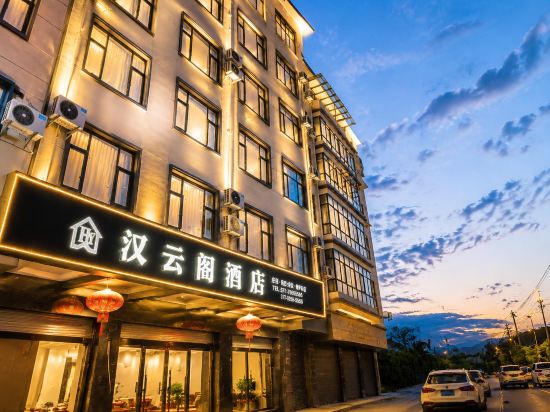
Xunyang Hanyunge Hotel
Xingxuan Inn (Yuxuan Road Branch)
Lanting Hotel
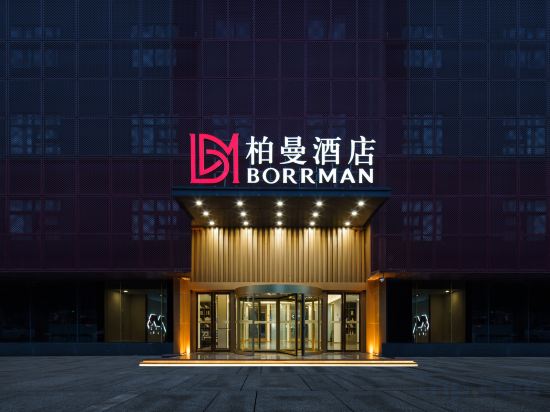
Borrman Hotel (Xi'an International Port Area)
Ni Hao Hotel (Jingbian County Longshan Lu Road)
Kington Business Hotel
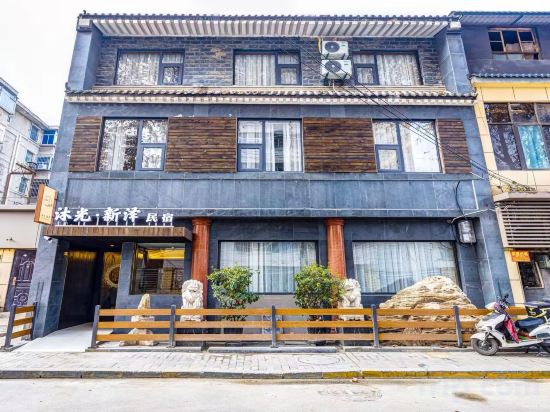
Muguang Xinze Homestay (Xi'an Huimin Street Sajinqiao Subway Station)
Jinyida Business Hotel
Hotels in Shaanxi
Don't feel hesitant to book hotels in Shaanxi at tiket.com! We'll make sure to provide all conveniences you need when doing a room reservation. Book your favourite hotel now only at tiket.com!

How to Book Hotels on tiket.com
1. Find the hotelEnter the name of the city, area, or hotel to find the place you want.
2. Select a roomOn the hotel detail page, you will see the available room options. Select a room that suits your needs.
3. Complete the booking detailsInput the contact details (the person who will be contacted by tiket.com and the hotel about the booking) and the guests’ details.
4. Select Add-onsYou can also buy additional services such as meal packages, transportation, and many more.
5. Pay your bookingSelect the payment method and complete your transaction. Don’t forget to use the promo code to get a cheaper hotel price at tiket.com.
6. Get the reservation e-voucherAfter the payment is successful, the e-voucher will be available on the Your Orders menu and sent to the email listed in the contact details.