



Hotels in Shaanxi
Showing 4.000+ hotels in Shaanxi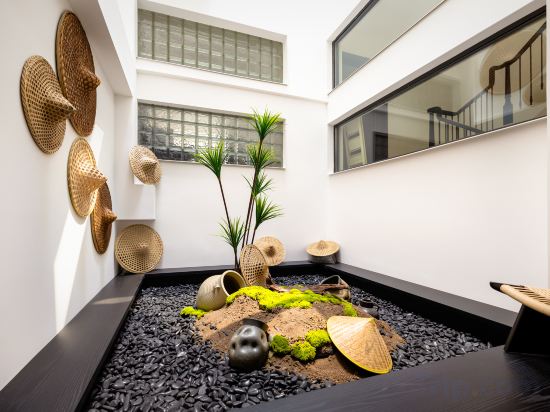

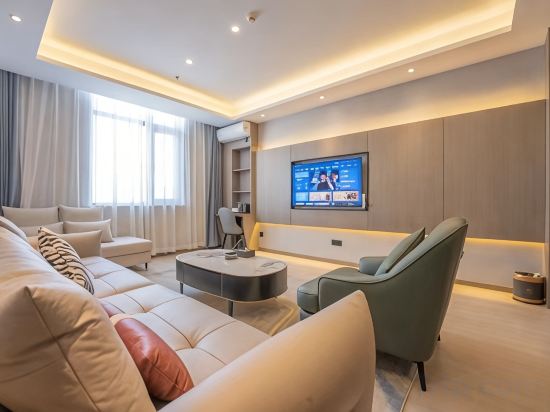
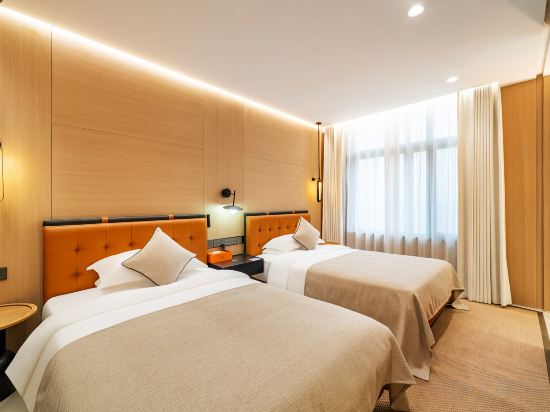
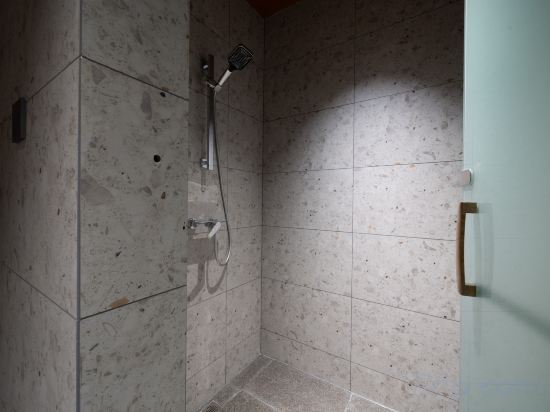
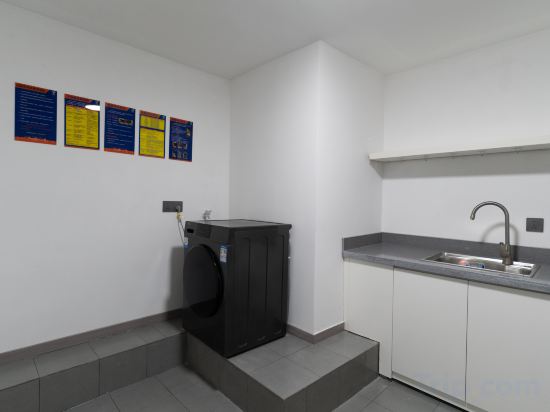

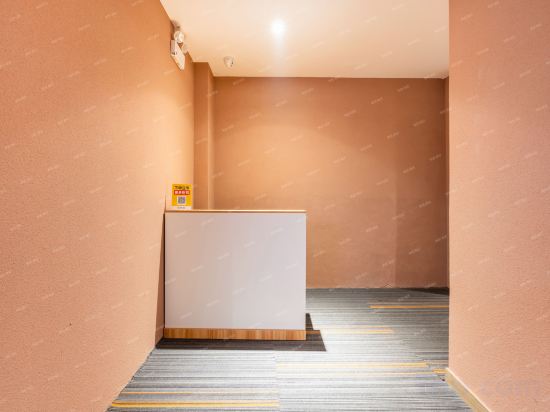

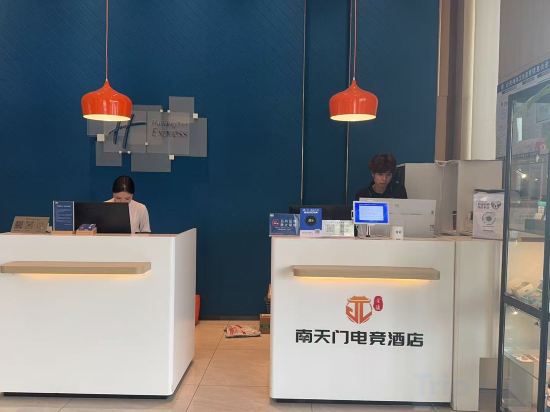
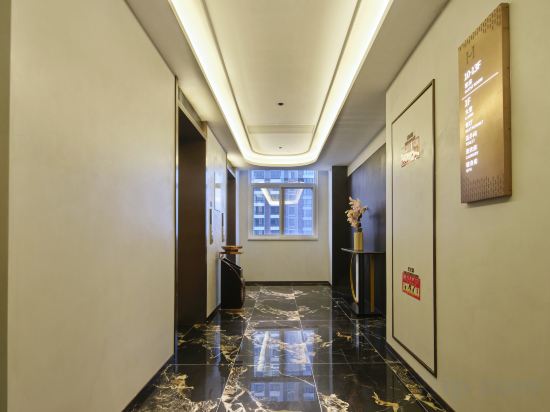
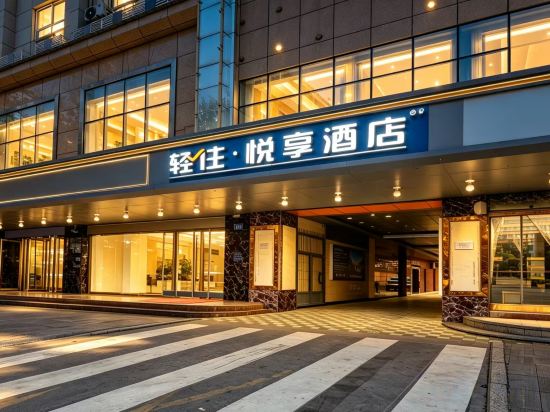
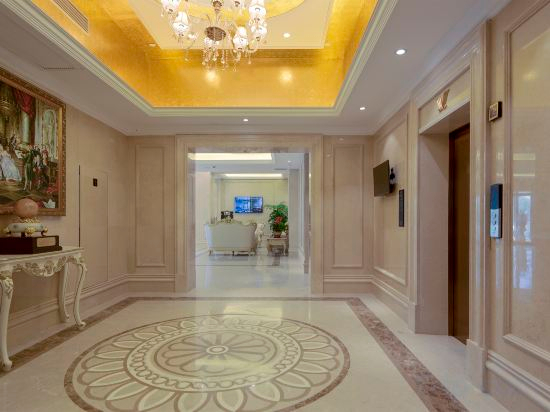
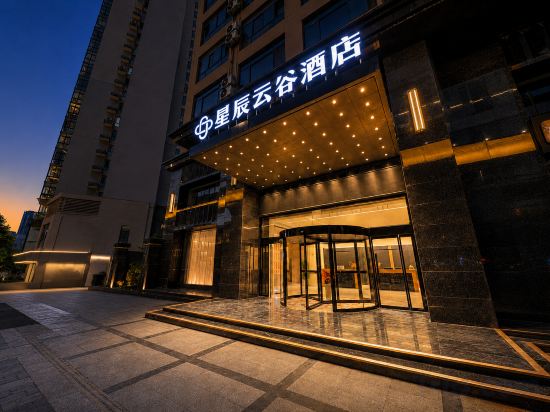
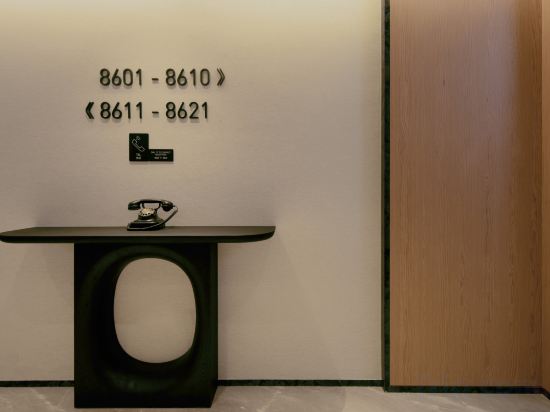


Shanyu Villa Villa (Zhonghai Huashan City Branch)
hanshemeisujiudian(xijingyiyuandian)
Yangling Huabin Hotel
Fanju Hotel (Xi'an Epanggong South Metro Station, Jiu Jiu Da Qin Branch)
Yizhou Tour Youth Travel Hotel,Xi'an Datang Night City Branch.
7 Days Premium Hotel (Xi'an Zhonglou Huiminjie)
Xi'an Gaoxin Jinye Road Atour Light Hotel
Duotang Homestay (Northwest University)
Xi'an Yirou · Qingshe Art Homestay
Nanjing Nantianmen E-Sports Hotel (Xi'an Gaoxin Hailiang Times)
Mehood Hotel (Tongchuan New Area People's Hospital Gymnasium)
qingzhuyuexianghotel(Xi'anSouthChang'anStreet,AerospaceCity SubwayStation Store)
Vienna International Hotel Hanzhong Wetland Park Tianhanlou branch
Xingchen Yungu | Modern City Design Hotel (Fengqing Park Branch, High‑tech Zone)
Atour Hotel Xi'an Xianyang International Airport
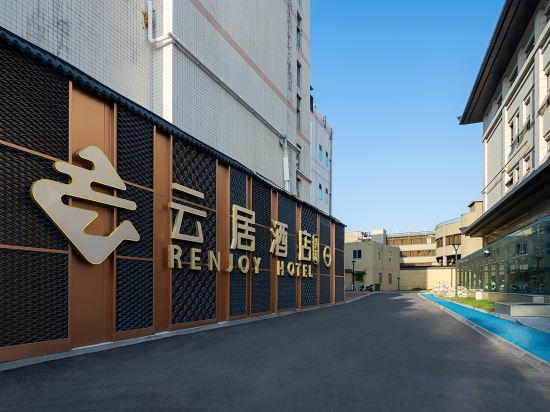
Hanzhong Central Square High Speed Railway Station FeiFan Renjoy Hotel
Jiaxian Damei Shiyao Homestay
Yiduo Design Art Hotel (Xi'an Yongningmen subway station skp shop)
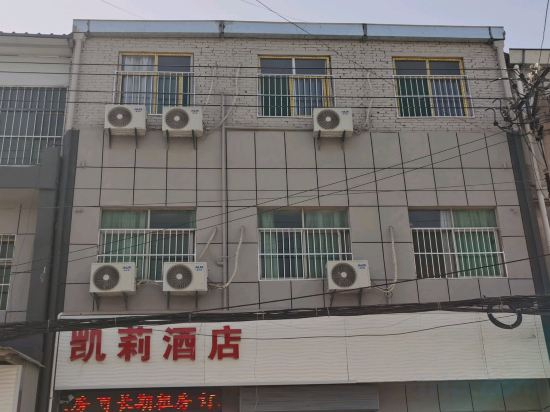
Xi'an Kelly Homestay
Ease Hotel · Zhi (Xi'an University of Science and Technology Yanta Campus Taiyi Road Subway Station)
Hotels in Shaanxi
Don't feel hesitant to book hotels in Shaanxi at tiket.com! We'll make sure to provide all conveniences you need when doing a room reservation. Book your favourite hotel now only at tiket.com!

How to Book Hotels on tiket.com
1. Find the hotelEnter the name of the city, area, or hotel to find the place you want.
2. Select a roomOn the hotel detail page, you will see the available room options. Select a room that suits your needs.
3. Complete the booking detailsInput the contact details (the person who will be contacted by tiket.com and the hotel about the booking) and the guests’ details.
4. Select Add-onsYou can also buy additional services such as meal packages, transportation, and many more.
5. Pay your bookingSelect the payment method and complete your transaction. Don’t forget to use the promo code to get a cheaper hotel price at tiket.com.
6. Get the reservation e-voucherAfter the payment is successful, the e-voucher will be available on the Your Orders menu and sent to the email listed in the contact details.