



Hotels in Binz
Showing 224 hotels in Binz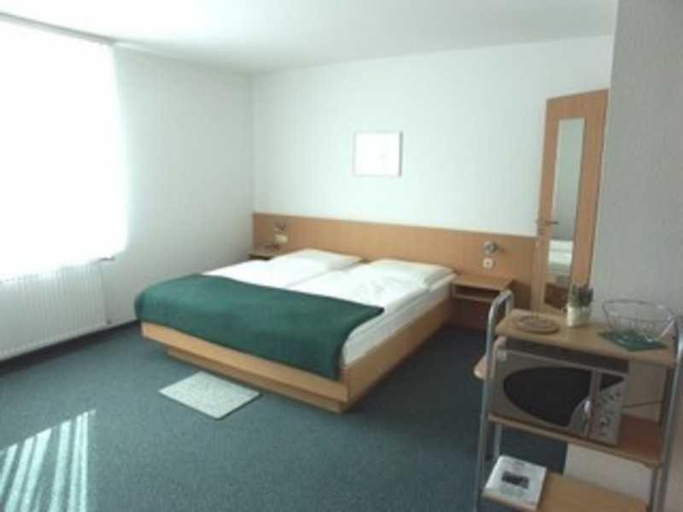


Appartementhaus Anne
Hotel Pension Haus Colmsee
Apartment "Relax"
Apartment "Relax" welcomes you to a comfortable stay at Vorpommern-Rügen. The Apartment offers complete facilities to cater to guests’ needs, such as parking, children facility, and kitchen.
The rooms feature (a) TV, refrigerator, and room heater. The en suite bathroom comes with (a) bathtub, free toiletries, and hair dryer.
See detailsVilla Bella Rosa
Villa Saxonia - WG 07, strandnah
strandnahe FeWo, Villa Rosa in Binz
Villa Schwan in Binz - WG 19a "Kornblume"
Ferienwohnung 560 in der Villa Gudrun
FeWo direkt am Strand mit Meerblick, Villa Sirene, Binz
Prora - Apartment mit Meerblick und Strandkorb am Strand - Sanddune
strandnahe FeWo Villa Jugendgluck 04 in Binz ID 504
Villa Stranddistel FeWo 2 7 strandnah
Villa LEVANTE in Binz - Gartenwohnung mit Kamin, Sauna, Terrasse
Rooms at Villa LEVANTE in Binz - Gartenwohnung mit Kamin, Sauna, Terrasse are equipped with TV, refrigerator, and room heater. The bathroom is fitted with bathtub and hair dryer.
Villa Schwan - 90775 - Schwanensee
Villa "Saxonia" in Binz - WG 19, strandnah
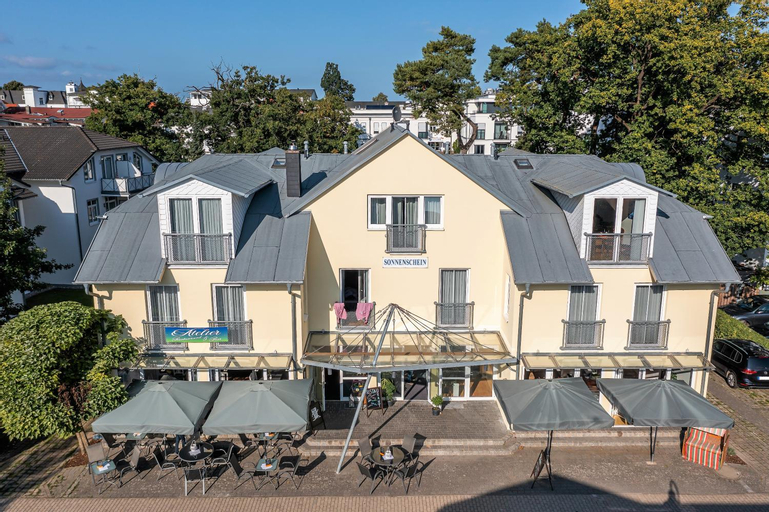
Appartementhaus Sonnenschein
Villa Libelle by Callsen
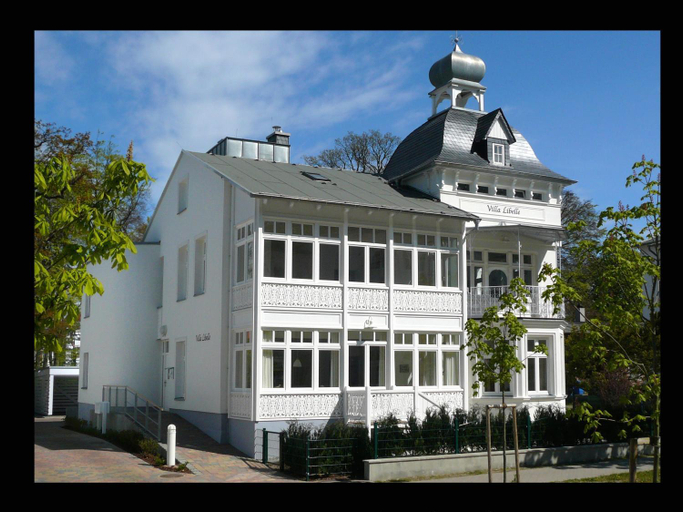
Villa Libelle by Callsen welcomes you to a comfortable stay at Vorpommern-Rügen. The Apartment offers complete facilities to cater to guests’ needs, such as WiFi, parking, and children facility.
Staff at the Apartment can assist you with laundry service/dry cleaning and car rental. Other facilities include bicycle rental and separate dining area.
See detailsstrandnahe FeWo mit Balkon, Residenz Bel Vital 04, Binz
Prora - Ferienwohnung mit Meerblick und Strandkorb am Strand - Fruhlicht
Strandvillen Binz - Ferienwohnung mit Meerblick und 2 Schlafzimmern SV-711
Hotels in Binz
Don't feel hesitant to book hotels in Binz at tiket.com! We'll make sure to provide all conveniences you need when doing a room reservation. Book your favourite hotel now only at tiket.com!

How to Book Hotels on tiket.com
1. Find the hotelEnter the name of the city, area, or hotel to find the place you want.
2. Select a roomOn the hotel detail page, you will see the available room options. Select a room that suits your needs.
3. Complete the booking detailsInput the contact details (the person who will be contacted by tiket.com and the hotel about the booking) and the guests’ details.
4. Select Add-onsYou can also buy additional services such as meal packages, transportation, and many more.
5. Pay your bookingSelect the payment method and complete your transaction. Don’t forget to use the promo code to get a cheaper hotel price at tiket.com.
6. Get the reservation e-voucherAfter the payment is successful, the e-voucher will be available on the Your Orders menu and sent to the email listed in the contact details.