



3 Star Hotels in Bodenseekreis
Showing 180 hotels in Bodenseekreis
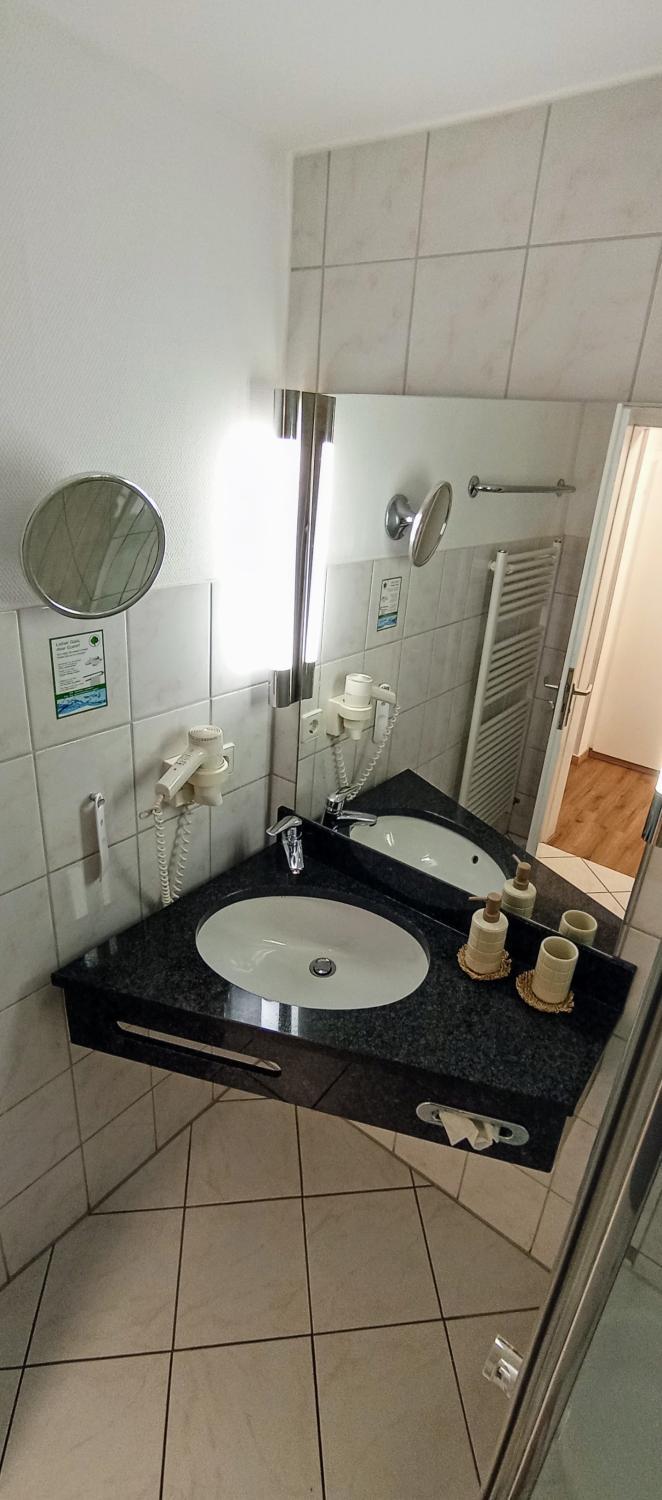
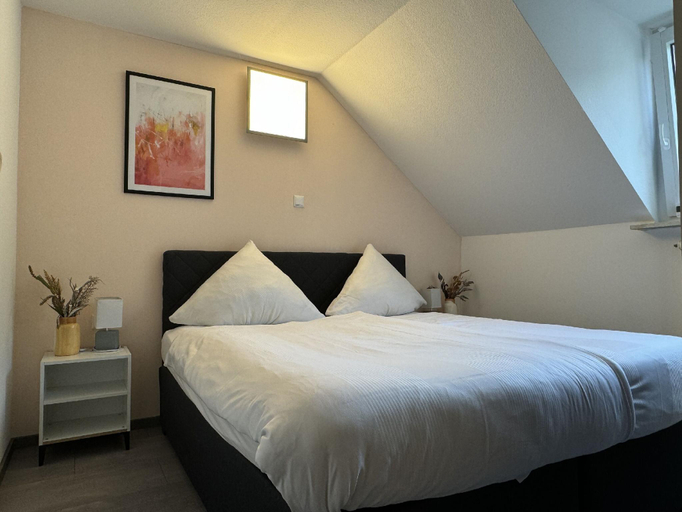
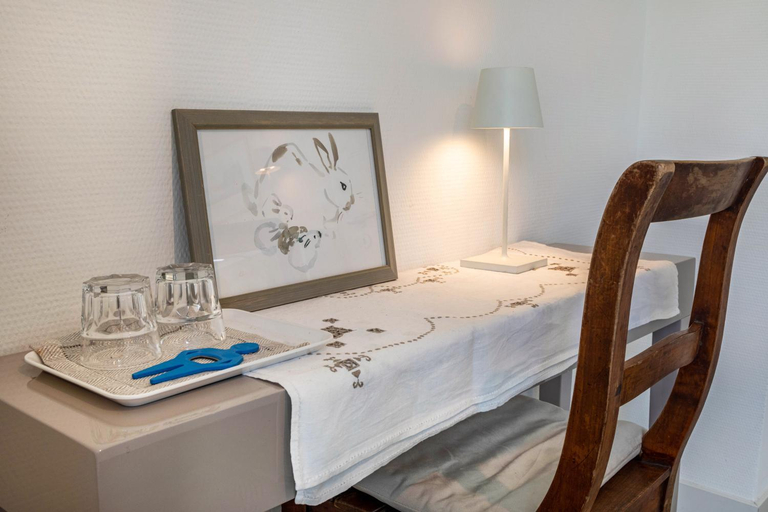
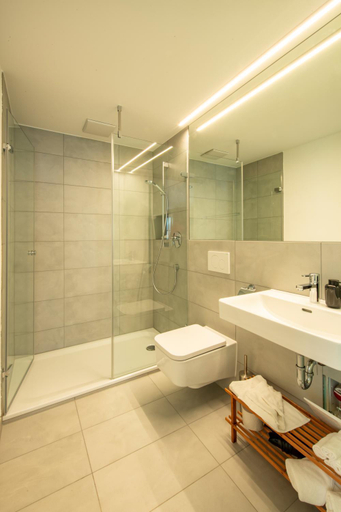
Fewo Salem-Mimmenhausen
Ferienwohnung "Santis"
Berghotel Heiligenberg
Ferienwohnung Rosenrot
Ferienhaus Mohrle 5
Ferienwohnpark Immenstaad am Bodensee Nurdachhaus Typ 8 NDW 088
SeaSide
Am Gallerturm mit Seeblick
Schreiber West
Ferienwohnpark Immenstaad am Bodensee Nurdachhaus Typ 7 ND 50
3Rooms Central-Modern- The Alps by Lakescape FeWos
Located in Bodenseekreis, 3Rooms Central-Modern- The Alps by Lakescape FeWos offers accommodation with easy access to Bodenseekreis’s best spots. The property features parking, children facility, and kitchen.
Each room is equipped with TV. The bathroom comes with free toiletries.
See detailsHoliday Home Ferienwohnpark Immenstaad-1 by Interhome
Schwalbe
Ferienwohnung Roth
Casa Sofia
Komfort-City-Appartment
B und E Rock
Ferienwohnung Krenz
Gastezimmer Cleo
Gastehaus am Schlossplatz, Z. 2

How to Book Hotels on tiket.com
1. Find the hotelEnter the name of the city, area, or hotel to find the place you want.
2. Select a roomOn the hotel detail page, you will see the available room options. Select a room that suits your needs.
3. Complete the booking detailsInput the contact details (the person who will be contacted by tiket.com and the hotel about the booking) and the guests’ details.
4. Select Add-onsYou can also buy additional services such as meal packages, transportation, and many more.
5. Pay your bookingSelect the payment method and complete your transaction. Don’t forget to use the promo code to get a cheaper hotel price at tiket.com.
6. Get the reservation e-voucherAfter the payment is successful, the e-voucher will be available on the Your Orders menu and sent to the email listed in the contact details.