



Hotels in Chamoli
Showing 162 hotels in Chamoli


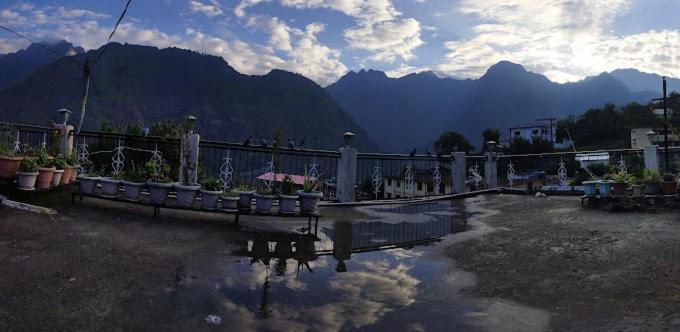
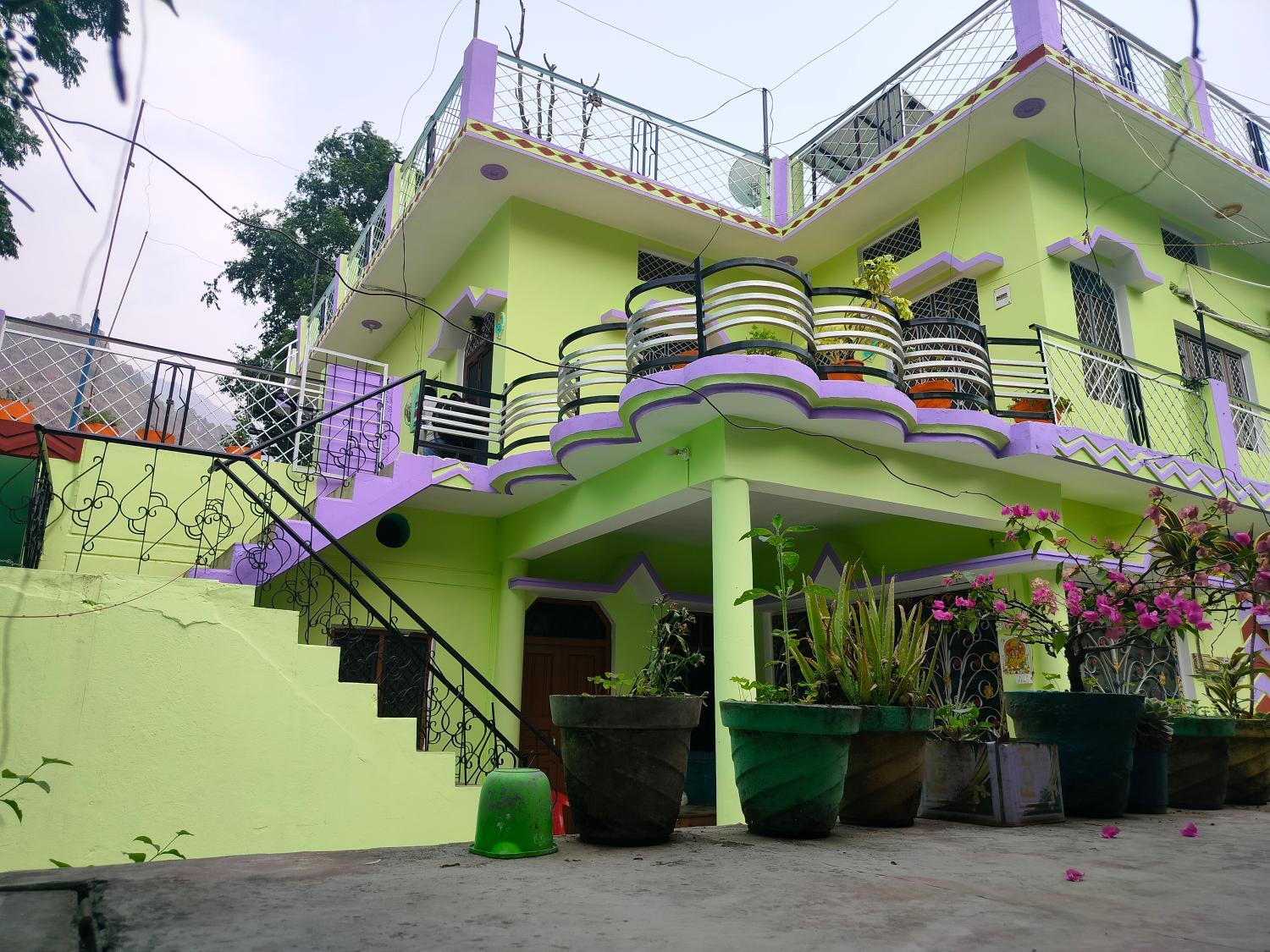

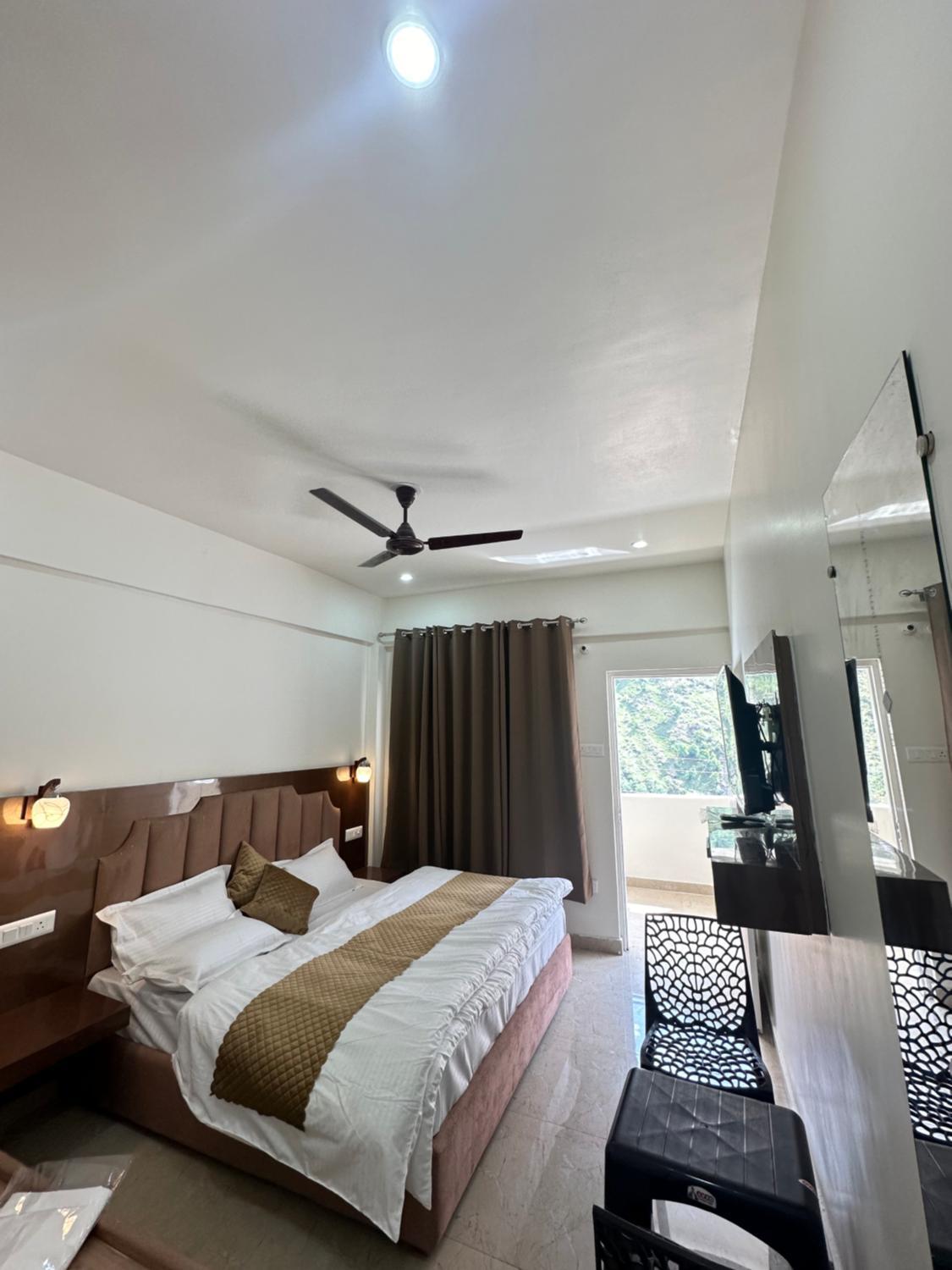
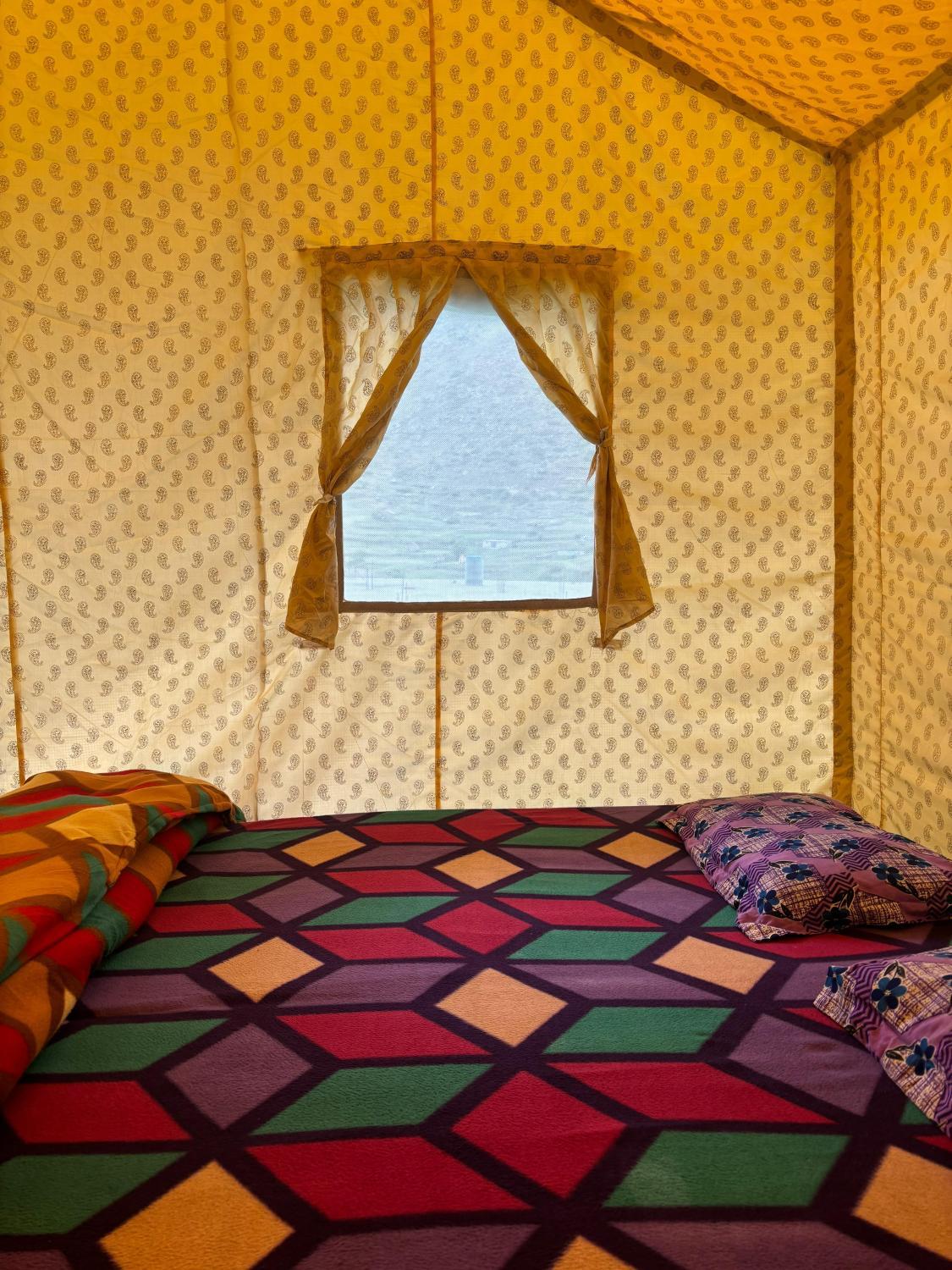

Chardham prithvi B
Mahadev homestay
Hotel Joshimath Inn
Located in Chamoli, Hotel Joshimath Inn offers accommodation with easy access to Chamoli’s best spots. The property features restaurant, WiFi, and parking.
Hotel Kanchan Roop, Badrinath
hotel New Bhagirathi Palace
Abc
Hotel Badri
Located in Chamoli, Hotel Badri offers accommodation with easy access to Chamoli’s best spots. The property features restaurant, WiFi, and parking.
Shiv Shakti lodge
Hotel Mahadev
Located in Chamoli, Hotel Mahadev offers accommodation with easy access to Chamoli’s best spots. The property features restaurant, WiFi, and parking.
The royal fateh inn
Radhe Radhe Resorts
Vasudev lodge(Gopeshwar,UK)
Great care is taken to ensure guests experience comfort through top-notch services and amenities. Remain linked during your visit by utilizing the complimentary internet access available.Prior to your check-in date, you can arrange airport transportation services, guaranteeing a seamless and efficient experience for both arrival and departure. Parking is accessible, supplied by the hotel for guests who arrive by car.During your stay at this fantastic hotel, experience comfort and warmth from the delightful on-site fireplace on those chilly days and nights. In limited designated zones, smoking is exclusively permitted. Each morning at Vasudev lodge(Gopeshwar,UK), a scrumptious, homemade breakfast kick-starts the day. Begin your holiday mornings right with your essential cup of coffee, offered daily at the cafe on-site.During your visit, indulge in a range of delightful culinary choices at hotel to enhance your experience.
See detailsHotels in Chamoli
Don't feel hesitant to book hotels in Chamoli at tiket.com! We'll make sure to provide all conveniences you need when doing a room reservation. Book your favourite hotel now only at tiket.com!

How to Book Hotels on tiket.com
1. Find the hotelEnter the name of the city, area, or hotel to find the place you want.
2. Select a roomOn the hotel detail page, you will see the available room options. Select a room that suits your needs.
3. Complete the booking detailsInput the contact details (the person who will be contacted by tiket.com and the hotel about the booking) and the guests’ details.
4. Select Add-onsYou can also buy additional services such as meal packages, transportation, and many more.
5. Pay your bookingSelect the payment method and complete your transaction. Don’t forget to use the promo code to get a cheaper hotel price at tiket.com.
6. Get the reservation e-voucherAfter the payment is successful, the e-voucher will be available on the Your Orders menu and sent to the email listed in the contact details.