



1 Star Hotels in Mapuca
Showing 112 hotels in Mapuca


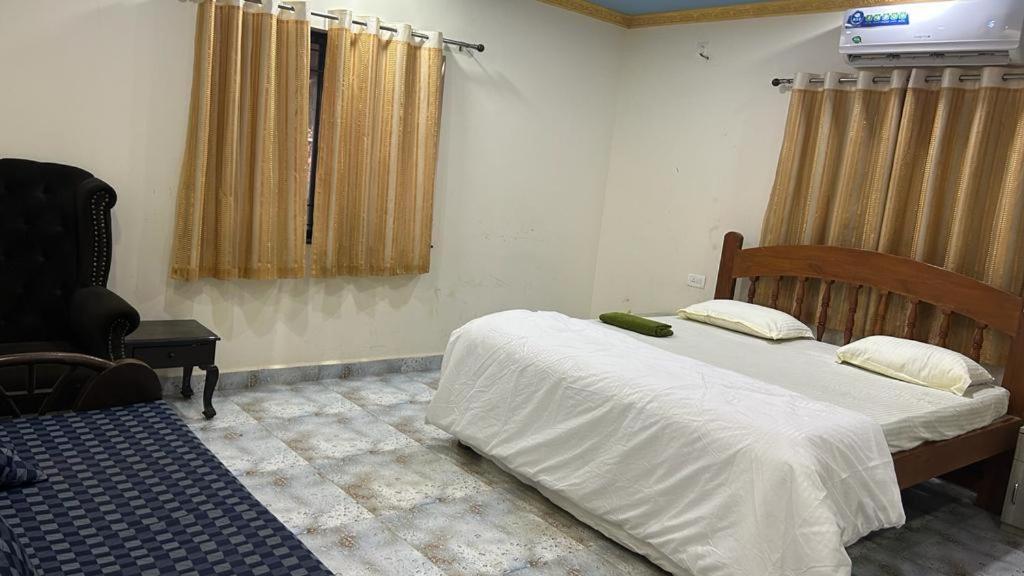


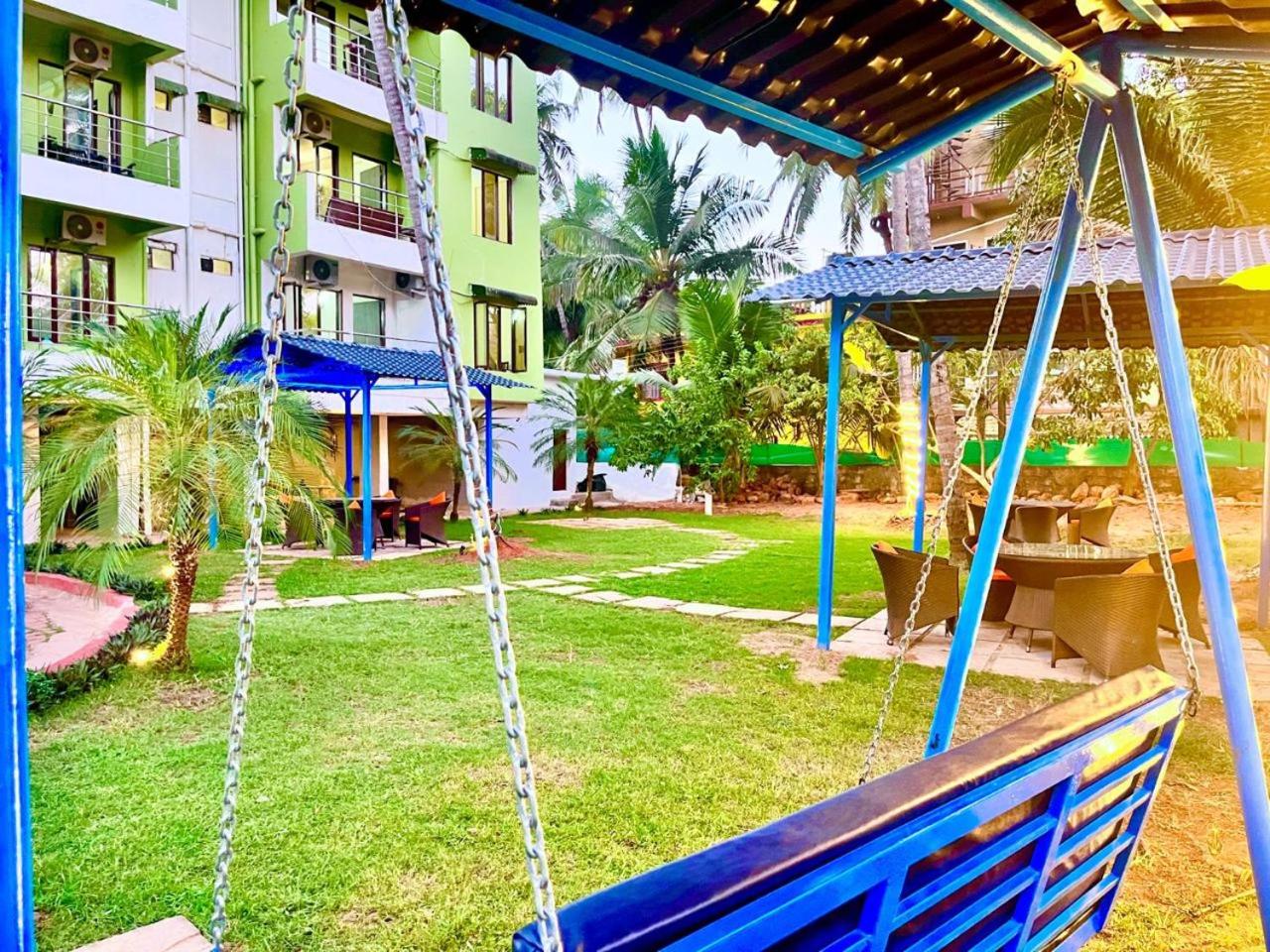


Poornima guest house
Calangute Royal Resort
Each room is equipped with AC. The bathroom comes with shower.
The Silver Rock - 3BHK Private Villa
Each room is equipped with AC. The bathroom comes with bathtub.
Tropicana villa
Tropicana villa welcomes you to a comfortable stay at North Goa. The Villa offers complete facilities to cater to guests’ needs, such as WiFi, parking, and private pool.
Fullmun
Located in North Goa, Fullmun offers accommodation with easy access to North Goa’s best spots. The property features WiFi, parking, and children facility.
Gilbert guest house
Harmony Retreat Goa Hotel
Located in North Goa, Harmony Retreat Goa Hotel offers accommodation with easy access to North Goa’s best spots. The property features swimming pool, restaurant, and WiFi.
The property offers washing machine and bar/lounge. Other facilities include 24-hour front desk, first aid kit, and car rental.
See detailsCasa Eva Arpora
Located in North Goa, Casa Eva Arpora offers accommodation with easy access to North Goa’s best spots. The property features WiFi, parking, and private pool.
ran ran house
J esent r resort welcomes you to a comfortable stay at North Goa. The Vacation Home offers complete facilities to cater to guests’ needs, such as swimming pool, WiFi, and parking.
Staff at the Vacation Home can assist you with 24-hour front desk and luggage storage. Other facilities include washing machine and atm/banking.
See detailscasa titos by ricardo
Located in North Goa, casa titos by ricardo offers accommodation with easy access to North Goa’s best spots. The property features swimming pool, restaurant, and parking.
Luxere villa 3bhk With common pool in Candolim
Villa Vera
Each room is equipped with AC. The bathroom comes with bathtub.

How to Book Hotels on tiket.com
1. Find the hotelEnter the name of the city, area, or hotel to find the place you want.
2. Select a roomOn the hotel detail page, you will see the available room options. Select a room that suits your needs.
3. Complete the booking detailsInput the contact details (the person who will be contacted by tiket.com and the hotel about the booking) and the guests’ details.
4. Select Add-onsYou can also buy additional services such as meal packages, transportation, and many more.
5. Pay your bookingSelect the payment method and complete your transaction. Don’t forget to use the promo code to get a cheaper hotel price at tiket.com.
6. Get the reservation e-voucherAfter the payment is successful, the e-voucher will be available on the Your Orders menu and sent to the email listed in the contact details.