



Hotels in Napoli
Showing 3.000+ hotels in Napoli
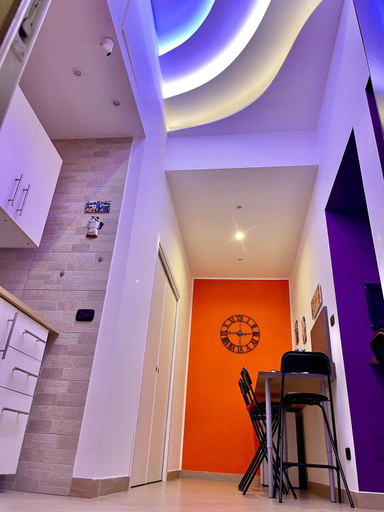
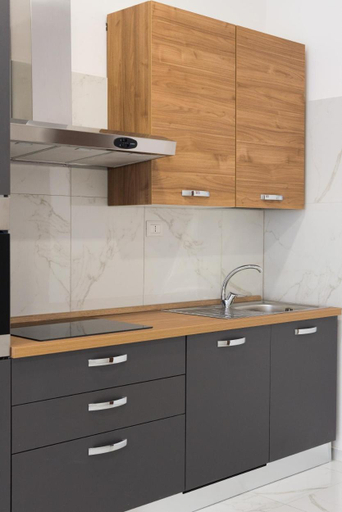


Seaview terrace 360°& elegant loft
Arthea Guest House
La casa di Ale 69
Lorenzo's Art Studio 2 - Via Tribunali
La Dimora delle Divinita
Casa paradiso
majorana home
San Antonio Home Central Station
La casa del sole
Toledo 2 Apartment
Santa Teresella suites a Toledo
Nammore Room
Each room is equipped with AC. The bathroom comes with shower.
Napoli centro, DM luxury apartments
Each room is equipped with AC. The bathroom comes with shower.
Staff at the Apartment can assist you with luggage storage and first aid kit. Other facilities include washing machine and grocery/convenience store.
Reginella a Toledo
The rooms feature (a) AC, TV, and refrigerator. The en suite bathroom comes with (a) shower, free toiletries, and hair dryer.
Casa Stella
Casa vacanza MA-RE
Seven Winds Suite
New Pont
The rooms feature (a) AC, TV, and refrigerator. The en suite bathroom comes with (a) shower, free toiletries, and hair dryer.
La Casetta di Gelsomina Centro storico 4 pax
Central Station Housing Apartments II by Wonderful Italy
Each room is equipped with AC. The bathroom comes with shower.
Hotels in Napoli
Don't feel hesitant to book hotels in Napoli at tiket.com! We'll make sure to provide all conveniences you need when doing a room reservation. Book your favourite hotel now only at tiket.com!

How to Book Hotels on tiket.com
1. Find the hotelEnter the name of the city, area, or hotel to find the place you want.
2. Select a roomOn the hotel detail page, you will see the available room options. Select a room that suits your needs.
3. Complete the booking detailsInput the contact details (the person who will be contacted by tiket.com and the hotel about the booking) and the guests’ details.
4. Select Add-onsYou can also buy additional services such as meal packages, transportation, and many more.
5. Pay your bookingSelect the payment method and complete your transaction. Don’t forget to use the promo code to get a cheaper hotel price at tiket.com.
6. Get the reservation e-voucherAfter the payment is successful, the e-voucher will be available on the Your Orders menu and sent to the email listed in the contact details.