



Hotels in Tokyo
Showing 5.000+ hotels in Tokyo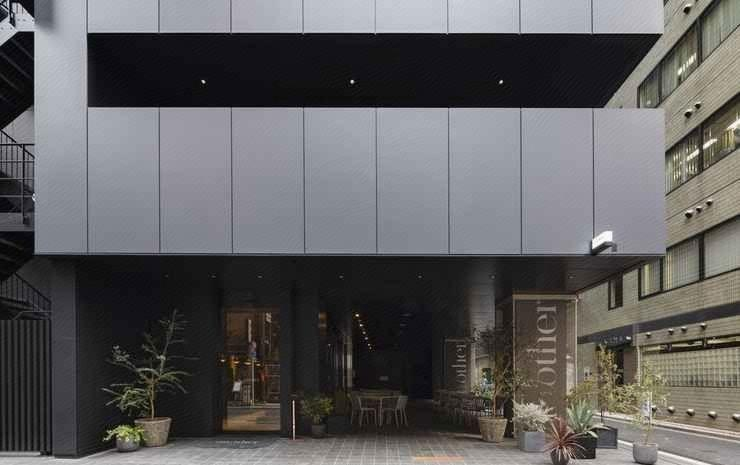



an/other TOKYO
THE NEXTT HOTEL
THE NEXTT HOTEL Location
With a stay at THE NEXTT HOTEL, you'll be centrally located in Tachikawa, within a 15-minute drive of Yokota Air Base and Belluna Dome. This hotel is 6.9 mi (11.2 km) from Sanrio Puroland and 7.9 mi (12.7 km) from Ajinomoto Stadium.
THE NEXTT HOTEL Facility and Service
Take in the views from a garden and make use of amenities such as complimentary wireless internet access.
THE NEXTT HOTEL Rooms
Stay in one of 211 guestrooms featuring LCD televisions. Complimentary wireless internet access keeps you connected, and digital programming is available for your entertainment. Private bathrooms have hair dryers and slippers. Conveniences include phones, housekeeping is provided on request, and you can request irons/ironing boards.
Restaurant and Cafe
Grab a bite to eat at one of the hotel's many dining establishments, which include 4 restaurants and 2 coffee shops/cafes. Need to unwind? Take a break with a tasty beverage at one of the 2 bars/lounges. Buffet breakfasts are available daily from 7:00 AM to 10:00 AM for a fee.
See detailsWith a stay at THE NEXTT HOTEL, you'll be centrally located in Tachikawa, within a 15-minute drive of Yokota Air Base and Belluna Dome. This hotel is 6.9 mi (11.2 km) from Sanrio Puroland and 7.9 mi (12.7 km) from Ajinomoto Stadium.
THE NEXTT HOTEL Facility and Service
Take in the views from a garden and make use of amenities such as complimentary wireless internet access.
THE NEXTT HOTEL Rooms
Stay in one of 211 guestrooms featuring LCD televisions. Complimentary wireless internet access keeps you connected, and digital programming is available for your entertainment. Private bathrooms have hair dryers and slippers. Conveniences include phones, housekeeping is provided on request, and you can request irons/ironing boards.
Restaurant and Cafe
Grab a bite to eat at one of the hotel's many dining establishments, which include 4 restaurants and 2 coffee shops/cafes. Need to unwind? Take a break with a tasty beverage at one of the 2 bars/lounges. Buffet breakfasts are available daily from 7:00 AM to 10:00 AM for a fee.
KUGAstay
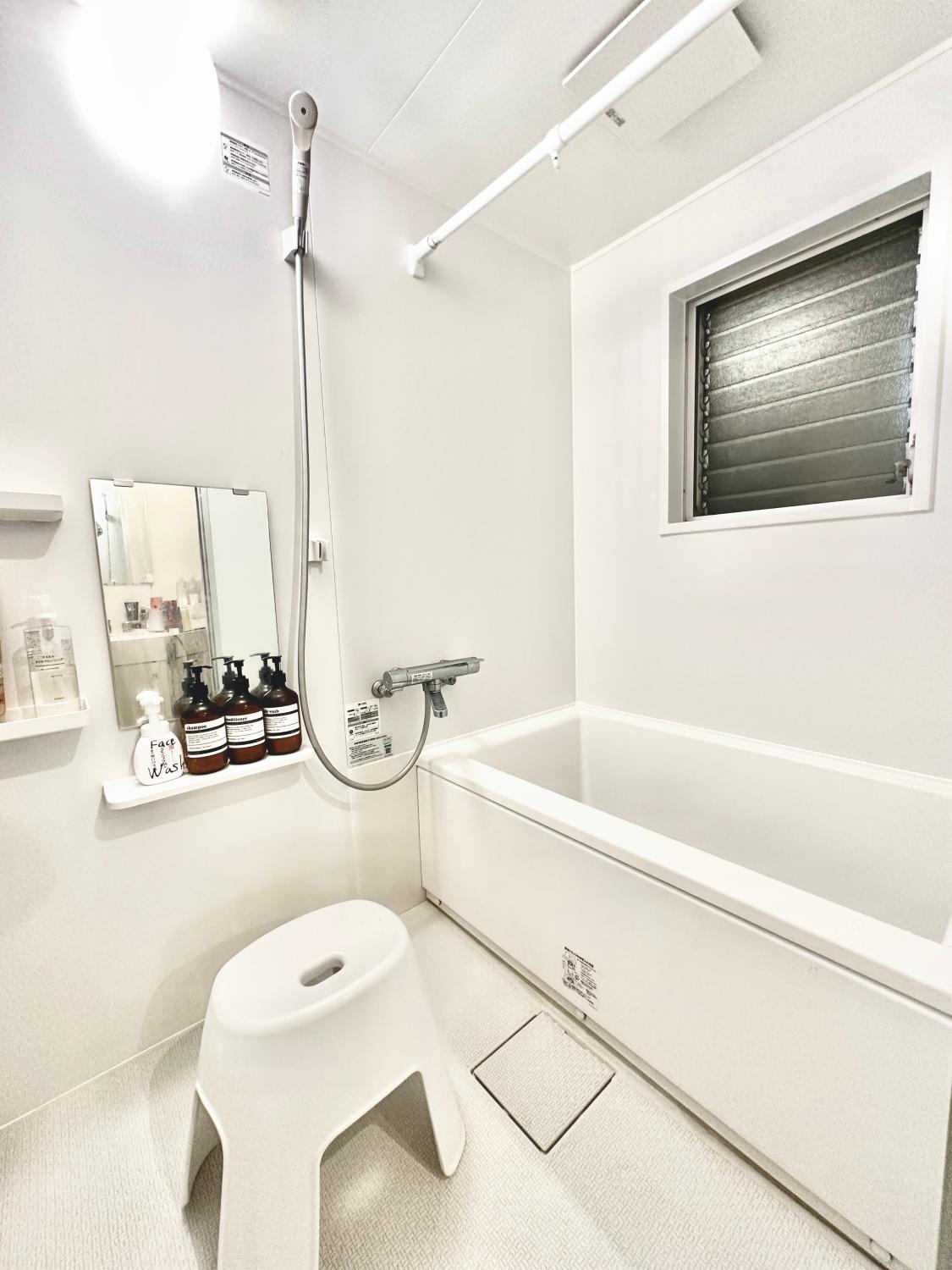
Each room is equipped with AC. The bathroom comes with shower.
Akasaka Central Hostel Roppongi Akasaka
The rooms feature (a) AC, refrigerator, and coffee tea maker. The en suite bathroom comes with (a) shower, bathtub, and free toiletries.
Guests can enjoy washing machine and iron/ironing board during the course of their stay. Services such as first aid kit and doctor on call 24-hour are provided at the property.
See detailsMuya Thai hostel Tokyo train camp
Each room is equipped with AC. The bathroom comes with shower.
The property offers washing machine and hotel safe. Other facilities include laundry service/dry cleaning, tours/ticket assistance, and tours.
Hotels in Tokyo
Don't feel hesitant to book hotels in Tokyo at tiket.com! We'll make sure to provide all conveniences you need when doing a room reservation. Book your favourite hotel now only at tiket.com!

How to Book Hotels on tiket.com
1. Find the hotelEnter the name of the city, area, or hotel to find the place you want.
2. Select a roomOn the hotel detail page, you will see the available room options. Select a room that suits your needs.
3. Complete the booking detailsInput the contact details (the person who will be contacted by tiket.com and the hotel about the booking) and the guests’ details.
4. Select Add-onsYou can also buy additional services such as meal packages, transportation, and many more.
5. Pay your bookingSelect the payment method and complete your transaction. Don’t forget to use the promo code to get a cheaper hotel price at tiket.com.
6. Get the reservation e-voucherAfter the payment is successful, the e-voucher will be available on the Your Orders menu and sent to the email listed in the contact details.