



Hotels in NA (Agadir)
Showing 218 hotels in NA (Agadir)
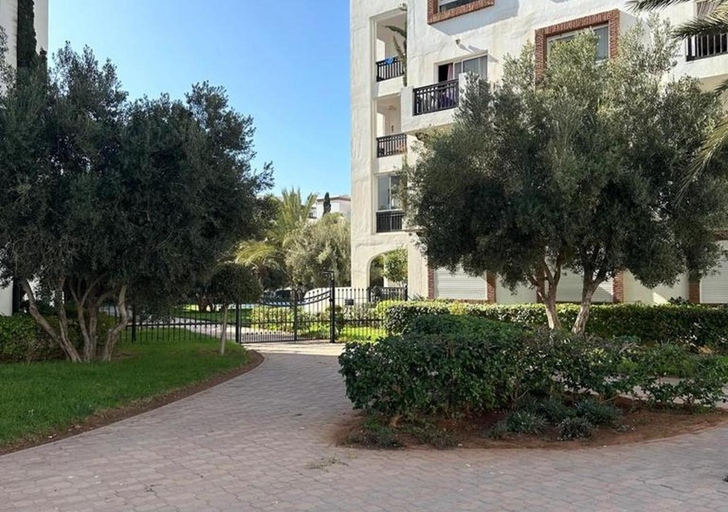

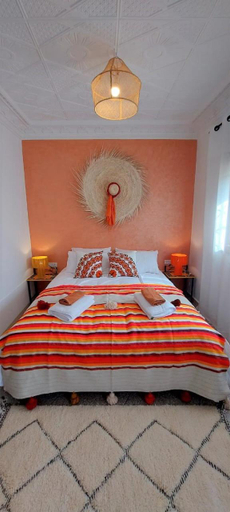

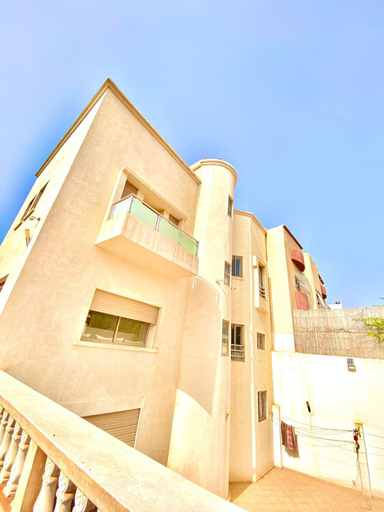


Agadir-Apartment
Luxe en bord de mer a la Marina d'Agadir
Cosy Bay appartement 4 - 5px
Beach Appartment close to Marina 105 sqm
CASA ZOUINA
Studyscape residence
Charite Host Appartement , Wifi et Parking Gratuit
Beautiful Apartment in Agadir
appartement founty Agadir
Hobbiton
Appartement Haut Standing en plein centre ville
Grand Standing 110m2 Piscine Terrasse Proche Plage
Entire Apartment
Deluxe apartment - islan agadir
Marina Agadir Comfy Apartment
Villa AGADIR pas cher
Blue Note - Marina Agadir - Piscine - 4/5 Px
Experience an abundance of unparalleled facilities and features at Blue Note - Marina Agadir - Piscine - 4/5 Px. Share your photos and respond to emails at your convenience, thanks to the free Wi-Fi internet access offered by apartment.Visitors can take advantage of the accessible parking options directly at the apartment. The apartment maintains a completely smoke-free zone, providing a breathable atmosphere. Indulge in the numerous pursuits available at Blue Note - Marina Agadir - Piscine - 4/5 Px. Each day at apartment, immerse yourself in the invigorating waters of the pool, perfect for a rejuvenating plunge or a series of revitalizing laps.
See detailsTARIK KHAYER
Each room is equipped with AC. The bathroom comes with hot tub.
Hotels in NA (Agadir)
Don't feel hesitant to book hotels in NA (Agadir) at tiket.com! We'll make sure to provide all conveniences you need when doing a room reservation. Book your favourite hotel now only at tiket.com!

How to Book Hotels on tiket.com
1. Find the hotelEnter the name of the city, area, or hotel to find the place you want.
2. Select a roomOn the hotel detail page, you will see the available room options. Select a room that suits your needs.
3. Complete the booking detailsInput the contact details (the person who will be contacted by tiket.com and the hotel about the booking) and the guests’ details.
4. Select Add-onsYou can also buy additional services such as meal packages, transportation, and many more.
5. Pay your bookingSelect the payment method and complete your transaction. Don’t forget to use the promo code to get a cheaper hotel price at tiket.com.
6. Get the reservation e-voucherAfter the payment is successful, the e-voucher will be available on the Your Orders menu and sent to the email listed in the contact details.