


4 Star Hotels in David
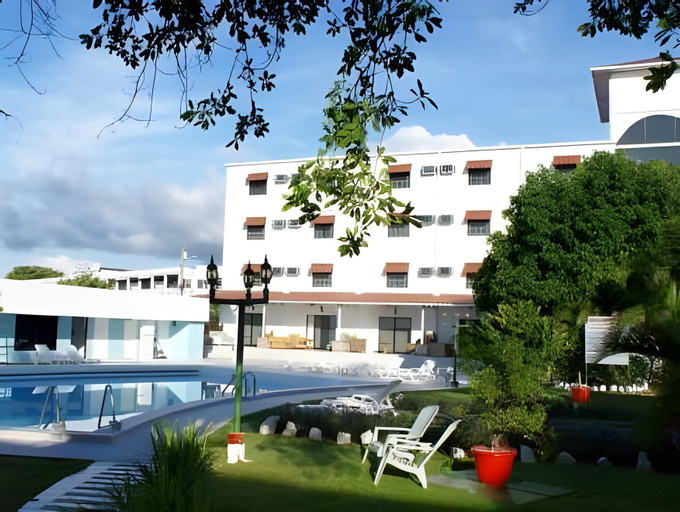
Gran Hotel Nacional
Property Location
A stay at Gran Hotel Nacional places you in the heart of David, a short 4-minute walk from Miguel de Cervantes Saavedra Park and within 2 minutes by car from Parque de las Madres. This casino hotel is 0.8 mi (1.3 km) from Crown Casino and 0.9 mi (1.5 km) from Parque Recreativo Omar Torrijos Herrera.
Area Attraction
Distances are displayed to the nearest 0.1 mile and kilometer.
Miguel de Cervantes Saavedra Park - 0.4 km / 0.2 mi
Crown Casino - 1.3 km / 0.8 mi
Parque Recreativo Omar Torrijos Herrera - 1.5 km / 0.9 mi
Parque de las Madres - 1.5 km / 0.9 mi
Kenny Serracín Stadium - 2.2 km / 1.4 mi
Plaza El Terronal - 2.6 km / 1.6 mi
Hospital Regional Dr. Rafael Hernández - 3.8 km / 2.3 mi
Federal Mall - 4.3 km / 2.7 mi
Port of Pedregal - 8 km / 5 mi
Los Pozos de Caldera - 22.4 km / 13.9 mi
Balneario La Nueva Barranca - 22.4 km / 13.9 mi
Playa La Barqueta - 32.9 km / 20.4 mi
Los Pozos de Caldera - 35.2 km / 21.9 mi
Boquete Community Market - 35.8 km / 22.3 mi
Schumann's Park - 39.4 km / 24.5 mi
The preferred airport for Gran Hotel Nacional is David (DAV-Enrique Malek Intl.) - 4.9 km / 3.1 mi
Rec, Spa, Premium Amenities
Relax at the full-service spa, where you can enjoy massages. Gambling sorts can try their luck at the casino, while others may prefer a health club or an outdoor pool. Additional features at this Colonial hotel include complimentary wireless internet access, wedding services, and tour/ticket assistance.
Business, Other Amenities
Featured amenities include complimentary wired internet access, a 24-hour business center, and complimentary newspapers in the lobby. Planning an event in David? This hotel has 2691 square feet (250 square meters) of space consisting of conference space and 3 meeting rooms. A roundtrip airport shuttle is complimentary at scheduled times.
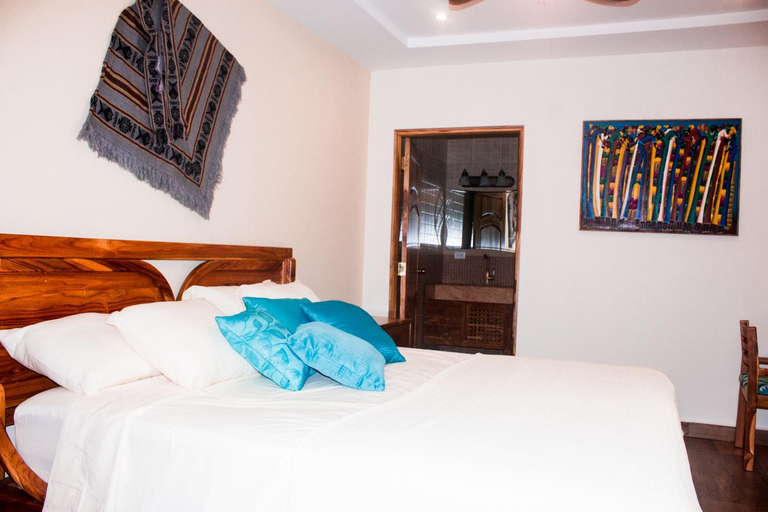
Patampa SA
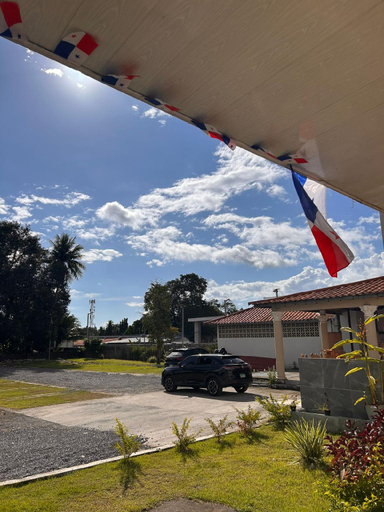
Hotel Crown Mirage
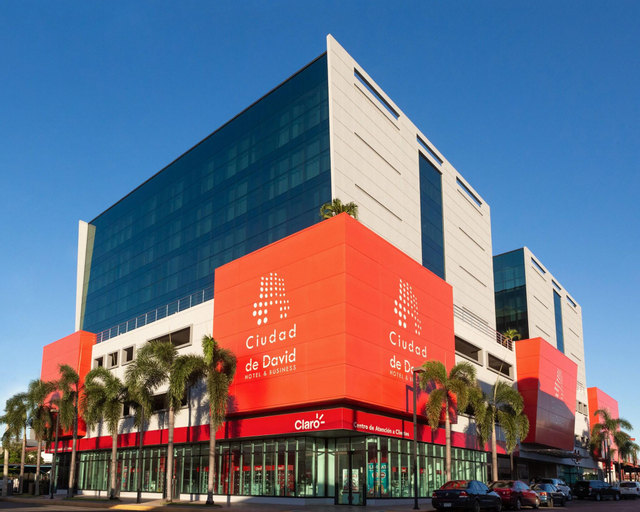
Ciudad De David Hotel & Business

Santa Cruz Apartments By Acomodo
