



Hotels in Panamá
Showing 460 hotels in Panamá
AmazINN Places Rooftop and Design Pool III
AmazINN Places Rooftop and Design Pool II
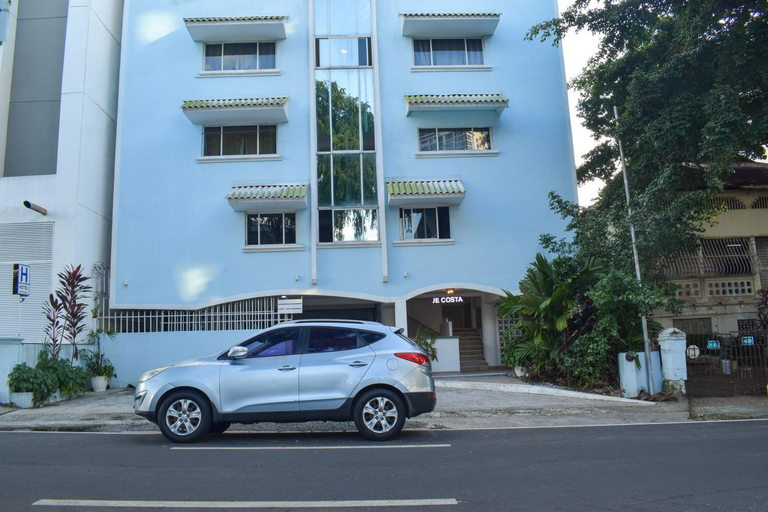
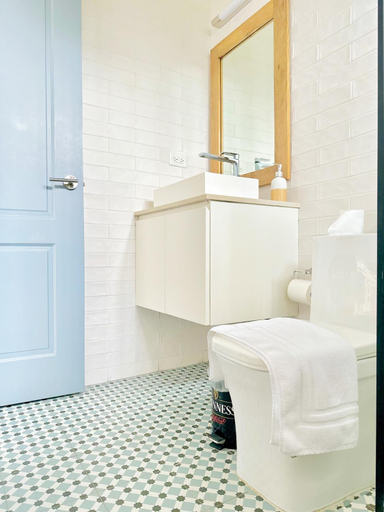
Hotel Blue Costa Panama
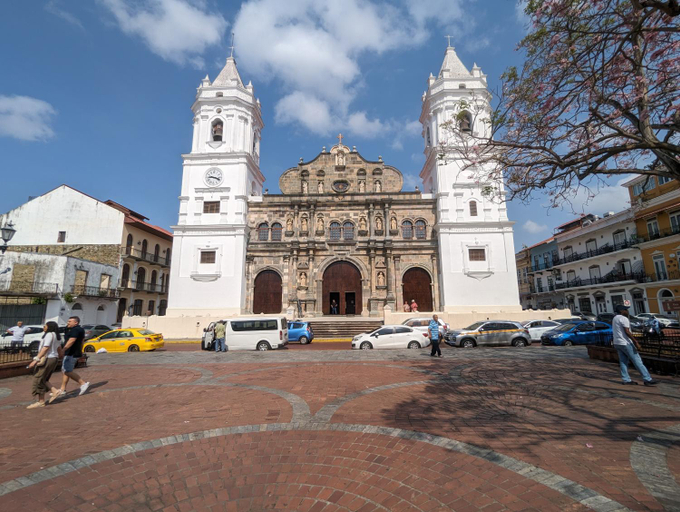
Located in Panama City (Bella Vista), Hotel Blue Costa Panama is within a 15-minute walk of Avenida Balboa and Cinta Costera. This hotel is 1. 8 mi (2. 9 km) from Albrook Shopping Mall and 1. 1 mi (1. 7 km) from Via Espana.
Take in the views from a garden and make use of amenities such as complimentary wireless internet access and a vending machine.
Featured amenities include a 24-hour front desk and a vending machine. Free self parking is available onsite.
A complimentary buffet breakfast is served daily from 8:30 AM to 10:00 AM.
Make yourself at home in one of the 40 air-conditioned guestrooms. Complimentary wireless internet access is available to keep you connected.
See detailsApartamento Amoblado en Cinta costera Panama largas estadias
AmazINN Places Casco Viejo unique Desing and Pool I
Casa Mercedes - Deluxe Apartments in Casco Viejo
AmazINN Places Casco Viejo Pink Desing and Pool IX
Casa Lefevre by Wynwood House
AmazINN Places Rooftop and Design Pool IV
Apartamento en el Corazon de Casco Viejo Panama 9
Hotels in Panamá
Don't feel hesitant to book hotels in Panamá at tiket.com! We'll make sure to provide all conveniences you need when doing a room reservation. Book your favourite hotel now only at tiket.com!

How to Book Hotels on tiket.com
1. Find the hotelEnter the name of the city, area, or hotel to find the place you want.
2. Select a roomOn the hotel detail page, you will see the available room options. Select a room that suits your needs.
3. Complete the booking detailsInput the contact details (the person who will be contacted by tiket.com and the hotel about the booking) and the guests’ details.
4. Select Add-onsYou can also buy additional services such as meal packages, transportation, and many more.
5. Pay your bookingSelect the payment method and complete your transaction. Don’t forget to use the promo code to get a cheaper hotel price at tiket.com.
6. Get the reservation e-voucherAfter the payment is successful, the e-voucher will be available on the Your Orders menu and sent to the email listed in the contact details.