


Hotels in Brasov
Showing 575 hotels in Brasov


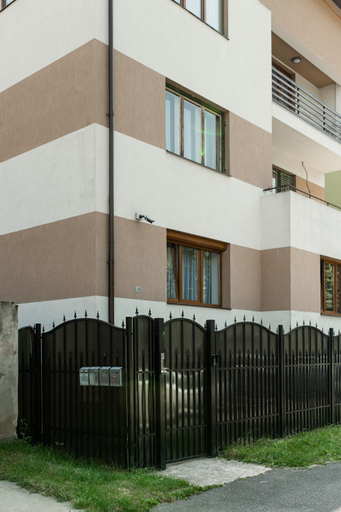
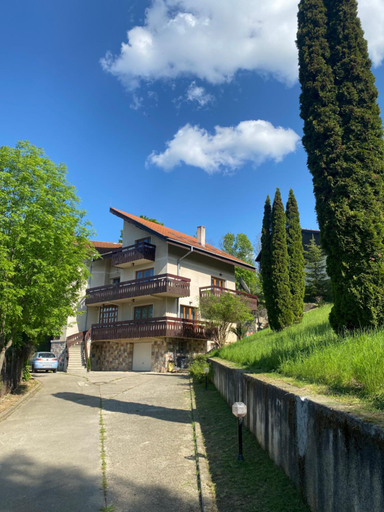
KRON HOUSE
The Mews - Central Apartment near AFI Mall
Grandis Studio Coresi
Kasper Coresi Mall - Rise Private Apartments & Suites
4FriendsCoresiBrasov Blue
Barrique 34
Hanul Anei - 2 entire Villas in Brasov
Apartament Brown Gem Brasov
Sun x Mountains - Black Church
APARTAMENT AVANGARDEN EMA ROSU
elisio - Ninth Heaven
MONCLER Family
Boholand Apartment
Historic Center Apartment
DOR Apartment
Republicii Apartment
KOA - Memo Haus
Casa Chiper - Apartament Parter
Jasmine Residence NEW Duplex Apartment
BELLESTAY
Hotels in Brasov
Don't feel hesitant to book hotels in Brasov at tiket.com! We'll make sure to provide all conveniences you need when doing a room reservation. Book your favourite hotel now only at tiket.com!

How to Book Hotels on tiket.com
1. Find the hotelEnter the name of the city, area, or hotel to find the place you want.
2. Select a roomOn the hotel detail page, you will see the available room options. Select a room that suits your needs.
3. Complete the booking detailsInput the contact details (the person who will be contacted by tiket.com and the hotel about the booking) and the guests’ details.
4. Select Add-onsYou can also buy additional services such as meal packages, transportation, and many more.
5. Pay your bookingSelect the payment method and complete your transaction. Don’t forget to use the promo code to get a cheaper hotel price at tiket.com.
6. Get the reservation e-voucherAfter the payment is successful, the e-voucher will be available on the Your Orders menu and sent to the email listed in the contact details.