



Hotels in Girona
Showing 2.000+ hotels in Girona
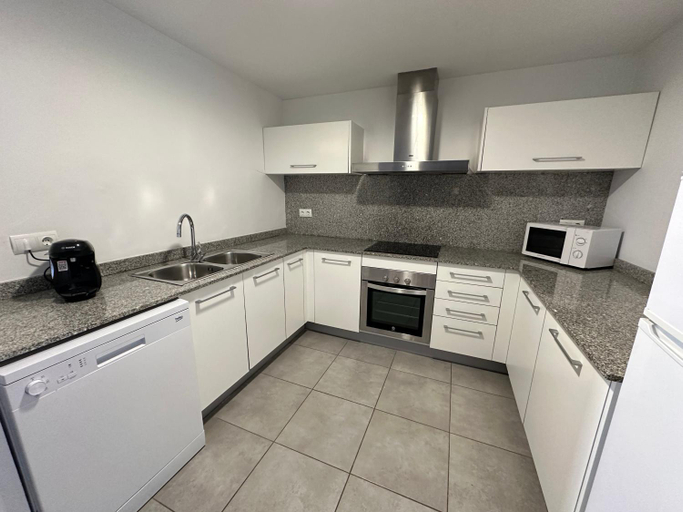
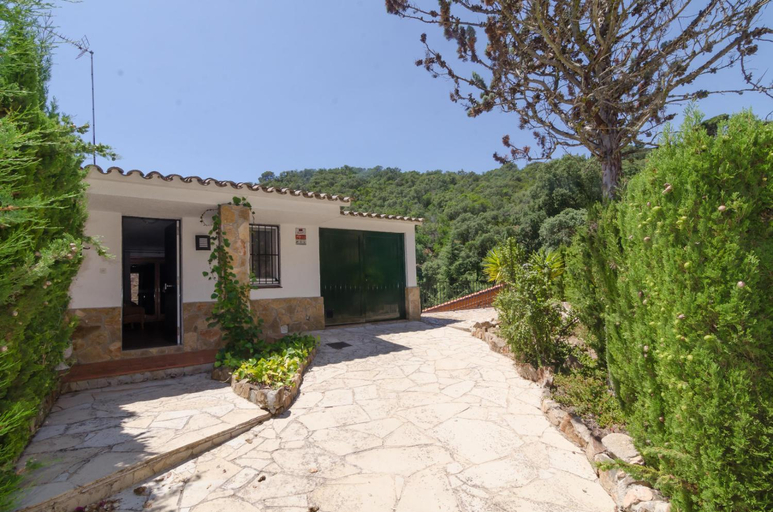
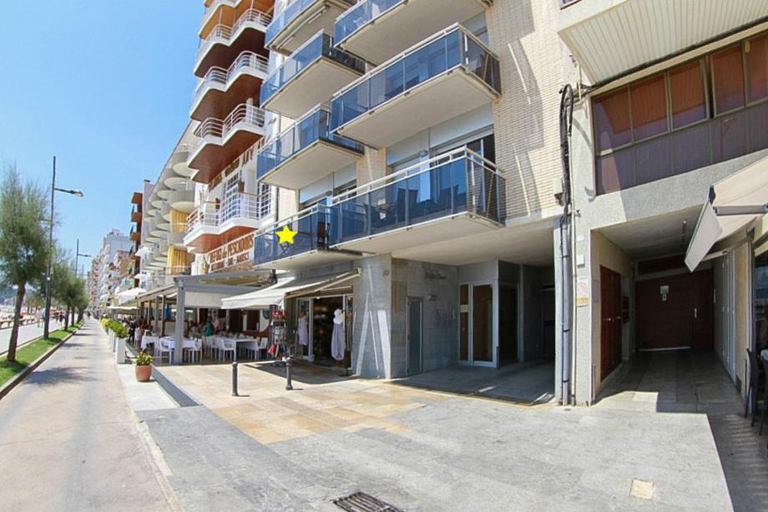
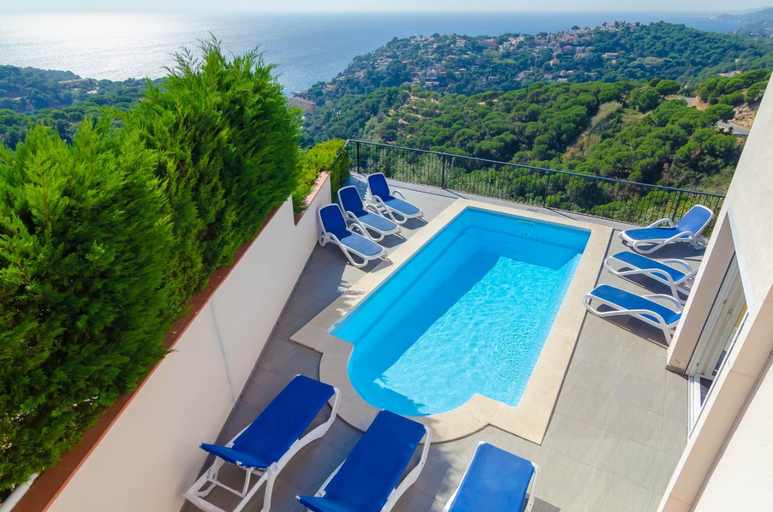
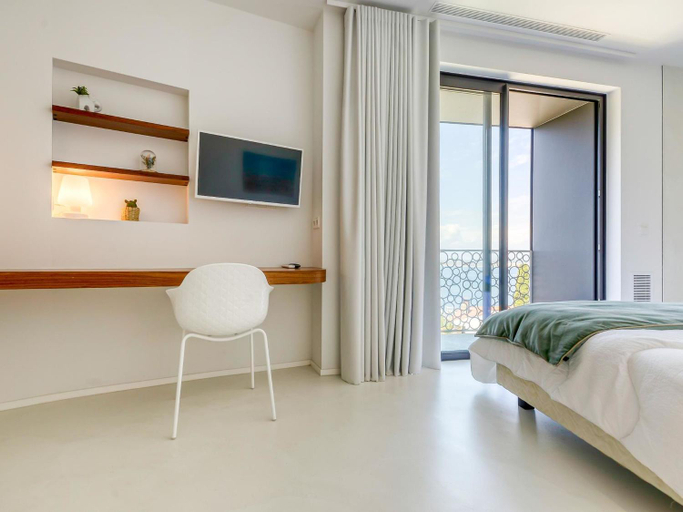
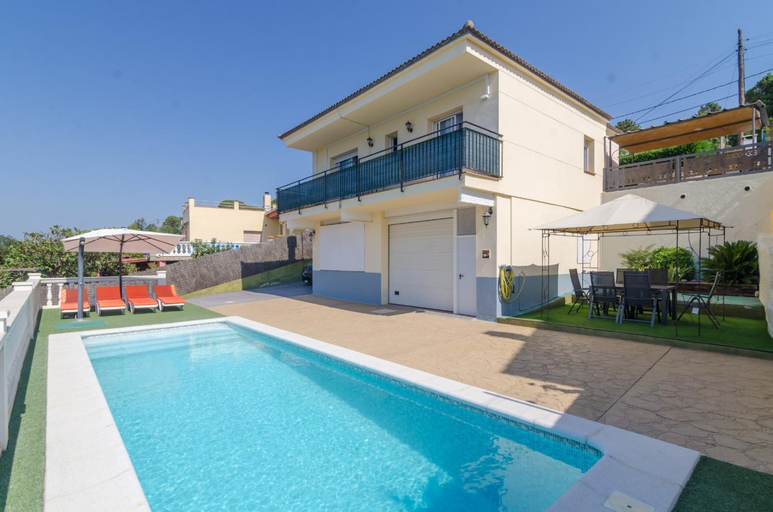


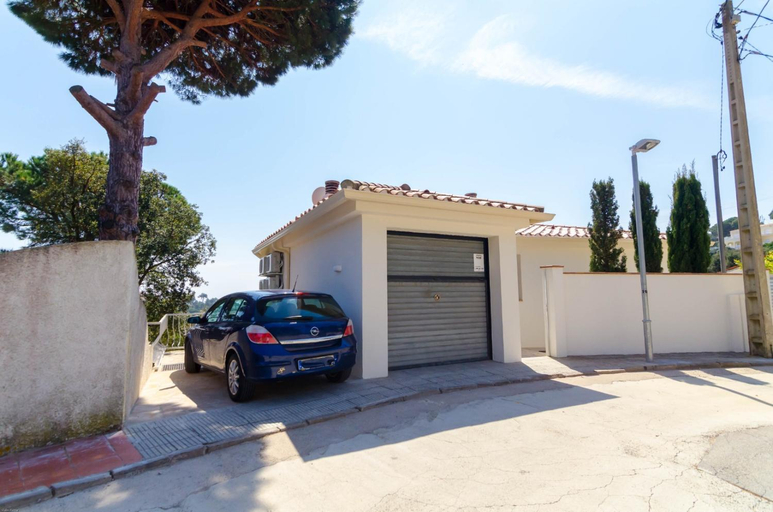
Apartamento recien reformado con piscina y AC
Agi Las Acacias
Club Villamar - Ballerina
La Pallissa - Can Bonet
Flateli Rambla 5 2-1
Apartamento con piscina en el centro de Blanes
Club Villamar - Apartment Amatella
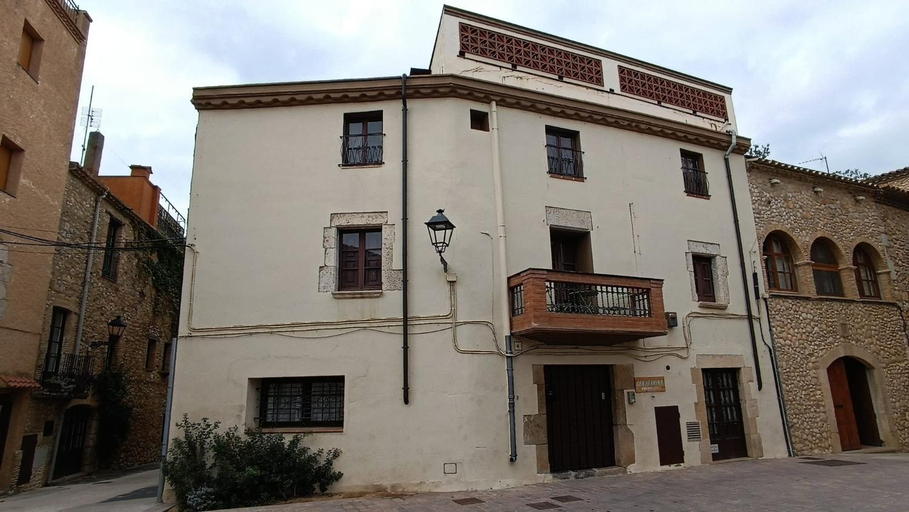
BAIX EMPORDA. Increible casa en pueblo medieval
Club Villamar - Mirabelle
Villa Donut by Interhome
RNET - Port Canigo 220 - Roses Costa Brava
Club Villamar - Santelmo
RNET - La Solana 68
VentalloLEscala. WiFi. Rooftop w stunning views
Apartment Mitsu by Interhome
Can Criach 1
Camping Cala Pola
Located in Girona, Camping Cala Pola offers accommodation with easy access to Girona’s best spots. The property features swimming pool, restaurant, and WiFi.
The property offers washing machine and children playground. Other facilities include airport transfer (free), tours/ticket assistance, and tours.
See detailsCBN Apartments
Each room is equipped with AC. The bathroom comes with bathtub.
Apartamento con piscina en Sagaro
Apartamento con piscina en Sagaro welcomes you to a comfortable stay at Girona. The Apartment offers complete facilities to cater to guests’ needs, such as swimming pool, WiFi, and parking.
Club Villamar - Adora 2
Hotels in Girona
Don't feel hesitant to book hotels in Girona at tiket.com! We'll make sure to provide all conveniences you need when doing a room reservation. Book your favourite hotel now only at tiket.com!

How to Book Hotels on tiket.com
1. Find the hotelEnter the name of the city, area, or hotel to find the place you want.
2. Select a roomOn the hotel detail page, you will see the available room options. Select a room that suits your needs.
3. Complete the booking detailsInput the contact details (the person who will be contacted by tiket.com and the hotel about the booking) and the guests’ details.
4. Select Add-onsYou can also buy additional services such as meal packages, transportation, and many more.
5. Pay your bookingSelect the payment method and complete your transaction. Don’t forget to use the promo code to get a cheaper hotel price at tiket.com.
6. Get the reservation e-voucherAfter the payment is successful, the e-voucher will be available on the Your Orders menu and sent to the email listed in the contact details.