



Hotels in Islas Canarias
Showing 8.000+ hotels in Islas Canarias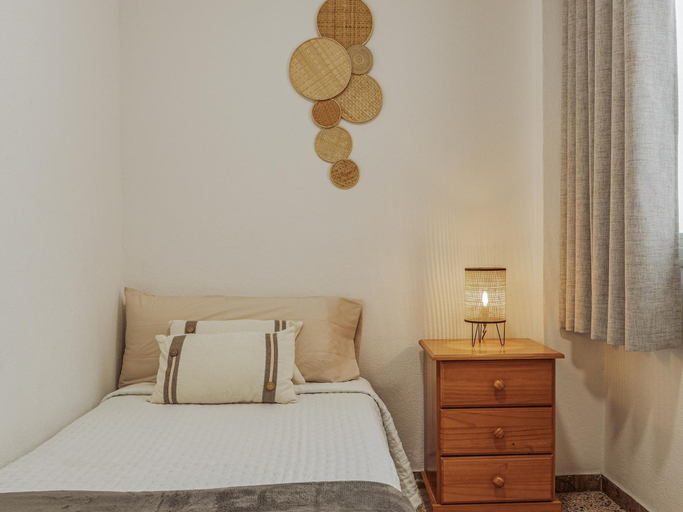




CHL Armon a Side see View in Puerto Naos
CHL Armon a Side see View in Puerto Naos Location
With a stay at this apartment in Los Llanos de Aridane (Puerto Naos), you'll be steps from Puerto Naos Beach and a 3-minute drive from Charco Verde. This apartment is 1 mi (1.5 km) from La Palma Beaches and 1.3 mi (2.1 km) from Playa de Los Monjas.
CHL Armon a Side see View in Puerto Naos Rooms
Your apartment features a flat-screen TV.
See detailsWith a stay at this apartment in Los Llanos de Aridane (Puerto Naos), you'll be steps from Puerto Naos Beach and a 3-minute drive from Charco Verde. This apartment is 1 mi (1.5 km) from La Palma Beaches and 1.3 mi (2.1 km) from Playa de Los Monjas.
CHL Armon a Side see View in Puerto Naos Rooms
Your apartment features a flat-screen TV.
Dreamwave Surf House Fuerteventura
Located in Las Palmas, Dreamwave Surf House Fuerteventura offers accommodation with easy access to Las Palmas’s best spots. The property features swimming pool, WiFi, and parking.
Villa Pearl - By Apricus Holidays
Villa Charm - By Apricus Holidays welcomes you to a comfortable stay at Santa Cruz de Tenerife. The Villa offers complete facilities to cater to guests’ needs, such as swimming pool, WiFi, and parking.
Each room is equipped with AC. The bathroom comes with hot tub.
Staff at the Villa can assist you with luggage storage and airport transfer (free). Other facilities include baby cot and whirlpool.
See detailsSeagreen Deluxe Cotillo by Sea You There Fuerteventura
Located in Las Palmas, Seagreen Deluxe Cotillo by Sea You There Fuerteventura offers accommodation with easy access to Las Palmas’s best spots. The property features swimming pool, WiFi, and parking.
Rooms at Seagreen Deluxe Cotillo by Sea You There Fuerteventura are equipped with TV, refrigerator, and coffee tea maker. The bathroom is fitted with free toiletries and hair dryer.
The property offers washing machine and iron/ironing board. Other facilities include tours/ticket assistance, tours, and first aid kit.
See detailsApartment Parque Royal Fanabe
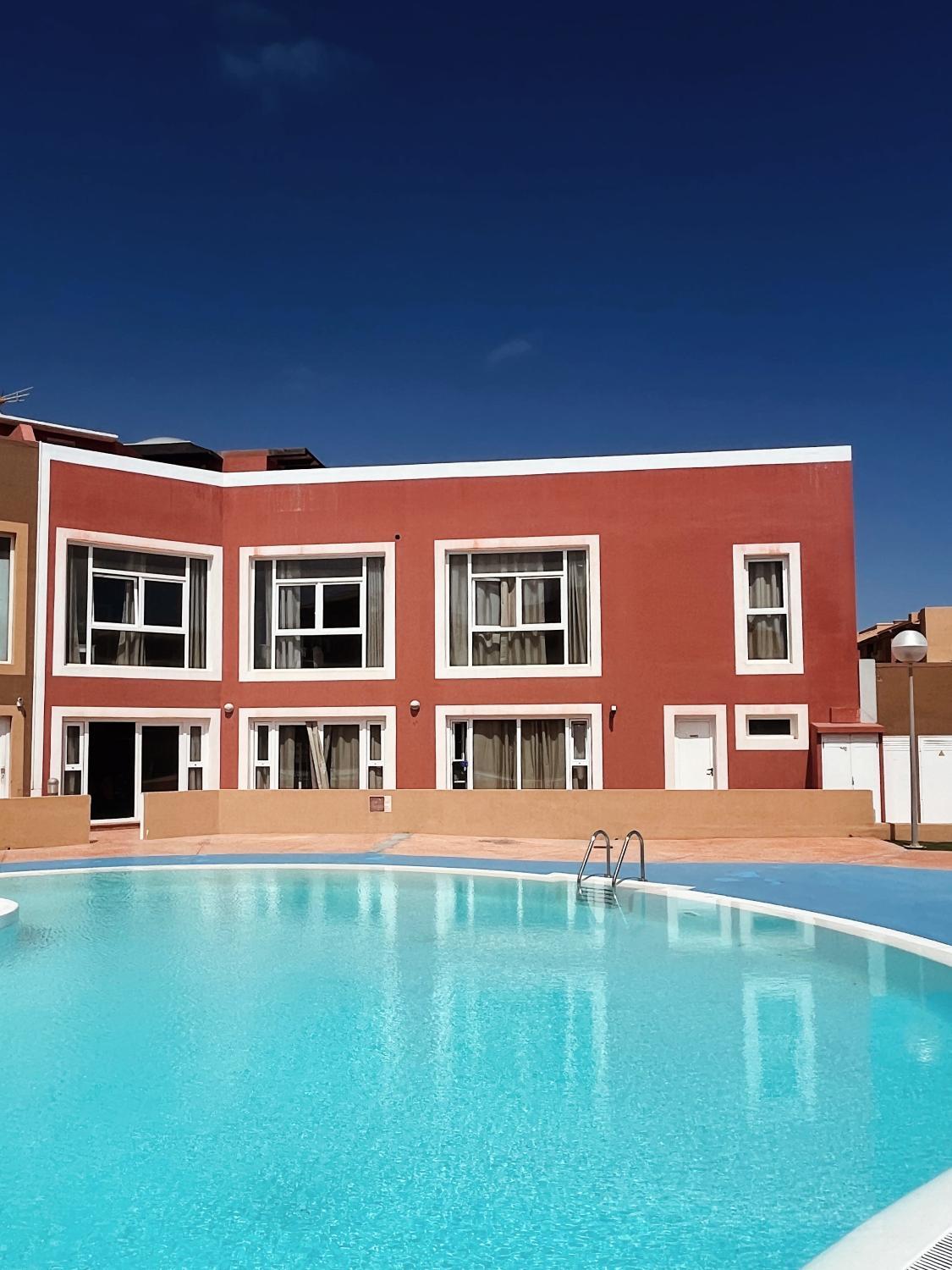
Casa Roja - Banama
Located in Las Palmas, Casa Roja - Banama offers accommodation with easy access to Las Palmas’s best spots. The property features swimming pool, WiFi, and parking.
Each room is equipped with AC. The bathroom comes with shower.
See detailsCasa Tela Marinera
Each room is equipped with AC. The bathroom comes with shower.
Staff at the Campsite can assist you with airport transfer (free) and tours/ticket assistance. Other facilities include washing machine and bicycle rental.
Hotels in Islas Canarias
Don't feel hesitant to book hotels in Islas Canarias at tiket.com! We'll make sure to provide all conveniences you need when doing a room reservation. Book your favourite hotel now only at tiket.com!
How to Book Hotels on tiket.com
1. Find the hotelEnter the name of the city, area, or hotel to find the place you want.
2. Select a roomOn the hotel detail page, you will see the available room options. Select a room that suits your needs.
3. Complete the booking detailsInput the contact details (the person who will be contacted by tiket.com and the hotel about the booking) and the guests’ details.
4. Select Add-onsYou can also buy additional services such as meal packages, transportation, and many more.
5. Pay your bookingSelect the payment method and complete your transaction. Don’t forget to use the promo code to get a cheaper hotel price at tiket.com.
6. Get the reservation e-voucherAfter the payment is successful, the e-voucher will be available on the Your Orders menu and sent to the email listed in the contact details.