



Hotels in Redcar and Cleveland
Showing 155 hotels in Redcar and Cleveland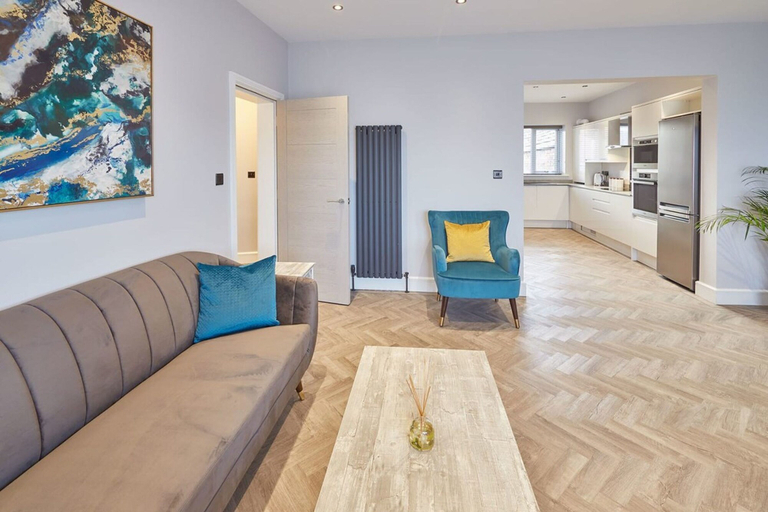
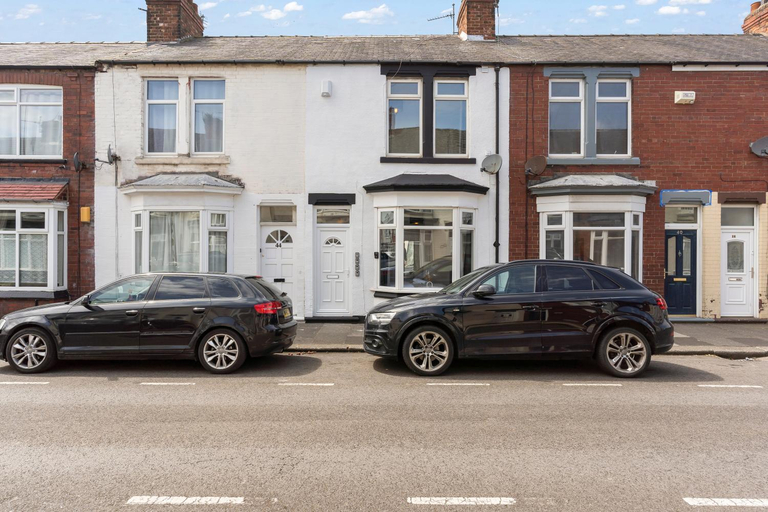
Host Stay Bellevue Apartment 1
Host Stay Bellevue Apartment 1 Location
With a stay at this apartment in Redcar, you'll be just steps from Redcar Esplanade and Coatham Sands. This apartment is 12.2 mi (19.6 km) from North York Moors National Park and 0.1 mi (0.1 km) from Redcar Beacon.
Host Stay Bellevue Apartment 1 Rooms
Make yourself comfortable in your apartment. Conveniences include a desk and an electric kettle.
See detailsWith a stay at this apartment in Redcar, you'll be just steps from Redcar Esplanade and Coatham Sands. This apartment is 12.2 mi (19.6 km) from North York Moors National Park and 0.1 mi (0.1 km) from Redcar Beacon.
Host Stay Bellevue Apartment 1 Rooms
Make yourself comfortable in your apartment. Conveniences include a desk and an electric kettle.
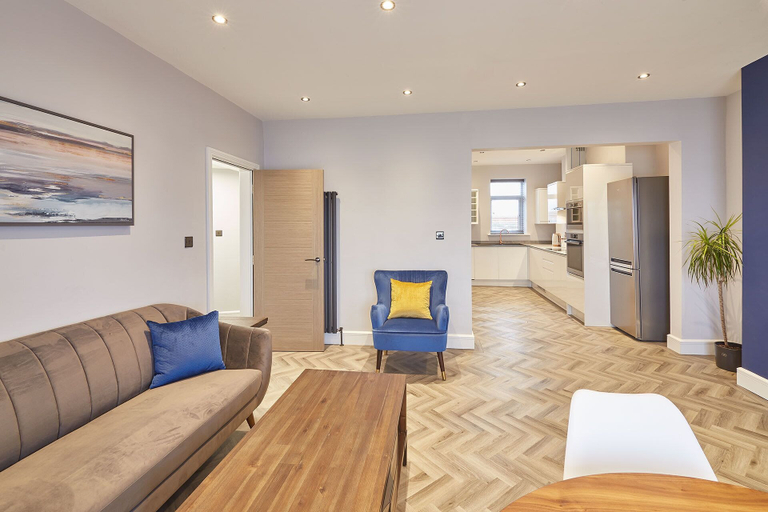
Host Stay Bellevue Apartment 2
Host Stay Bellevue Apartment 2 Location
With a stay at this apartment in Redcar, you'll be just steps from Redcar Esplanade and Coatham Sands. This apartment is 12.2 mi (19.6 km) from North York Moors National Park and 0.1 mi (0.1 km) from Redcar Beacon.
Host Stay Bellevue Apartment 2 Rooms
Make yourself comfortable in your apartment.
See detailsWith a stay at this apartment in Redcar, you'll be just steps from Redcar Esplanade and Coatham Sands. This apartment is 12.2 mi (19.6 km) from North York Moors National Park and 0.1 mi (0.1 km) from Redcar Beacon.
Host Stay Bellevue Apartment 2 Rooms
Make yourself comfortable in your apartment.
Suite #3 - Central Location - Private Ensuite, Smart TV, Fast Wifi and Free Parking - by Yoko Proper
Located in Redcar and Cleveland, Suite #3 - Central Location - Private Ensuite, Smart TV, Fast Wifi and Free Parking - by Yoko Proper offers accommodation with easy access to Redcar and Cleveland’s best spots. The property features WiFi, children facility, and kitchen.
Guests can enjoy washing machine and iron/ironing board during the course of their stay. Services such as first aid kit and doctor on call 24-hour are provided at the property.
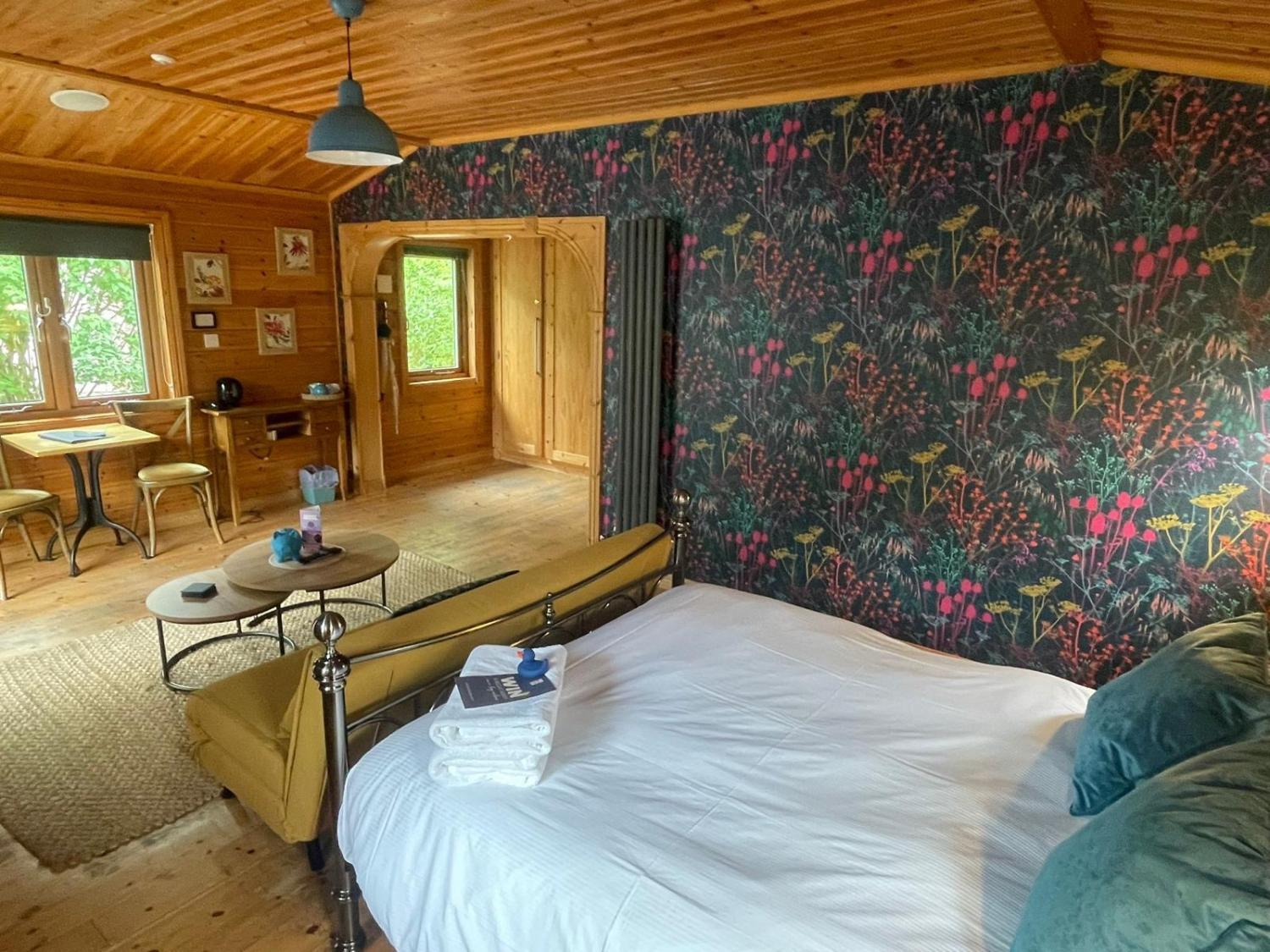
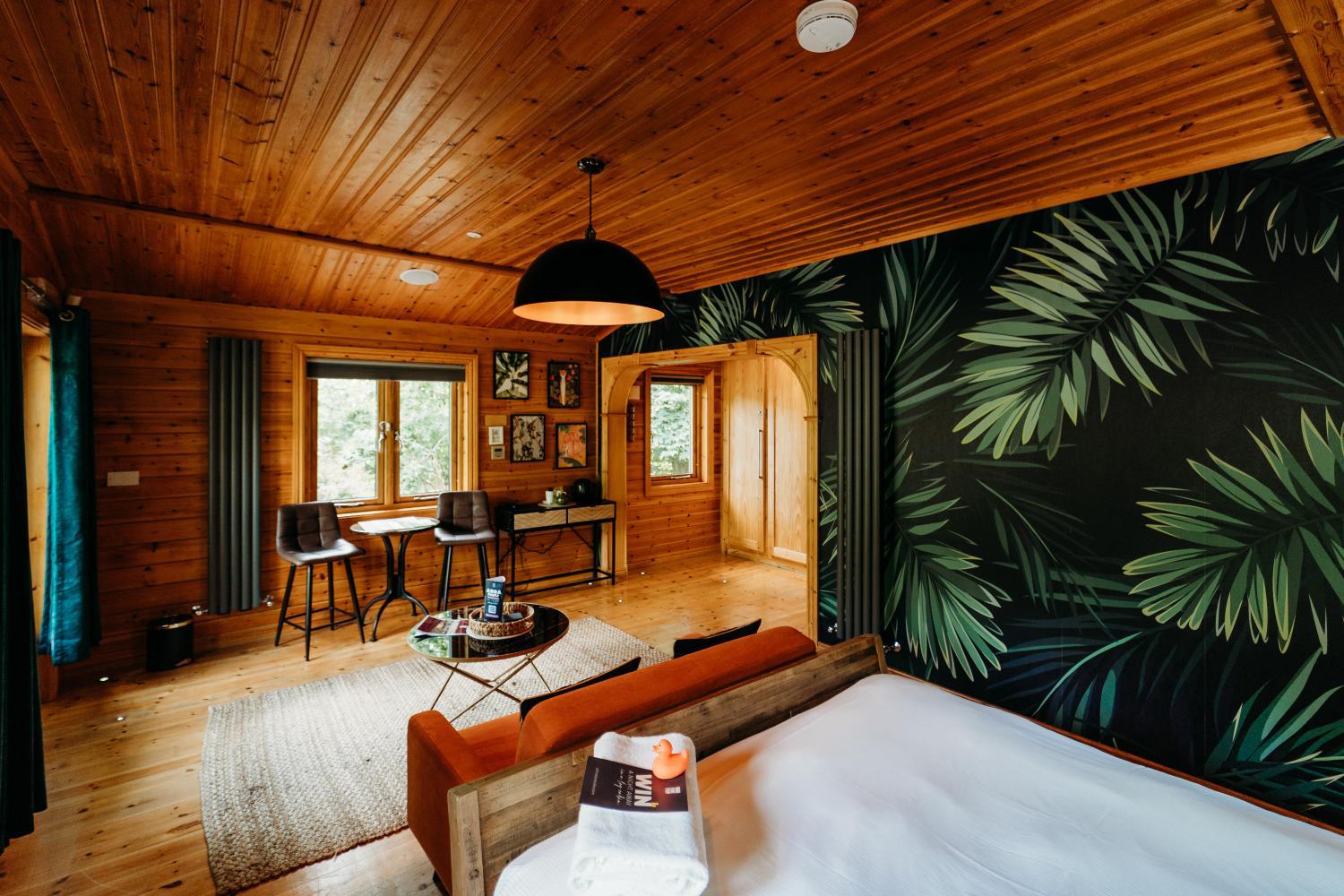
See detailsRoma Log Cabin, Whinstone View
Zoffany Log Cabin, Whinstone View
Hotels in Redcar and Cleveland
Don't feel hesitant to book hotels in Redcar and Cleveland at tiket.com! We'll make sure to provide all conveniences you need when doing a room reservation. Book your favourite hotel now only at tiket.com!

How to Book Hotels on tiket.com
1. Find the hotelEnter the name of the city, area, or hotel to find the place you want.
2. Select a roomOn the hotel detail page, you will see the available room options. Select a room that suits your needs.
3. Complete the booking detailsInput the contact details (the person who will be contacted by tiket.com and the hotel about the booking) and the guests’ details.
4. Select Add-onsYou can also buy additional services such as meal packages, transportation, and many more.
5. Pay your bookingSelect the payment method and complete your transaction. Don’t forget to use the promo code to get a cheaper hotel price at tiket.com.
6. Get the reservation e-voucherAfter the payment is successful, the e-voucher will be available on the Your Orders menu and sent to the email listed in the contact details.