How do I order domestic flight tickets?
Let’s book your domestic flight ticket by following these steps below:
1. Select the route, date, number of passengers and flight ticket class, then click "Search Flights".
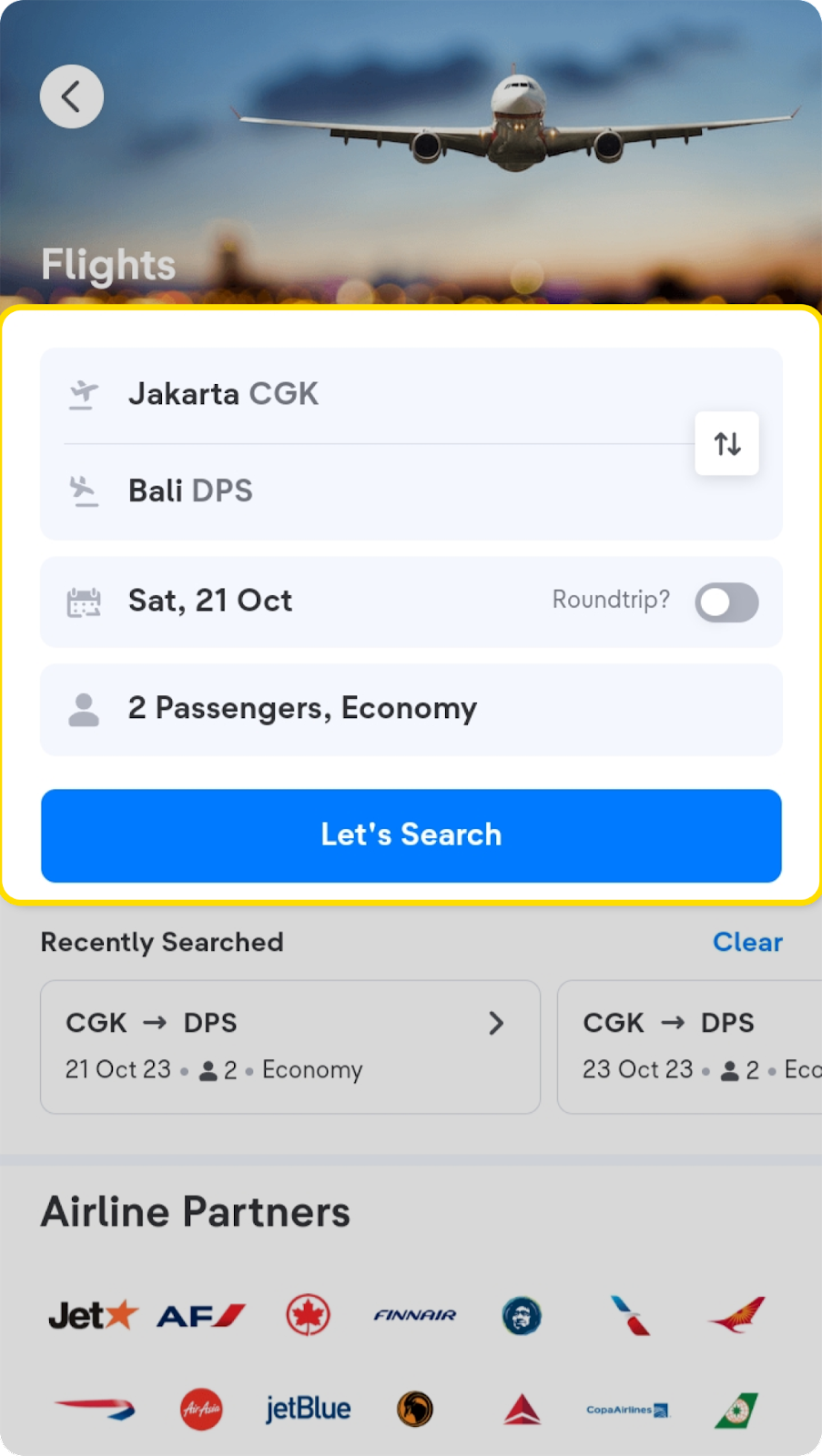
You can also choose multi-airline by selecting transit flights on the search page.
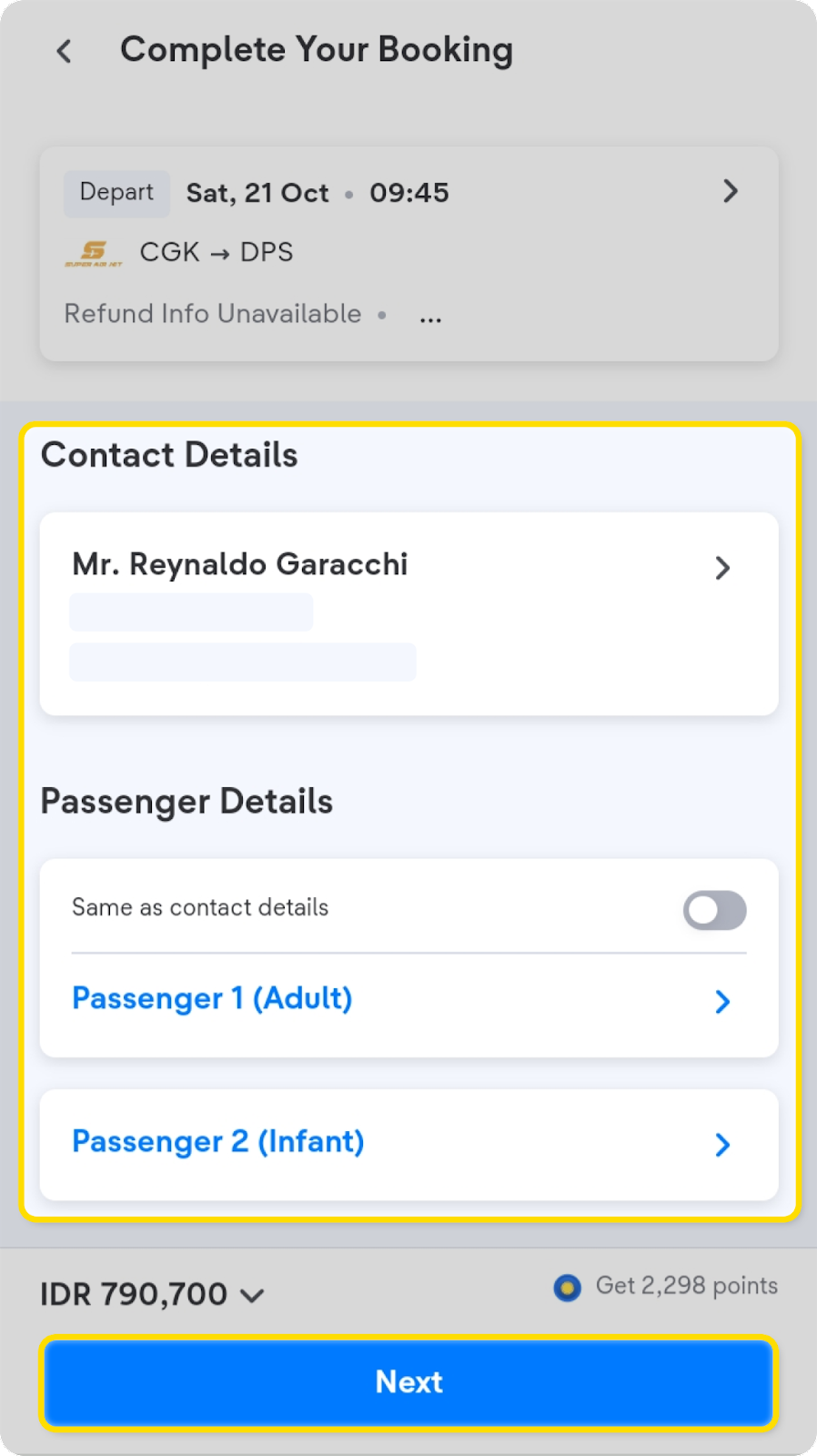
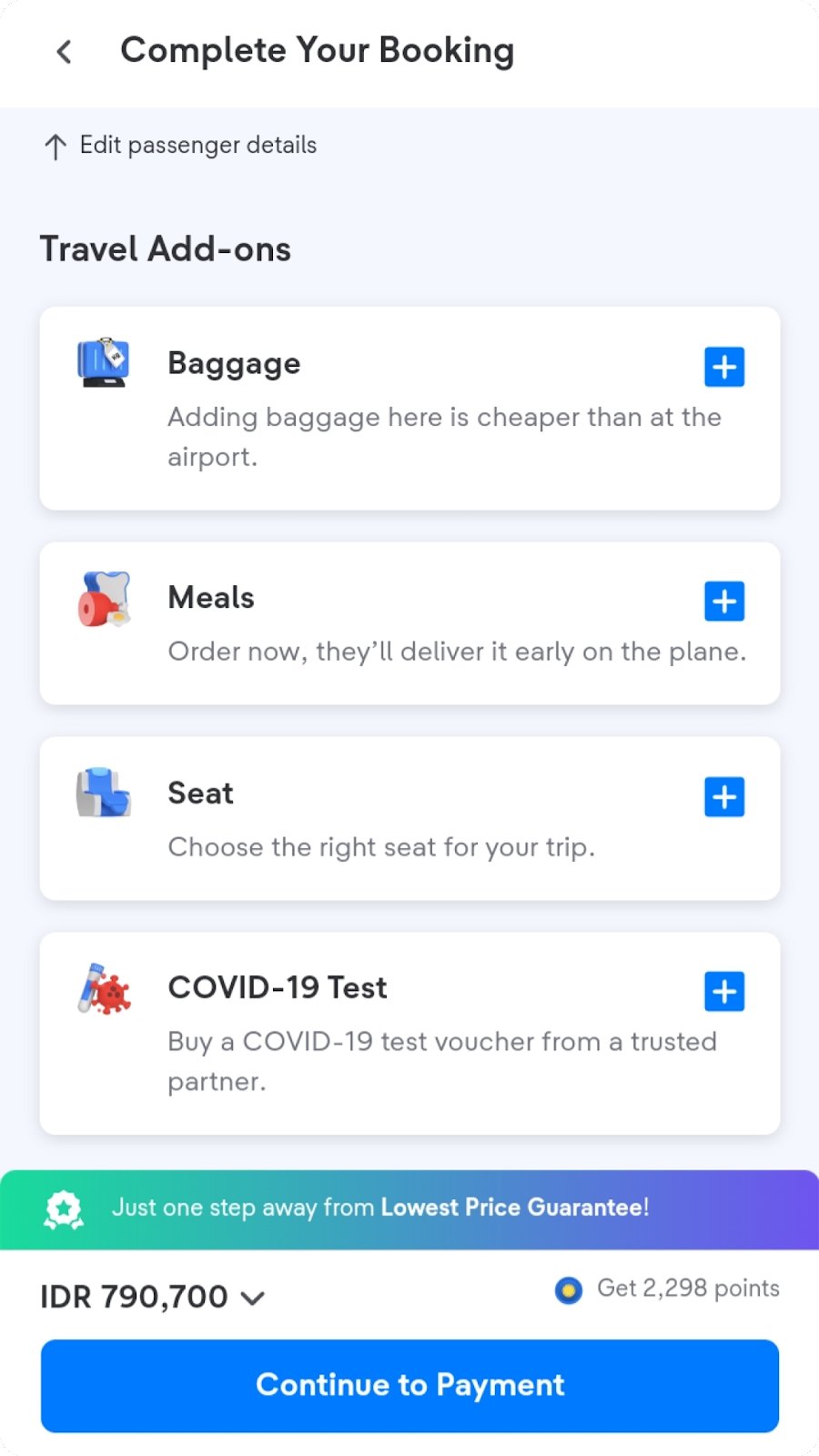
2. Fill in the passenger data according to the passenger identity card. At this step you can also choose seats for Sriwijaya, Citilink, NAM Air, and Jetstar airlines, check here for more.
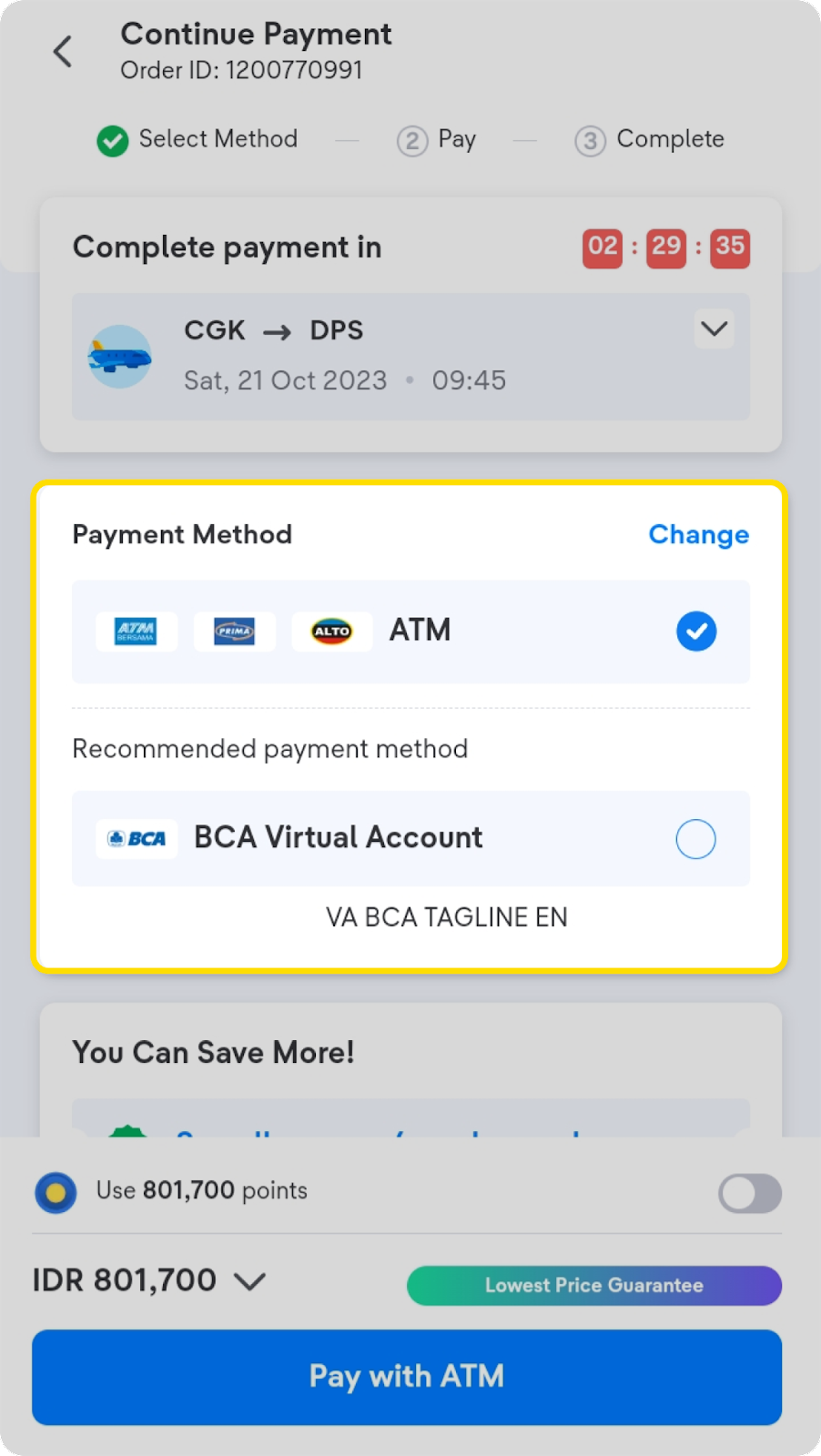
3. Choose the payment method, then make payments according to the steps provided.
4. After the payment is successful and you receive it, the e-ticket will be sent to your email.
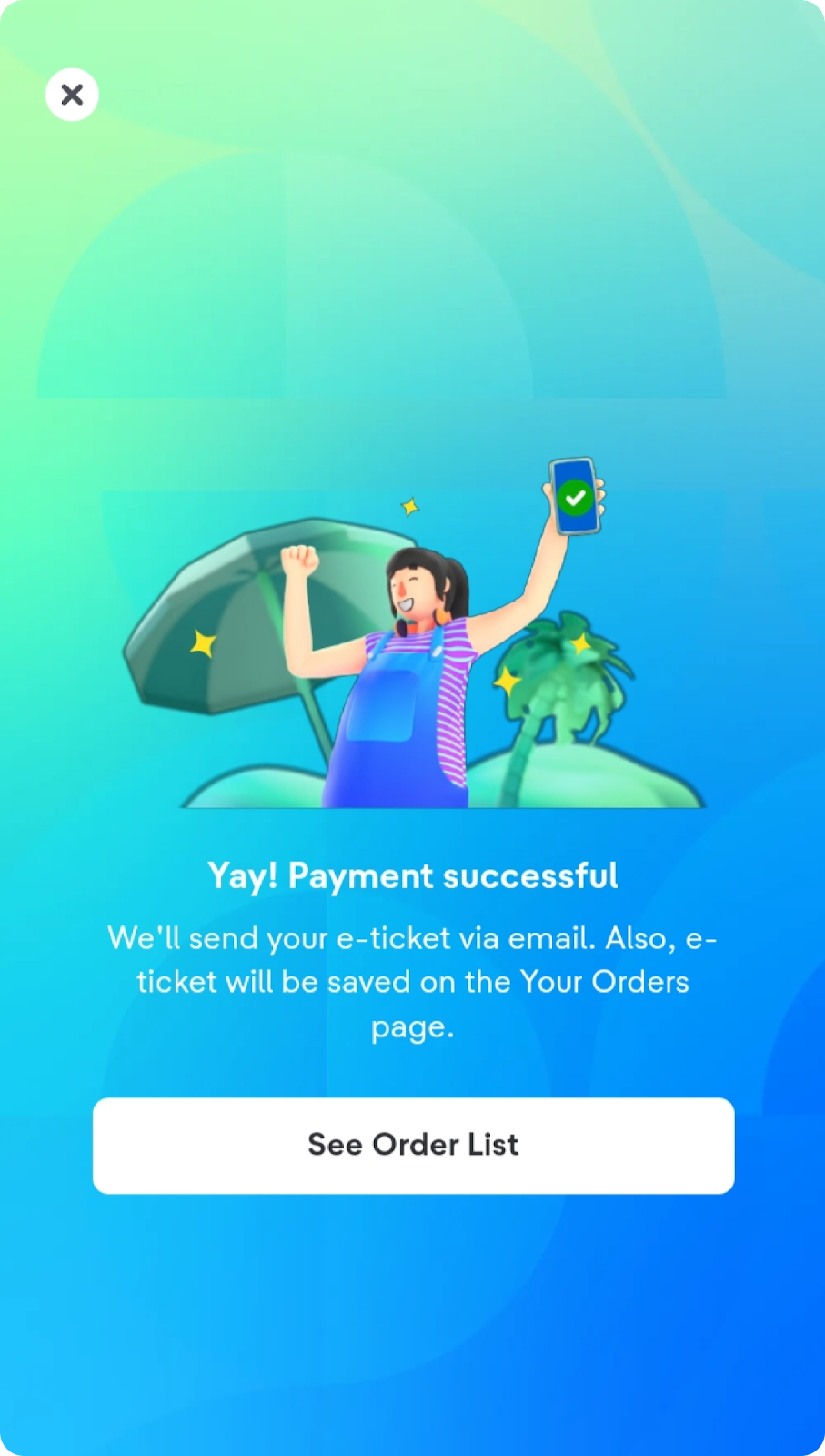
After making an order and payment, t-mates can check payment status, order information and order arrangements in the Your Orders menu. If you need an e-ticket in English, change the language option in the settings menu first then resend your e-ticket.
If you are using a multi-airline flight or connecting flight, you need to pay attention to the following information:
- Only valid for flights with domestic routes.
- You need to collect your baggage & re-check in during transit.
- You may be able to move terminals or airports, re-check the time and distance and transportation between airports or between terminals.
- To avoid the risk of flight misconnections, bookings are included with connecting flight protection. Click here for more information about connecting flight protection.
- Booking payments are only valid in IDR currency.
- If you have already made a booking and your e-ticket has been issued, but your booking status changes to “cancelled,” please contact halo tiket.