How do I book a car rental on tiket.com?
Need a practical ride for your trip? tiket.com has the solution! 🚗✨ Follow these simple steps to book a car rental that fits your needs.
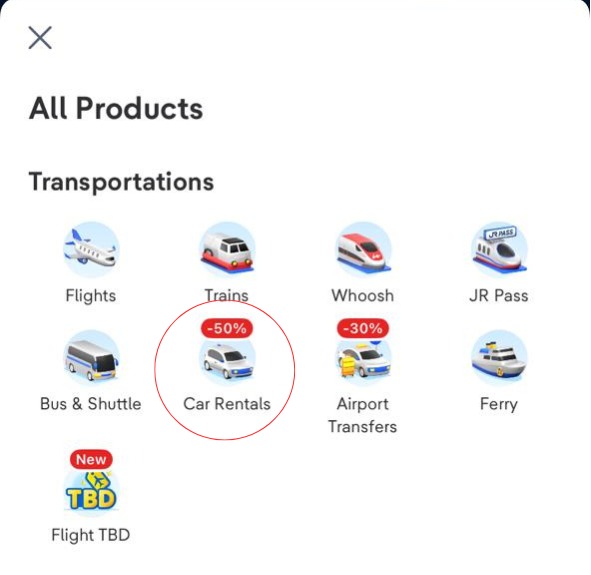
- Open the tiket.com app, then select the Car Rentals product.
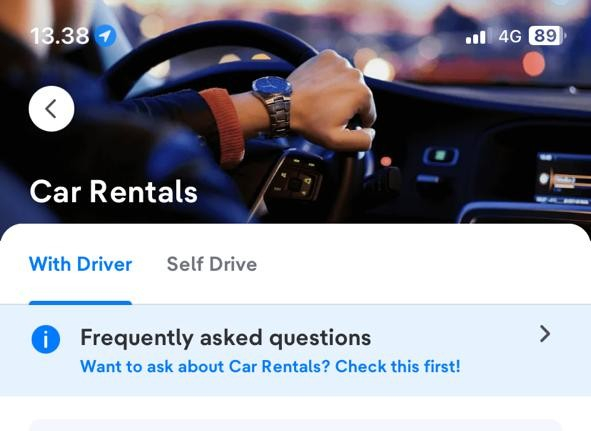
- Choose the rental service you prefer (With Driver or Self-Drive).
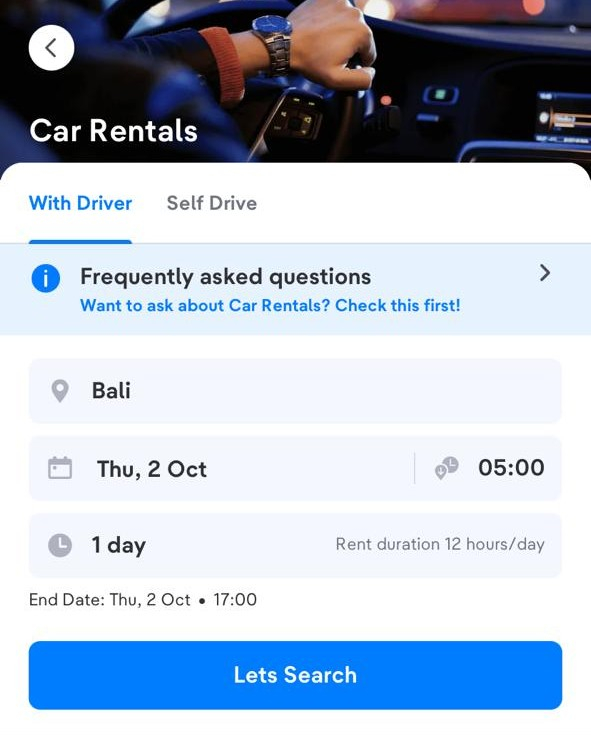
- Enter the Location, Time, and Rental Duration. The rental area will follow the designated zones, which include the main zone (free) and additional zones.
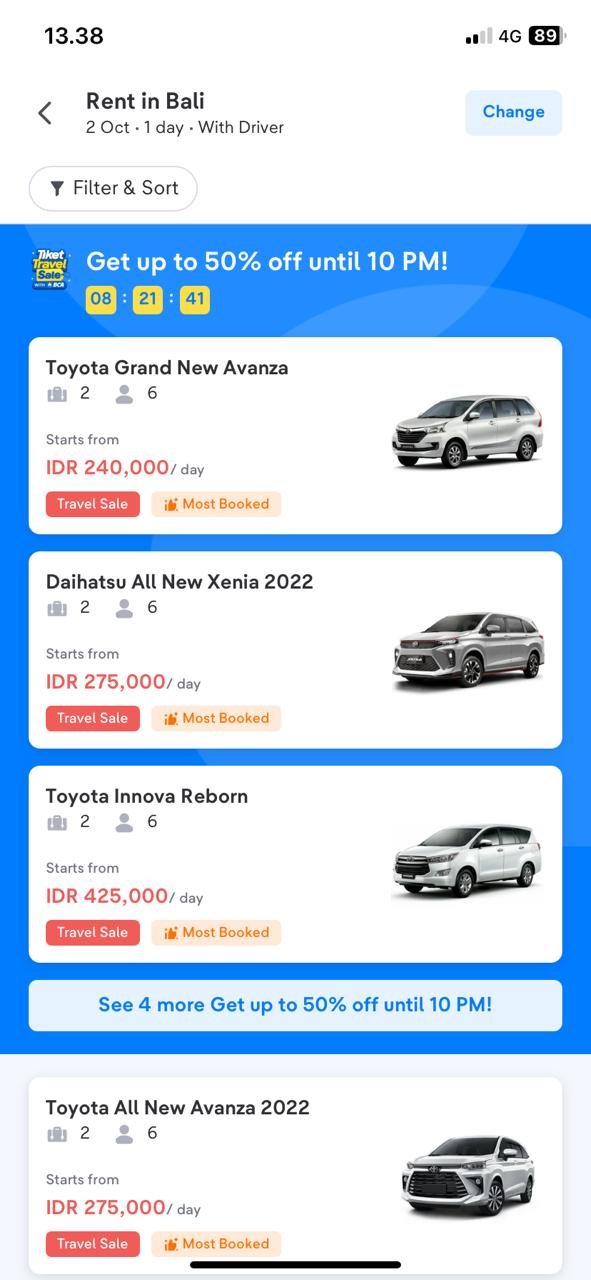
- Select the type of car that suits your needs. Check the passenger and luggage capacity.
- Choose a car rental vendor from the available list. You can check ratings, reviews, and additional facilities.
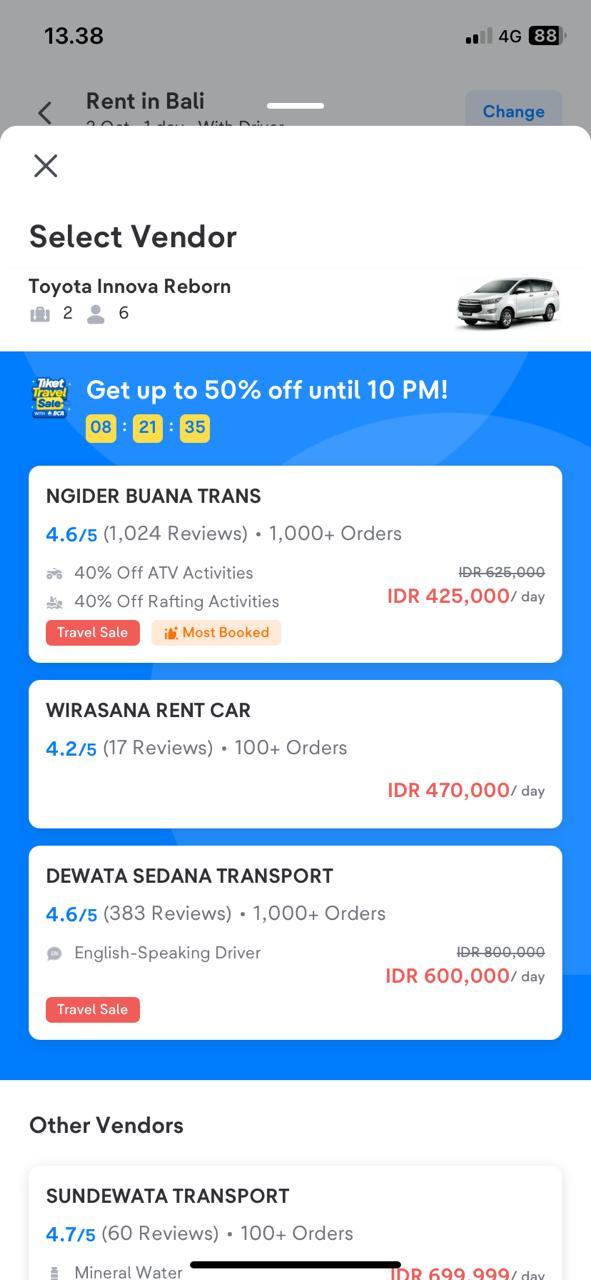
- Select a rental package for your car.
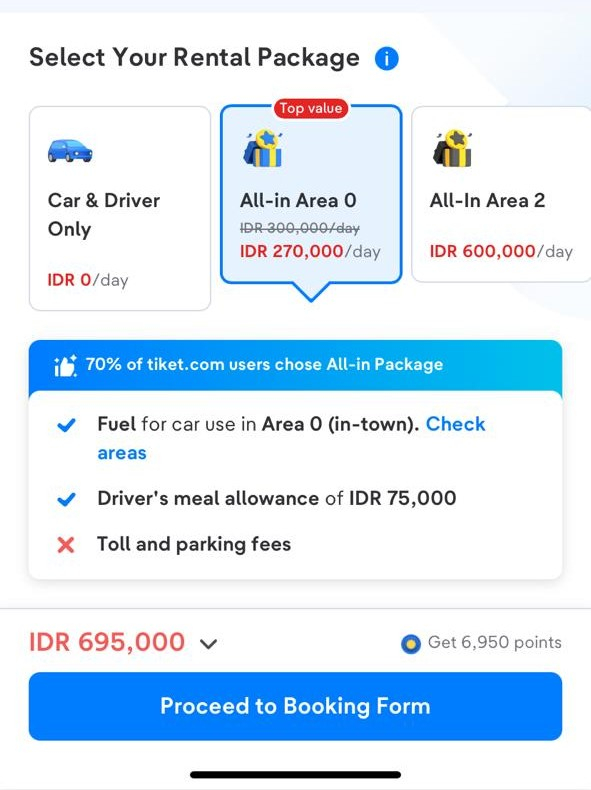
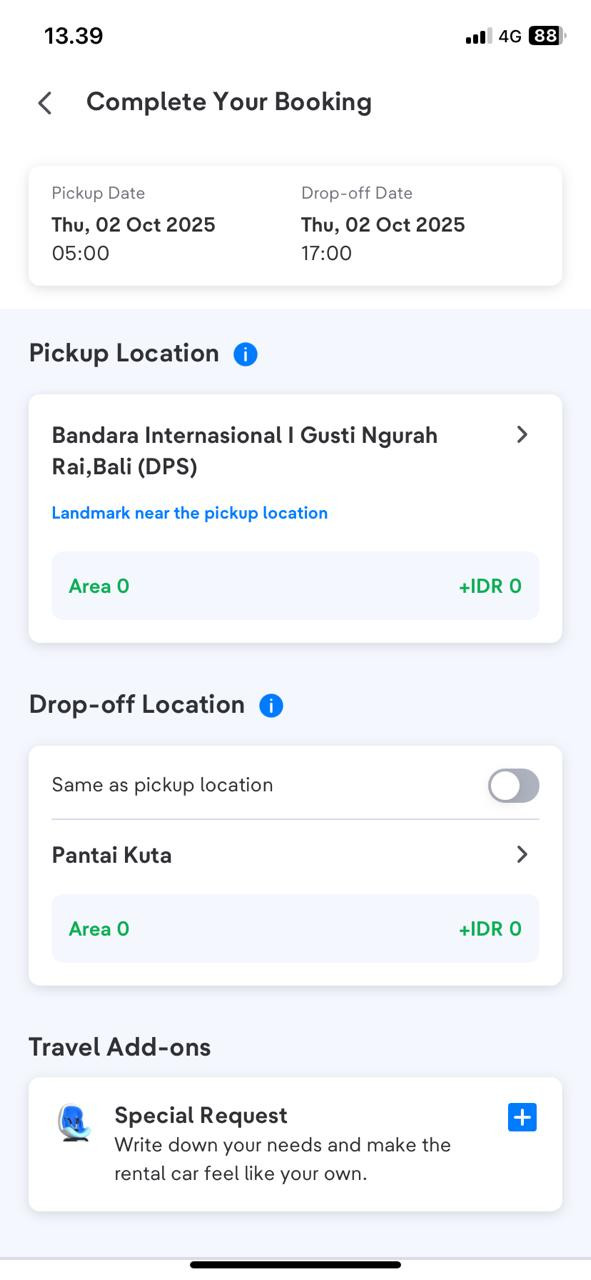
- Fill in the pickup and drop-off details, and add special request if needed.
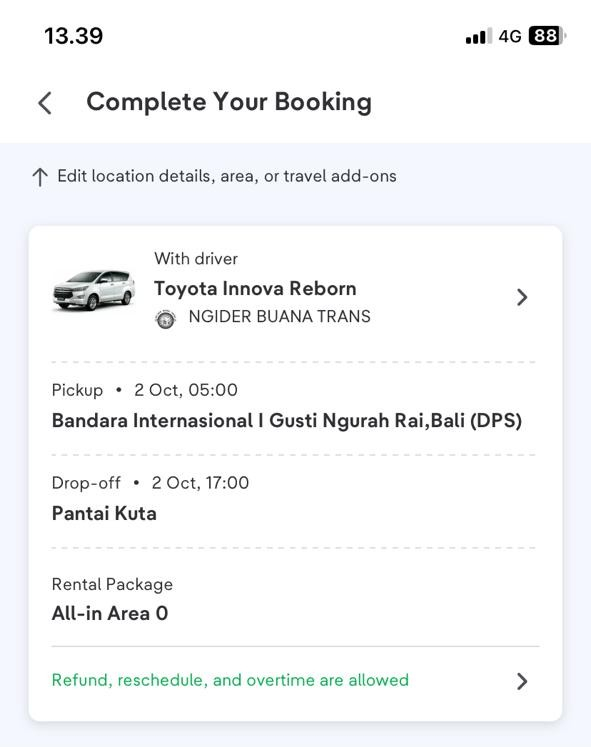
- Review your booking summary and make sure all details are correct.
- For Self-Drive rentals, pay attention to the documents you’ll need to prepare.
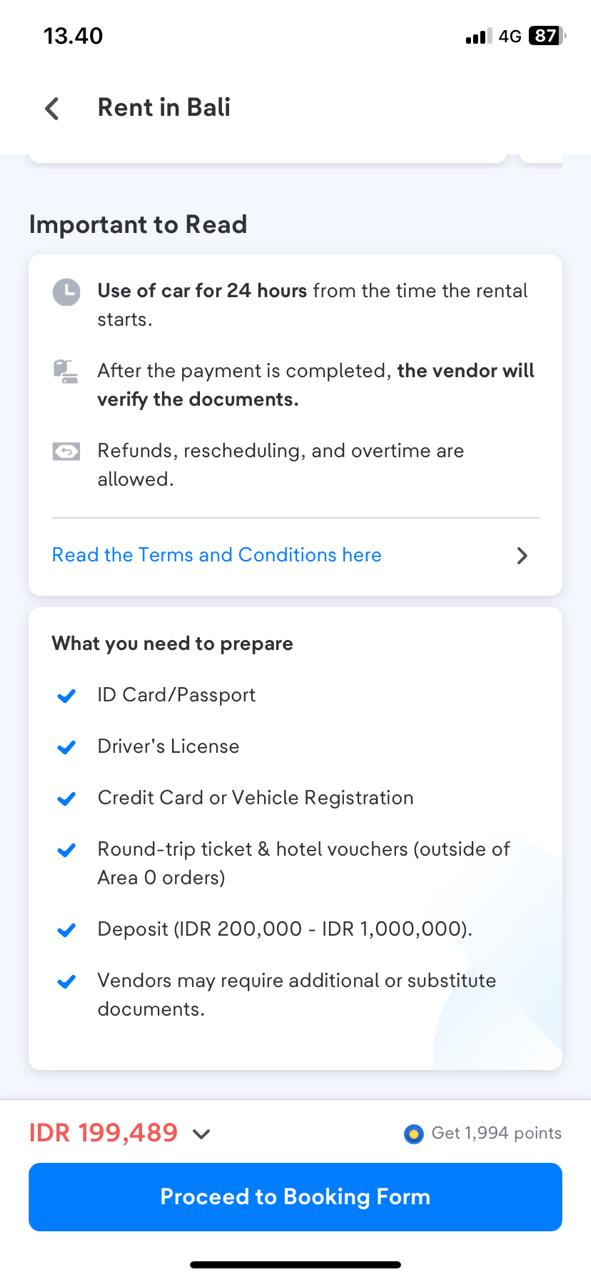
- Proceed to payment and complete the transaction using the available payment methods.
- Once the payment is successful, your car rental voucher will appear in the Your Orders menu, and the vendor will contact you to confirm the pickup.
Important Information:
- The car rental vendor will contact you no later than 1x24 hours before using the ticket to confirm the car rental booking and details of the pickup. Make sure your phone number is active and can be contacted! You can find vendor telephone number information on the e-ticket or order details on Your Orders.
- If you have already made a booking and your e-ticket has been issued, but your booking status changes to “cancelled,” please contact halo tiket.