



Hotel Bintang 3 di Hirakata

Penawaran menarik buatmu







1/10
Menampilkan 4 hotel di Hirakata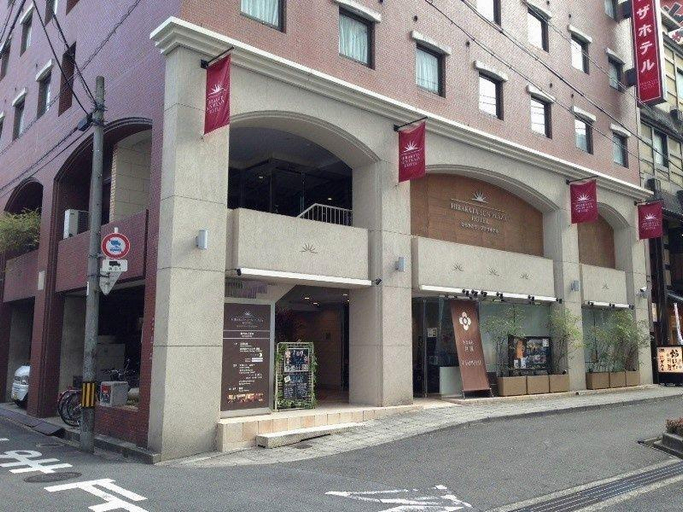 Lihat detail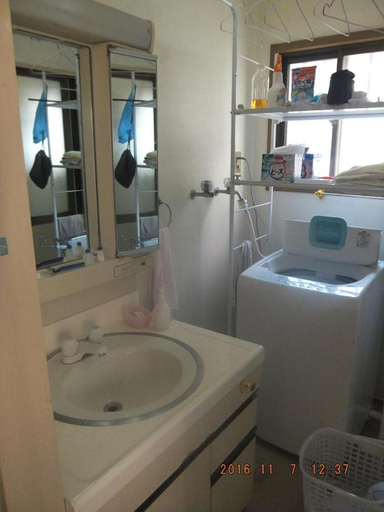
Hirakata Sun Plaza Hotel
Hotel Introduction Description
This hotel is conveniently located a mere 2 minute walk away from Hirakatashi Station, which offers good access to both Osaka and Kyoto, making this a perfect location for business and sightseeing in the Kansai area. null
Hirakata-park Guesthouse
Kamar ini memiliki AC, TV, dan kulkas. Kamar mandi dalam hadir dengan shower, bathtub, dan peralatan mandi gratis.
Tamu dapat menikmati ruang makan terpisah dan ruang duduk terpisah selama menginap. Berbagai layanan, seperti resepsionis 24 jam dan penitipan bagasi tersedia di properti.
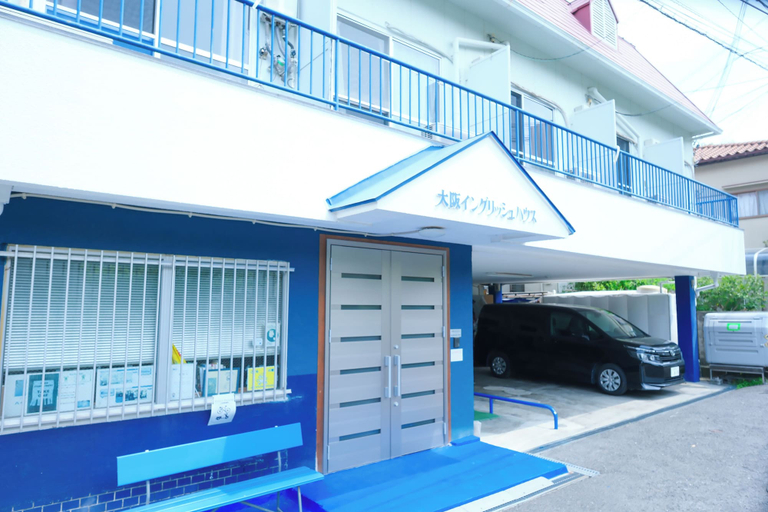
Lihat detailOsaka English House
Lokasi Osaka English House
Terletak di kota Hirakata, Osaka English House berada hanya 15 menit dengan berkendara dari Taman Hirakata dan Mal Kuzuha. Wisma ini berada 12,5 mi (20,1 km) dari Kastil Osaka dan 12,5 mi (20,1 km) dari Aula Istana Osaka.
Fasilitas dan Layanan di Osaka English House
Nikmati pemandangan di teras; dan manfaatkan fasilitas seperti akses Internet nirkabel gratis dan ruang huni bersama.
Kamar di Osaka English House
Nikmati kenyamanan rumah Anda sendiri di salah satu dari 22 kamar berpenyejuk udara yang dilengkapi dengan lemari es. Kamar mempunyai balkon pribadi. Akses internet nirkabel gratis tersedia untuk berbagai keperluan Anda. Kamar mandi mempunyai kombinasi shower/bathtub dan pengering rambut.
Lihat detailTerletak di kota Hirakata, Osaka English House berada hanya 15 menit dengan berkendara dari Taman Hirakata dan Mal Kuzuha. Wisma ini berada 12,5 mi (20,1 km) dari Kastil Osaka dan 12,5 mi (20,1 km) dari Aula Istana Osaka.
Fasilitas dan Layanan di Osaka English House
Nikmati pemandangan di teras; dan manfaatkan fasilitas seperti akses Internet nirkabel gratis dan ruang huni bersama.
Kamar di Osaka English House
Nikmati kenyamanan rumah Anda sendiri di salah satu dari 22 kamar berpenyejuk udara yang dilengkapi dengan lemari es. Kamar mempunyai balkon pribadi. Akses internet nirkabel gratis tersedia untuk berbagai keperluan Anda. Kamar mandi mempunyai kombinasi shower/bathtub dan pengering rambut.
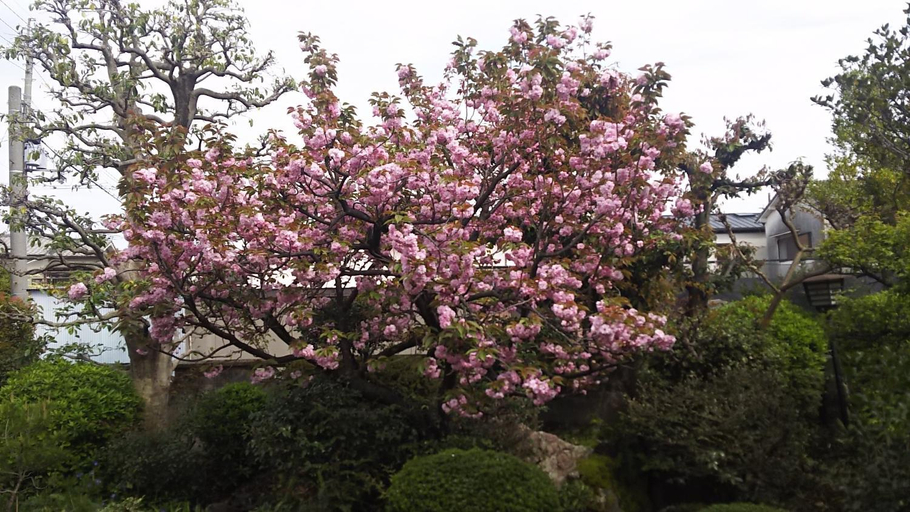
Japanese Traditional House with beautiful garden.
Pertanyaan Seputar Hotel di Hirakata

Cara Pesan Hotel di tiket.com
1. Cari hotelMasukkan nama kota, area, atau hotel untuk menemukan tempat nginep yåang kamu inginkan.
2. Pilih kamarDi halaman detail hotel, kamu akan melihat opsi kamar yang masih tersedia. Pilih kamar yang paling sesuai dengan kebutuhanmu.
3. Lengkapi detail pemesananMasukkan detail pemesan (orang yang akan dihubungi tiket.com dan hotel terkait pemesanan), dan detail tamu yang akan menginap.
4. Tambah Fasilitas EkstraKamu juga bisa menambahkan berbagai layanan tambahan seperti paket makan, transportasi, dan layanan lainnya.
5. Lakukan pembayaranPilih metode pembayaran dan selesaikan pembayaran. Jangan lupa gunakan kode promo untuk pesan hotel lebih murah di tiket.com.
6. Cek e-voucherSetelah pembayaran berhasil, kamu bisa cek e-voucher di menu Your Orders. E-voucher juga akan dikirim ke email yang ada di detail pemesan.