



4 Star Hotels in Málaga

Special offers for you







1/10
Showing 2.000+ hotels in Málaga

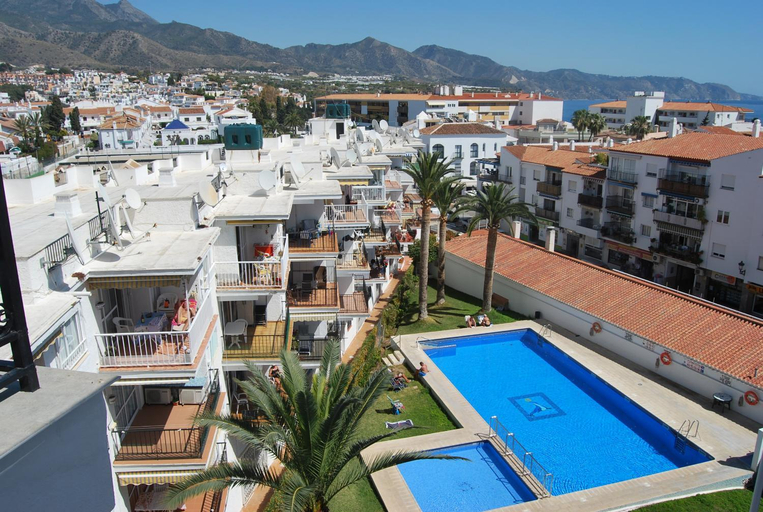
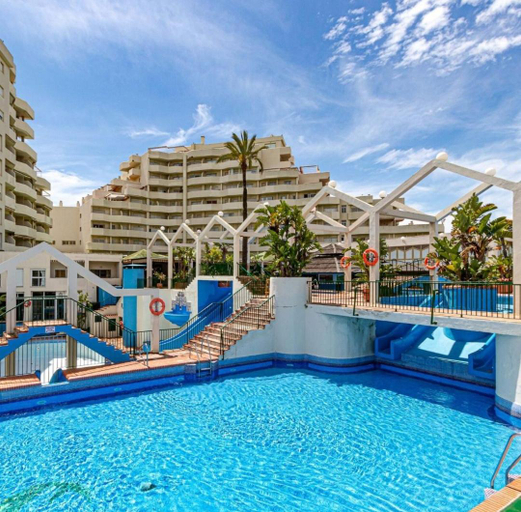
Elegant Marbella Beachside
Sun-kissed Getaways
AP319 - Casa Lisa - Coronado
EL ESTUDIO DE LA PLAYA BENALBEACH Vistas al Mar
1 Hab, Confort 4 plazas a 180m Playa, PlazamarCentro 2
Modern Apartment in Benahavis Village Centre with Underground Parking
Apartamento Pez Espada
Panorama Beach - Blue Horizon
APARTAMENTO TERRAZAS DEL MAR, PISCINA PRIVADA
MARBELLA BANUS SUITES - Marbella Center Apartment - Spacious & Bright - 3BR - 2BA - City Views - Exc
Casa Estacion de Benaojan
Torroxcostaholiday
Casares Green 70B
Ayma Apartamento Lauro Golf 12
Apartamento Adrian - Nogalera
Cubo's Apartamento Costa del Oro
Pent-House on the Golden Mile
Mesas Homes
Lovely 2 bedroom Locrimar V walk to beach RDR260
C36 Elegant 2 bdr apt Amazing Views

How to Book Hotels on tiket.com
1. Find the hotelEnter the name of the city, area, or hotel to find the place you want.
2. Select a roomOn the hotel detail page, you will see the available room options. Select a room that suits your needs.
3. Complete the booking detailsInput the contact details (the person who will be contacted by tiket.com and the hotel about the booking) and the guests’ details.
4. Select Add-onsYou can also buy additional services such as meal packages, transportation, and many more.
5. Pay your bookingSelect the payment method and complete your transaction. Don’t forget to use the promo code to get a cheaper hotel price at tiket.com.
6. Get the reservation e-voucherAfter the payment is successful, the e-voucher will be available on the Your Orders menu and sent to the email listed in the contact details.