



4 Star Hotels in Málaga

Special offers for you







1/10
Showing 2.000+ hotels in Málaga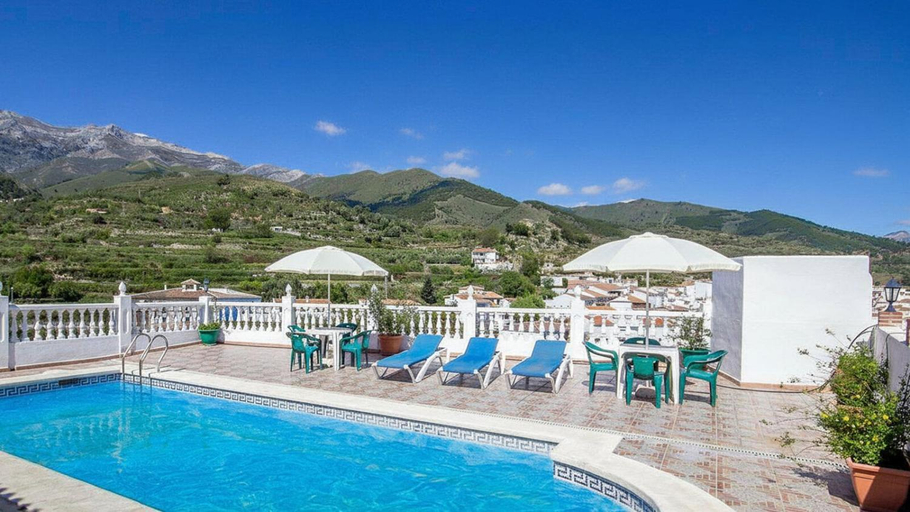

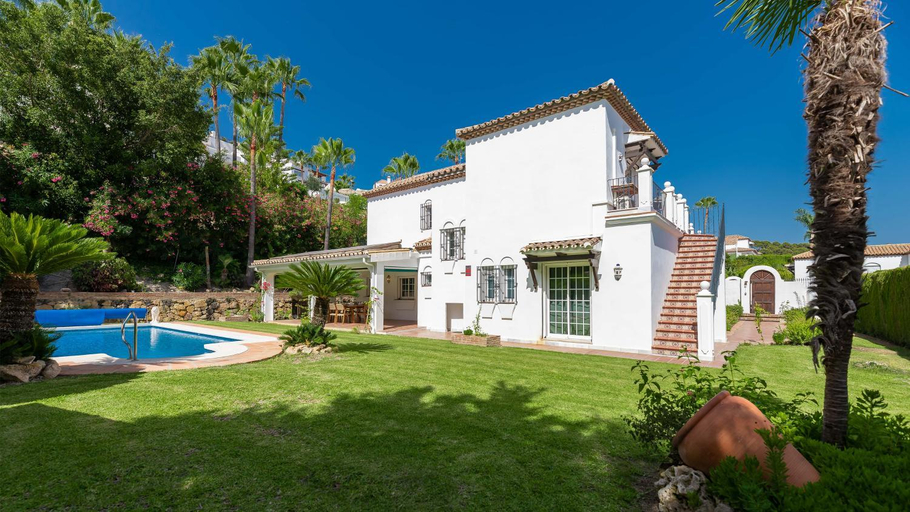
Casa Tejo Sedella by Ruralidays
Las Palmeras BlueFish
Pa18- Stunning Flat, Gym, Indoor And Outdoor Pool
Villa Quevedo Torrox by Ruralidays
Sweet Olive Apartamento con Terraza a pie de Playa
VACATION MARBELLA I Villa Faldo, Golf Valley, Private Heated Pool, BBQ, 24H Security, World-Class Di
MalagaSuite Centre Cathedral
Torremolinos,estudio junto al mar en La Carihuela
Nice apartment by the sea
Piso de 1 dormitorio Urb Torrequebrada
Estudio Copenhague
Bahiazul Apartamento - centro, piscina y parking
Apartamento en Benalmadena, primera linea de playa
Mares - Bellamar
Torresol Torrecilla 315 Casasol
Casa Lucia Torrecilla
Lovely penthouse on the beach, amazing views
HigueronRentals Wave
Jardines de La Noria - Sunny Stylish 2BR Escape with Communal Pool & WiFi - Near Beach & Golf
Balcones del Mar By Solymar Properties

How to Book Hotels on tiket.com
1. Find the hotelEnter the name of the city, area, or hotel to find the place you want.
2. Select a roomOn the hotel detail page, you will see the available room options. Select a room that suits your needs.
3. Complete the booking detailsInput the contact details (the person who will be contacted by tiket.com and the hotel about the booking) and the guests’ details.
4. Select Add-onsYou can also buy additional services such as meal packages, transportation, and many more.
5. Pay your bookingSelect the payment method and complete your transaction. Don’t forget to use the promo code to get a cheaper hotel price at tiket.com.
6. Get the reservation e-voucherAfter the payment is successful, the e-voucher will be available on the Your Orders menu and sent to the email listed in the contact details.