



Apartments in Shenzhen
Showing 290 Apartments in Shenzhen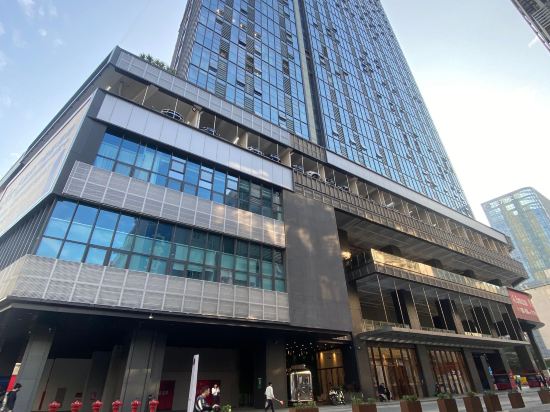
 Luohu, Shenzhen
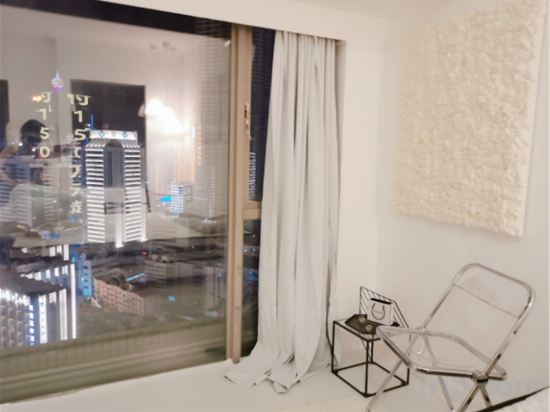 Luohu, Shenzhen
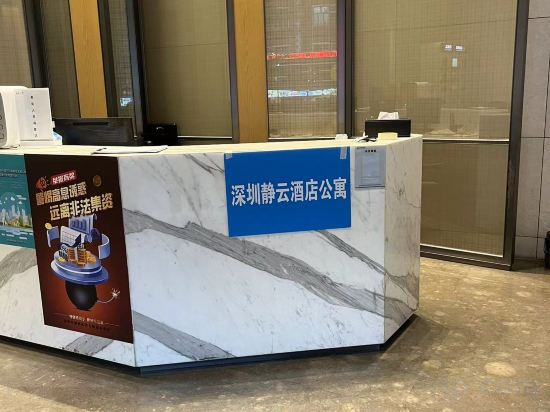 Futian, Shenzhen
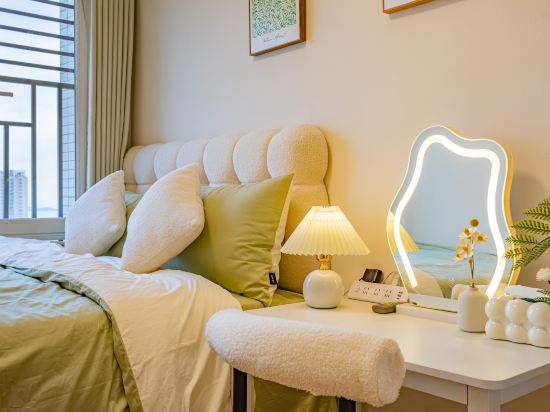 Futian, Shenzhen
 Futian, Shenzhen
 Futian, Shenzhen
 Futian, Shenzhen
 Nanshan, Shenzhen
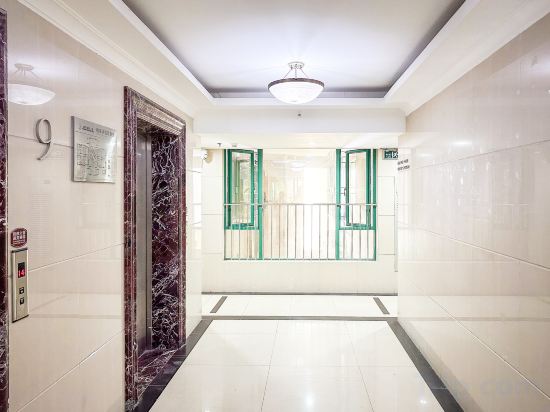 Futian, Shenzhen
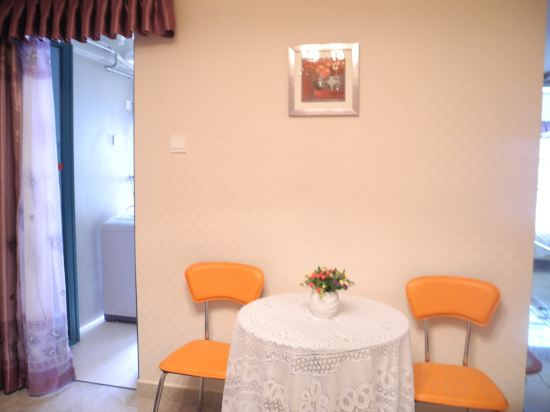 Luohu, Shenzhen
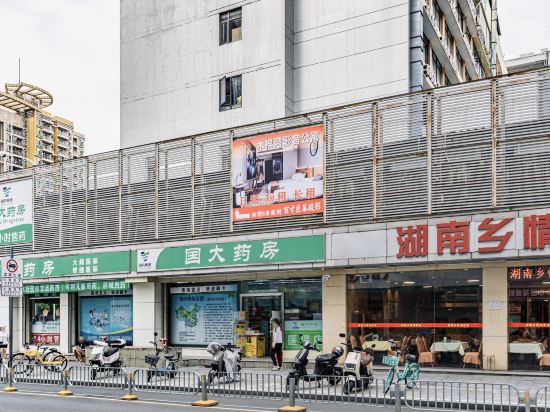 Luohu, Shenzhen
 Futian, Shenzhen
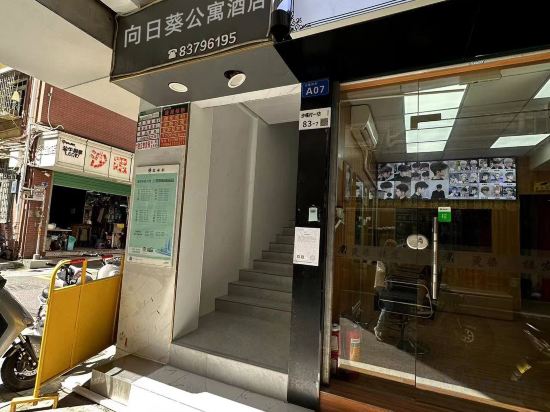 Futian, Shenzhen
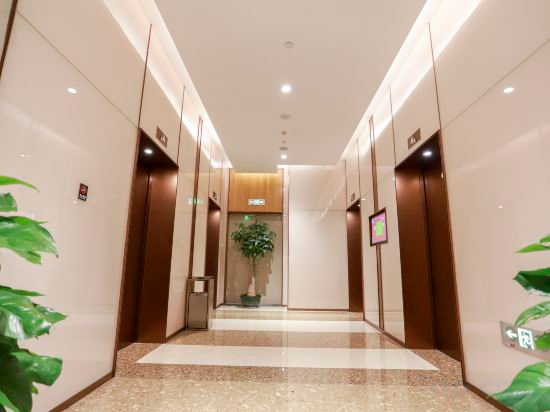 Nanshan, Shenzhen
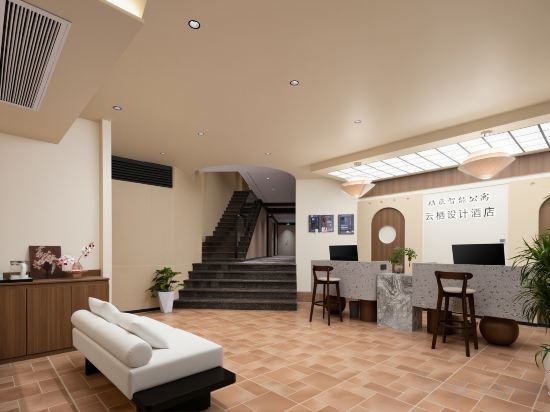 Futian, Shenzhen
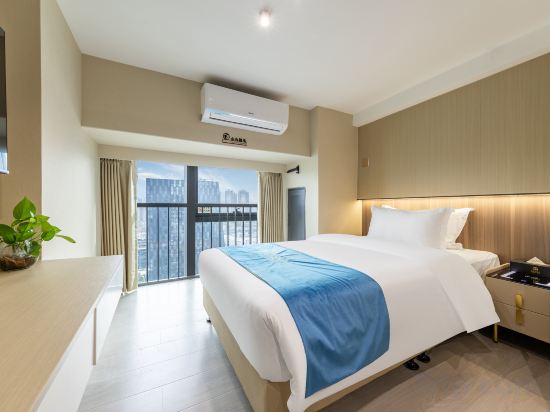 Luohu, Shenzhen
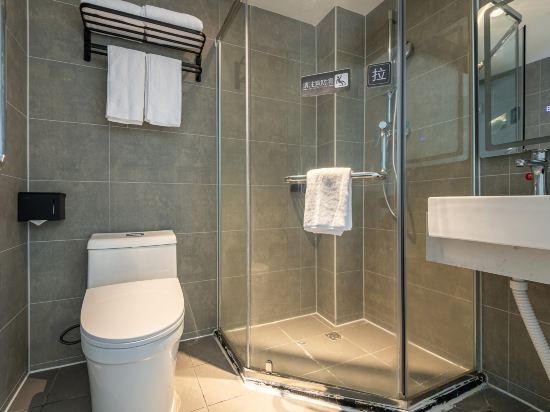 Luohu, Shenzhen
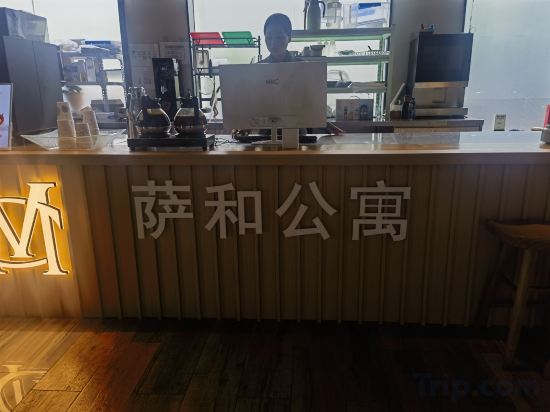 Nanshan, Shenzhen
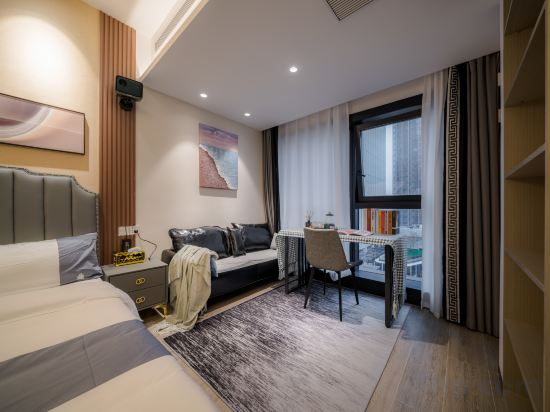 Nanshan, Shenzhen
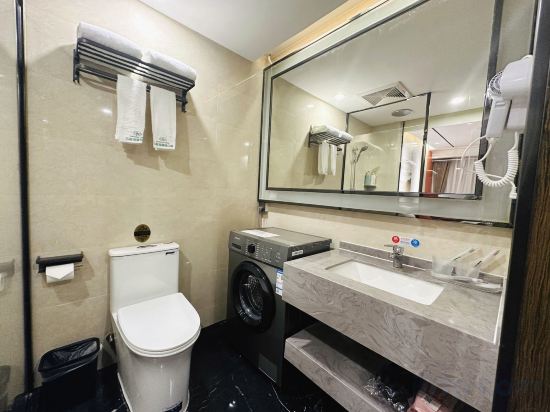 Luohu, Shenzhen
Shenzhen Yunduo Apartment
Apartment
Yundi Apartment
Apartment
Shenzhen Jingyun Apartment (Futian Port Xiasha Subway Station)
Apartment
Shiyi Apartment
Apartment
Huanhuatang Executive Apartment (Futian Science Museum Subway Station)
Apartment
Jianxing Youth Hostel Youth Apartment (Zhuoyue Hui Branch, Shangmeilin Metro Station, Shenzhen)
Apartment
City Station · High-rise Seascape Apartment
Apartment
Miranda Apartment (Window of the World)
Apartment
Shenzhen LaCave Apartment (Futian Convention and Exhibition Center)
Apartment
Shenzhen Haoshunyi Hong Kong-Macao No.8 Apartment
Apartment
Mumian Bay · Video Apartment (Shenzhen Hubei Subway Station Store)
Apartment
Shenzhen Yongsten Apartment (Gangxia Metro Station Convention and Exhibition Center)
Apartment
Xiangrikui Serviced Apartment
Apartment
Bangtuo Meinuo Administration Apartment (Xili Tanglang Shop)
Apartment
Juchen Smart Serviced Apartment (Shenzhen Futian District Meijing Subway Station)
Apartment
Shenzhen Xindi · Beyuehui Apartment (Shuibei Jewelry City)
Apartment
Diandian Apartment (Shenzhen Luohu Control Point, Lo Wu Railway Station)
Apartment
Sahe Executive Serviced Apartment (Science and Technology Park Gaoxinbei Metro Station)
Apartment
Hemu Executive Apartment (Shenzhen Coast City Nanyou Garment City Branch)
Apartment
Kapok Bay Chain Apartment (Luohu Port Hubei Metro Station Branch)
Apartment
Apartments in Shenzhen
Don't feel hesitant to book Apartments in Shenzhen at tiket.com! We'll make sure to provide all conveniences you need when doing a room reservation. Book your favourite hotel now only at tiket.com!

How to Book Accommodations on tiket.com
1. Find the accommodationEnter the name of the city, area, or accommodation to find the place you want.
2. Select a roomOn the accommodation detail page, you will see the available room options. Select a room that suits your needs.
3. Complete the booking detailsInput the contact details (the person who will be contacted by tiket.com and the accommodation about the booking) and the guests’ details.
4. Select Add-onsYou can also buy additional services such as meal packages, transportation, and many more.
5. Pay your bookingSelect the payment method and complete your transaction. Don't forget to use the promo code to get a cheaper accommodation price at tiket.com.
6. Get the reservation e-voucherAfter the payment is successful, the e-voucher will be available on the Your Orders menu and sent to the email listed in the contact details.