



Apartments in Shenzhen
Showing 290 Apartments in Shenzhen
 Nanshan, Shenzhen
 Nanshan, Shenzhen
 Nanshan, Shenzhen
 Nanshan, Shenzhen
 Nanshan, Shenzhen
 Nanshan, Shenzhen
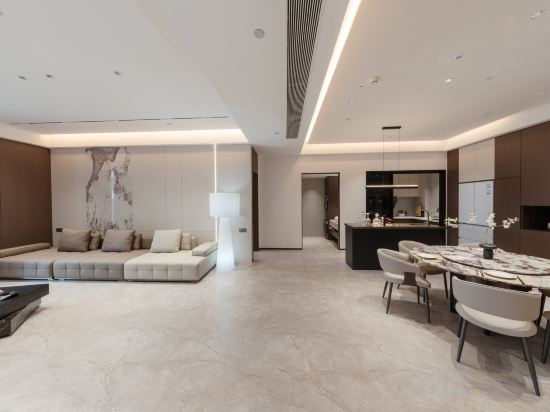 Bao'an, Shenzhen
 Futian, Shenzhen
 Bao'an, Shenzhen
 Futian, Shenzhen
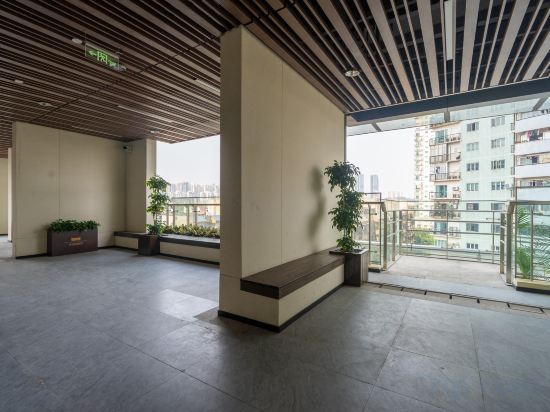 Nanshan, Shenzhen
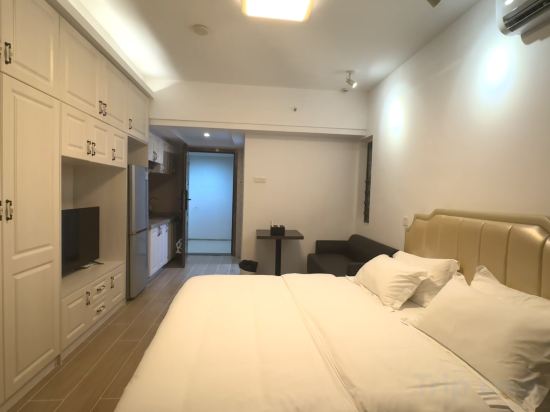 Nanshan, Shenzhen
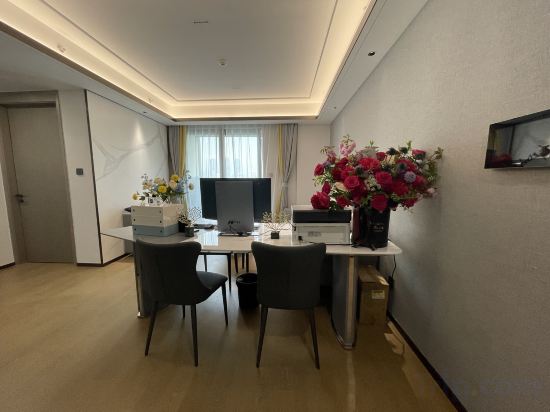 Nanshan, Shenzhen
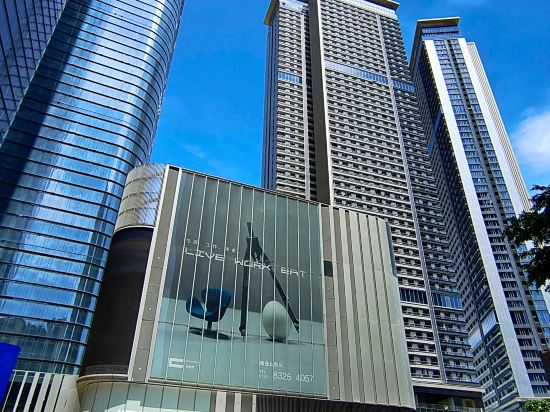 Futian, Shenzhen
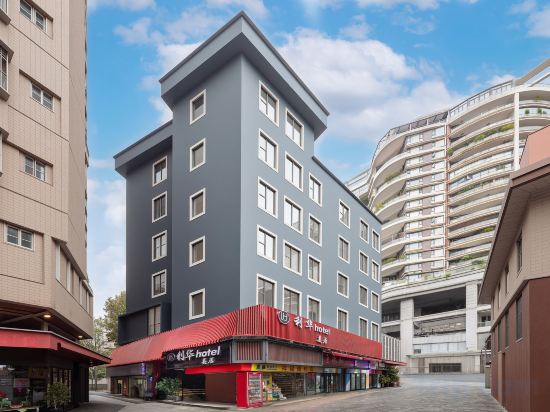 Nanshan, Shenzhen
 Nanshan, Shenzhen
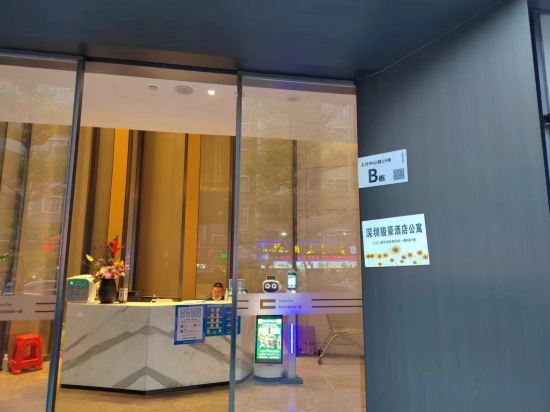 Futian, Shenzhen
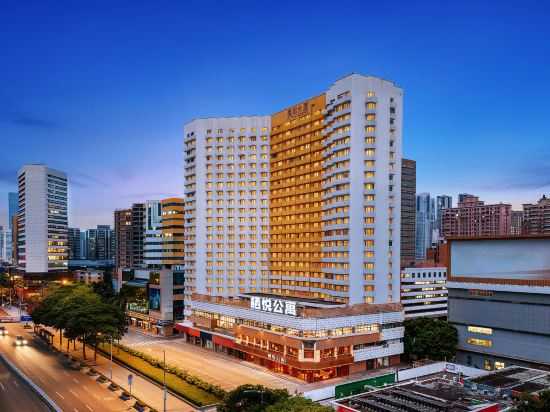
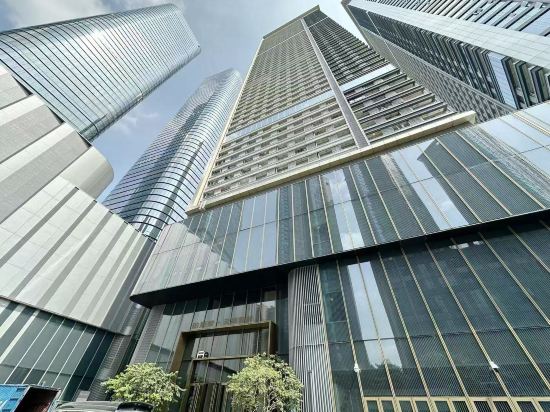 Futian, Shenzhen
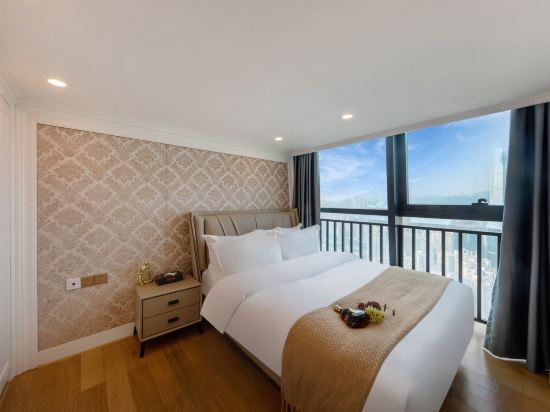 Luohu, Shenzhen
eStay Executive Apartment (Nanshan Science and Technology Park Shenda South Subway Station)
Apartment
KK E-sports Apartment,Liling Metro Station,Nanshan District ,shenzhen
Apartment
Ruyi Light Luxury Apartment (Nanshan Taoyuan Subway Station)
Apartment
Hemu Holiday Apartment (Shenzhen Nanshan Zhengdong Famous Garden)
Apartment
Haise Youth Apartment (Shenzhen Baishizhou Metro Stn, Int'l Mayors Exchange Ctr Branch)
Apartment
Youmi All-Female Youth Apartment
Apartment
Ruiwan Mansion Apartment, OCT, Qianhai, Shenzhen
Apartment
Aurora Boutique Apartment (Shenzhen Futian Qiaoxiang Branch)
Apartment
Yiju Light Luxury Apartment
Apartment
Multi-dimensional Executive Apartment (Convention and Exhibition Center)
Apartment
Runxuan Executive Apartment (Shenzhen Window of the World Happy Valley Branch)
Apartment
Shenzhen Yuexiang Service Apartment
Apartment
B T Miele Executive Apartment (Chuangzhi Cloud City Store)
Apartment
Shenzhen T Service Apartment (Xiasha Subway Station Chegongmiao Branch)
Apartment
Lihua Mercure Apartment (Shenzhen Nanshan Window of the World)
Apartment
Sso·Comfort Sleep Serviced Apartment (Nanshan Tanglang Subway Station)
Apartment
Shenzhen Junhao Apartment(Futian Port Xiasha Metro Station
Apartment
Qiyue Apartment (Shenzhen Futian Huaqiang Road Metro Station Branch)
Besten Executive Apartment (Shenzhen Jingji Riverside Times Xiasha Subway Station)
Apartment
Huaxun Skyline Apartment (Shenzhen Jingji Vientiane City Branch)
Apartment
Apartments in Shenzhen
Don't feel hesitant to book Apartments in Shenzhen at tiket.com! We'll make sure to provide all conveniences you need when doing a room reservation. Book your favourite hotel now only at tiket.com!

How to Book Accommodations on tiket.com
1. Find the accommodationEnter the name of the city, area, or accommodation to find the place you want.
2. Select a roomOn the accommodation detail page, you will see the available room options. Select a room that suits your needs.
3. Complete the booking detailsInput the contact details (the person who will be contacted by tiket.com and the accommodation about the booking) and the guests’ details.
4. Select Add-onsYou can also buy additional services such as meal packages, transportation, and many more.
5. Pay your bookingSelect the payment method and complete your transaction. Don't forget to use the promo code to get a cheaper accommodation price at tiket.com.
6. Get the reservation e-voucherAfter the payment is successful, the e-voucher will be available on the Your Orders menu and sent to the email listed in the contact details.