



Hotels in Hunan
Showing 4.000+ hotels in Hunan

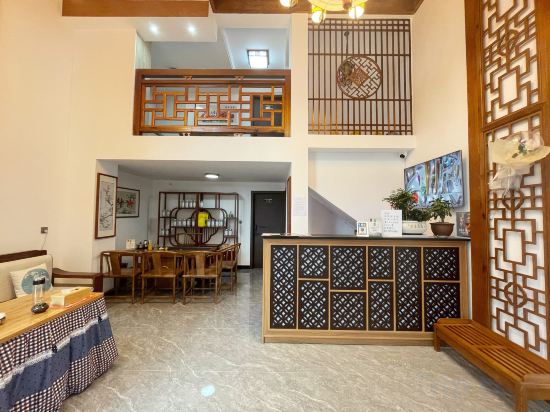


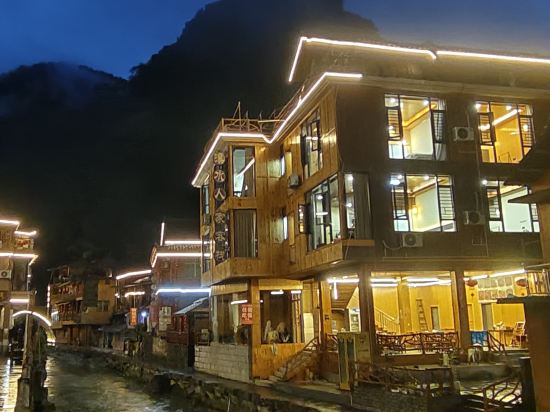

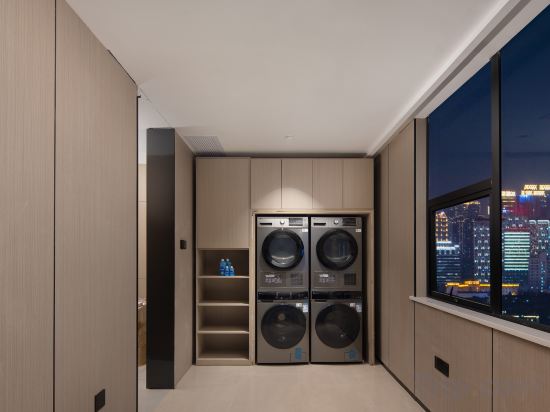

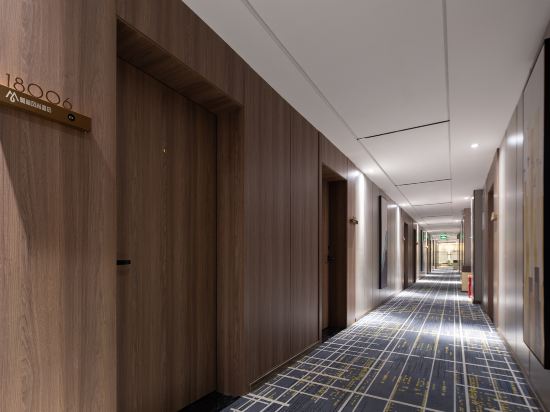
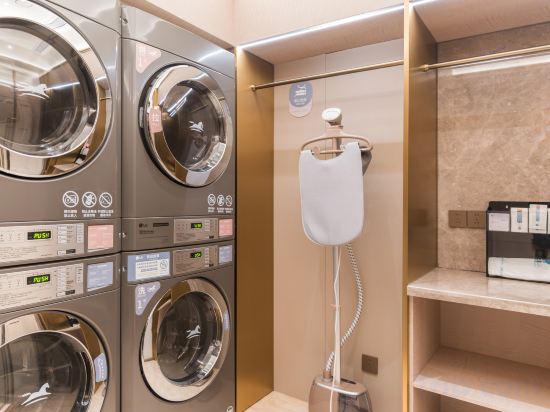
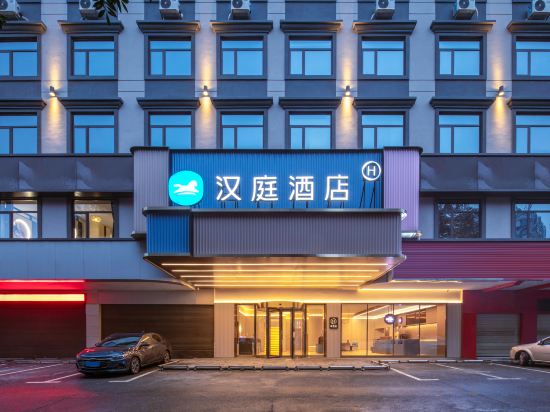

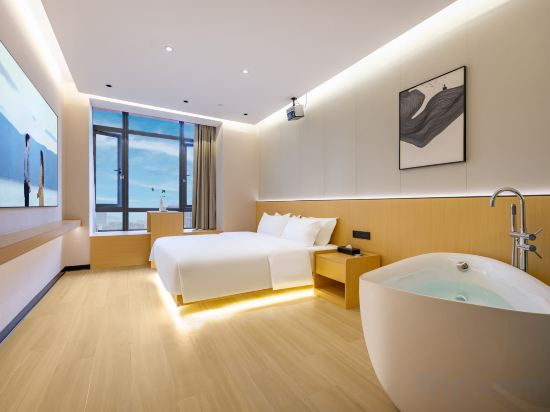

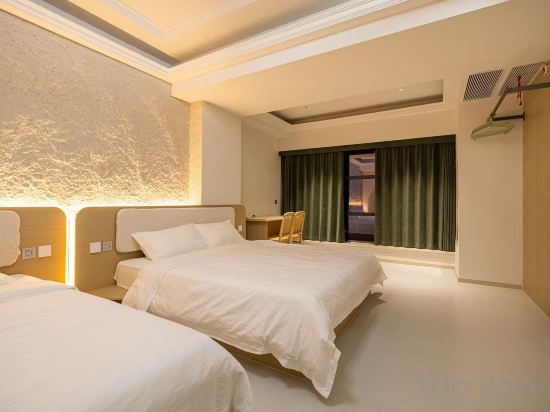
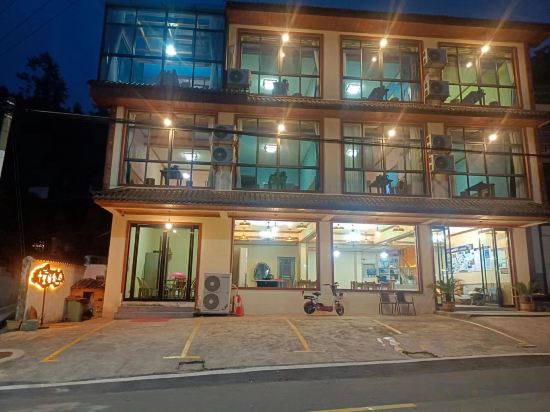
Moke Hotel
Apause Hotel
Changsha Yuemei LOFT Meisu (IFS Guojin Center Wuyi Square Branch)
BOYA.Y HOTEL
云漫山居民宿
Zhangjiajie Dayongli Inn
James Joyce Coffetel Apartment (Changde Wanda Plaza Wenli College)
Yunge Homestay (Furong Town Scenic Area)
Dexuxishui Renjia Inn
Shunfeng Chinese Inn (Zhangjiajie High-Speed Rail West Station)
Dongli Manju Hotel (Shaoyang High-Speed Railway Station)
DO A LAND LAB Hotel (Changsha Wuyi Square Yuanjialing Metro Station Branch)
Morninginn hotel (zhuzhou avenue shangge plaza)
HanTing Hotel (Changsha Jiantang Subway Station)
HanTing Hotel (Yiyang Municipal Government Fuzhongfu)
Campanile Changsha Red Star Desiqin Plaza
Located in Changsha, Campanile Changsha Red Star Desiqin Plaza offers accommodation with easy access to Changsha’s best spots. The property features restaurant, WiFi, and parking.
Each room is equipped with AC. The bathroom comes with shower.
See detailsSheYu Sheyu Hotel (Changsha South High-speed Railway Station Sutang Subway Station)
YUETINGNANSHE
Changsha Chenxi Garden Hotel Apartment (Wuyi Square No.1 Mansion)
Zhangjiajie Qianlihanshe Homestay (Forest Park)
Hotels in Hunan
Don't feel hesitant to book hotels in Hunan at tiket.com! We'll make sure to provide all conveniences you need when doing a room reservation. Book your favourite hotel now only at tiket.com!

How to Book Hotels on tiket.com
1. Find the hotelEnter the name of the city, area, or hotel to find the place you want.
2. Select a roomOn the hotel detail page, you will see the available room options. Select a room that suits your needs.
3. Complete the booking detailsInput the contact details (the person who will be contacted by tiket.com and the hotel about the booking) and the guests’ details.
4. Select Add-onsYou can also buy additional services such as meal packages, transportation, and many more.
5. Pay your bookingSelect the payment method and complete your transaction. Don’t forget to use the promo code to get a cheaper hotel price at tiket.com.
6. Get the reservation e-voucherAfter the payment is successful, the e-voucher will be available on the Your Orders menu and sent to the email listed in the contact details.