



Hotels in Hunan
Showing 4.000+ hotels in Hunan

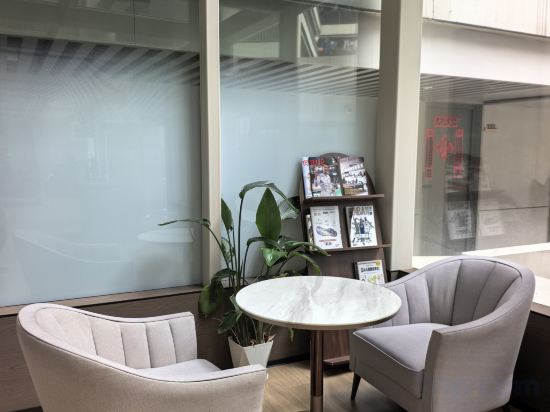


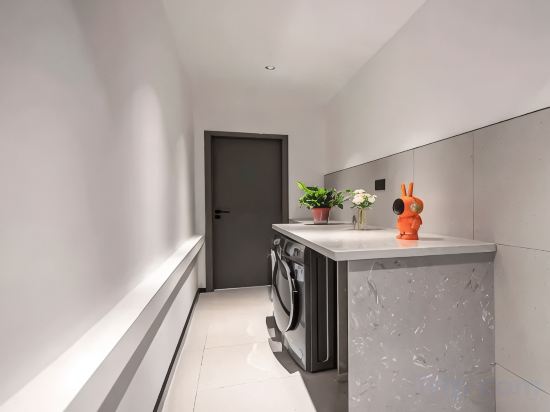
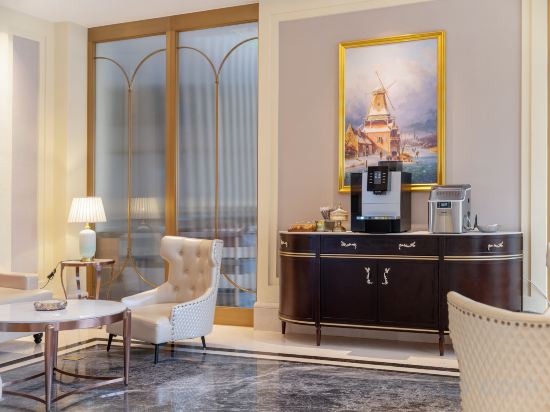
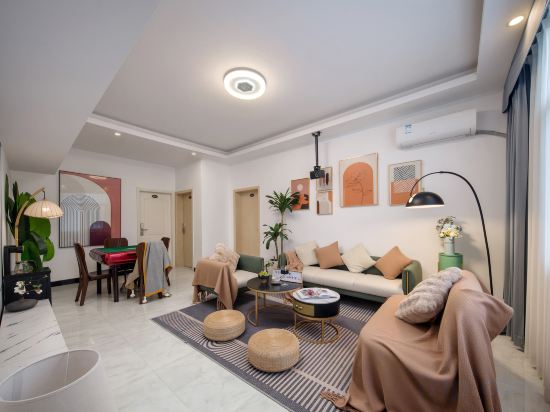
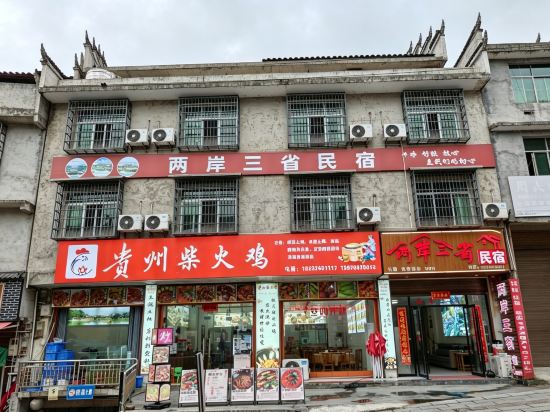

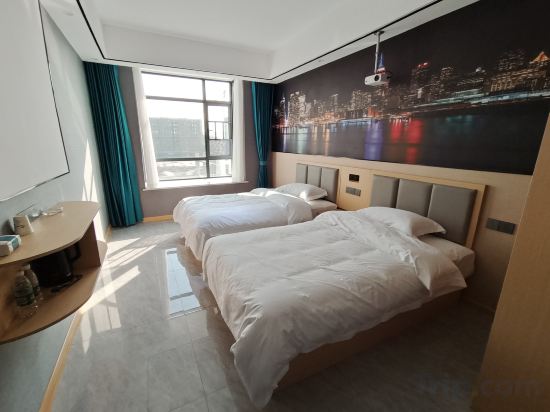
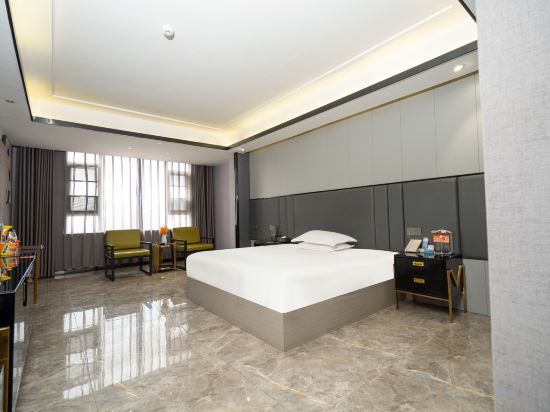


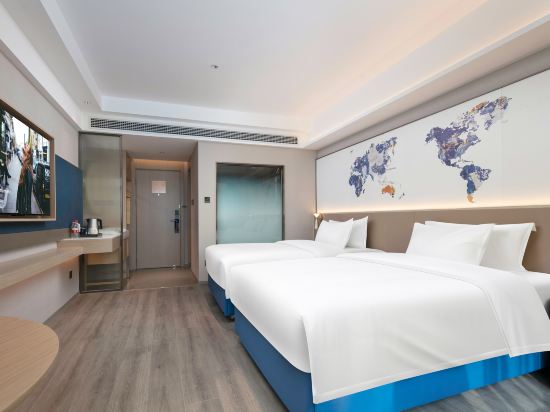
Junyi Hotel
Shaoyang Hotel
Manzhou Hotel (Shimen)
Zhangjiajie West Railway Station Hanxiang Residence Inn
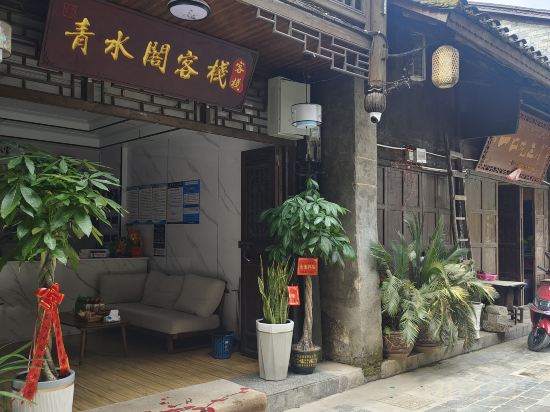
Qingshuige Inn (Biancheng Chayu Branch)
Changsha Borui Lake View Homestay (Hunan University of Finance and Economics)
Xunyou · Hidden Luxury Homestay (Dongjianghu Scenic Area Store)
SYJ Homestay
Pipi Yang Hotel (chenzhou Feihong Road Children's Hospital)
Vienna Hotel (Zhangjiajie National Forest Park Core Scenic Area)
Microsaccharide Inn (Zhangjiajie Tianmenshan National Forest Park Cableway Branch)
Liangan Sansheng Homestay (Border City Chatong Scenic Area)
LAVANDE HOTELS Shaoyang High-Speed Railway Station Weiyuan Square Branch
Yixin Boutique Stay
Platinum Hotels
DO A LAND LAB Hotel (Changsha Liuyang Dayao Branch)
Elan Inn Changsha Xingsha Avenue Lansi Technology
Elan Inn Changsha Xingsha Avenue Lansi Technology offers top-notch services and amenities, ensuring guests experience utmost comfort. Maintain seamless communication using the complimentary Wi-Fi at hotel.
Kyriad Marvelous Hotel(Lixian Jinli Avenue Branch)
Zhangjiajie Junlan Hotel (Tianmen Mountain Cableway Station)
Eighties Inn
Hotels in Hunan
Don't feel hesitant to book hotels in Hunan at tiket.com! We'll make sure to provide all conveniences you need when doing a room reservation. Book your favourite hotel now only at tiket.com!

How to Book Hotels on tiket.com
1. Find the hotelEnter the name of the city, area, or hotel to find the place you want.
2. Select a roomOn the hotel detail page, you will see the available room options. Select a room that suits your needs.
3. Complete the booking detailsInput the contact details (the person who will be contacted by tiket.com and the hotel about the booking) and the guests’ details.
4. Select Add-onsYou can also buy additional services such as meal packages, transportation, and many more.
5. Pay your bookingSelect the payment method and complete your transaction. Don’t forget to use the promo code to get a cheaper hotel price at tiket.com.
6. Get the reservation e-voucherAfter the payment is successful, the e-voucher will be available on the Your Orders menu and sent to the email listed in the contact details.